
Roblox Piano Practice Online
Loading piano...
Practice Guide
Quick guide on how to use the online piano practice tool.
What is this?
This tool allows you to practice playing virtual piano sheets directly in your browser. It simulates a piano keyboard and helps you learn the notes and rhythm before playing in Roblox.
How to Practice Online
Use your computer keyboard or mouse to play the virtual piano keys directly. As the sheet music plays, the corresponding keys on the virtual piano will light up to help you follow along. You can also copy the sheet code to use directly in Roblox.
Discover Sheets
Random Shuffle: Click the Shuffle button in the center of the top control bar to instantly load a random new song without reloading the page.
Search: Click the Search button next to Shuffle to open the search window. Type a song title or artist name to quickly find and switch to the sheet you want to practice.
Playback Controls
- Play/Pause: Start or stop playback.
- 1xSpeed: Adjust tempo (0.5x - 2.0x).
- KTranspose: Shift the pitch up or down.
- SSustain: Toggle sustain pedal effect.
Easy Mode

Easy
LET ME SEE YA MOVE!
Lumi Athena

Easy
If You Love These People (Man of Steel)
Hans Zimmer

Easy
Sleeping City Funk
Emotional Recycling Bin

Easy
Nice To Know - BFDIA 19 Cake At Stake Intro
BFDIA 19

Easy
Balcony
Cave Story

Easy
Mockingbird
Eminem

Easy
Cupid (Twin Version)
Fifty Fifty

Easy
Harvey
Alex G

Easy
Gravity Falls Main Title Theme
Brad Breeck

Easy
Mist
EsDeeKid
Normal Mode

Normal
10 Ngàn Năm
PC
Normal
Ruins - UNDERTALE
Toby Fox

Normal
Shinunoga E-Wa
Fujii Kaze
Normal
Gnossienne: No. 1
Erik Satie

Normal
Kaikai Kitan (廻廻奇譚) - Jujutsu Kaisen
Eve
Normal
La Maritza x White Blossoms
Valentino Coleman
Normal
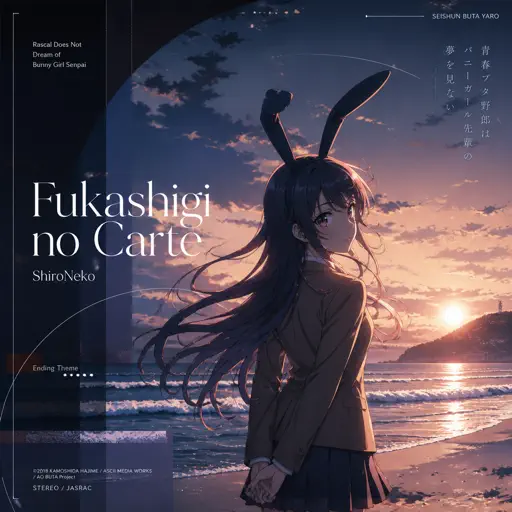
Fukashigi no Carte (Bunny Girl Senpai)
ShiroNeko
Normal
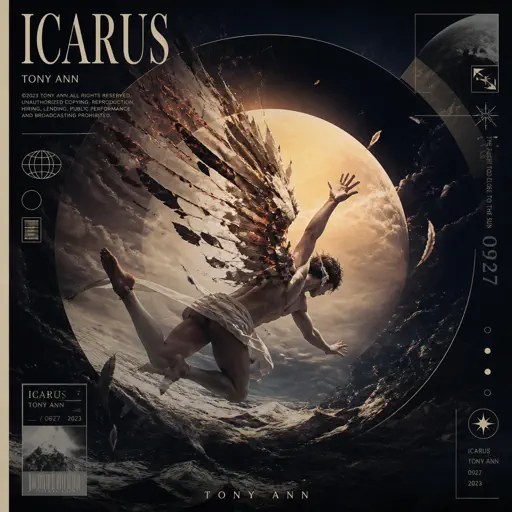
ICARUS
Tony Ann
Normal
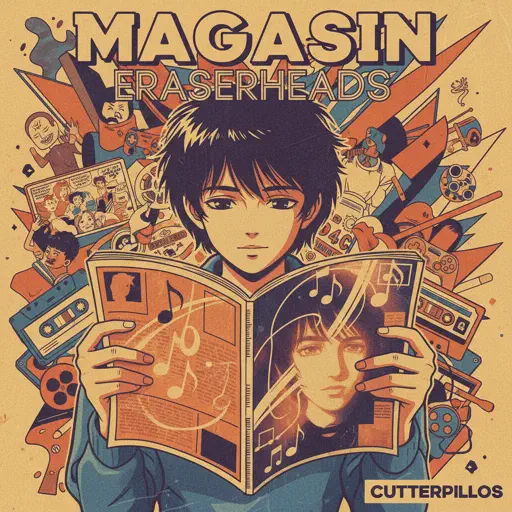
Magasin
Eraserheads

Normal
Life Goes On
Oliver Tree
Hard Mode
Hard
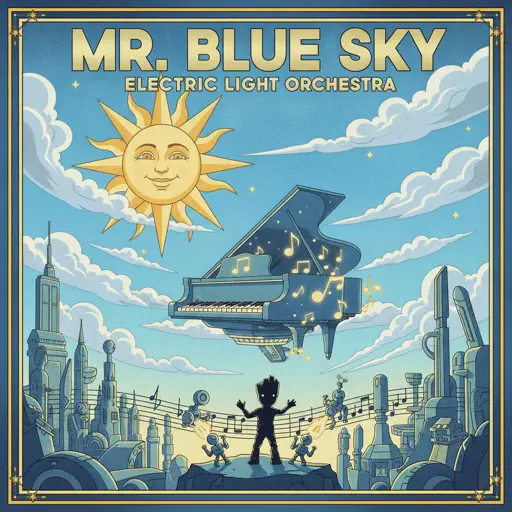
Mr. Blue Sky
Electric Light Orchestra
Hard
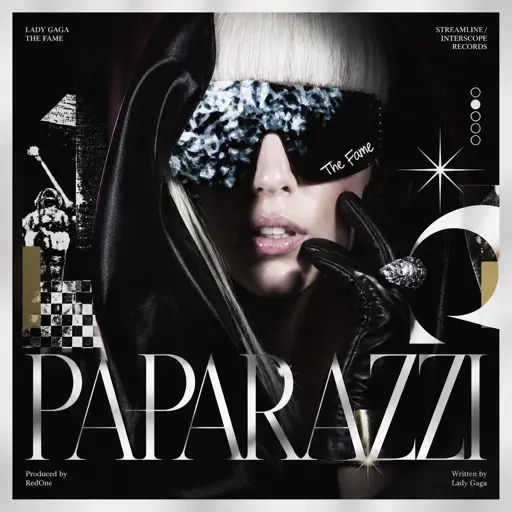
Paparazzi
Lady Gaga

Hard
Gratitude
Brandon Lake

Hard
It's over but Not for Me
Mrnick LEC

Hard
Heart of Stone
Six the Musical
Hard
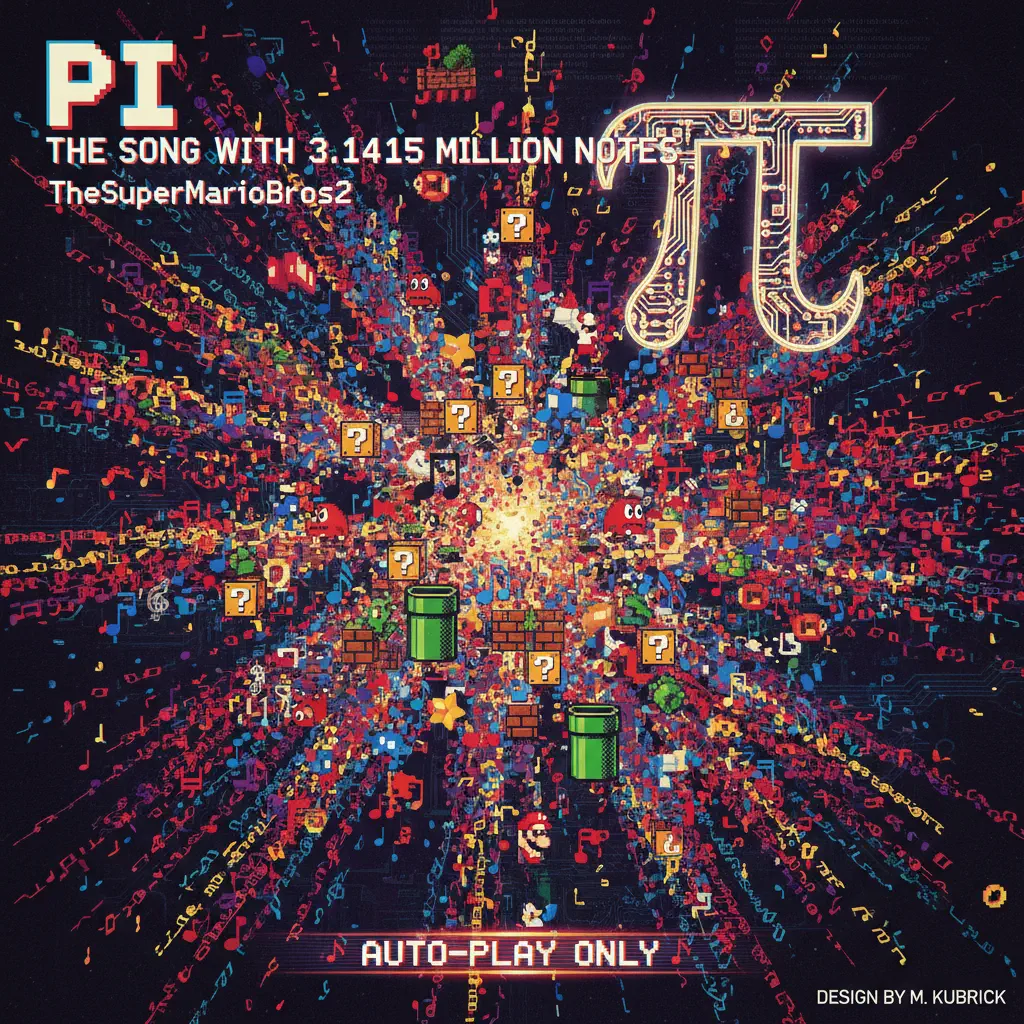
Pi The Song With 3.1415 Million Notes (Auto-Play Only)
TheSuperMarioBros2

Hard
05 (Không Phai)
Tăng Duy Tân

Hard
Marigold
Aimyon
Hard
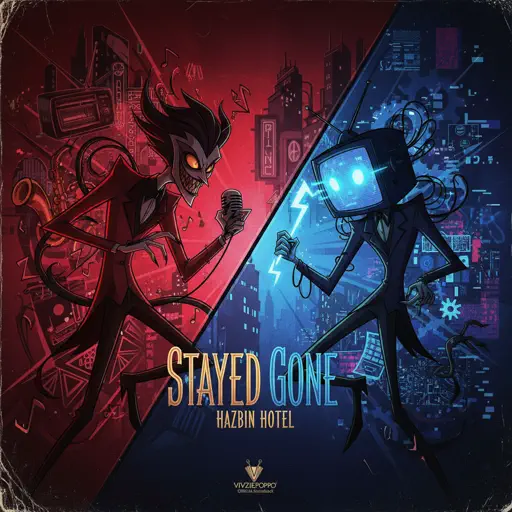
Stayed Gone
Hazbin Hotel
Hard
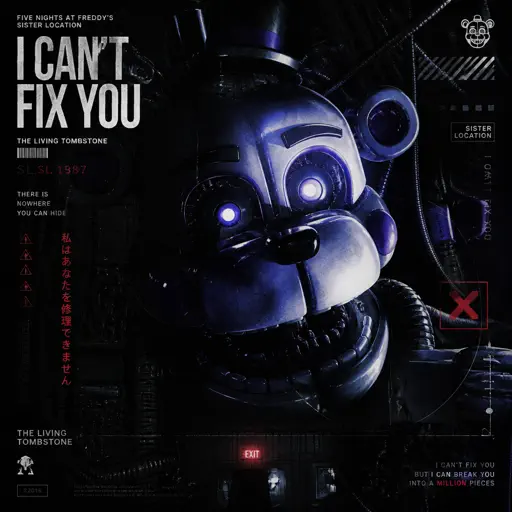
I Can’t Fix You
The Living Tombstone
Recommended Sheets

Sparks
Coldplay
Hard
Living Mice
C418
Normal
Notion
The Rare Occasions
Normal
Sweetly
Lord Kael
Hard
I'm Blue (Da Ba Dee)
Eiffel 65
Normal
Your New Home - The Amazing Digital Circus
Gooseworx
NormalSleeping City Funk
Emotional Recycling Bin
Easy
Beethoven Virus
Ludwig van Beethoven
Hard
Promise
Laufey
Normal
Mister Softee Theme Song
Mister Softee
Normal
Ben Seni Çok Sevdim
Cem Adrian
Normal
Initial D First Stage Sound - Admiration
Initial D
Normal
L no Theme - Death Note
Hideki Taniuchi
Normal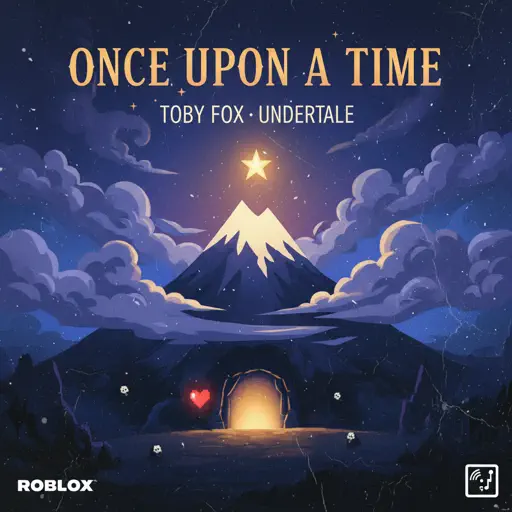
Once Upon a Time
Toby Fox
Normal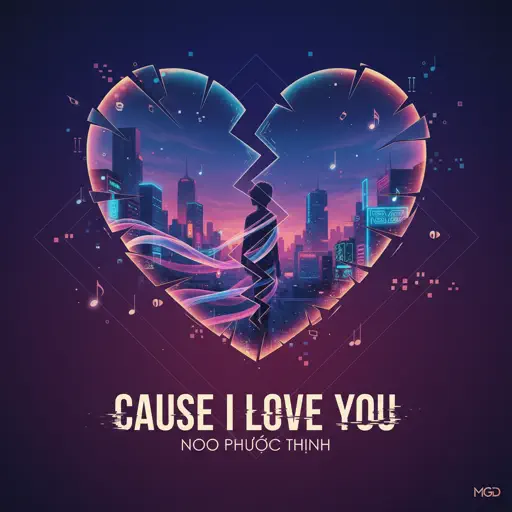
Cause I Love You
Noo Phước Thịnh
Normal
一个人的浪漫 (一起来看流星雨)
Yu Hao Ming
Normal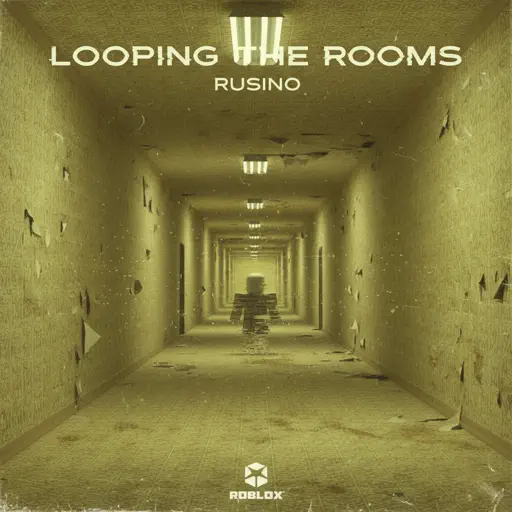
Looping the Rooms
rusino
Hard
YOUR WAY'S BETTER
Forrest Frank
Normal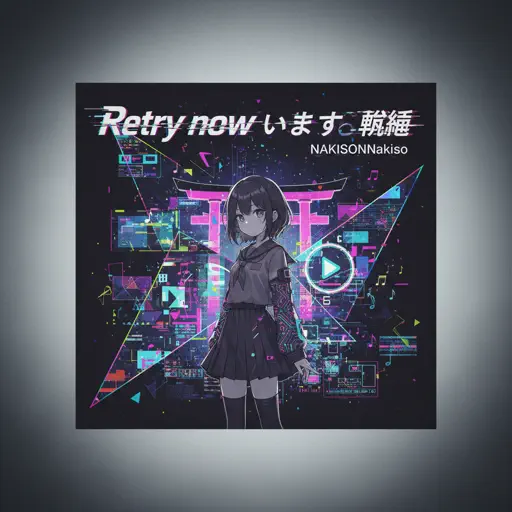
Retry now いますぐ輪廻
NAKISO
Hard
Chiquitita
ABBA
HardFrequently Asked Questions
What is Roblox Piano Practice Online?
This is a free online tool that lets you practice Roblox virtual piano sheets in your browser. No downloads required - just pick a song and start practicing.
How do I use this online practice tool?
1. Select a song from the recommendations or use the search function. 2. Click play and the sheet will auto-scroll with highlighted notes. 3. Watch the virtual piano keyboard for highlighted keys and practice along. 4. Use speed control to slow down playback - perfect for beginners.
Can I play using my keyboard?
Yes! The virtual piano supports computer keyboard input. The keys correspond to the standard Roblox piano layout (1234567890qwerty...). You can practice on your keyboard while following the sheet.
What does the Transpose feature do?
Transpose raises or lowers the pitch of the sheet. Some Roblox piano games have different default tunings, so transpose helps match the correct pitch. Usually adjusting by +12 or -12 semitones works.
Does this tool work on mobile?
Yes, but desktop provides the best experience. On mobile you can view the sheet and virtual piano demo, but keyboard input requires a computer. We recommend using a desktop for the best practice experience.
How do I find sheets suitable for my level?
Below you'll find recommendations sorted by difficulty: Easy for beginners, Normal for intermediate players, and Hard/Expert for advanced challenges. You can also use the search function to find songs by title or artist.