
Roblox Piano Practice Online
Loading piano...
Practice Guide
Quick guide on how to use the online piano practice tool.
What is this?
This tool allows you to practice playing virtual piano sheets directly in your browser. It simulates a piano keyboard and helps you learn the notes and rhythm before playing in Roblox.
How to Practice Online
Use your computer keyboard or mouse to play the virtual piano keys directly. As the sheet music plays, the corresponding keys on the virtual piano will light up to help you follow along. You can also copy the sheet code to use directly in Roblox.
Discover Sheets
Random Shuffle: Click the Shuffle button in the center of the top control bar to instantly load a random new song without reloading the page.
Search: Click the Search button next to Shuffle to open the search window. Type a song title or artist name to quickly find and switch to the sheet you want to practice.
Playback Controls
- Play/Pause: Start or stop playback.
- 1xSpeed: Adjust tempo (0.5x - 2.0x).
- KTranspose: Shift the pitch up or down.
- SSustain: Toggle sustain pedal effect.
Easy Mode

Easy
Sleeping City Funk
Emotional Recycling Bin

Easy
LET ME SEE YA MOVE!
Lumi Athena

Easy
Where You Lead
Carole King

Easy
Mockingbird
Eminem

Easy
Harvey
Alex G

Easy
Pimp Hoe
Mike Sherm

Easy
Mist
EsDeeKid

Easy
Nice To Know - BFDIA 19 Cake At Stake Intro
BFDIA 19

Easy
Fur Elise
Beethoven

Easy
If You Love These People (Man of Steel)
Hans Zimmer
Normal Mode
Normal
The Cruel Angel's Thesis (Evangelion)
Yoko Takahashi
Normal
A Thousand Years
John Michael Howell
Normal
Shape of You
Ed Sheeran
Normal
All Roads Leads To Rome
Stephen Castillo

Normal
Blue Bird 青鳥 - Naruto Shippuden
Akano
Normal
Smells Like Teen Spirit
Nirvana
Normal
LEMONADE
aespa
Normal
Tau The Song
HDSQ
Normal
Old Dickdonald
Lilcockpump
Normal
To The Shore's End OST
By Wuthering Waves
Hard Mode
Hard
Summertime Sadness
Lana Del Rey
Hard
IFHY
Tyler, The Creator
Hard
Nothing's New
Rio Romeo
Hard
Wiege (VIVINOS - ALNST)
BL8M
Hard
Israel Circles
geometry dash
Hard
OG - untitled tag game ost
untitled tag game
Hard
Mariage d'amour
Paul de Senneville
Hard
PLAYING WITH FIRE
BLACKPINK
Hard
SAD!
XXXTENTACION
Hard
Todo's Black Flash - Jujutsu Kaisen
James Liam Figueroa
Recommended Sheets
Takut
Vierra
Normal
Viva la Vida
Coldplay
Normal![Roblox Piano Sheets - Noli by [[LUCA]]](https://file.gamepianosheets.com/cover/noli.webp)
Noli
[[LUCA]]
Normal
Mr. Brightside
The Killers
Hard
Mice on Venus
C418
Normal
Ride Like the Wind
Christopher Cross
Normal
XOXO
Feng
Hard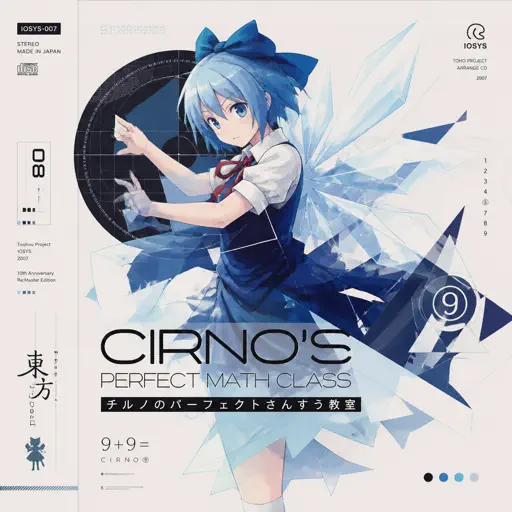
Cirno's Perfect Math Class チルノのパーフェクトさんすう教室
IOSYS
Hard
Love Love Love
Epik High
Hard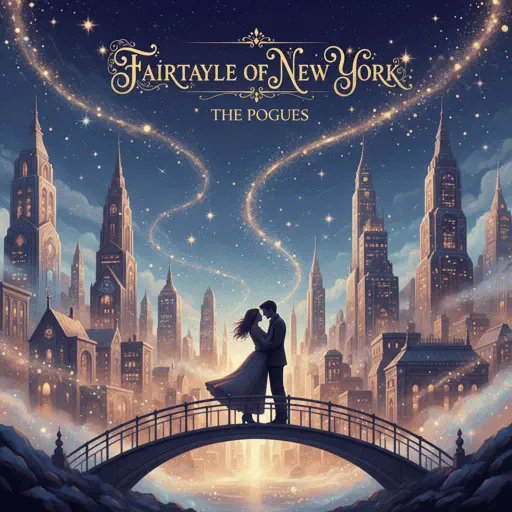
Fairytale of New York
The Pogues
Normal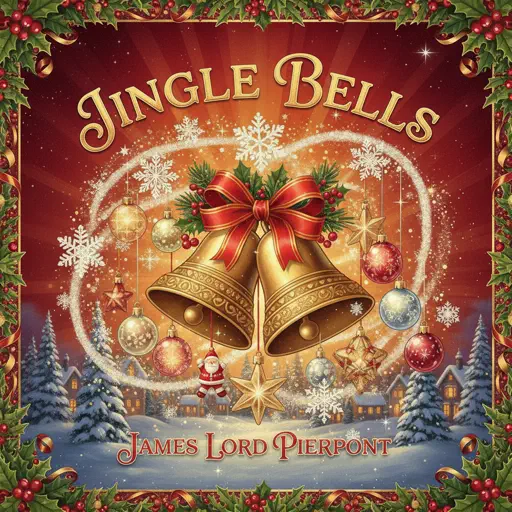
Jingle Bells
James Lord Pierpont
Normal
Rises the Moon
Liana Flores
Normal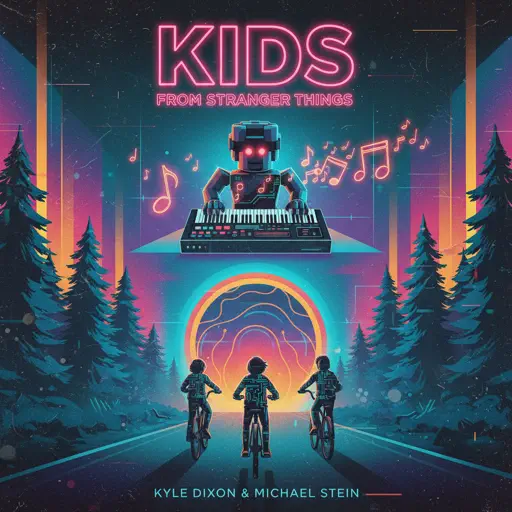
Kids - From Stranger Things
Kyle Dixon & Michael Stein
Normal
Futile Devices
Sufjan Stevens
Normal
Hyori Ittai - HUNTER X HUNTER
HelloROMIX
Hard
Das Einheitsfrontlied
Hanns Eisler
Normal
Tum Hi Ho
Arijit Singh
Normal
Engeki
Nanou
Hard
Blue Tequila
Táo
Normal
Retry now いますぐ輪廻
NAKISO
HardFrequently Asked Questions
What is Roblox Piano Practice Online?
This is a free online tool that lets you practice Roblox virtual piano sheets in your browser. No downloads required - just pick a song and start practicing.
How do I use this online practice tool?
1. Select a song from the recommendations or use the search function. 2. Click play and the sheet will auto-scroll with highlighted notes. 3. Watch the virtual piano keyboard for highlighted keys and practice along. 4. Use speed control to slow down playback - perfect for beginners.
Can I play using my keyboard?
Yes! The virtual piano supports computer keyboard input. The keys correspond to the standard Roblox piano layout (1234567890qwerty...). You can practice on your keyboard while following the sheet.
What does the Transpose feature do?
Transpose raises or lowers the pitch of the sheet. Some Roblox piano games have different default tunings, so transpose helps match the correct pitch. Usually adjusting by +12 or -12 semitones works.
Does this tool work on mobile?
Yes, but desktop provides the best experience. On mobile you can view the sheet and virtual piano demo, but keyboard input requires a computer. We recommend using a desktop for the best practice experience.
How do I find sheets suitable for my level?
Below you'll find recommendations sorted by difficulty: Easy for beginners, Normal for intermediate players, and Hard/Expert for advanced challenges. You can also use the search function to find songs by title or artist.