
Roblox Piano Practice Online
Loading piano...
Practice Guide
Quick guide on how to use the online piano practice tool.
What is this?
This tool allows you to practice playing virtual piano sheets directly in your browser. It simulates a piano keyboard and helps you learn the notes and rhythm before playing in Roblox.
How to Practice Online
Use your computer keyboard or mouse to play the virtual piano keys directly. As the sheet music plays, the corresponding keys on the virtual piano will light up to help you follow along. You can also copy the sheet code to use directly in Roblox.
Discover Sheets
Random Shuffle: Click the Shuffle button in the center of the top control bar to instantly load a random new song without reloading the page.
Search: Click the Search button next to Shuffle to open the search window. Type a song title or artist name to quickly find and switch to the sheet you want to practice.
Playback Controls
- Play/Pause: Start or stop playback.
- 1xSpeed: Adjust tempo (0.5x - 2.0x).
- KTranspose: Shift the pitch up or down.
- SSustain: Toggle sustain pedal effect.
Easy Mode









Normal Mode
Normal
Prince Sidon's Theme - The Legend of Zelda: Breath of the Wild
Tim Burnelis
Normal
Daisy Bell
Harry Dacre
Normal
the city mouse and the country mouse - Chainsaw Man
kensuke ushio

Normal
The Winner Takes It All
ABBA
Normal
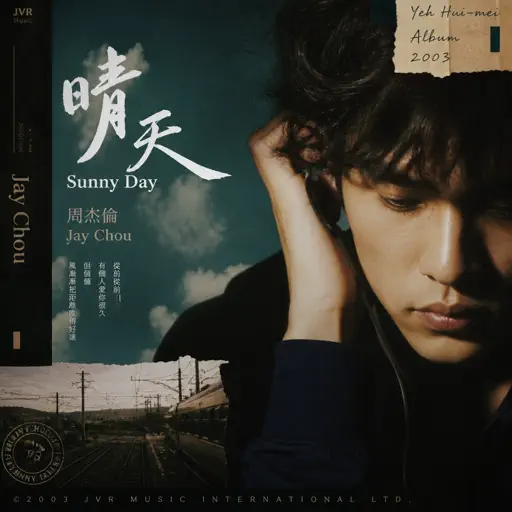
Sunny Day 晴天
Jay Chou 周杰倫
Normal
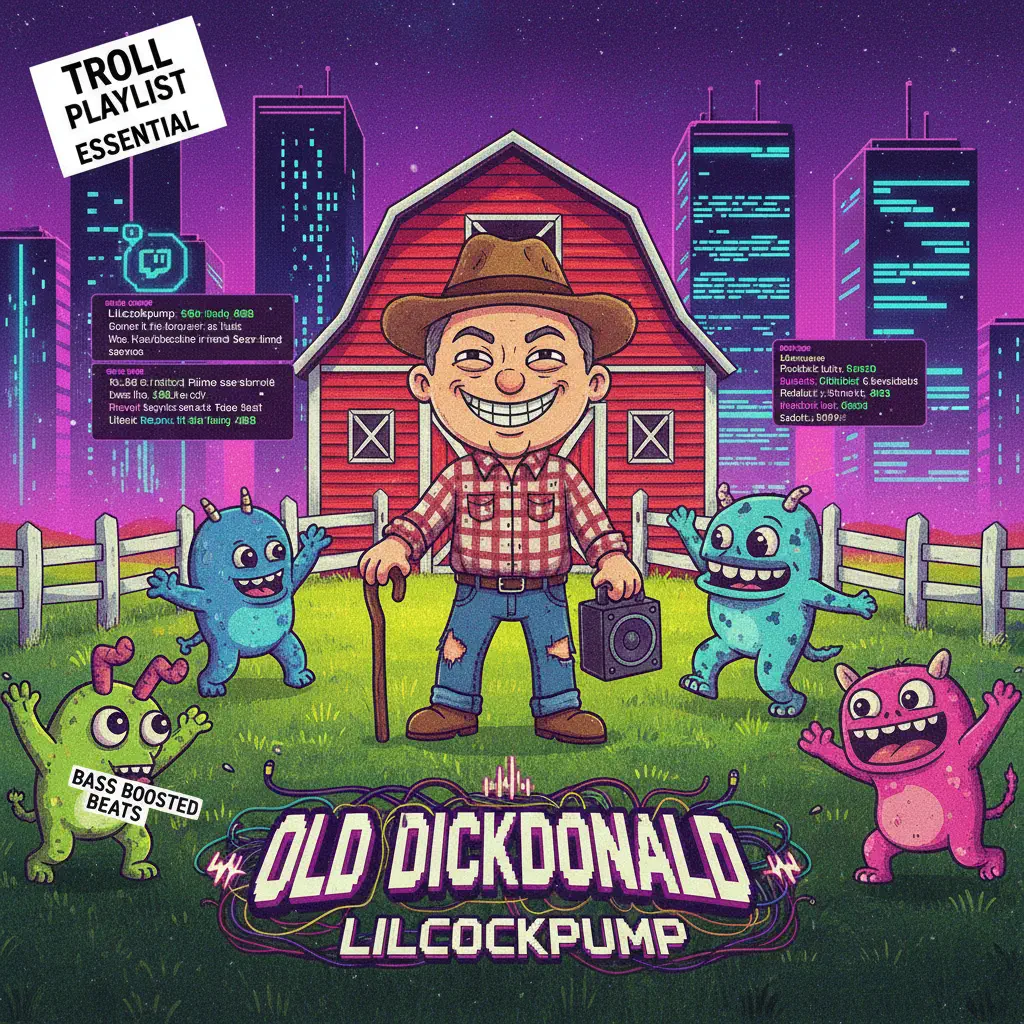
Old Dickdonald
Lilcockpump

Normal
Havana
Camila Cabello
Normal
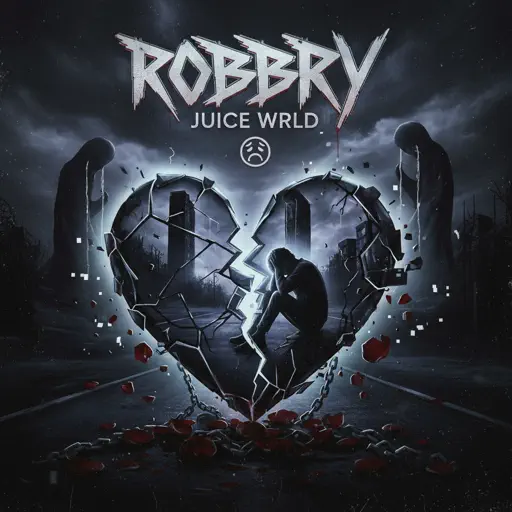
Robbery
Juice WRLD
Normal
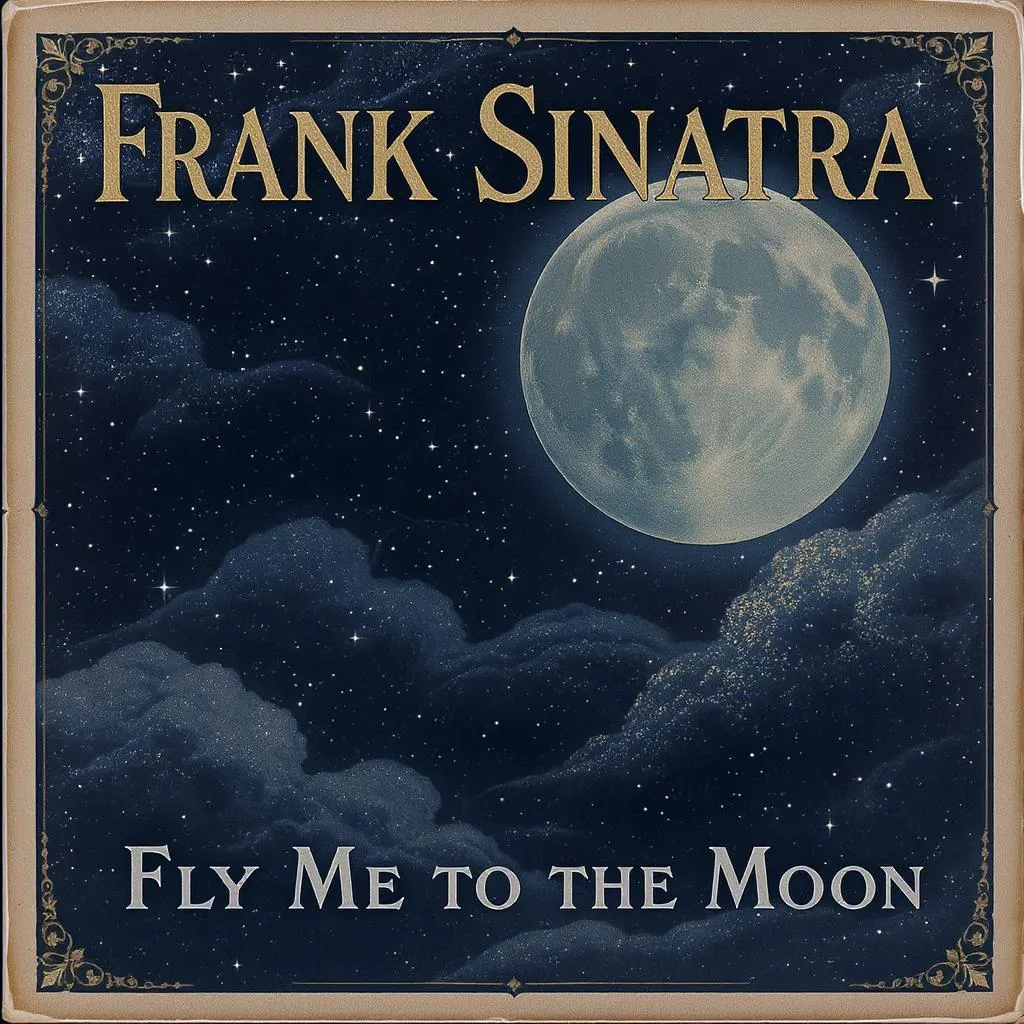
Fly Me to the Moon
Frank Sinatra
Normal
That's The Way It Is - Red Dead Redemption 2
Daniel Lanois
Hard Mode
Hard
The Promise - FINAL FANTASY XIII
Masashi Hamauzu
Hard
FoxSong (Alisa theme)
Tiny Bunny
Hard
Maneater
Daryl Hall & John Oates
Hard
Cornfield Chase (Interstellar)
Dorian Marko
Hard
Konton Boogie
jon-YAKITORY
Hard
Wish
Trippie Redd

Hard
Hallelujah
Kanye West
Hard
Nutshell
Alice In Chains
Hard
OG - untitled tag game ost
untitled tag game
Hard
PLAYING WITH FIRE
BLACKPINK
Recommended Sheets

İnsan İnsan
Fazıl Say
Normal
Devils Never Cry (スタッフロール)
Tetsuya Shibata
Normal
Told You So
Nathan Evans
Normal
Nice To Know - BFDIA 19 Cake At Stake Intro
BFDIA 19
Easy
Sedia Aku Sebelum Hujan
Idgitaf
Hard
Akaza Love Theme (Demon Slayer Infinity Castle)
D.Meletis
Normal
Who Will Know - Shin Godzilla
Shiro SAGISU
Normal
Erika (Advanced)
German Folk Regiment
Normal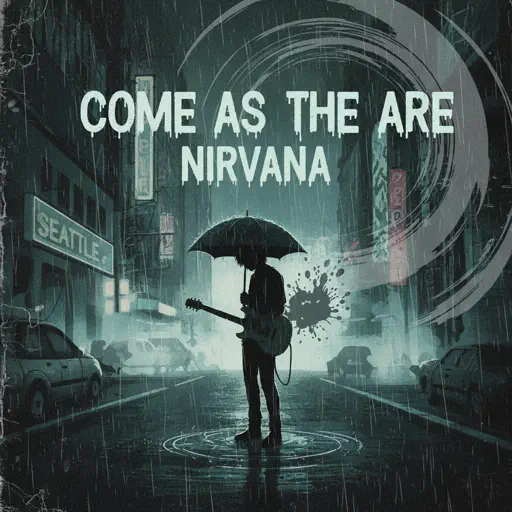
Come As You Are
Nirvana
Normal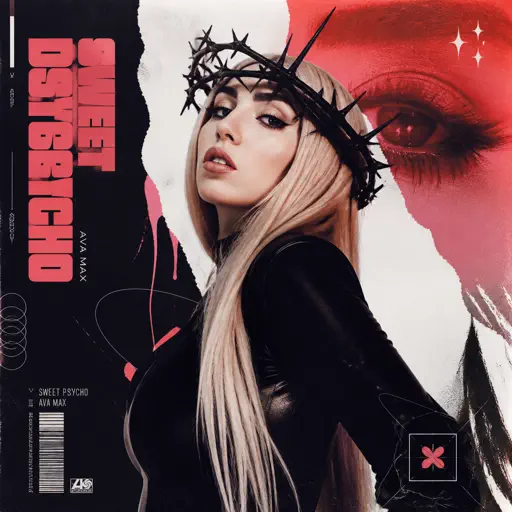
Sweet but Psycho
Ava Max
Normal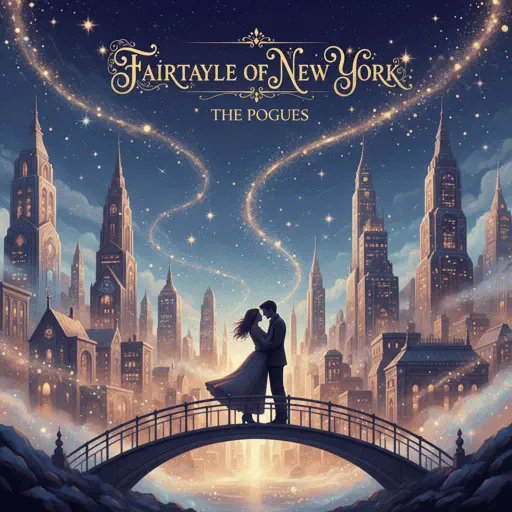
Fairytale of New York
The Pogues
Normal
Sunroof
Nicky Youre
Normal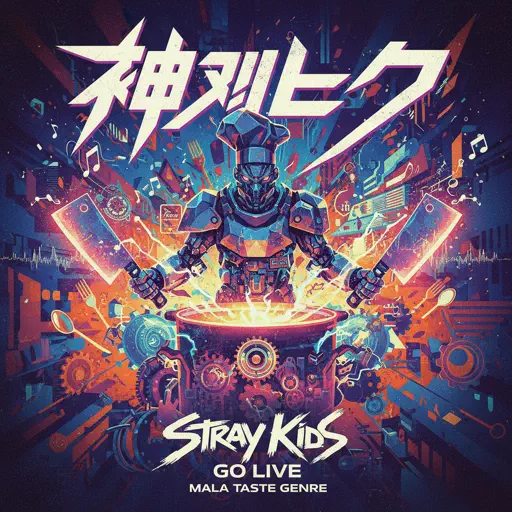
God’s Menu 神메뉴
Stray Kids
Hard
MONTAGEM RUGADA
cape
Hard
Feel It (From Invincible)
d4vd
Normal
engravings
Ethan Bortnick
Normal
MONTAGEM FEARLESS
lirvie
Normal
Hey Kids
Molina
Normal
Just Monika
Random Encounters
Hard
Rush E (Impossible Version)
Sheet Music Boss
HardFrequently Asked Questions
What is Roblox Piano Practice Online?
This is a free online tool that lets you practice Roblox virtual piano sheets in your browser. No downloads required - just pick a song and start practicing.
How do I use this online practice tool?
1. Select a song from the recommendations or use the search function. 2. Click play and the sheet will auto-scroll with highlighted notes. 3. Watch the virtual piano keyboard for highlighted keys and practice along. 4. Use speed control to slow down playback - perfect for beginners.
Can I play using my keyboard?
Yes! The virtual piano supports computer keyboard input. The keys correspond to the standard Roblox piano layout (1234567890qwerty...). You can practice on your keyboard while following the sheet.
What does the Transpose feature do?
Transpose raises or lowers the pitch of the sheet. Some Roblox piano games have different default tunings, so transpose helps match the correct pitch. Usually adjusting by +12 or -12 semitones works.
Does this tool work on mobile?
Yes, but desktop provides the best experience. On mobile you can view the sheet and virtual piano demo, but keyboard input requires a computer. We recommend using a desktop for the best practice experience.
How do I find sheets suitable for my level?
Below you'll find recommendations sorted by difficulty: Easy for beginners, Normal for intermediate players, and Hard/Expert for advanced challenges. You can also use the search function to find songs by title or artist.