
Roblox Piano Practice Online
Loading piano...
Practice Guide
Quick guide on how to use the online piano practice tool.
What is this?
This tool allows you to practice playing virtual piano sheets directly in your browser. It simulates a piano keyboard and helps you learn the notes and rhythm before playing in Roblox.
How to Practice Online
Use your computer keyboard or mouse to play the virtual piano keys directly. As the sheet music plays, the corresponding keys on the virtual piano will light up to help you follow along. You can also copy the sheet code to use directly in Roblox.
Discover Sheets
Random Shuffle: Click the Shuffle button in the center of the top control bar to instantly load a random new song without reloading the page.
Search: Click the Search button next to Shuffle to open the search window. Type a song title or artist name to quickly find and switch to the sheet you want to practice.
Playback Controls
- Play/Pause: Start or stop playback.
- 1xSpeed: Adjust tempo (0.5x - 2.0x).
- KTranspose: Shift the pitch up or down.
- SSustain: Toggle sustain pedal effect.
Easy Mode

Easy
Harvey
Alex G

Easy
Sleeping City Funk
Emotional Recycling Bin

Easy
Gravity Falls Main Title Theme
Brad Breeck

Easy
Fur Elise
Beethoven

Easy
Cupid (Twin Version)
Fifty Fifty

Easy
Nice To Know - BFDIA 19 Cake At Stake Intro
BFDIA 19

Easy
If You Love These People (Man of Steel)
Hans Zimmer

Easy
Mockingbird
Eminem

Easy
LET ME SEE YA MOVE!
Lumi Athena

Easy
Pimp Hoe
Mike Sherm
Normal Mode
Normal
Told You So
Nathan Evans
Normal
Rapp Snitch Knishes
MF DOOM
Normal
Angela
Flower Face

Normal
Buông Đôi Tay Nhau Ra
Sơn Tùng M-TP
Normal
CHAOS CONSTRUCT
AZALI
Normal
Love Me Again
John Newman
Normal
It's Raining Somewhere Else
Toby Fox
Normal
Green Onions
Booker T. & the M.G.'s
Normal
MONTAGEM DOMER Funk
Paizo
Normal
Bertaut
Nadin Amizah
Hard Mode
Hard
Emesis Blue Scouts Requiem
Fortress Films
Hard
Gnarly
KATSEYE
Hard
au revoir
Malice Mizer
Hard
Attack of the Killer Queen (from Deltarune)
Toby Fox
Hard
White Star Line March
Clifford Putnam
Hard
Fight Til I'm Good Enough
The Living Tombstone
Hard
Wildberry Lillet
Nina Chuba
Hard
Sweet Boy
Malcolm Todd
Hard
Surat Cinta Untuk Starla
Virgoun
Hard
Mangu
Fourtwnty ft. Charita Utami
Recommended Sheets

Golden Hour
JVKE
Normal
back to friends
sombr
Hard
Lights Are On
Tom Rosenthal
Normal
FNAF Song 1
The Living Tombstone
NormalMockingbird
Eminem
Easy
Lush Life
Zara Larsson
Normal
D.T.B. (Interlude)
A Boogie Wit da Hoodie
Normal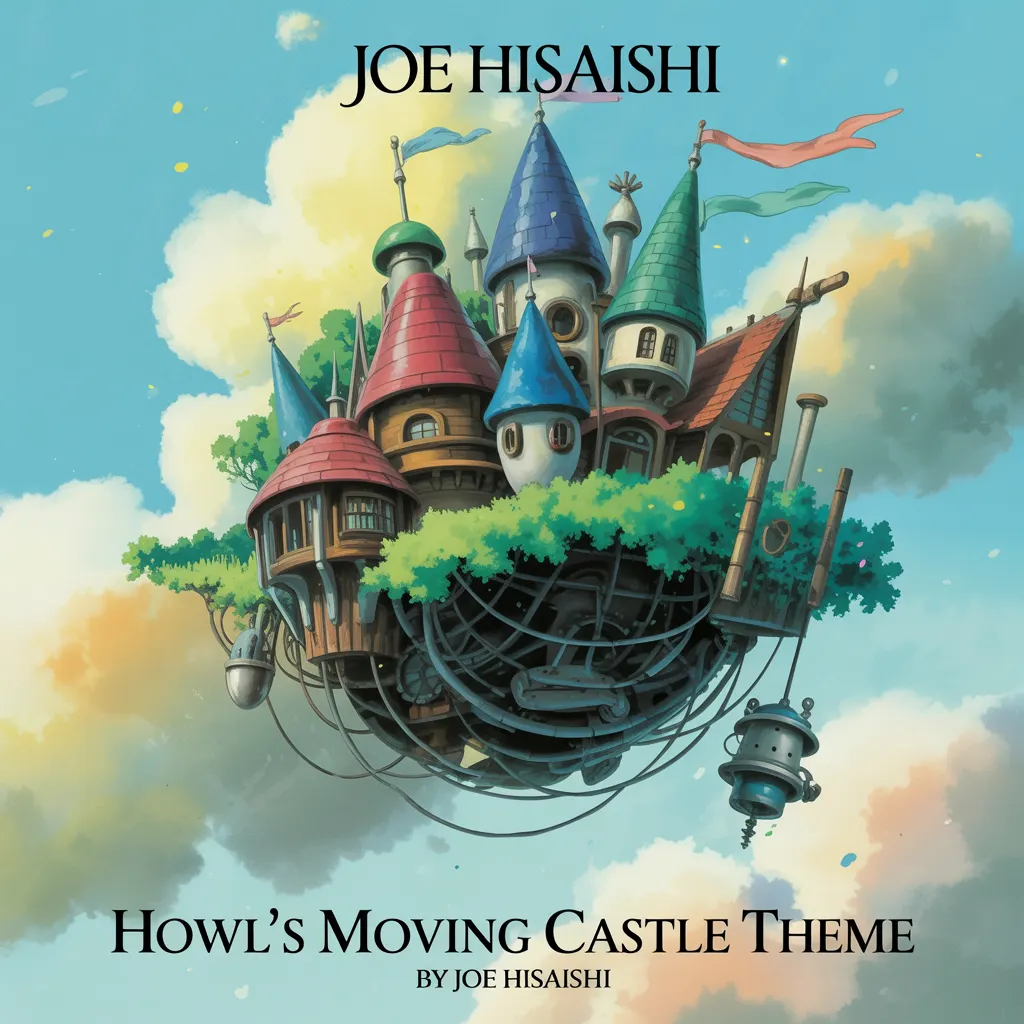
Howl's Moving Castle Theme
Joe Hisaishi
Normal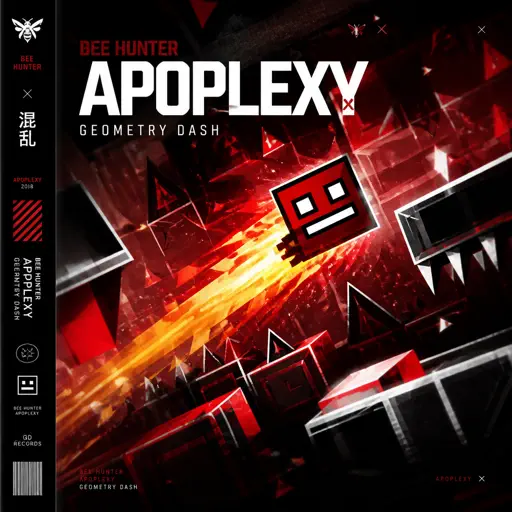
Apoplexy - Geometry Dash
Bee Hunter
Hard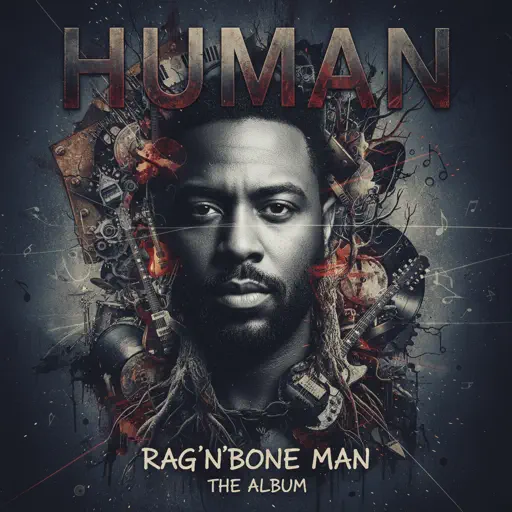
Human
Rag'n'Bone Man
Normal
Gojo Satoru - The Honored One
Jujutsu Kaisen
Normal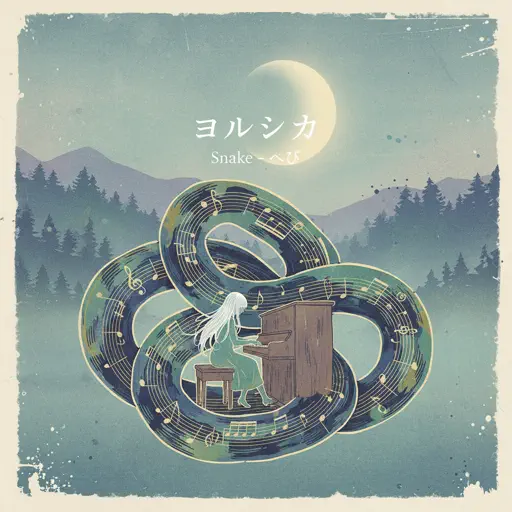
Snake
Yorushika
Normal
ClutterFunk (Geometry Dash lvl 11)
Waterflame
Normal
Coffin Dance
Vicetone
Normal
What You Know
Two Door Cinema Club
Normal
swordland (Sword Art Online)
Yuki Kajiura
Hard
Interstellar Main Theme
Peter Buka
Hard
Skyfall
Adele (James Bond)
NormalSleeping City Funk
Emotional Recycling Bin
Easy
BANG BANG BANG - Chainsaw Man Song
BBpanzu
NormalFrequently Asked Questions
What is Roblox Piano Practice Online?
This is a free online tool that lets you practice Roblox virtual piano sheets in your browser. No downloads required - just pick a song and start practicing.
How do I use this online practice tool?
1. Select a song from the recommendations or use the search function. 2. Click play and the sheet will auto-scroll with highlighted notes. 3. Watch the virtual piano keyboard for highlighted keys and practice along. 4. Use speed control to slow down playback - perfect for beginners.
Can I play using my keyboard?
Yes! The virtual piano supports computer keyboard input. The keys correspond to the standard Roblox piano layout (1234567890qwerty...). You can practice on your keyboard while following the sheet.
What does the Transpose feature do?
Transpose raises or lowers the pitch of the sheet. Some Roblox piano games have different default tunings, so transpose helps match the correct pitch. Usually adjusting by +12 or -12 semitones works.
Does this tool work on mobile?
Yes, but desktop provides the best experience. On mobile you can view the sheet and virtual piano demo, but keyboard input requires a computer. We recommend using a desktop for the best practice experience.
How do I find sheets suitable for my level?
Below you'll find recommendations sorted by difficulty: Easy for beginners, Normal for intermediate players, and Hard/Expert for advanced challenges. You can also use the search function to find songs by title or artist.