

Roblox Piano Practice Online
Loading piano...
Practice Guide
Quick guide on how to use the online piano practice tool.
What is this?
This tool allows you to practice playing virtual piano sheets directly in your browser. It simulates a piano keyboard and helps you learn the notes and rhythm before playing in Roblox.
How to Practice Online
Use your computer keyboard or mouse to play the virtual piano keys directly. As the sheet music plays, the corresponding keys on the virtual piano will light up to help you follow along. You can also copy the sheet code to use directly in Roblox.
Discover Sheets
Random Shuffle: Click the Shuffle button in the center of the top control bar to instantly load a random new song without reloading the page.
Search: Click the Search button next to Shuffle to open the search window. Type a song title or artist name to quickly find and switch to the sheet you want to practice.
Playback Controls
- Play/Pause: Start or stop playback.
- 1xSpeed: Adjust tempo (0.5x - 2.0x).
- KTranspose: Shift the pitch up or down.
- SSustain: Toggle sustain pedal effect.
Easy Mode

Easy
Cupid (Twin Version)
Fifty Fifty

Easy
Balcony
Cave Story

Easy
Mist
EsDeeKid

Easy
Mockingbird
Eminem

Easy
Harvey
Alex G

Easy
Nice To Know - BFDIA 19 Cake At Stake Intro
BFDIA 19

Easy
Pimp Hoe
Mike Sherm

Easy
Gravity Falls Main Title Theme
Brad Breeck

Easy
Immortal
Playboi Carti

Easy
Sleeping City Funk
Emotional Recycling Bin
Normal Mode
Normal
death bed (coffee for your head)
Powfu
Normal
Innocence
Hildir Svensson
Normal
Winter Wind Étude Op. 25 No. 11
Frédéric Chopin

Normal
Believer
Imagine Dragons
Normal
Một Bước Yêu Vạn Dặm Đau
Mr. Siro
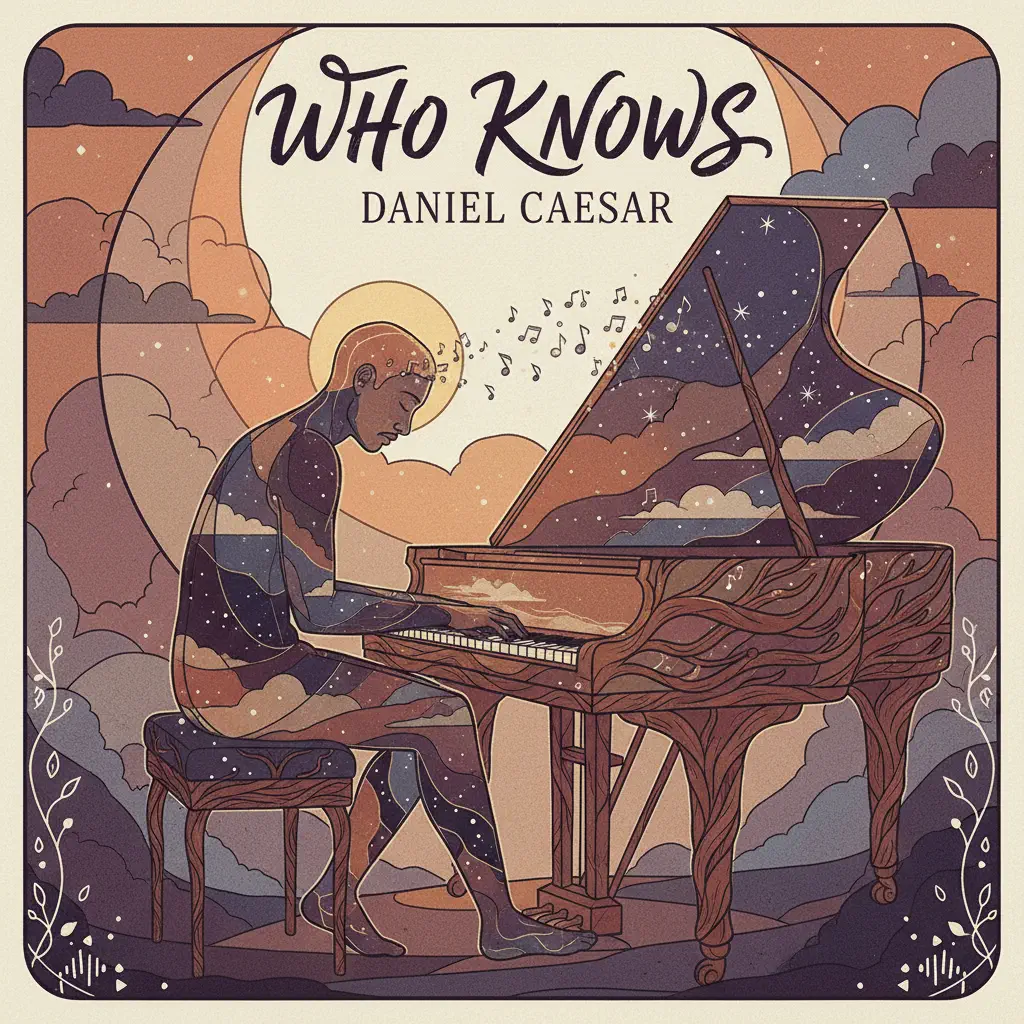
Normal
Who Knows
Daniel Caesar
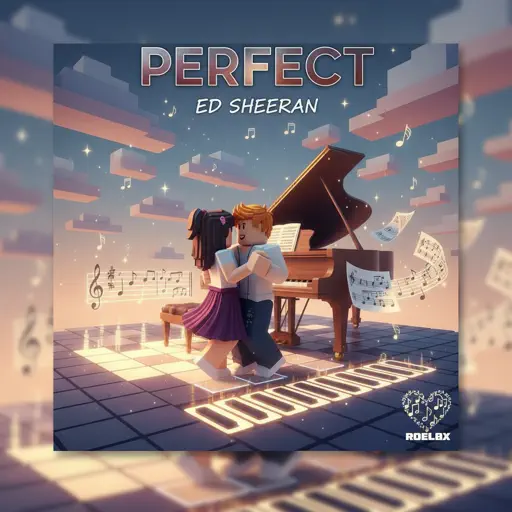
Normal
Perfect
Ed Sheeran
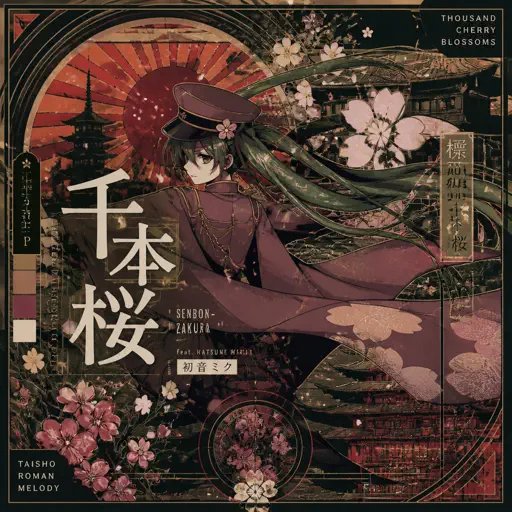
Normal
Senbonzakura
KuroUsa-P
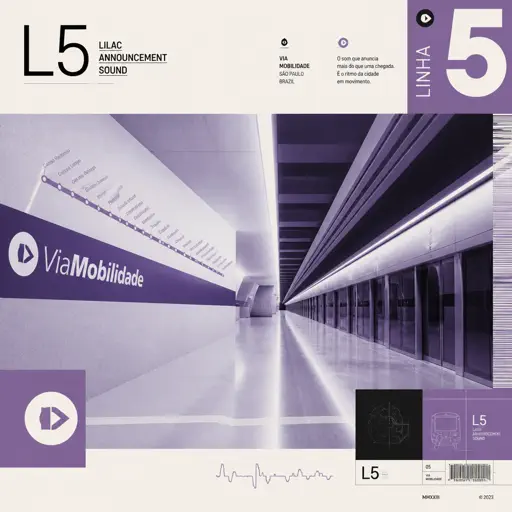
Normal
L5 - Lilac announcement sound
ViaMobilidade
Normal
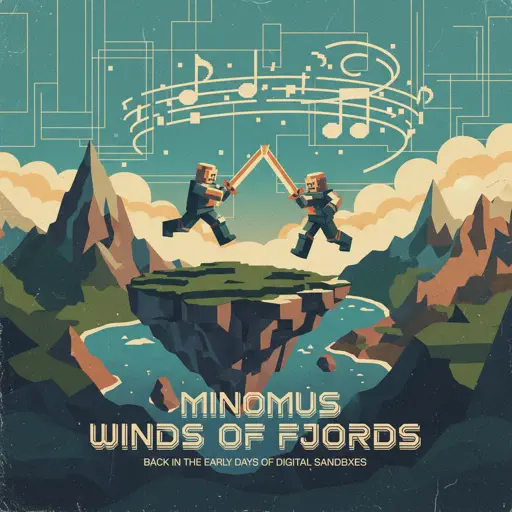
Winds Of Fjords
minomus
Hard Mode
Recommended Sheets
never meant to belong - Bleach
Sagisu Shiro
Normal
Across the Stars (Star Wars: Attack of the Clones)
John Williams
Normal
Bande Organisee
Jul
Normal
Ticking Away
VALORANT
Normal
Happy Birthday
Unknown Artist
Normal
Gathers Under Night - Under Night In-Birth
Raito
Hard
STAY
The Kid LAROI and Justin Bieber
Normal
A Tender Feeling (Sword Art Online)
Yuki Kajiura
Normal
Umapyoi Densetsu - Uma Musume Pretty Derby (うまぴょい伝説)
Cygames
Normal
Gratitude
Brandon Lake
Hard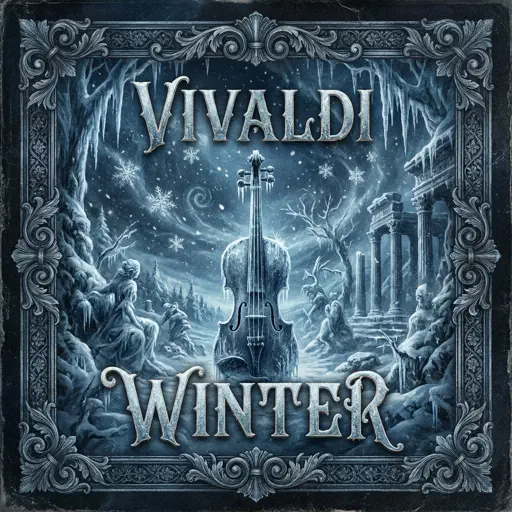
Winter (The Four Seasons)
Vivaldi
Hard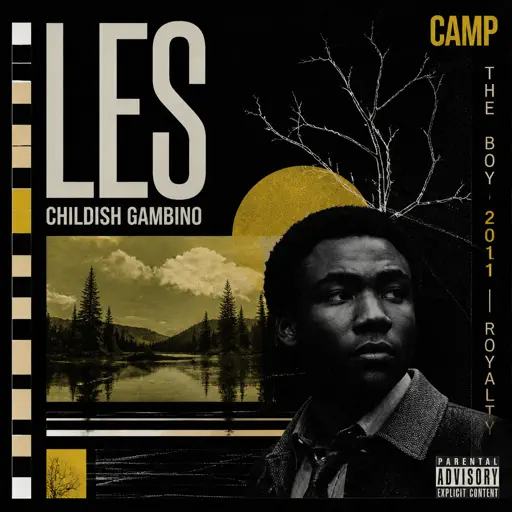
Les
Childish Gambino
Normal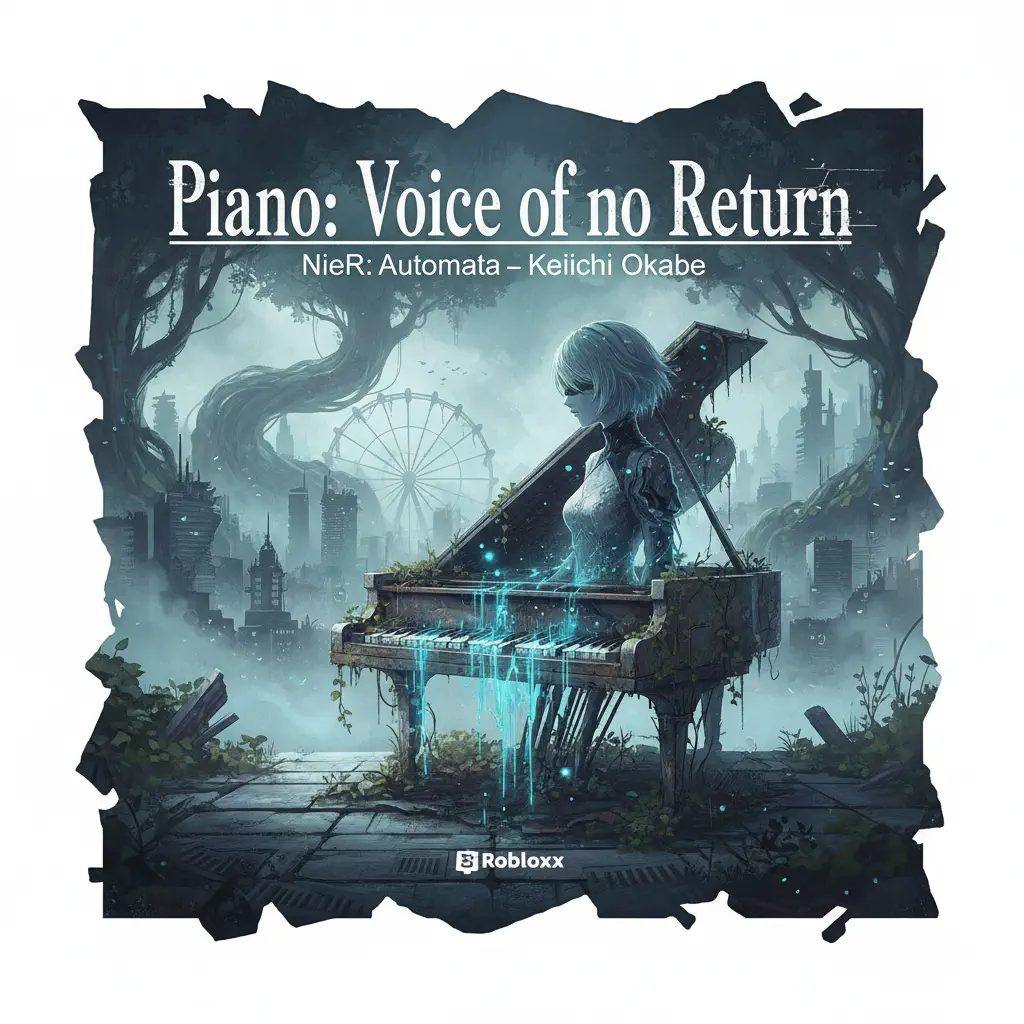
Piano: Voice of no Return – NieR: Automata
岡部啓一
Normal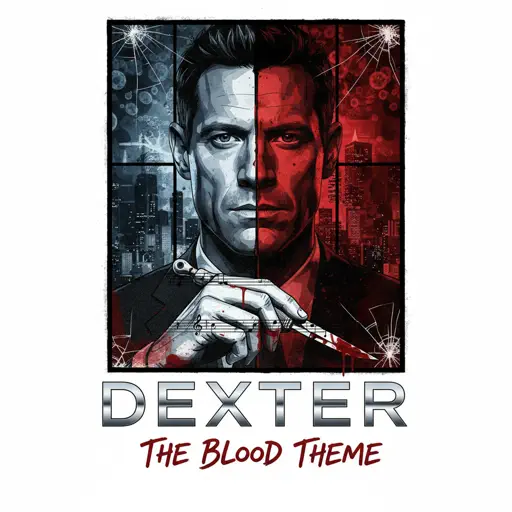
Dexter - The blood theme
The blood theme
Normal
Where's My Love
SYML
Normal
Secret Door
Arctic Monkeys
Normal
Ruins - UNDERTALE
Toby Fox
Normal
SPECIALZ - Jujutsu Kaisen Season 2 OP 2
King Gnu
Normal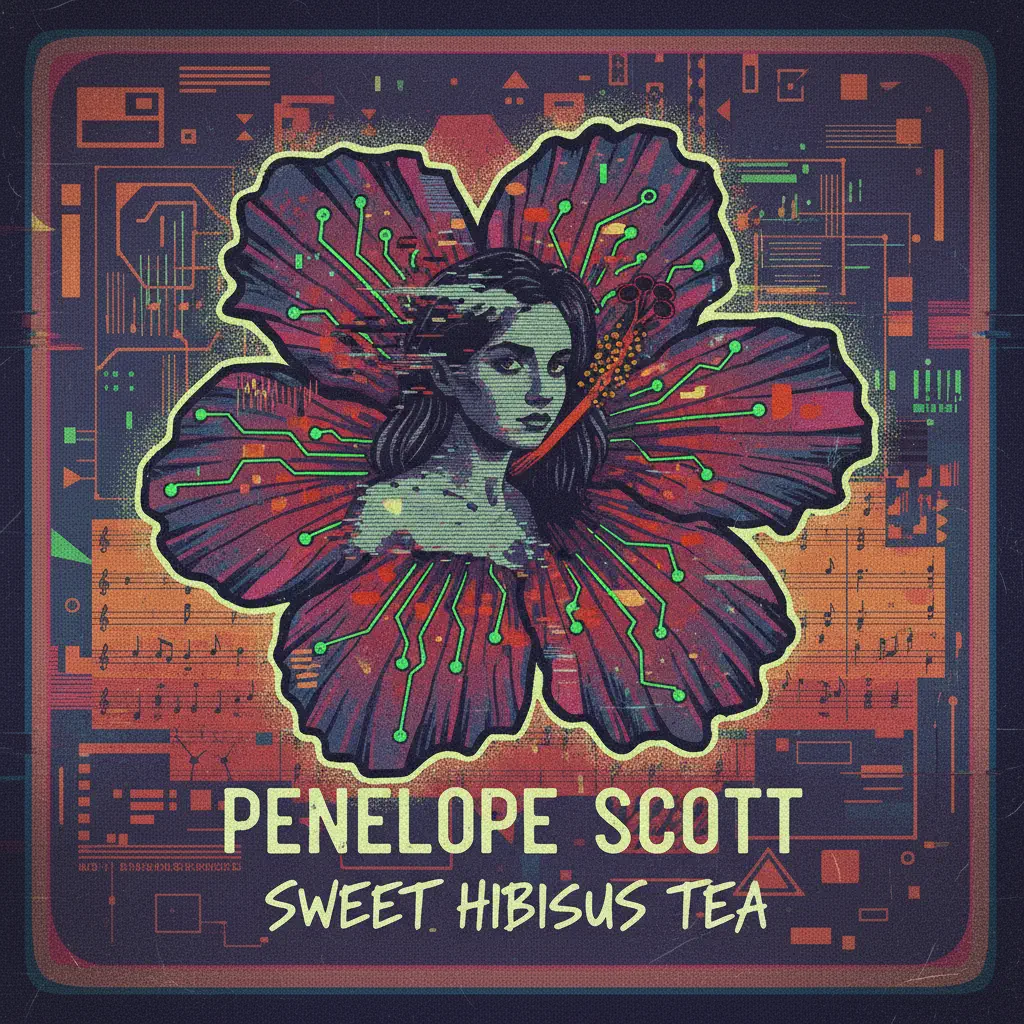
Sweet Hibiscus Tea
Penelope Scott
Hard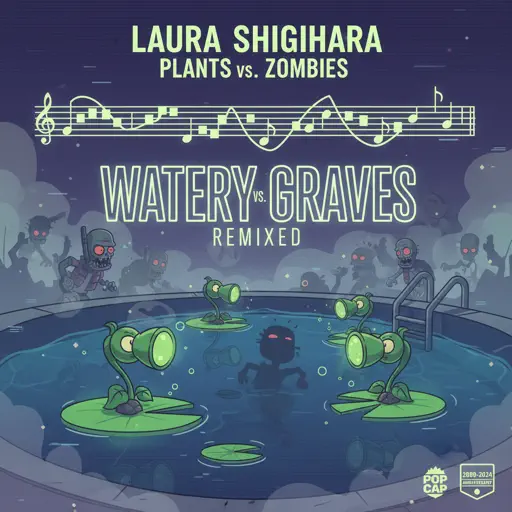
Watery Graves (Plants vs. Zombies)
Laura Shigihara
HardFrequently Asked Questions
What is Roblox Piano Practice Online?
This is a free online tool that lets you practice Roblox virtual piano sheets in your browser. No downloads required - just pick a song and start practicing.
How do I use this online practice tool?
1. Select a song from the recommendations or use the search function. 2. Click play and the sheet will auto-scroll with highlighted notes. 3. Watch the virtual piano keyboard for highlighted keys and practice along. 4. Use speed control to slow down playback - perfect for beginners.
Can I play using my keyboard?
Yes! The virtual piano supports computer keyboard input. The keys correspond to the standard Roblox piano layout (1234567890qwerty...). You can practice on your keyboard while following the sheet.
What does the Transpose feature do?
Transpose raises or lowers the pitch of the sheet. Some Roblox piano games have different default tunings, so transpose helps match the correct pitch. Usually adjusting by +12 or -12 semitones works.
Does this tool work on mobile?
Yes, but desktop provides the best experience. On mobile you can view the sheet and virtual piano demo, but keyboard input requires a computer. We recommend using a desktop for the best practice experience.
How do I find sheets suitable for my level?
Below you'll find recommendations sorted by difficulty: Easy for beginners, Normal for intermediate players, and Hard/Expert for advanced challenges. You can also use the search function to find songs by title or artist.