
Roblox Piano Practice Online
Loading piano...
Practice Guide
Quick guide on how to use the online piano practice tool.
What is this?
This tool allows you to practice playing virtual piano sheets directly in your browser. It simulates a piano keyboard and helps you learn the notes and rhythm before playing in Roblox.
How to Practice Online
Use your computer keyboard or mouse to play the virtual piano keys directly. As the sheet music plays, the corresponding keys on the virtual piano will light up to help you follow along. You can also copy the sheet code to use directly in Roblox.
Discover Sheets
Random Shuffle: Click the Shuffle button in the center of the top control bar to instantly load a random new song without reloading the page.
Search: Click the Search button next to Shuffle to open the search window. Type a song title or artist name to quickly find and switch to the sheet you want to practice.
Playback Controls
- Play/Pause: Start or stop playback.
- 1xSpeed: Adjust tempo (0.5x - 2.0x).
- KTranspose: Shift the pitch up or down.
- SSustain: Toggle sustain pedal effect.
Easy Mode










Normal Mode
Normal
Shiny - Moana
Jemaine Clement

Normal
Cómo Te Voy A Olvidar
Los Ángeles Azules
Normal
SCP This is Your Last Warning
SCP
Normal
La Quête
Orelsan

Normal
Believer
Imagine Dragons
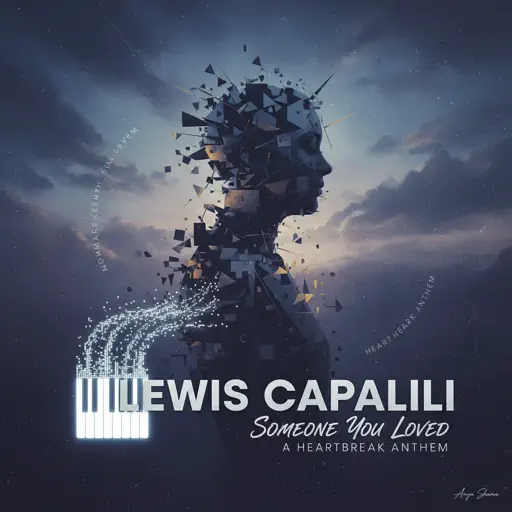
Normal
Someone You Loved
Lewis Capaldi
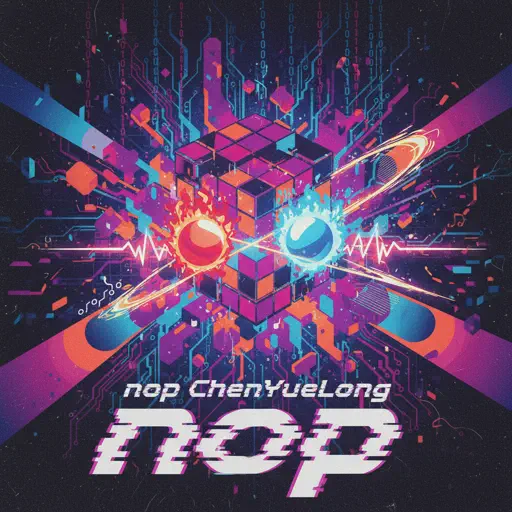
Normal
nop
ChenYueLong

Normal
Unravel (Tokyo Ghoul)
AmaLee
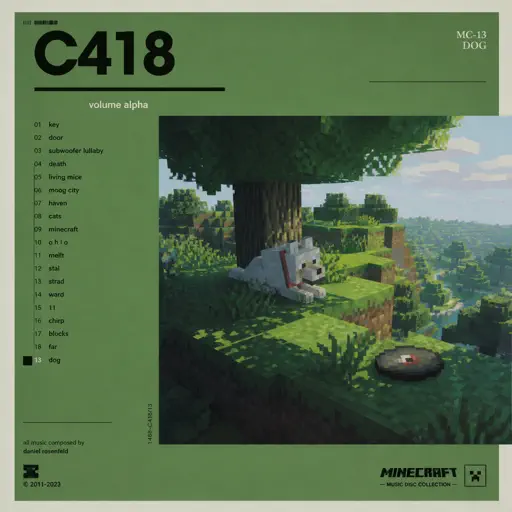
Normal
Dog
C418

Normal
Around the World (La La La La La)
A Touch Of Class
Hard Mode
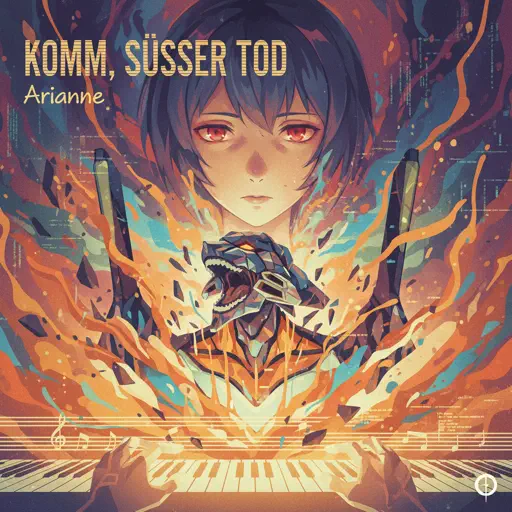
Hard
Komm, Süsser Tod (Come Sweet Death)
Arianne
Hard
Nothing's New
Rio Romeo
Hard
Lag Train
Inabakumori
Hard
An Enigmatic Encounter V2 - Undertale: Last Breath (Phase 3)
Toby Fox
Hard
Pi The Song With 3.1415 Million Notes (Auto-Play Only)
TheSuperMarioBros2
Hard
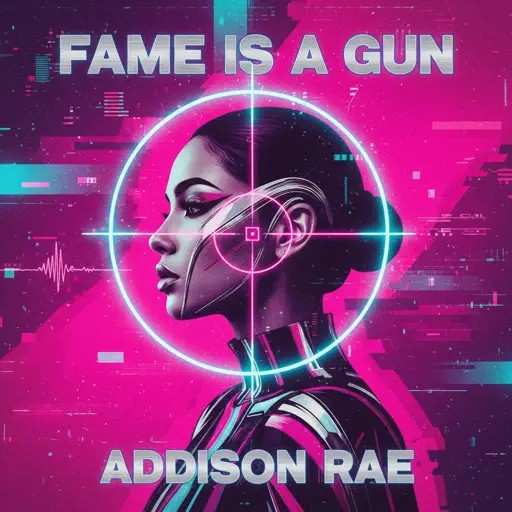
Fame is a Gun
Addison Rae
Hard
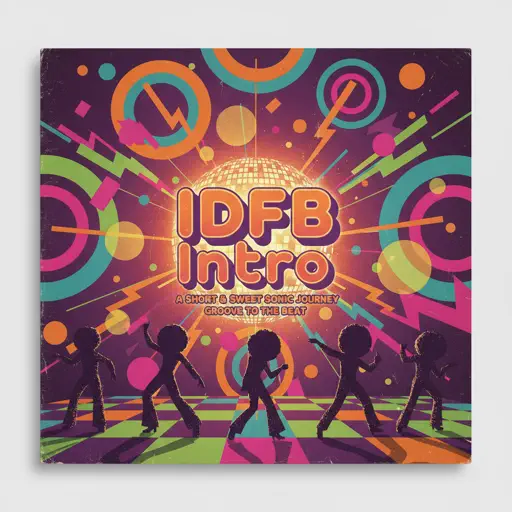
IDFB Intro
Tsskyx

Hard
Debito di Sonno (Mafioso Chase Theme)
Forsaken
Hard
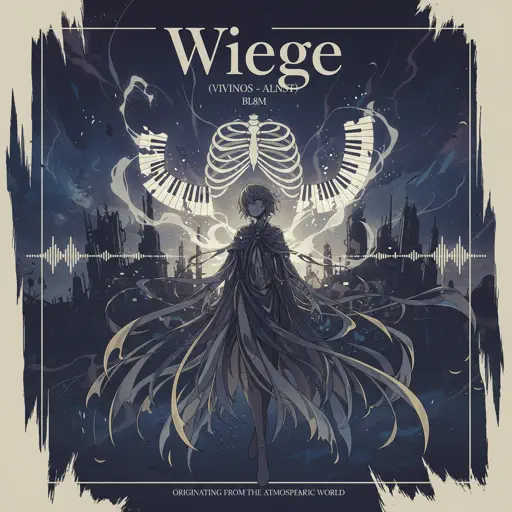
Wiege (VIVINOS - ALNST)
BL8M
Hard
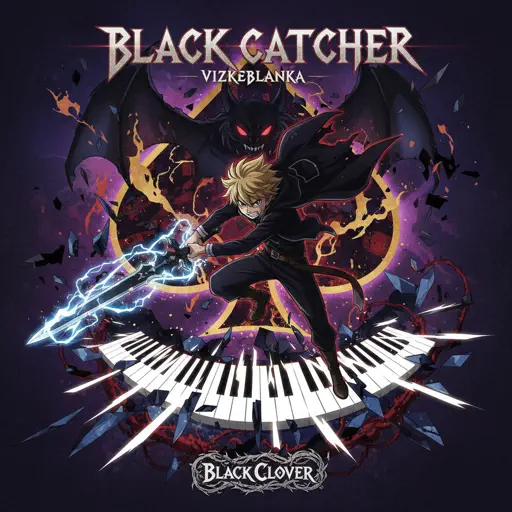
Black Catcher (Black Clover)
VK Blanka
Recommended Sheets
BIRDBRAIN
Jamie Paige
Normal
Passionfruit
Drake
Normal
Hungarian Dance No. 5
Johannes Brahms
Hardnop
ChenYueLong
Normal
Winter Wind Étude Op. 25 No. 11
Frédéric Chopin
Normal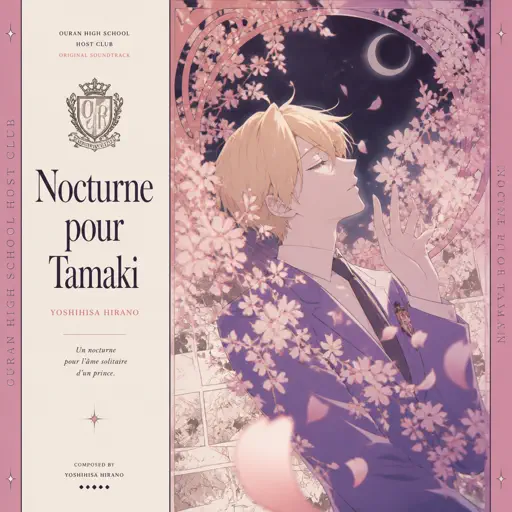
Nocturne pour Tamaki ( Ouran High School Host Club)
Yoshihisa Hirano
Normal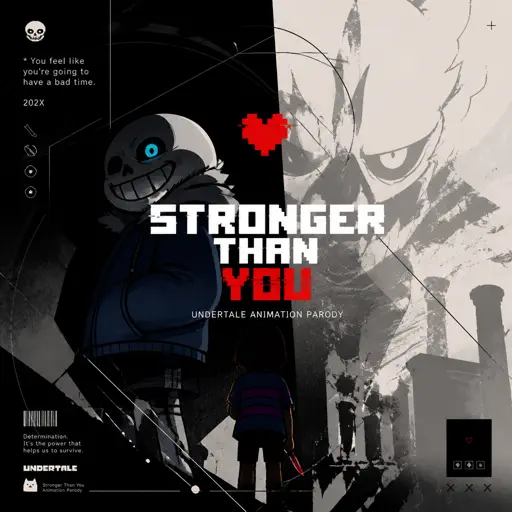
Stronger Than You - Undertale Animation Parody
Undertale
Normal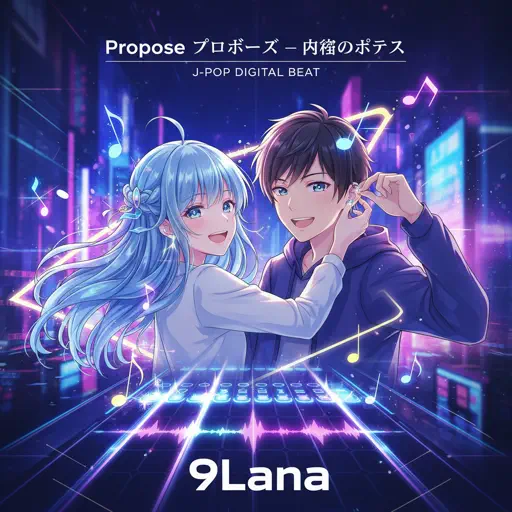
Propose
9Lana
Hard
Pretender
OFFICIAL HIGE DANDISM
Hard
Jožin Z Bažin
Ivan Mládek
Normal
Brain Rot ブレインロット
Tokya Manaka
Hard
Daylight
Shinedown
Hard
Made You Look
Meghan Trainor
Normal
Michael in the Bathroom - Be More Chill
George Salazar
Hard
Golden
HUNTR/X
Normal
Defeat Everyone! - TPOT 19 Soundtrack
Ian Woodside
Hard
Cottonwood
Twenty One Pilots
Normal
Nocturne in C-Sharp Minor
Frédéric Chopin
Normal
ClutterFunk (Geometry Dash lvl 11)
Waterflame
Normal
Hide
Dorian Concept
NormalFrequently Asked Questions
What is Roblox Piano Practice Online?
This is a free online tool that lets you practice Roblox virtual piano sheets in your browser. No downloads required - just pick a song and start practicing.
How do I use this online practice tool?
1. Select a song from the recommendations or use the search function. 2. Click play and the sheet will auto-scroll with highlighted notes. 3. Watch the virtual piano keyboard for highlighted keys and practice along. 4. Use speed control to slow down playback - perfect for beginners.
Can I play using my keyboard?
Yes! The virtual piano supports computer keyboard input. The keys correspond to the standard Roblox piano layout (1234567890qwerty...). You can practice on your keyboard while following the sheet.
What does the Transpose feature do?
Transpose raises or lowers the pitch of the sheet. Some Roblox piano games have different default tunings, so transpose helps match the correct pitch. Usually adjusting by +12 or -12 semitones works.
Does this tool work on mobile?
Yes, but desktop provides the best experience. On mobile you can view the sheet and virtual piano demo, but keyboard input requires a computer. We recommend using a desktop for the best practice experience.
How do I find sheets suitable for my level?
Below you'll find recommendations sorted by difficulty: Easy for beginners, Normal for intermediate players, and Hard/Expert for advanced challenges. You can also use the search function to find songs by title or artist.