
Roblox Piano Practice Online
Loading piano...
Practice Guide
Quick guide on how to use the online piano practice tool.
What is this?
This tool allows you to practice playing virtual piano sheets directly in your browser. It simulates a piano keyboard and helps you learn the notes and rhythm before playing in Roblox.
How to Practice Online
Use your computer keyboard or mouse to play the virtual piano keys directly. As the sheet music plays, the corresponding keys on the virtual piano will light up to help you follow along. You can also copy the sheet code to use directly in Roblox.
Discover Sheets
Random Shuffle: Click the Shuffle button in the center of the top control bar to instantly load a random new song without reloading the page.
Search: Click the Search button next to Shuffle to open the search window. Type a song title or artist name to quickly find and switch to the sheet you want to practice.
Playback Controls
- Play/Pause: Start or stop playback.
- 1xSpeed: Adjust tempo (0.5x - 2.0x).
- KTranspose: Shift the pitch up or down.
- SSustain: Toggle sustain pedal effect.
Easy Mode

Easy
Immortal
Playboi Carti

Easy
Mist
EsDeeKid

Easy
If You Love These People (Man of Steel)
Hans Zimmer

Easy
Where You Lead
Carole King

Easy
Pimp Hoe
Mike Sherm

Easy
Mockingbird
Eminem

Easy
Harvey
Alex G

Easy
Gravity Falls Main Title Theme
Brad Breeck

Easy
LET ME SEE YA MOVE!
Lumi Athena

Easy
Nice To Know - BFDIA 19 Cake At Stake Intro
BFDIA 19
Normal Mode

Normal
Sunny Day 晴天
Jay Chou 周杰倫
Normal
Shoota
Playboi Carti & Lil Uzi Vert
Normal
My Way
Frank Sinatra

Normal
Temple of Light
Fable Lofi

Normal
Dearly Beloved - KINGDOM HEARTS II
Yoko Shimomura
Normal
When I Close My Eyes
Tom Odell
Normal
Comptine D'un Autre Été (From Amelie)
Laura Sullivan
Normal
iPhone Ringtune
iPhone
Normal
Hypercharged
Electric Callboy
Normal
Boiling Point
Die Of Death lms - OST
Hard Mode

Hard
Sa Susunod na Habang Buhay
Ben&Ben
Hard
Tomorrow (Konosuba)
Miura Jam
Hard
Rush Piggies
Sheet Music Boss
Hard
Slash Inferno
Boom Kitty
Hard
Black Hole Sun
Soundgarden
Hard
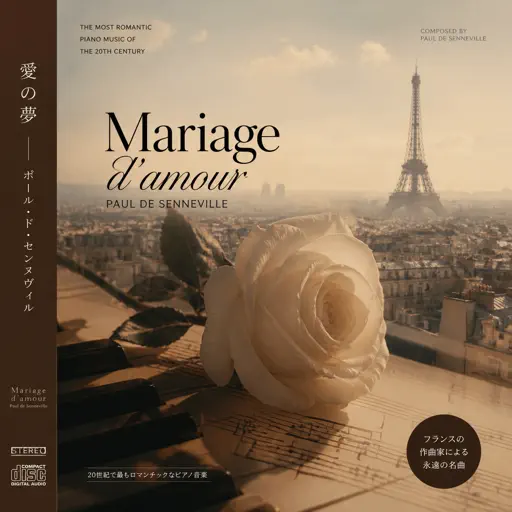
Mariage d'amour
Paul de Senneville

Hard
Lover Girl
Laufey

Hard
Parfum d'étoiles
Ichiko Aoba
Hard
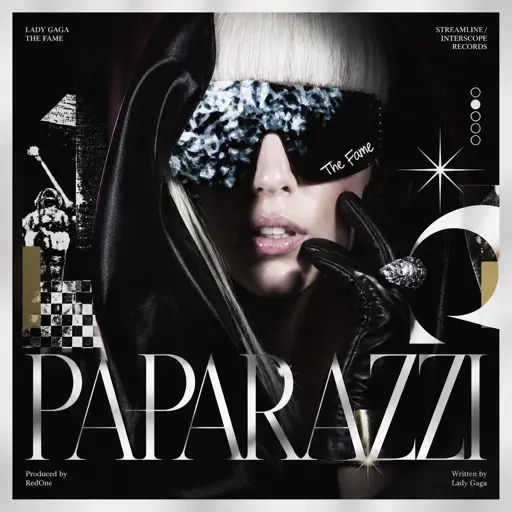
Paparazzi
Lady Gaga
Hard
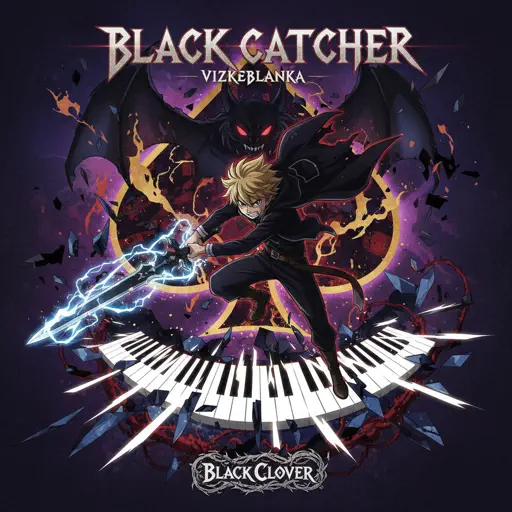
Black Catcher (Black Clover)
VK Blanka
Recommended Sheets
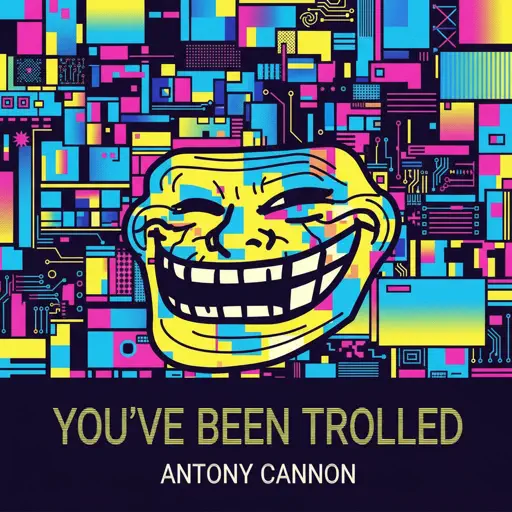
You've Been Trolled
Antony Cannon
Hard
PLAYING WITH FIRE
BLACKPINK
Hard
Treehouse
Alex G
Normal
BEST FRIEND from KinitoPET
Genichris
Hard
Strange
Celeste
Normal
ALKA TALE - Summer Pockets
Konomi Suzuki
Normal
Jane!
The Long Faces
Hard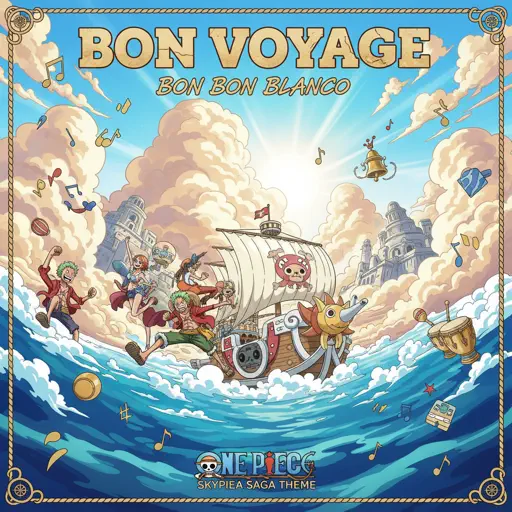
BON VOYAGE (one piece)
BON BON BLANCO
Normal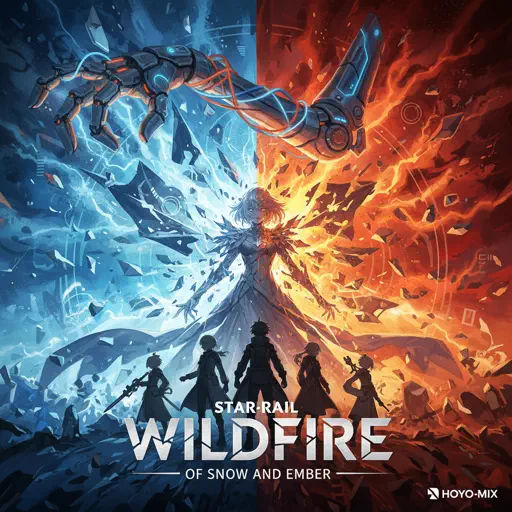
Wildfire - Star Rail - Of Snow and Ember
HOYO-MiX
Normal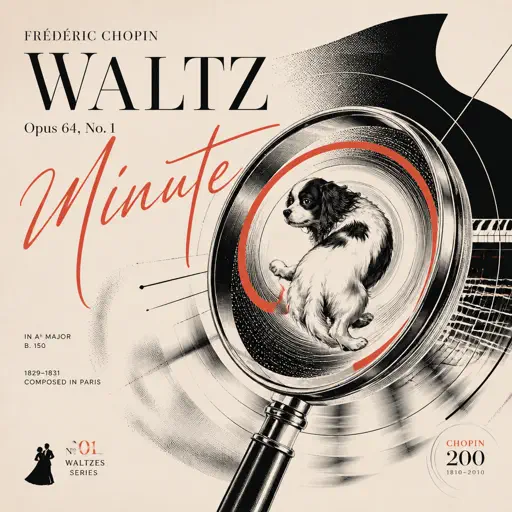
Chopin Minute Waltz - Waltz Opus 64, No. 1
Frédéric Chopin
Hard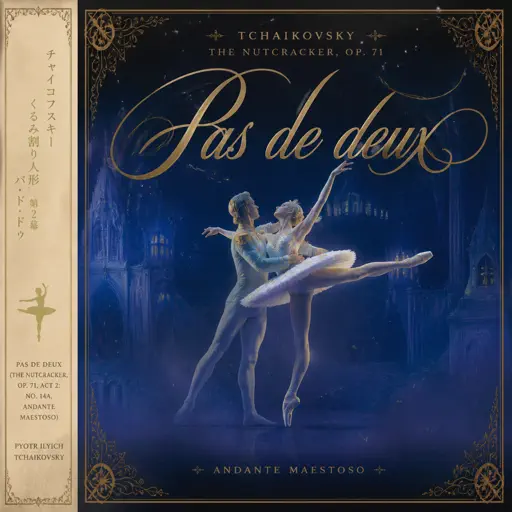
Pas de deux (The Nutcracker, Op. 71, Act 2: No. 14a, Andante maestoso)
Pyotr Ilyich Tchaikovsky
Hard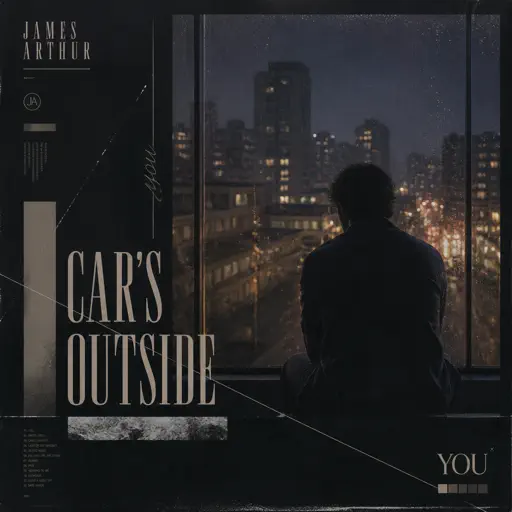
Car's Outside
James Arthur
Normal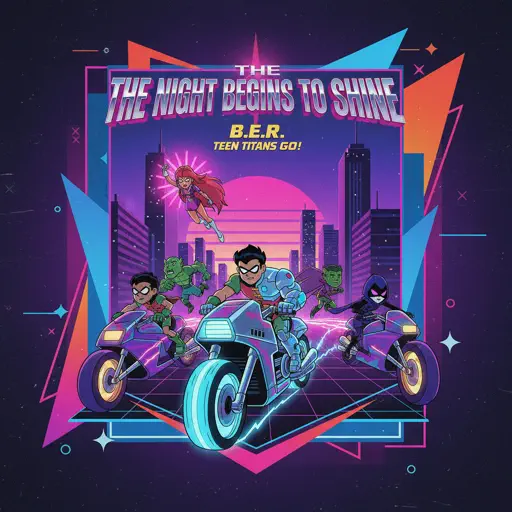
The Night Begins to Shine - Teen Titans GO!
B.E.R.
Normal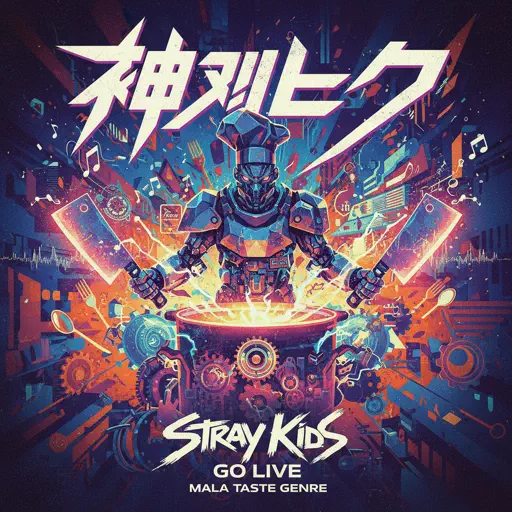
God’s Menu 神메뉴
Stray Kids
Hard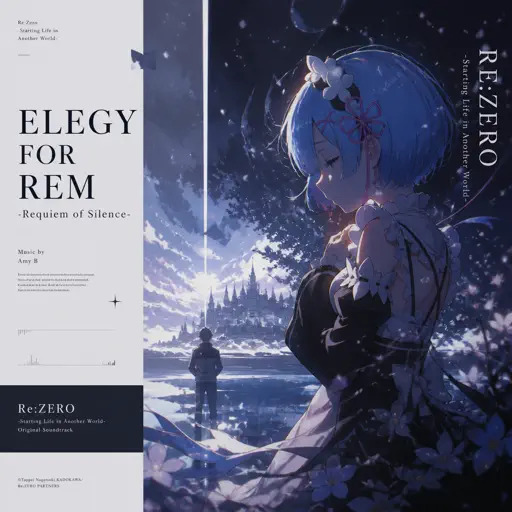
Elegy for Rem - Requiem of Silence (Re Zero Ost)
Amy B
Normal
Hotaru no Hikari
Naruto Shippuden
Normal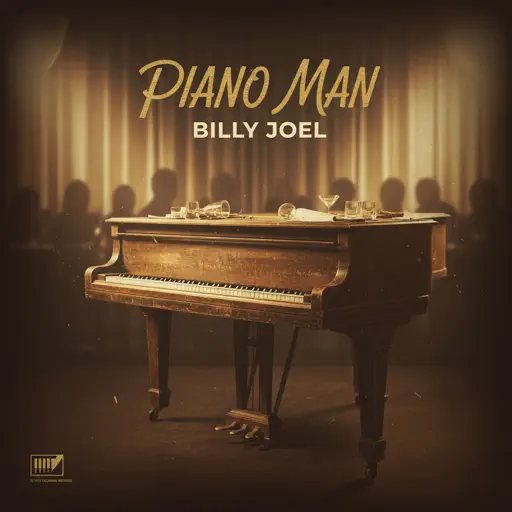
Piano Man
Billy Joel
Normal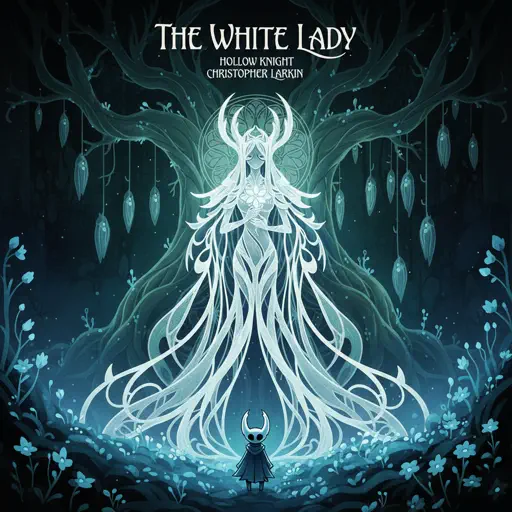
The White Lady (from Hollow Knight)
Christopher Larkin
Normal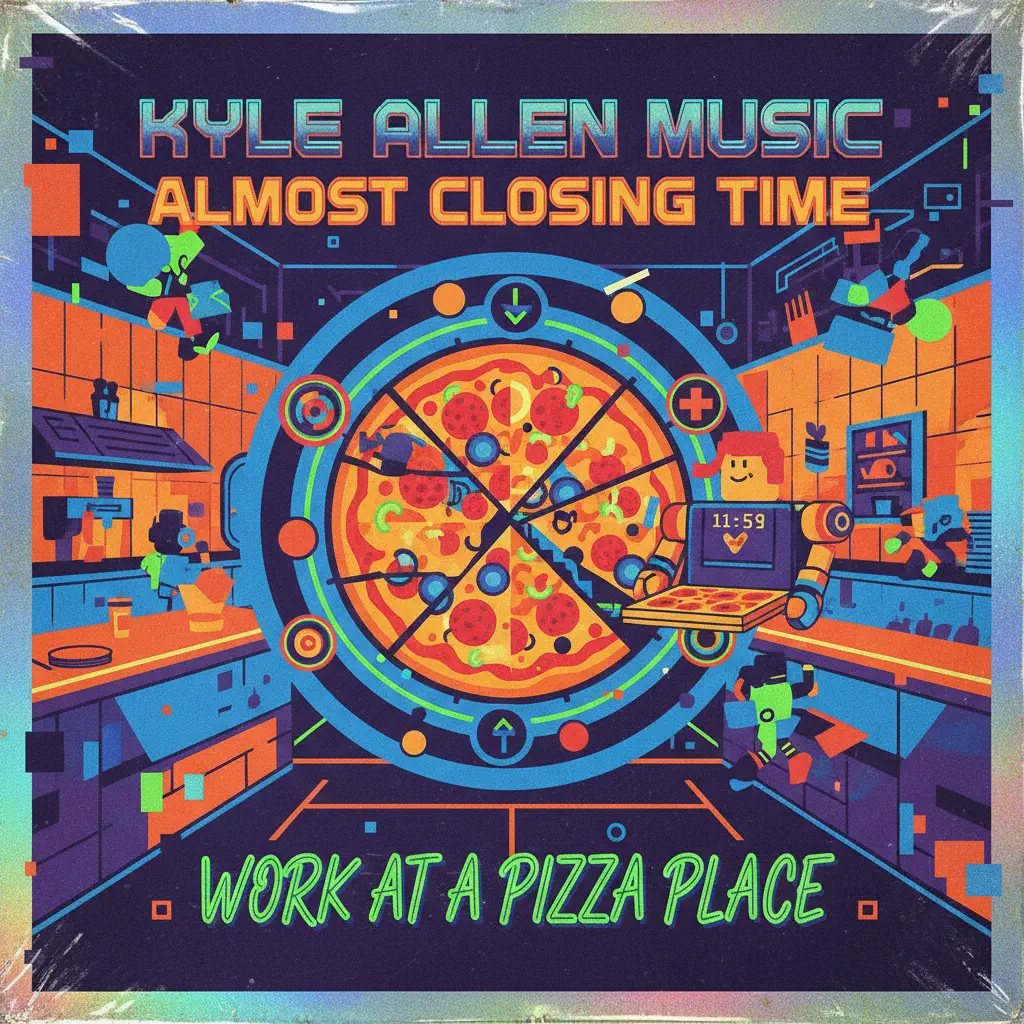
Almost Closing Time - Work At A Pizza Place
Kyle Allen Music
Normal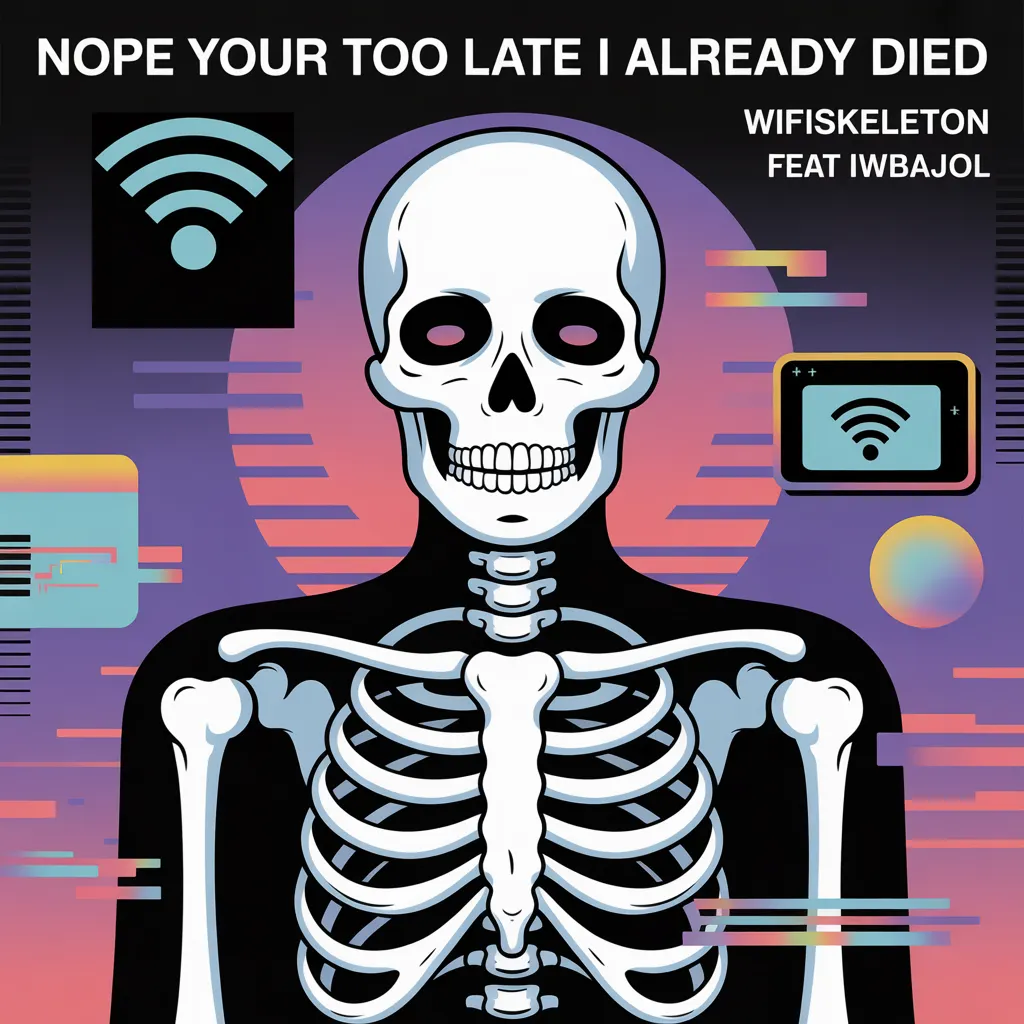
Nope your too late i already died
wifiskeleton
HardFrequently Asked Questions
What is Roblox Piano Practice Online?
This is a free online tool that lets you practice Roblox virtual piano sheets in your browser. No downloads required - just pick a song and start practicing.
How do I use this online practice tool?
1. Select a song from the recommendations or use the search function. 2. Click play and the sheet will auto-scroll with highlighted notes. 3. Watch the virtual piano keyboard for highlighted keys and practice along. 4. Use speed control to slow down playback - perfect for beginners.
Can I play using my keyboard?
Yes! The virtual piano supports computer keyboard input. The keys correspond to the standard Roblox piano layout (1234567890qwerty...). You can practice on your keyboard while following the sheet.
What does the Transpose feature do?
Transpose raises or lowers the pitch of the sheet. Some Roblox piano games have different default tunings, so transpose helps match the correct pitch. Usually adjusting by +12 or -12 semitones works.
Does this tool work on mobile?
Yes, but desktop provides the best experience. On mobile you can view the sheet and virtual piano demo, but keyboard input requires a computer. We recommend using a desktop for the best practice experience.
How do I find sheets suitable for my level?
Below you'll find recommendations sorted by difficulty: Easy for beginners, Normal for intermediate players, and Hard/Expert for advanced challenges. You can also use the search function to find songs by title or artist.