
Roblox Piano Practice Online
Loading piano...
Practice Guide
Quick guide on how to use the online piano practice tool.
What is this?
This tool allows you to practice playing virtual piano sheets directly in your browser. It simulates a piano keyboard and helps you learn the notes and rhythm before playing in Roblox.
How to Practice Online
Use your computer keyboard or mouse to play the virtual piano keys directly. As the sheet music plays, the corresponding keys on the virtual piano will light up to help you follow along. You can also copy the sheet code to use directly in Roblox.
Discover Sheets
Random Shuffle: Click the Shuffle button in the center of the top control bar to instantly load a random new song without reloading the page.
Search: Click the Search button next to Shuffle to open the search window. Type a song title or artist name to quickly find and switch to the sheet you want to practice.
Playback Controls
- Play/Pause: Start or stop playback.
- 1xSpeed: Adjust tempo (0.5x - 2.0x).
- KTranspose: Shift the pitch up or down.
- SSustain: Toggle sustain pedal effect.
Easy Mode

Easy
Nice To Know - BFDIA 19 Cake At Stake Intro
BFDIA 19

Easy
Mockingbird
Eminem

Easy
If You Love These People (Man of Steel)
Hans Zimmer

Easy
Fur Elise
Beethoven

Easy
Cupid (Twin Version)
Fifty Fifty

Easy
Balcony
Cave Story

Easy
Where You Lead
Carole King

Easy
Pimp Hoe
Mike Sherm

Easy
Sleeping City Funk
Emotional Recycling Bin

Easy
Harvey
Alex G
Normal Mode
Normal
Nostalgia
Tate McRae

Normal
Vết Mưa
Vũ Cát Tường
Normal
I'm so crazy for youuu </3
Rebzyyx
Normal
Fairytale of New York
The Pogues
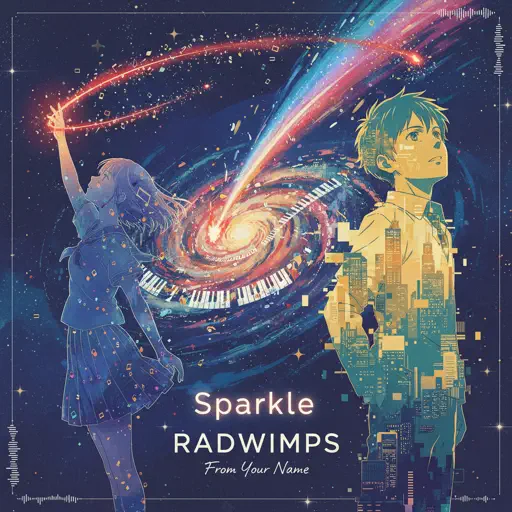
Normal
Sparkle - From Your Name
RADWIMPS
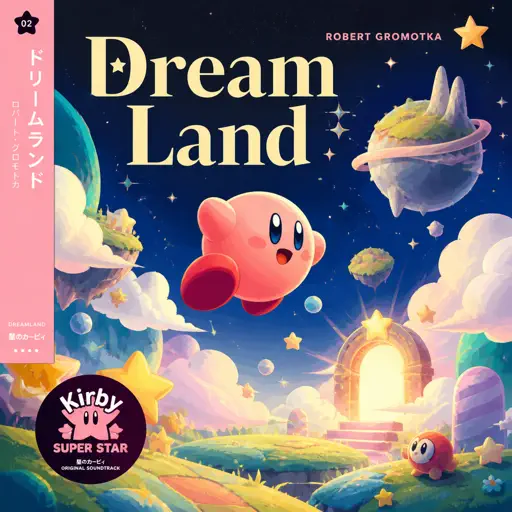
Normal
Dreamland
Robert Gromotka
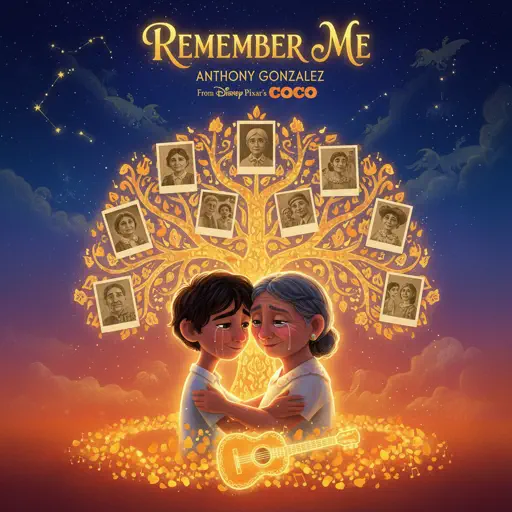
Normal
Remember Me - From "Coco"
Anthony Gonzalez
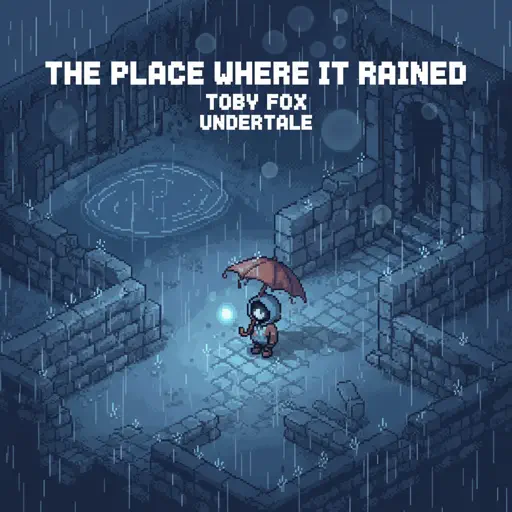
Normal
The place where it rained
Toby Fox
Normal
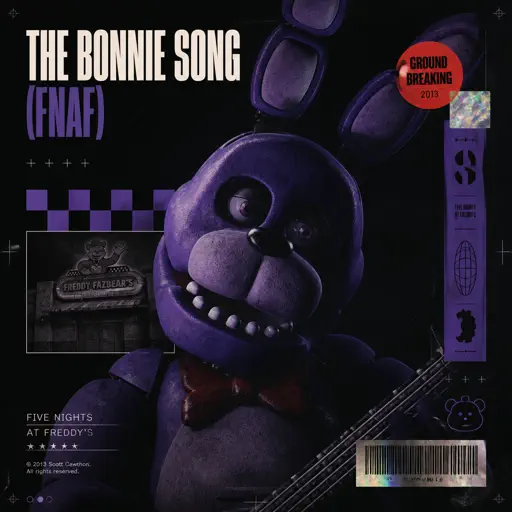
The Bonnie Song (FNAF)
Groundbreaking
Normal
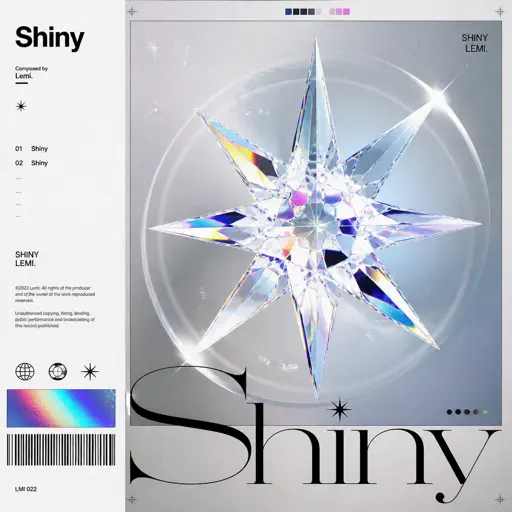
Shiny - Moana
Jemaine Clement

Recommended Sheets
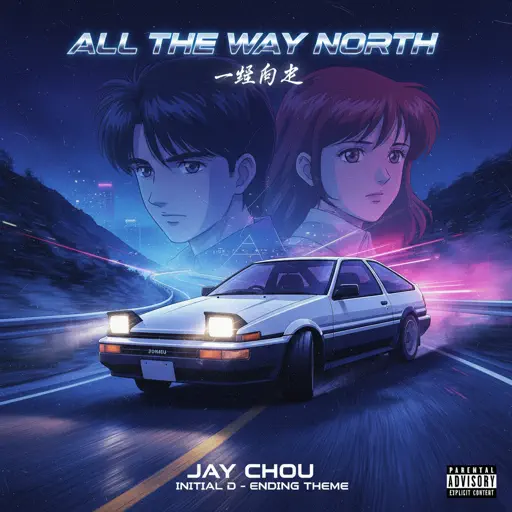
All the Way North
Jay Chou
Hard
One Way!
Autumn!
Normal![Roblox Piano Sheets - Noli by [[LUCA]]](https://file.gamepianosheets.com/cover/noli.webp)
Noli
[[LUCA]]
Normal
Мама прости
Grechka
Normal
Lit (Koe No Katachi)
Musics Emotion
Normal
Congratulations
Mac Miller
Hard
Golden Brown X Love Story
Staykul25
Hard
Understand
BoyWithUke
Normal
Teeth (Interlude)
XXXTENTACION
Normal
The Night We Met
Lord Huron
Normal
Dormant Craving (WIP) - Arknights
Erik Castro
Normal
Battle Hymn of the Republic
Julia Ward Howe
Normal
You've Got a Friend in Me - Toy Story
Randy Newman
Normal
Science サイエンス
MIMI
Normal
Pas de deux (The Nutcracker, Op. 71, Act 2: No. 14a, Andante maestoso)
Pyotr Ilyich Tchaikovsky
Hard
Fix You
Coldplay
Hard
Final Duet Omori - Violin
OMOCAT143
Normal
Victory Day (Soviet Songs)
Lev Leshchenko
Normal
Clash Royale Intro Sound
Supercell
Normal
Unreggcognizable
Forsaken OST
HardFrequently Asked Questions
What is Roblox Piano Practice Online?
This is a free online tool that lets you practice Roblox virtual piano sheets in your browser. No downloads required - just pick a song and start practicing.
How do I use this online practice tool?
1. Select a song from the recommendations or use the search function. 2. Click play and the sheet will auto-scroll with highlighted notes. 3. Watch the virtual piano keyboard for highlighted keys and practice along. 4. Use speed control to slow down playback - perfect for beginners.
Can I play using my keyboard?
Yes! The virtual piano supports computer keyboard input. The keys correspond to the standard Roblox piano layout (1234567890qwerty...). You can practice on your keyboard while following the sheet.
What does the Transpose feature do?
Transpose raises or lowers the pitch of the sheet. Some Roblox piano games have different default tunings, so transpose helps match the correct pitch. Usually adjusting by +12 or -12 semitones works.
Does this tool work on mobile?
Yes, but desktop provides the best experience. On mobile you can view the sheet and virtual piano demo, but keyboard input requires a computer. We recommend using a desktop for the best practice experience.
How do I find sheets suitable for my level?
Below you'll find recommendations sorted by difficulty: Easy for beginners, Normal for intermediate players, and Hard/Expert for advanced challenges. You can also use the search function to find songs by title or artist.