
Roblox Piano Practice Online
Loading piano...
Practice Guide
Quick guide on how to use the online piano practice tool.
What is this?
This tool allows you to practice playing virtual piano sheets directly in your browser. It simulates a piano keyboard and helps you learn the notes and rhythm before playing in Roblox.
How to Practice Online
Use your computer keyboard or mouse to play the virtual piano keys directly. As the sheet music plays, the corresponding keys on the virtual piano will light up to help you follow along. You can also copy the sheet code to use directly in Roblox.
Discover Sheets
Random Shuffle: Click the Shuffle button in the center of the top control bar to instantly load a random new song without reloading the page.
Search: Click the Search button next to Shuffle to open the search window. Type a song title or artist name to quickly find and switch to the sheet you want to practice.
Playback Controls
- Play/Pause: Start or stop playback.
- 1xSpeed: Adjust tempo (0.5x - 2.0x).
- KTranspose: Shift the pitch up or down.
- SSustain: Toggle sustain pedal effect.
Easy Mode

Easy
If You Love These People (Man of Steel)
Hans Zimmer

Easy
Mockingbird
Eminem

Easy
Fur Elise
Beethoven

Easy
Cupid (Twin Version)
Fifty Fifty

Easy
Sleeping City Funk
Emotional Recycling Bin

Easy
Pimp Hoe
Mike Sherm

Easy
Immortal
Playboi Carti

Easy
Nice To Know - BFDIA 19 Cake At Stake Intro
BFDIA 19

Easy
LET ME SEE YA MOVE!
Lumi Athena

Easy
Harvey
Alex G
Normal Mode

Normal
id 072019
W/N
Normal
Entry4
jaydes

Normal
ALKA TALE - Summer Pockets
Konomi Suzuki

Normal
GOZALO
Ariis
Normal
Kurşun Adres Sormaz Ki
Kenan Doğulu

Normal
Arkadaşım Eşşek
Barış Manço
Normal
The Disappearance of Hatsune Miku
Hatsune Miku
Normal
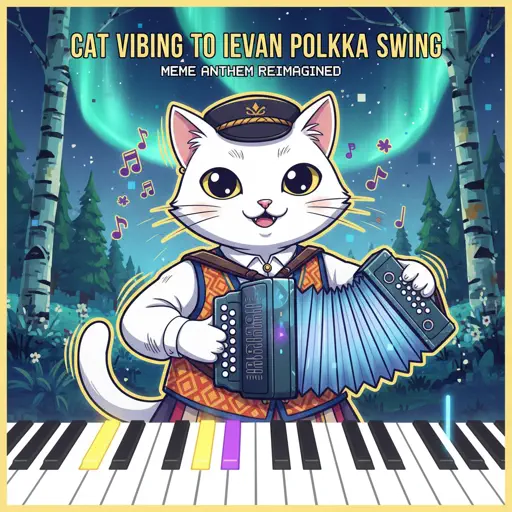
Cat Vibing To Ievan Polkka Swing
Cat Vibing Meme
Normal
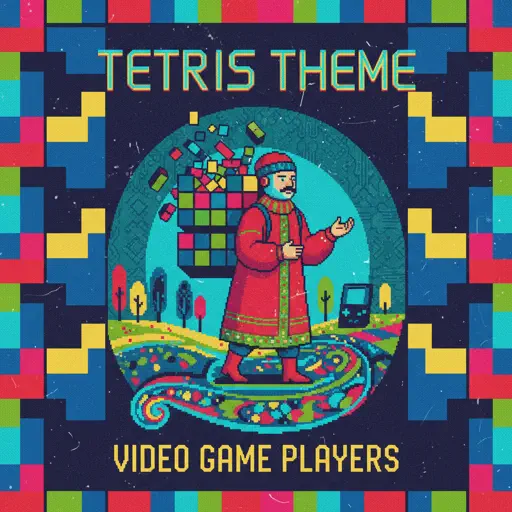
Tetris Theme
Video Game Players
Normal
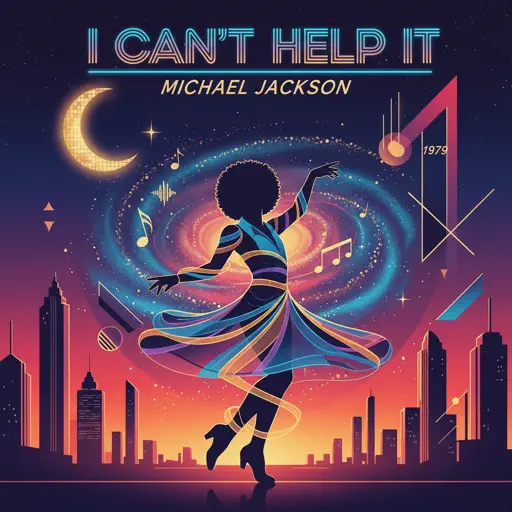
I Can't Help It
Michael Jackson
Hard Mode

Hard
05 (Không Phai)
Tăng Duy Tân
Hard
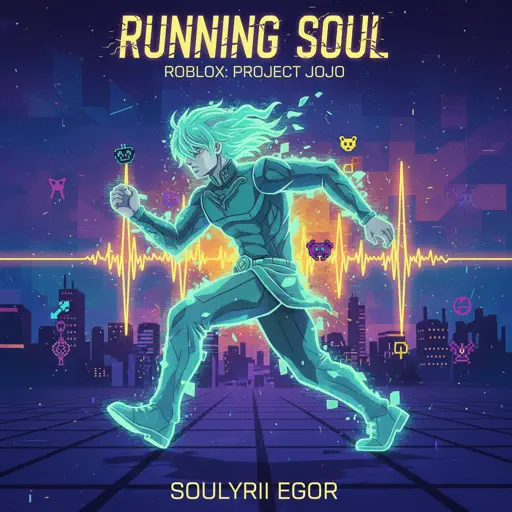
Running Soul
yrii egor
Hard
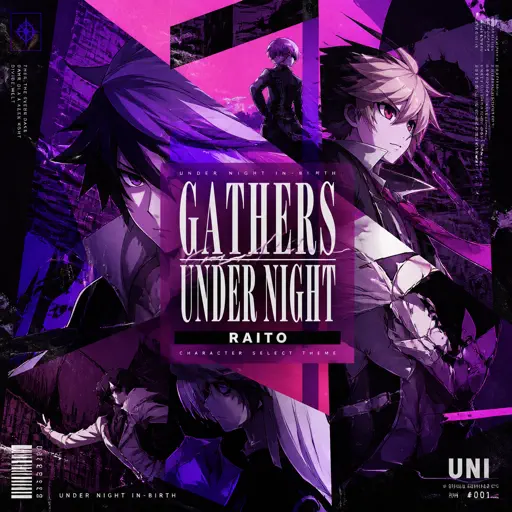
Gathers Under Night - Under Night In-Birth
Raito

Hard
Merry-Go-Round of Life - from 'Howl's Moving Castle'
Joe Hisaishi
Hard
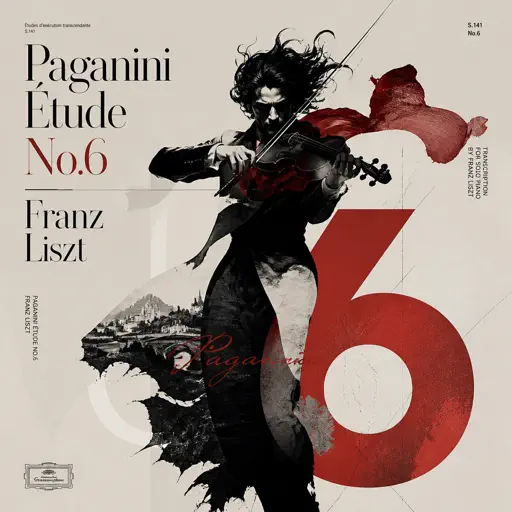
Paganini Étude No. 6
Franz Liszt
Hard
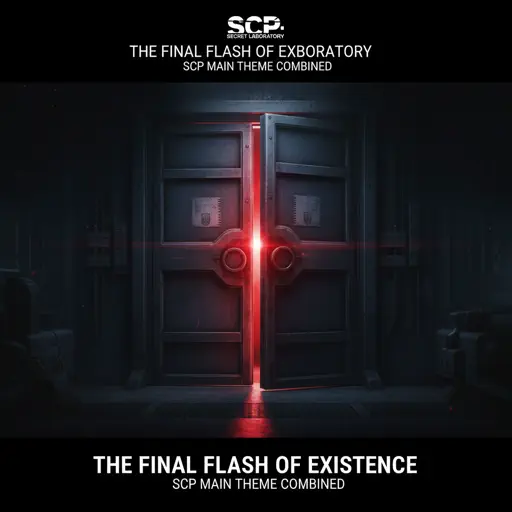
The Final Flash of Existance
Scp Main Theme Combined
Hard
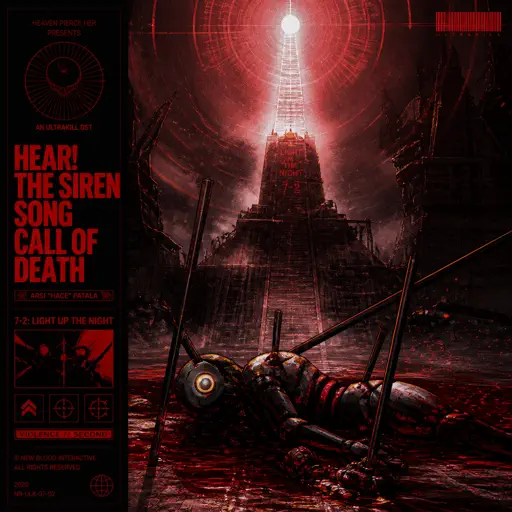
Hear! the Siren Song Call of Death - ULTRAKILL OST
Heaven Pierce Her

Hard
We Are! - ウィーアー! - One Piece
Hiroshi Kitadani
Hard
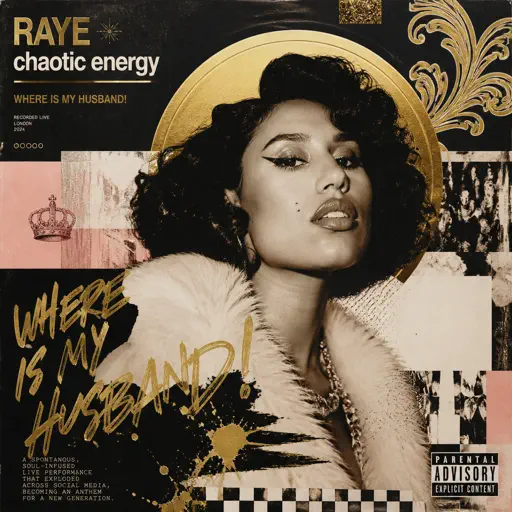
WHERE IS MY HUSBAND!
RAYE
Hard
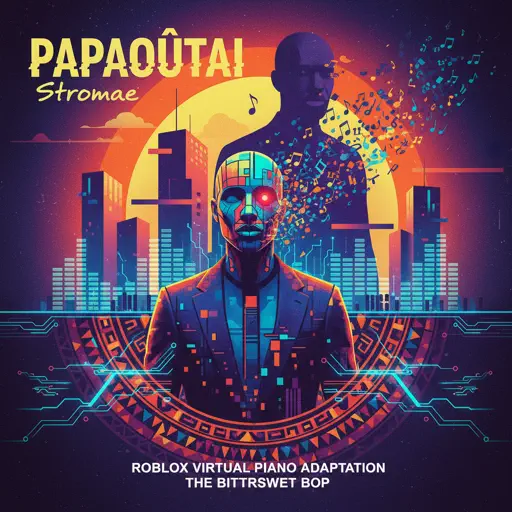
Papaoutai
Stromae
Recommended Sheets
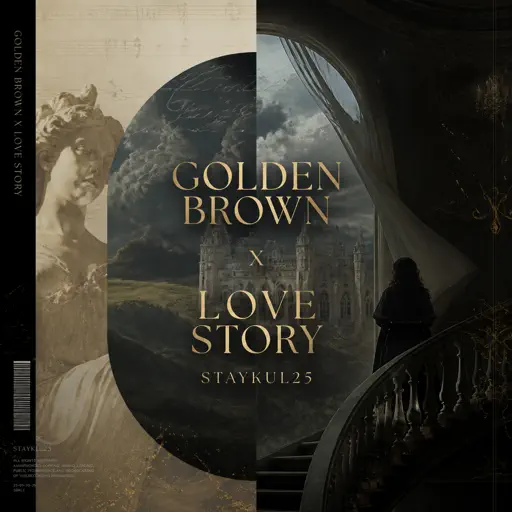
Golden Brown X Love Story
Staykul25
Hard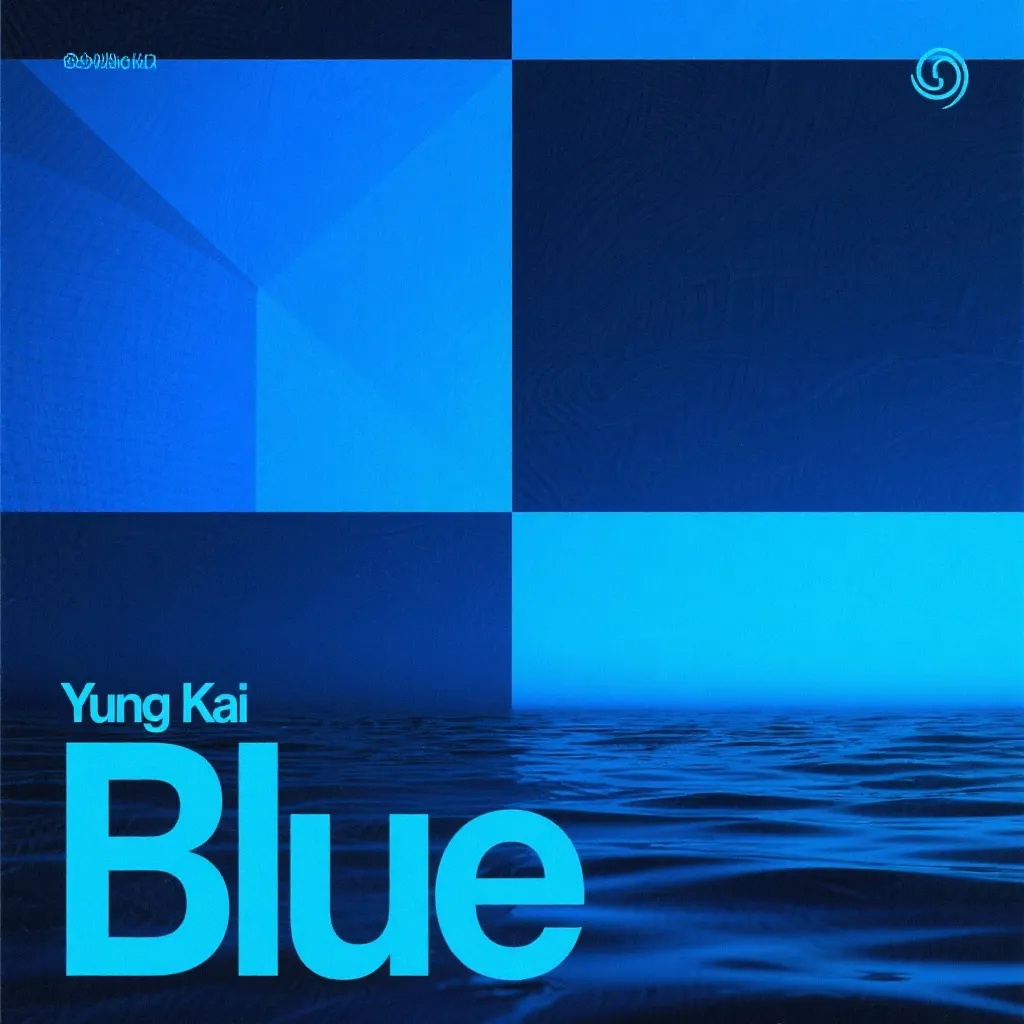
Blue
Yung Kai
Normal
Symphony
Clean Bandit feat. Zara Larsson
Normal
Jacob and the Stone
Emile Mosseri
Normal
Jožin Z Bažin
Ivan Mládek
Normal
Falling Down
Lil Peep & XXXTENTACION
Normal
Rein Me In
Sam Fender
Hard
Ready Or Not (c00lkidd Chase From Forsaken)
Forsaken
Hard
Understand
BoyWithUke
Normal
Alone
Alan Walker
Normal
Locked Away (Dandy's World)
CG5
Normal
The Great Strategy
Badliz
Normal
Bir Fırtına Tuttu Bizi (Selanik Türküsü)
Şevval Sam
Normal
FUKOUNA GIRL
STOMACH BOOK
Hard
Married Life (Carl and Ellie) - Pixar's Up Theme
Michael Giacchino
Normal
Sinking Town
Yoeko Kurahashi
NormalLET ME SEE YA MOVE!
Lumi Athena
Easy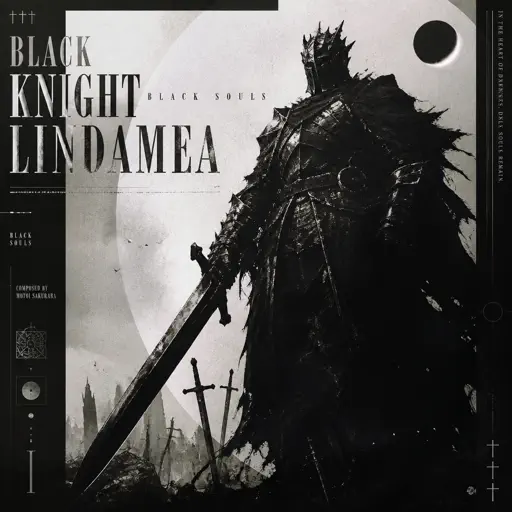
Black Knight Lindamea
Black Souls
Hard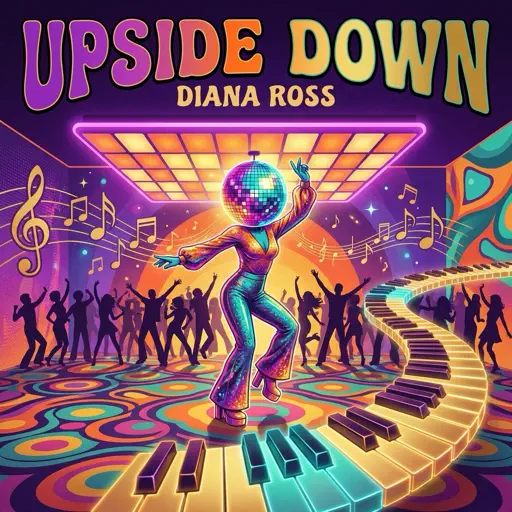
Upside Down
Diana Ross
Hard
Pesan Terakhir
Lyodra
NormalFrequently Asked Questions
What is Roblox Piano Practice Online?
This is a free online tool that lets you practice Roblox virtual piano sheets in your browser. No downloads required - just pick a song and start practicing.
How do I use this online practice tool?
1. Select a song from the recommendations or use the search function. 2. Click play and the sheet will auto-scroll with highlighted notes. 3. Watch the virtual piano keyboard for highlighted keys and practice along. 4. Use speed control to slow down playback - perfect for beginners.
Can I play using my keyboard?
Yes! The virtual piano supports computer keyboard input. The keys correspond to the standard Roblox piano layout (1234567890qwerty...). You can practice on your keyboard while following the sheet.
What does the Transpose feature do?
Transpose raises or lowers the pitch of the sheet. Some Roblox piano games have different default tunings, so transpose helps match the correct pitch. Usually adjusting by +12 or -12 semitones works.
Does this tool work on mobile?
Yes, but desktop provides the best experience. On mobile you can view the sheet and virtual piano demo, but keyboard input requires a computer. We recommend using a desktop for the best practice experience.
How do I find sheets suitable for my level?
Below you'll find recommendations sorted by difficulty: Easy for beginners, Normal for intermediate players, and Hard/Expert for advanced challenges. You can also use the search function to find songs by title or artist.