

Roblox Piano Practice Online
Loading piano...
Practice Guide
Quick guide on how to use the online piano practice tool.
What is this?
This tool allows you to practice playing virtual piano sheets directly in your browser. It simulates a piano keyboard and helps you learn the notes and rhythm before playing in Roblox.
How to Practice Online
Use your computer keyboard or mouse to play the virtual piano keys directly. As the sheet music plays, the corresponding keys on the virtual piano will light up to help you follow along. You can also copy the sheet code to use directly in Roblox.
Discover Sheets
Random Shuffle: Click the Shuffle button in the center of the top control bar to instantly load a random new song without reloading the page.
Search: Click the Search button next to Shuffle to open the search window. Type a song title or artist name to quickly find and switch to the sheet you want to practice.
Playback Controls
- Play/Pause: Start or stop playback.
- 1xSpeed: Adjust tempo (0.5x - 2.0x).
- KTranspose: Shift the pitch up or down.
- SSustain: Toggle sustain pedal effect.
Easy Mode

Easy
Fur Elise
Beethoven

Easy
LET ME SEE YA MOVE!
Lumi Athena

Easy
Where You Lead
Carole King

Easy
Gravity Falls Main Title Theme
Brad Breeck

Easy
Immortal
Playboi Carti

Easy
Mist
EsDeeKid

Easy
Balcony
Cave Story

Easy
Nice To Know - BFDIA 19 Cake At Stake Intro
BFDIA 19

Easy
If You Love These People (Man of Steel)
Hans Zimmer

Easy
Mockingbird
Eminem
Normal Mode

Normal
Love Destiny
Ice Saranyu
Normal
That's The Way It Is - Red Dead Redemption 2
Daniel Lanois
Normal
Eyes Without A Face
Billy Idol
Normal
Ecstacy
SUICIDAL-IDOL
Normal
snowfall
Øneheart
Normal
THE LEGEND from DELTARUNE
Toby Fox
Normal
Clash Royale Intro Sound
Supercell

Normal
Golden Hour
JVKE

Normal
Science サイエンス
MIMI
Normal
The Gummy Bear Song
Gummibär
Hard Mode
Hard
Die With A Smile
Lady Gaga & Bruno Mars

Hard
Hallelujah
Kanye West
Hard
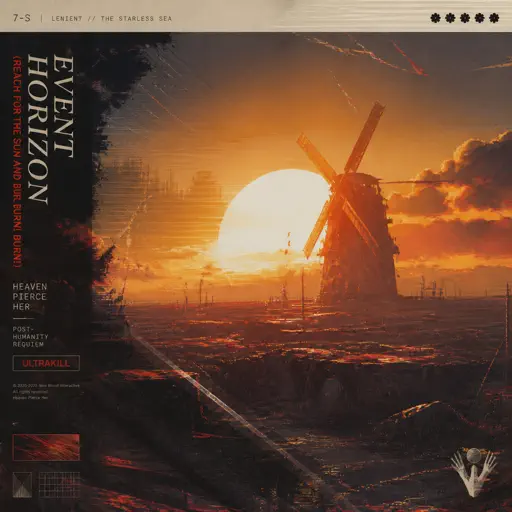
Event Horizon (Reach for the Sun and Burn! Burn! Burn!)
Heaven Pierce Her

Hard
lit (A Silent Voice)
Kensuke Ushio

Hard
Europapa
Joost Klein
Hard
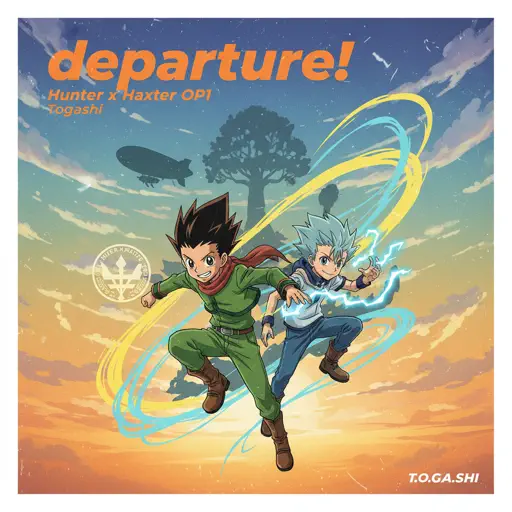
departure! - Hunter x Hunter OP1
Togash
Hard
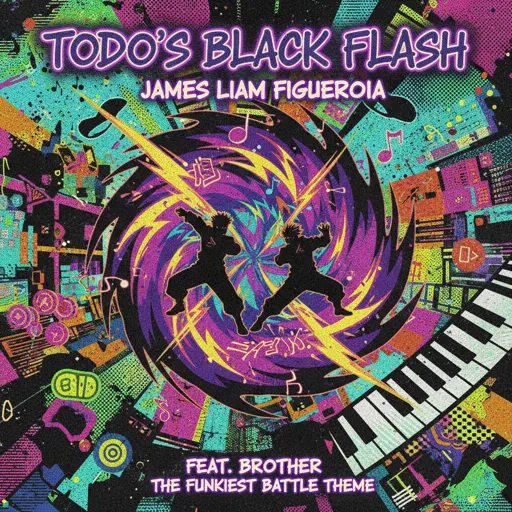
Todo's Black Flash - Jujutsu Kaisen
James Liam Figueroa

Hard
Vienna
Billy Joel

Hard
CandyCookieChocolate
Hatsune Miku
Hard
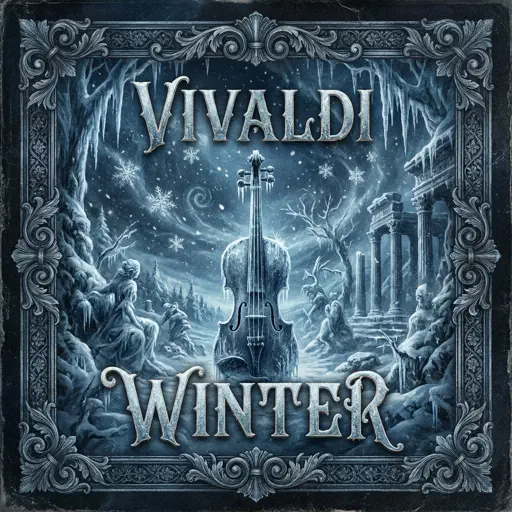
Winter (The Four Seasons)
Vivaldi
Recommended Sheets
Halloween Theme
Michael Myers
Normal
Life Goes On
Oliver Tree
Normal
Hidden In the Sand
Tally Hall
Normal
BATTLE UNDER A BROKEN SKY
AZALI
Hard
Sphere
Creo
Hard
I'm so crazy for youuu </3
Rebzyyx
Normal
New Flesh
Current Joys
Hard
MONTAGEM REBOLA
ATLXS
Hard
Faerie's Aire and Death Waltz
John Stump
Hard
Runaway
AURORA
Normal
Staying
Lizzy McAlpine
Normal
Love Like You
Steven Universe
Normal
Butcher Vanity
Vane Lily
Normal
Escape
Nemzzz
Normal
STAY
The Kid LAROI and Justin Bieber
Normal
Katyusha
Matvey Blanter
Hard
Kamado Tanjirou no Uta (竈門炭治郎のうた) - Demon Slayer
Go Shiina
Normal
Living Mice
C418
Normal
It's A Dream
Snow Strippers
Normal
Clair de lune
Claude Debussy
NormalFrequently Asked Questions
What is Roblox Piano Practice Online?
This is a free online tool that lets you practice Roblox virtual piano sheets in your browser. No downloads required - just pick a song and start practicing.
How do I use this online practice tool?
1. Select a song from the recommendations or use the search function. 2. Click play and the sheet will auto-scroll with highlighted notes. 3. Watch the virtual piano keyboard for highlighted keys and practice along. 4. Use speed control to slow down playback - perfect for beginners.
Can I play using my keyboard?
Yes! The virtual piano supports computer keyboard input. The keys correspond to the standard Roblox piano layout (1234567890qwerty...). You can practice on your keyboard while following the sheet.
What does the Transpose feature do?
Transpose raises or lowers the pitch of the sheet. Some Roblox piano games have different default tunings, so transpose helps match the correct pitch. Usually adjusting by +12 or -12 semitones works.
Does this tool work on mobile?
Yes, but desktop provides the best experience. On mobile you can view the sheet and virtual piano demo, but keyboard input requires a computer. We recommend using a desktop for the best practice experience.
How do I find sheets suitable for my level?
Below you'll find recommendations sorted by difficulty: Easy for beginners, Normal for intermediate players, and Hard/Expert for advanced challenges. You can also use the search function to find songs by title or artist.