
Roblox Piano Practice Online
Loading piano...
Practice Guide
Quick guide on how to use the online piano practice tool.
What is this?
This tool allows you to practice playing virtual piano sheets directly in your browser. It simulates a piano keyboard and helps you learn the notes and rhythm before playing in Roblox.
How to Practice Online
Use your computer keyboard or mouse to play the virtual piano keys directly. As the sheet music plays, the corresponding keys on the virtual piano will light up to help you follow along. You can also copy the sheet code to use directly in Roblox.
Discover Sheets
Random Shuffle: Click the Shuffle button in the center of the top control bar to instantly load a random new song without reloading the page.
Search: Click the Search button next to Shuffle to open the search window. Type a song title or artist name to quickly find and switch to the sheet you want to practice.
Playback Controls
- Play/Pause: Start or stop playback.
- 1xSpeed: Adjust tempo (0.5x - 2.0x).
- KTranspose: Shift the pitch up or down.
- SSustain: Toggle sustain pedal effect.
Easy Mode










Normal Mode
Normal
Out Getting Ribs
King Krule
Normal
Formidable
Stromae
Normal
Axel F
Crazy Frog
Normal
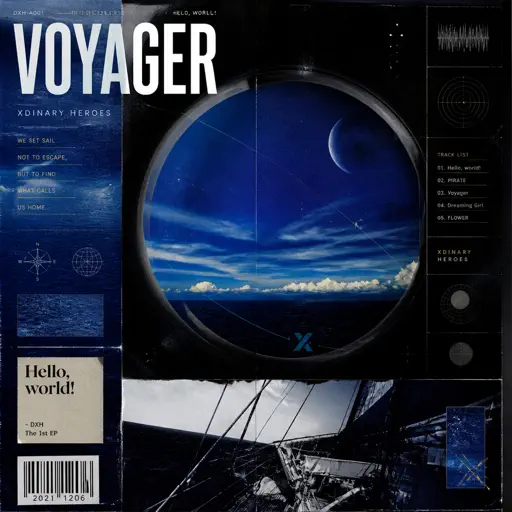
Voyager
Xdinary Heroes
Normal
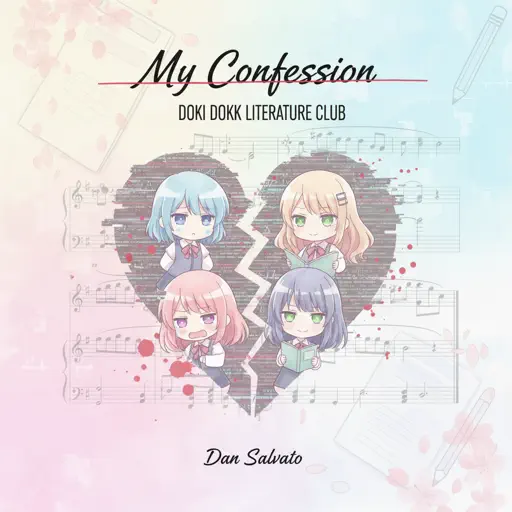
My Confession - Doki Doki Literature Club
Dan Salvato
Normal
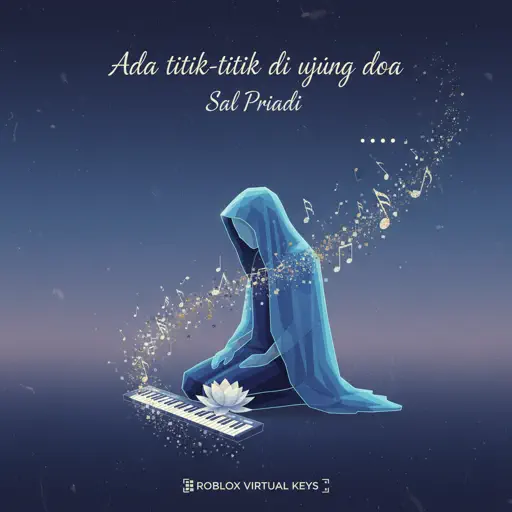
Ada titik-titik di ujung doa
Sal Priadi
Normal
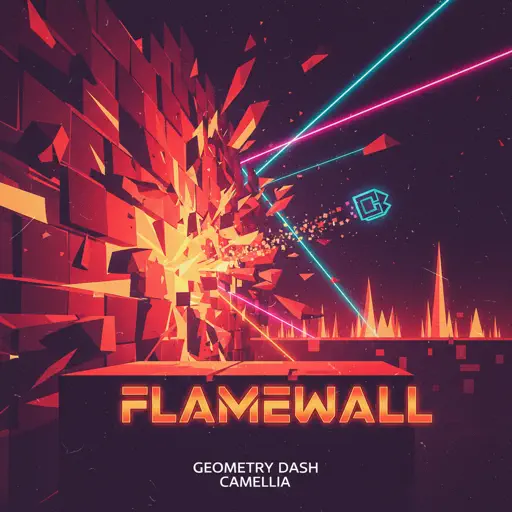
Flamewall - Geometry Dash
Camellia
Normal
Solas
Gibran Alcocer
Normal
When I Close My Eyes
Tom Odell

Normal
Around the World (La La La La La)
A Touch Of Class
Hard Mode

Hard
BEST FRIEND from KinitoPET
Genichris
Hard
Rush Piggies
Sheet Music Boss
Hard
OG - untitled tag game ost
untitled tag game
Hard
Took Her To The O
King Von

Hard
Your Idol (KPop Demon Hunters)
Saja Boys
Hard
SAD!
XXXTENTACION

Hard
Guanshan Wine
Deng Shen Me Jun
Hard
SWEET / I THOUGHT YOU WANTED TO DANCE
Tyler, The Creator
Hard
Isolation
Nighthawk22
Hard
Gnarly
KATSEYE
Recommended Sheets
unhappy
s0rrow
Hard
There's a Great Big Beautiful Tomorrow
Robert Sherman
Normal
The British Grenadiers
Traditional
Normal
Moog City 2 - Minecraft
C418
Normal
The Gummy Bear Song
Gummibär
Normal
Pure Imagination (from Wonka)
Timothée Chalamet
Hard
My Love Mine All Mine
Mitski
Normal
Merry Christmas Mr. Lawrence
Ryuichi Sakamoto
Hard
Rises the Moon
Liana Flores
Normal
v0idness
crxw
Normal
Great Balls Of Fire
Jerry Lee Lewis
Normal
CanCan
Jacques Offenbach
Hard
Shoota
Playboi Carti & Lil Uzi Vert
Normal
One Way!
Autumn!
Normal
Someone You Loved
Lewis Capaldi
Normal
Dexter - The blood theme
The blood theme
Normal
It's over but Not for Me
Mrnick LEC
Hard
BIRDBRAIN
Jamie Paige
Normal
Skyfall
Adele (James Bond)
Normal
Auld Lang Syne
Home Free
NormalFrequently Asked Questions
What is Roblox Piano Practice Online?
This is a free online tool that lets you practice Roblox virtual piano sheets in your browser. No downloads required - just pick a song and start practicing.
How do I use this online practice tool?
1. Select a song from the recommendations or use the search function. 2. Click play and the sheet will auto-scroll with highlighted notes. 3. Watch the virtual piano keyboard for highlighted keys and practice along. 4. Use speed control to slow down playback - perfect for beginners.
Can I play using my keyboard?
Yes! The virtual piano supports computer keyboard input. The keys correspond to the standard Roblox piano layout (1234567890qwerty...). You can practice on your keyboard while following the sheet.
What does the Transpose feature do?
Transpose raises or lowers the pitch of the sheet. Some Roblox piano games have different default tunings, so transpose helps match the correct pitch. Usually adjusting by +12 or -12 semitones works.
Does this tool work on mobile?
Yes, but desktop provides the best experience. On mobile you can view the sheet and virtual piano demo, but keyboard input requires a computer. We recommend using a desktop for the best practice experience.
How do I find sheets suitable for my level?
Below you'll find recommendations sorted by difficulty: Easy for beginners, Normal for intermediate players, and Hard/Expert for advanced challenges. You can also use the search function to find songs by title or artist.