
Roblox Piano Practice Online
Loading piano...
Practice Guide
Quick guide on how to use the online piano practice tool.
What is this?
This tool allows you to practice playing virtual piano sheets directly in your browser. It simulates a piano keyboard and helps you learn the notes and rhythm before playing in Roblox.
How to Practice Online
Use your computer keyboard or mouse to play the virtual piano keys directly. As the sheet music plays, the corresponding keys on the virtual piano will light up to help you follow along. You can also copy the sheet code to use directly in Roblox.
Discover Sheets
Random Shuffle: Click the Shuffle button in the center of the top control bar to instantly load a random new song without reloading the page.
Search: Click the Search button next to Shuffle to open the search window. Type a song title or artist name to quickly find and switch to the sheet you want to practice.
Playback Controls
- Play/Pause: Start or stop playback.
- 1xSpeed: Adjust tempo (0.5x - 2.0x).
- KTranspose: Shift the pitch up or down.
- SSustain: Toggle sustain pedal effect.
Easy Mode

Easy
Mockingbird
Eminem

Easy
Fur Elise
Beethoven

Easy
Cupid (Twin Version)
Fifty Fifty

Easy
Nice To Know - BFDIA 19 Cake At Stake Intro
BFDIA 19

Easy
Harvey
Alex G

Easy
Immortal
Playboi Carti

Easy
Sleeping City Funk
Emotional Recycling Bin

Easy
Pimp Hoe
Mike Sherm

Easy
Gravity Falls Main Title Theme
Brad Breeck

Easy
Balcony
Cave Story
Normal Mode
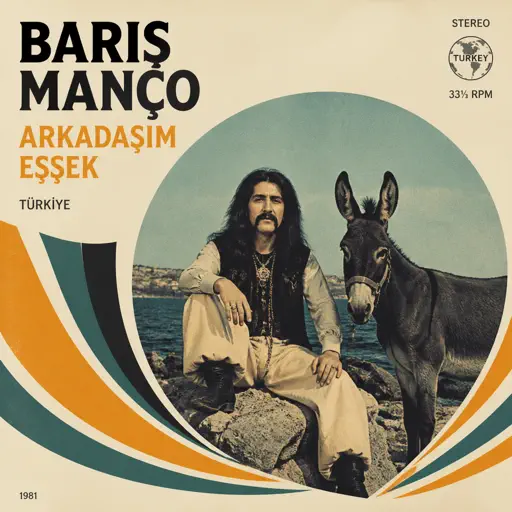
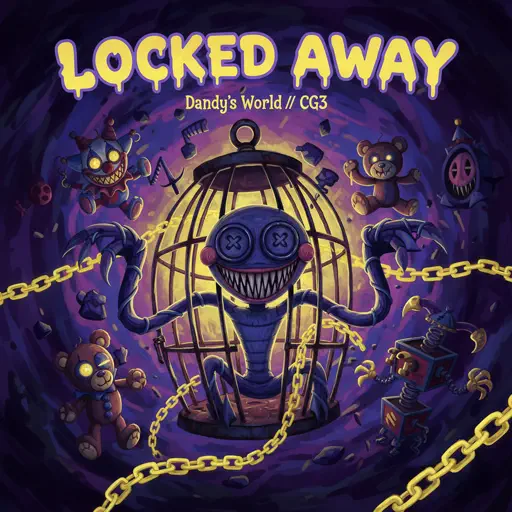
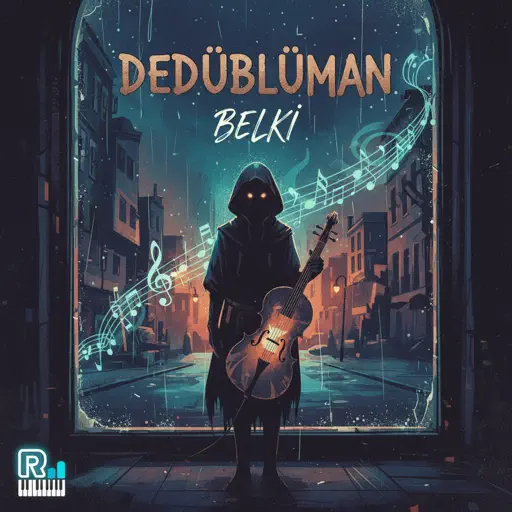
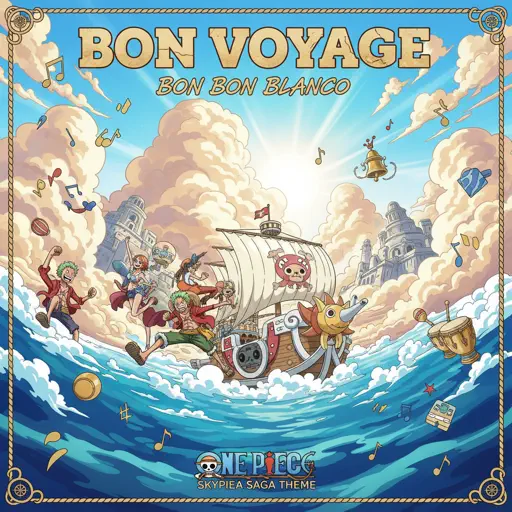
Hard Mode
Hard
Komm, Süsser Tod (Come Sweet Death)
Arianne

Hard
Congratulations
Mac Miller
Hard
Winter (The Four Seasons)
Vivaldi

Hard
FUKOUNA GIRL
STOMACH BOOK
Hard
IRIS OUT - Chainsaw Man Movie
Kenshi Yonezu
Hard
We Are The Champions
Queen
Hard
Wonderwall
Oasis
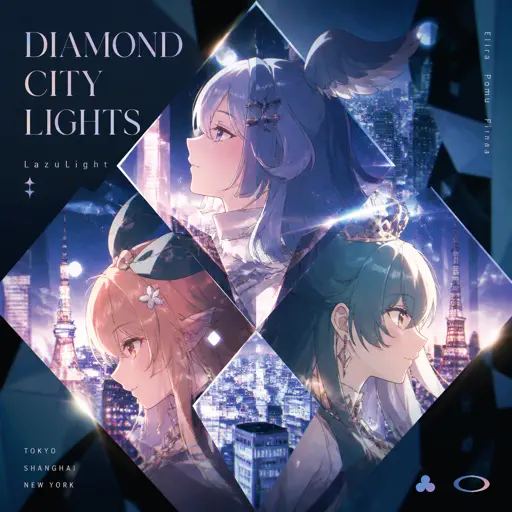
Hard
Diamond City Lights
LazuLight
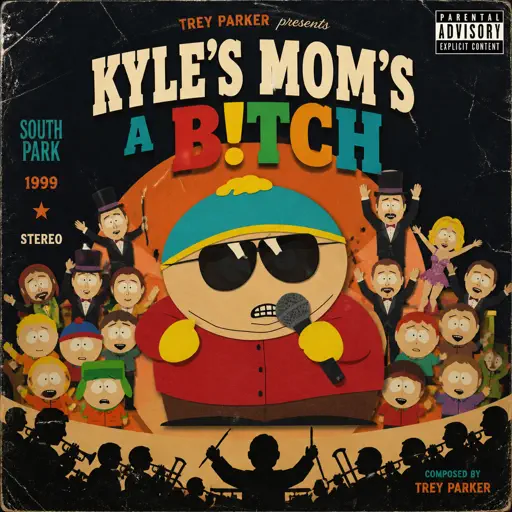
Hard
Kyles mom's a bitch (South Park)
Trey Parker
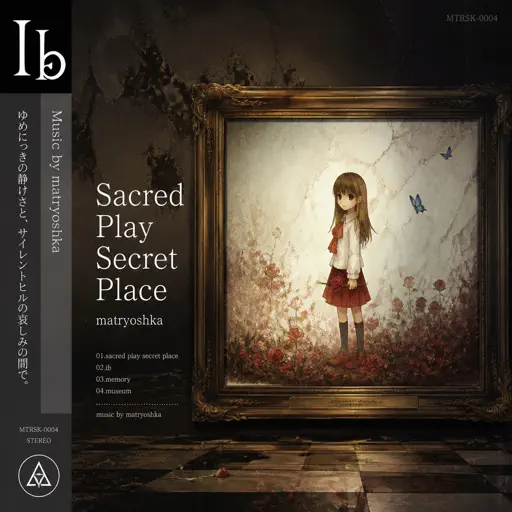
Hard
Sacred Play Secret Place
matryoshka
Recommended Sheets
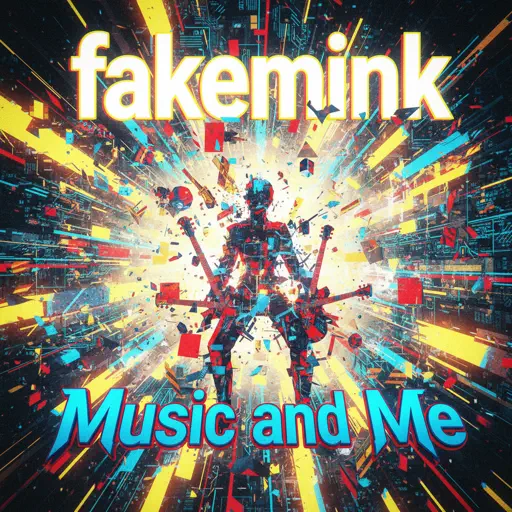
Music and Me
fakemink
Normal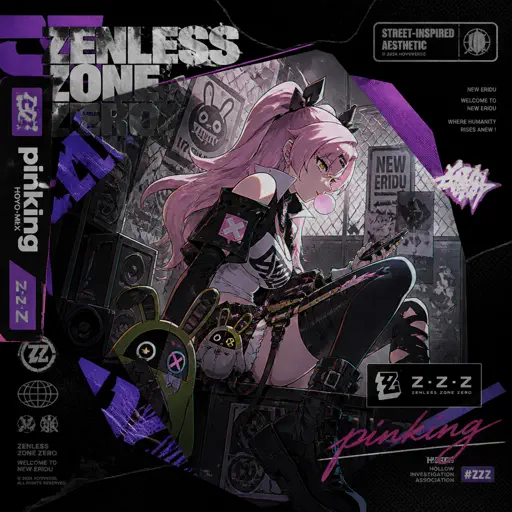
pinKing 绝区零
HOYO-MiX
Normal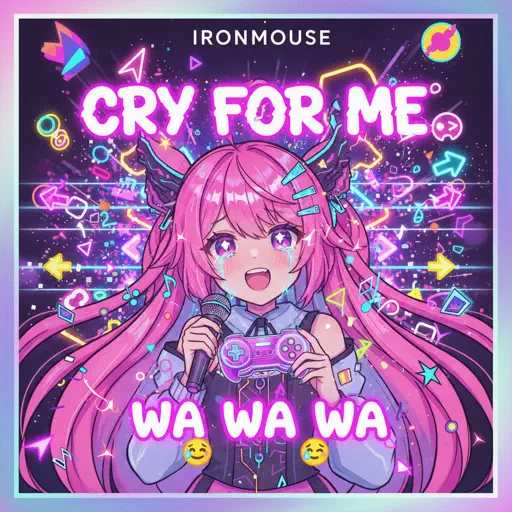
Cry For Me WA WA WA
Ironmouse
Normal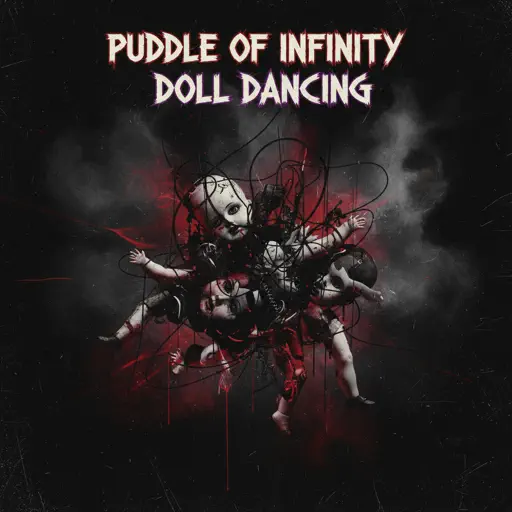
Doll Dancing
Puddle Of Infinity
Normal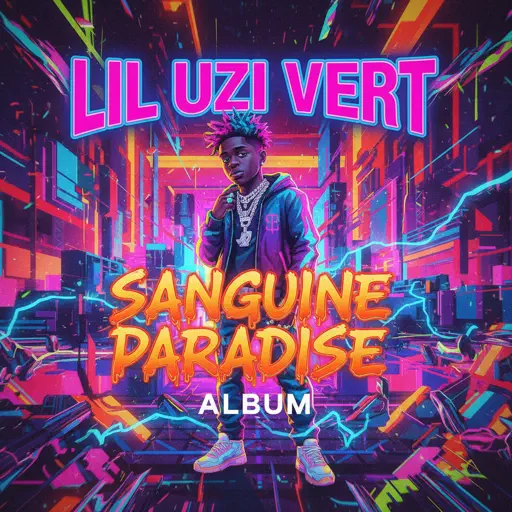
Sanguine Paradise
Lil Uzi Vert
Normal
Wildfire - Star Rail - Of Snow and Ember
HOYO-MiX
Normal
What You Know
Two Door Cinema Club
Normal
No
Plenka
Normal
This Is Me
Keala Settle
Normal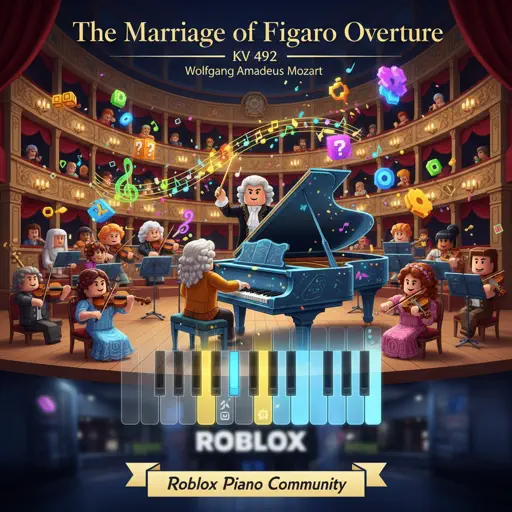
The Marriage of Figaro Overture, KV 492
Wolfgang Amadeus Mozart
Hard
Velune
Santi Lavadenz
Normal
Já Que Me Ensinou a Beber
Os Barões Da Pisadinha
Normal
Çanakkale İçinde (Çanakkale Türküsü)
Erol Köker
Normal
İzmir Marşı - Haluk Levent Versiyon
Tevfik Kulak
Normal
Who Do You Love?
YG
NormalDiamond City Lights
LazuLight
Hard
Inuyasha's Lullaby
Lizz Robinett
Normal
Hidden In the Sand
Tally Hall
Normal
Freedom Dive
XI
Hard
The British Grenadiers
Traditional
NormalFrequently Asked Questions
What is Roblox Piano Practice Online?
This is a free online tool that lets you practice Roblox virtual piano sheets in your browser. No downloads required - just pick a song and start practicing.
How do I use this online practice tool?
1. Select a song from the recommendations or use the search function. 2. Click play and the sheet will auto-scroll with highlighted notes. 3. Watch the virtual piano keyboard for highlighted keys and practice along. 4. Use speed control to slow down playback - perfect for beginners.
Can I play using my keyboard?
Yes! The virtual piano supports computer keyboard input. The keys correspond to the standard Roblox piano layout (1234567890qwerty...). You can practice on your keyboard while following the sheet.
What does the Transpose feature do?
Transpose raises or lowers the pitch of the sheet. Some Roblox piano games have different default tunings, so transpose helps match the correct pitch. Usually adjusting by +12 or -12 semitones works.
Does this tool work on mobile?
Yes, but desktop provides the best experience. On mobile you can view the sheet and virtual piano demo, but keyboard input requires a computer. We recommend using a desktop for the best practice experience.
How do I find sheets suitable for my level?
Below you'll find recommendations sorted by difficulty: Easy for beginners, Normal for intermediate players, and Hard/Expert for advanced challenges. You can also use the search function to find songs by title or artist.