
Roblox Piano Practice Online
Loading piano...
Practice Guide
Quick guide on how to use the online piano practice tool.
What is this?
This tool allows you to practice playing virtual piano sheets directly in your browser. It simulates a piano keyboard and helps you learn the notes and rhythm before playing in Roblox.
How to Practice Online
Use your computer keyboard or mouse to play the virtual piano keys directly. As the sheet music plays, the corresponding keys on the virtual piano will light up to help you follow along. You can also copy the sheet code to use directly in Roblox.
Discover Sheets
Random Shuffle: Click the Shuffle button in the center of the top control bar to instantly load a random new song without reloading the page.
Search: Click the Search button next to Shuffle to open the search window. Type a song title or artist name to quickly find and switch to the sheet you want to practice.
Playback Controls
- Play/Pause: Start or stop playback.
- 1xSpeed: Adjust tempo (0.5x - 2.0x).
- KTranspose: Shift the pitch up or down.
- SSustain: Toggle sustain pedal effect.
Easy Mode

Easy
Nice To Know - BFDIA 19 Cake At Stake Intro
BFDIA 19

Easy
If You Love These People (Man of Steel)
Hans Zimmer

Easy
Mockingbird
Eminem

Easy
Immortal
Playboi Carti

Easy
Cupid (Twin Version)
Fifty Fifty

Easy
Harvey
Alex G

Easy
Mist
EsDeeKid

Easy
Balcony
Cave Story

Easy
Pimp Hoe
Mike Sherm

Easy
Sleeping City Funk
Emotional Recycling Bin
Normal Mode
Normal
Disassembly Required (Murder Drones)
Liam Vickers
Normal
Perfect
Ed Sheeran
Normal
Ghost Girl
TOMORROW X TOGETHER

Normal
the perfect pair
beabadoobee
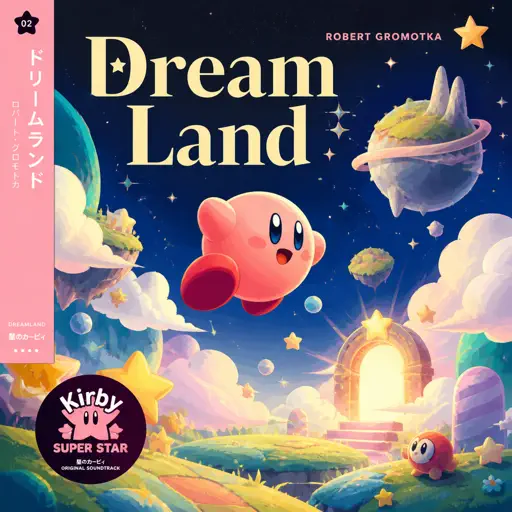
Normal
Dreamland
Robert Gromotka
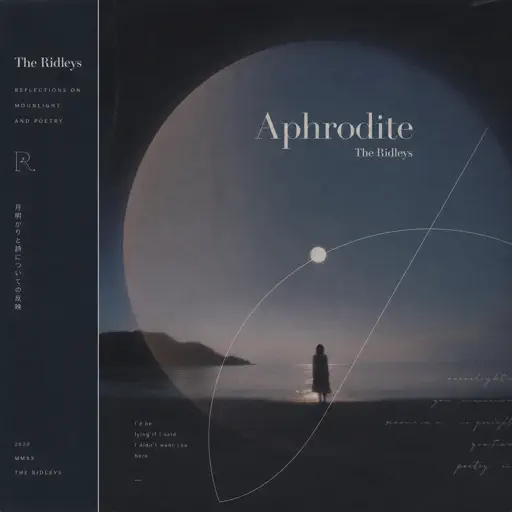
Normal
Aphrodite
The Ridleys
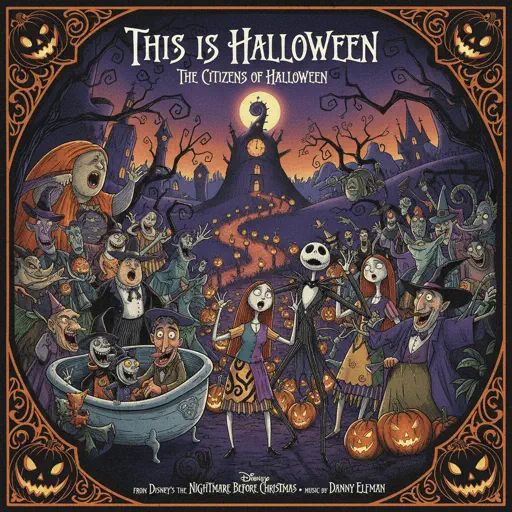
Normal
This Is Halloween
The Citizens of Halloween
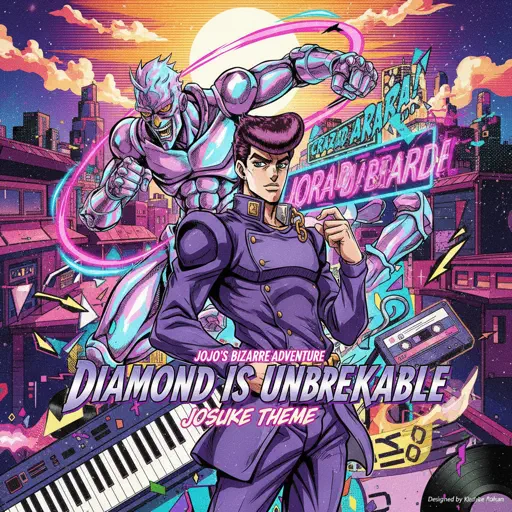
Normal
Diamond is unbreakable -Josuke theme
Jojo's Bizzarre Aventure
Normal
Temple of Light
Fable Lofi
Normal
Berdly - Deltarune
Toby Fox
Hard Mode
Hard
Turkish March - Rondo Alla Turca
Wolfgang Amadeus Mozart

Hard
The Visitor
Sienna Spiro
Hard
The Final Flash of Existance
Scp Main Theme Combined
Hard
Dracula
Tame Impala
Hard
Overworld Day - Terraria
Terraria

Hard
Your Idol (KPop Demon Hunters)
Saja Boys
Hard
Higher
Tobu

Hard
Hotel California
Eagles

Hard
Bubble Pop Electric
Gwen Stefani
Hard
God’s Menu 神메뉴
Stray Kids
Recommended Sheets
The 7 Seas
F-777
Normal
Idea 22
Gibran Alcocer
Normal
Someone Like You
Adele
Normal
AIZO - Jujutsu Kaisen Season 3 OP
King Gnu
Normal
STAY
The Kid LAROI and Justin Bieber
Normal
A Thousand Miles
Vanessa Carlton
Normal
Tem Shop (from Undertale)
Toby Fox
Normal
Forever Young
Alphaville
Normal
Door
C418 (Minecraft)
Normal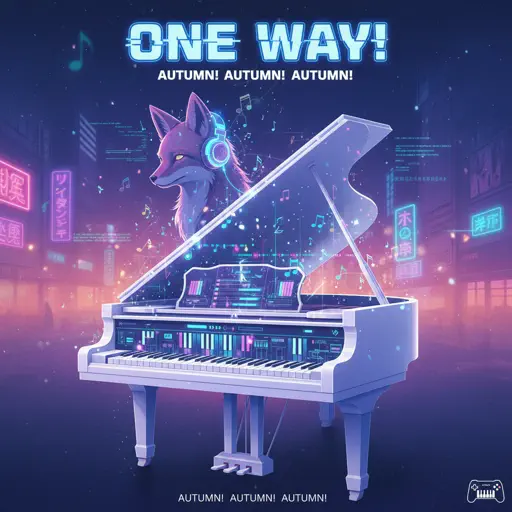
One Way!
Autumn!
Normal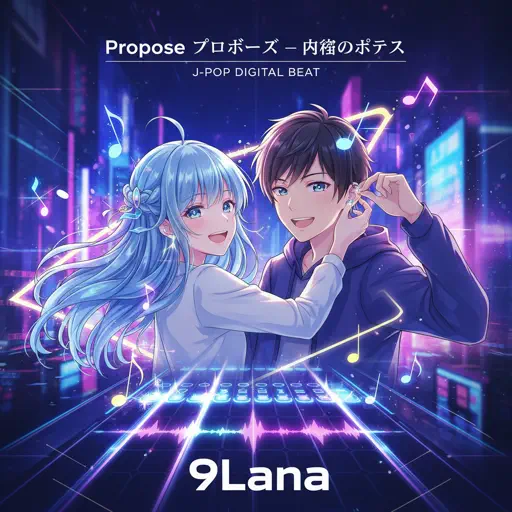
Propose
9Lana
Hard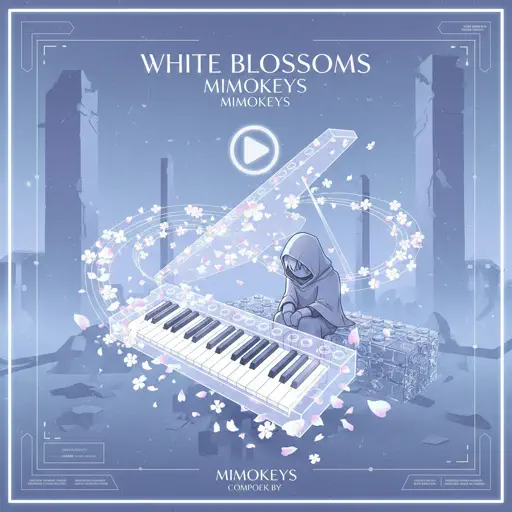
White Blossoms
Mimokeys
Hard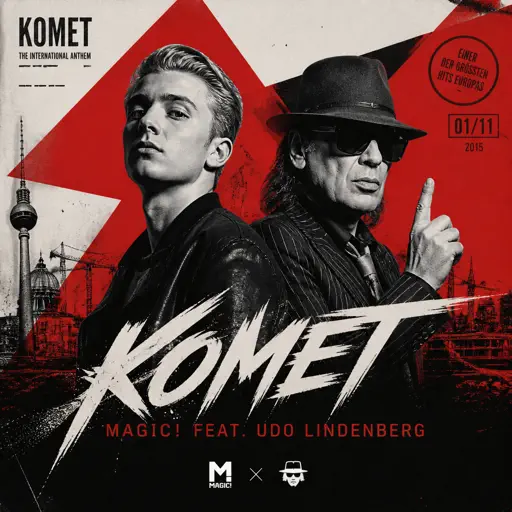
Komet
Apache 207
Normal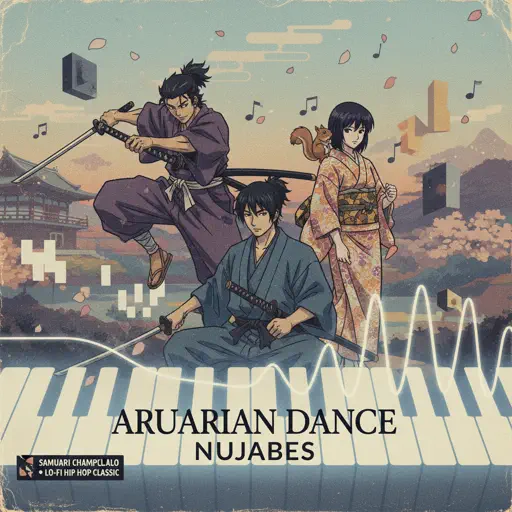
Aruarian Dance
Nujabes
Normal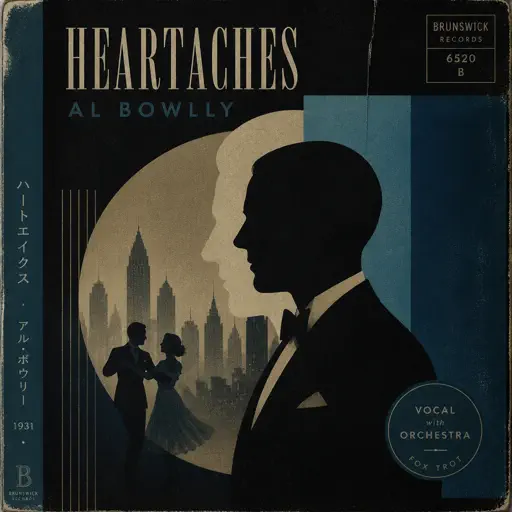
Heartaches
Al Bowlly
Hard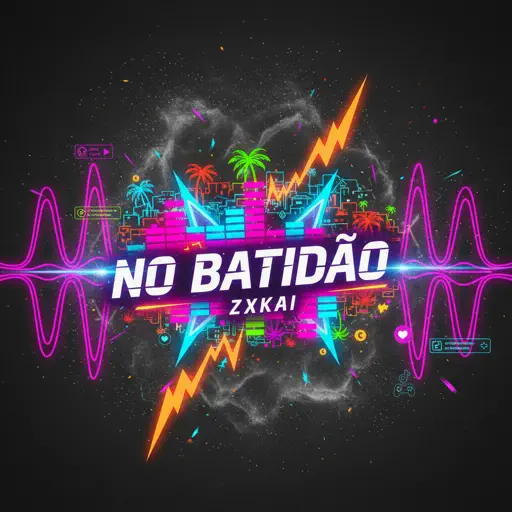
NO BATIDÃO
ZXKAI
Normal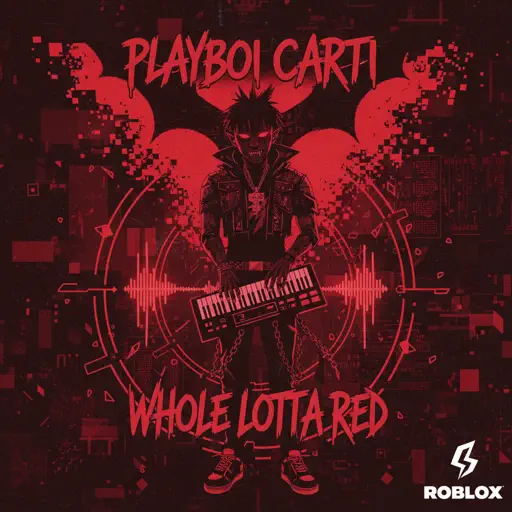
Whole Lotta Red
Playboi Carti
NormalBerdly - Deltarune
Toby Fox
Normal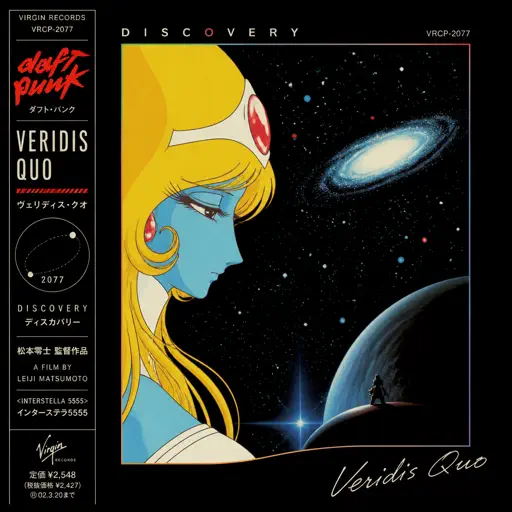
Veridis Quo
Daft Punk
Hard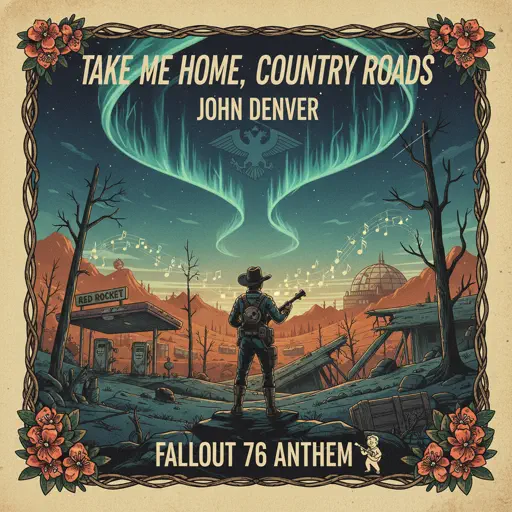
Take Me Home, Country Roads
John Denver
NormalFrequently Asked Questions
What is Roblox Piano Practice Online?
This is a free online tool that lets you practice Roblox virtual piano sheets in your browser. No downloads required - just pick a song and start practicing.
How do I use this online practice tool?
1. Select a song from the recommendations or use the search function. 2. Click play and the sheet will auto-scroll with highlighted notes. 3. Watch the virtual piano keyboard for highlighted keys and practice along. 4. Use speed control to slow down playback - perfect for beginners.
Can I play using my keyboard?
Yes! The virtual piano supports computer keyboard input. The keys correspond to the standard Roblox piano layout (1234567890qwerty...). You can practice on your keyboard while following the sheet.
What does the Transpose feature do?
Transpose raises or lowers the pitch of the sheet. Some Roblox piano games have different default tunings, so transpose helps match the correct pitch. Usually adjusting by +12 or -12 semitones works.
Does this tool work on mobile?
Yes, but desktop provides the best experience. On mobile you can view the sheet and virtual piano demo, but keyboard input requires a computer. We recommend using a desktop for the best practice experience.
How do I find sheets suitable for my level?
Below you'll find recommendations sorted by difficulty: Easy for beginners, Normal for intermediate players, and Hard/Expert for advanced challenges. You can also use the search function to find songs by title or artist.