
Roblox Piano Practice Online
Loading piano...
Practice Guide
Quick guide on how to use the online piano practice tool.
What is this?
This tool allows you to practice playing virtual piano sheets directly in your browser. It simulates a piano keyboard and helps you learn the notes and rhythm before playing in Roblox.
How to Practice Online
Use your computer keyboard or mouse to play the virtual piano keys directly. As the sheet music plays, the corresponding keys on the virtual piano will light up to help you follow along. You can also copy the sheet code to use directly in Roblox.
Discover Sheets
Random Shuffle: Click the Shuffle button in the center of the top control bar to instantly load a random new song without reloading the page.
Search: Click the Search button next to Shuffle to open the search window. Type a song title or artist name to quickly find and switch to the sheet you want to practice.
Playback Controls
- Play/Pause: Start or stop playback.
- 1xSpeed: Adjust tempo (0.5x - 2.0x).
- KTranspose: Shift the pitch up or down.
- SSustain: Toggle sustain pedal effect.
Easy Mode

Easy
Gravity Falls Main Title Theme
Brad Breeck

Easy
Fur Elise
Beethoven

Easy
Nice To Know - BFDIA 19 Cake At Stake Intro
BFDIA 19

Easy
Immortal
Playboi Carti

Easy
If You Love These People (Man of Steel)
Hans Zimmer

Easy
Balcony
Cave Story

Easy
Harvey
Alex G

Easy
LET ME SEE YA MOVE!
Lumi Athena

Easy
Cupid (Twin Version)
Fifty Fifty

Easy
Where You Lead
Carole King
Normal Mode
Hard Mode
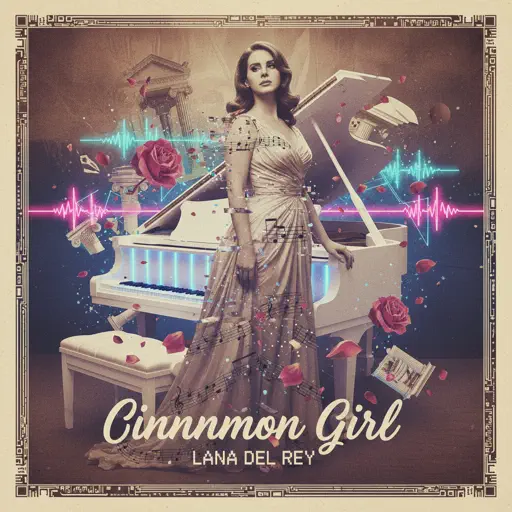
Hard
Cinnamon Girl
Lana Del Rey
Hard
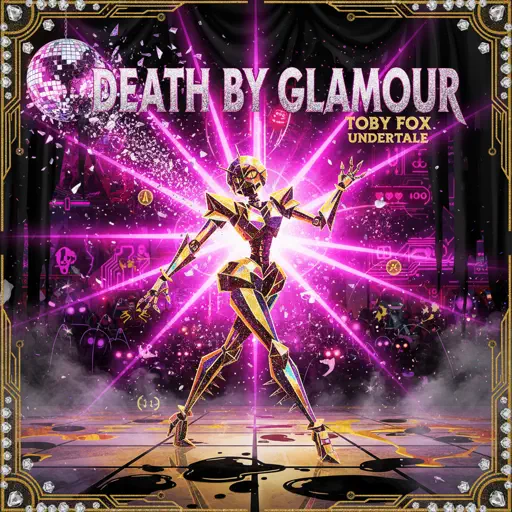
Black Knife (from Deltarune)
Toby Fox
Hard
Sealed Vessel - Hollow Knight
Christopher Larkin
Hard
Mr. Brightside
The Killers
Hard
Gone Angels - Library of Ruina
Mili
Hard
Sweetly
Lord Kael
Hard
Ruler of My Heart (VIVINOS - ALNST)
Alien stage
Hard
Wiege (VIVINOS - ALNST)
BL8M
Hard
Paganini Étude No. 6
Franz Liszt
Hard
Nuke Powder
MaelouX
Recommended Sheets
mumei
Nanashi Mumei
Normal
Ditto
NewJeans
Hard
DRAMA
G-DRAGON
Normal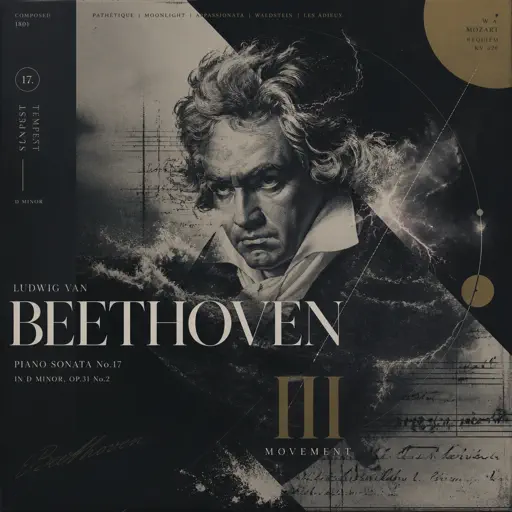
Tempest Sonata 3rd Movement
Ludwig van Beethoven
Hard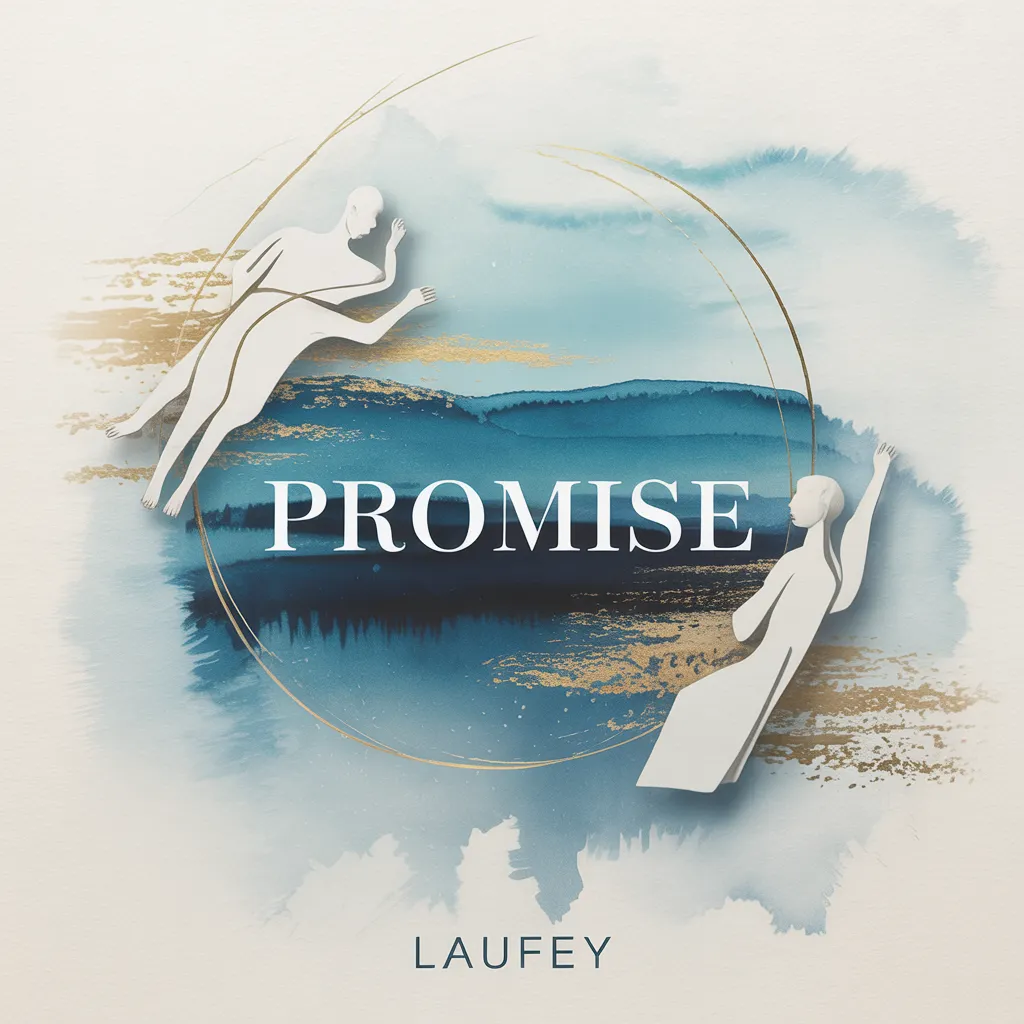
Promise
Laufey
Normal
Pasilyo
Sunkissed Lola
Normal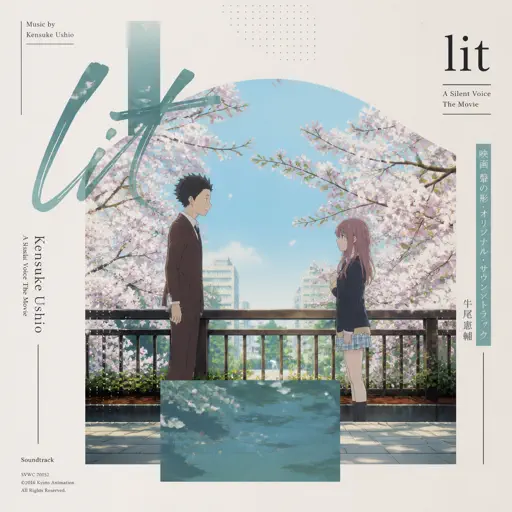
lit (A Silent Voice)
Kensuke Ushio
Hard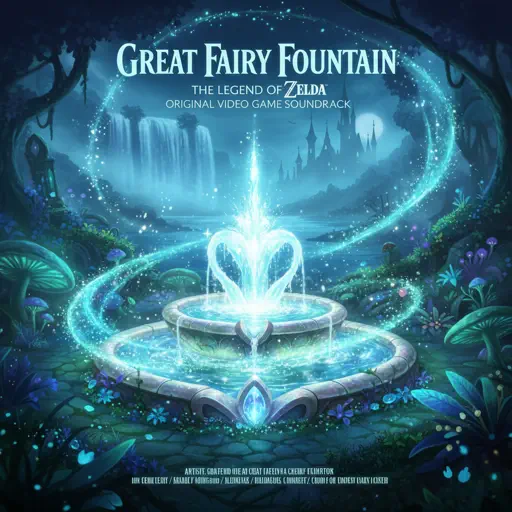
Great Fairy Fountain - The Legend of Zelda
Legend of Zelda
Normal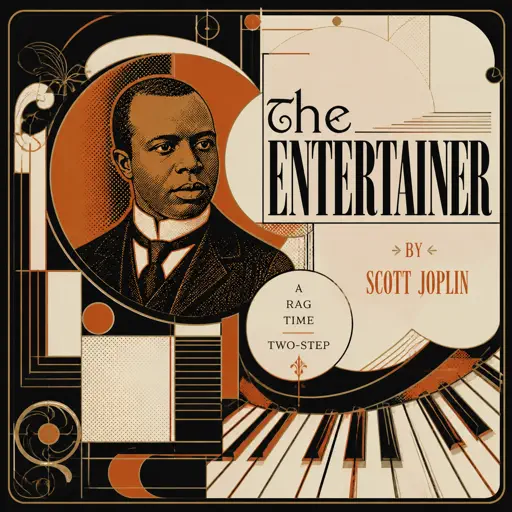
The Entertainer
Scott Joplin
Hard
SWEET / I THOUGHT YOU WANTED TO DANCE
Tyler, The Creator
Hard
Vampire
Olivia Rodrigo
Normal
Children
Robert Miles
Normal
Ada titik-titik di ujung doa
Sal Priadi
Normal
Caribbean Blue
Enya
Normal
Falling Down
Lil Peep & XXXTENTACION
Normal
Event Horizon (Reach for the Sun and Burn! Burn! Burn!)
Heaven Pierce Her
Hard
TPOT Intro Theme (Gibberish!!)
coal bones
Normal
Homestuck Terezi's Theme
CopacetiCat
Normal
White Star Line March
Clifford Putnam
Hard
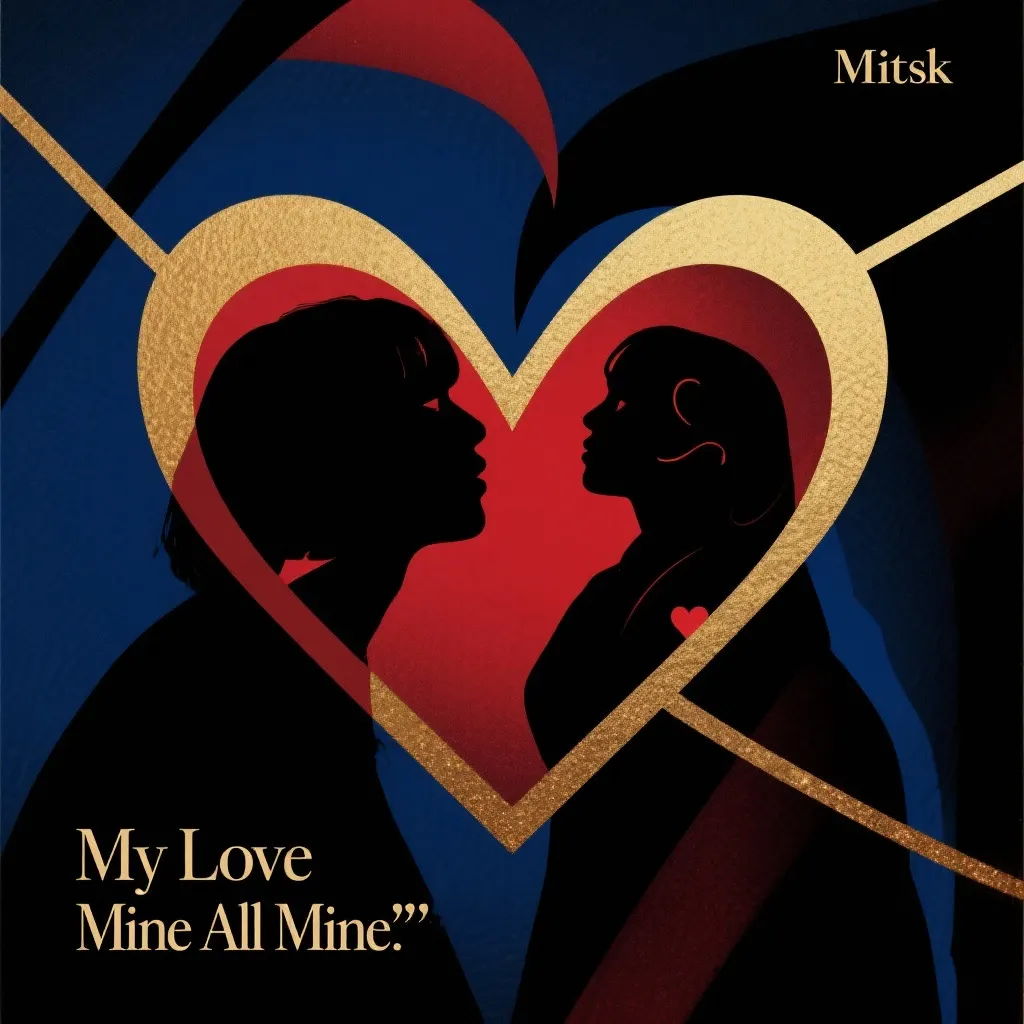
Wife
Mitski
NormalFrequently Asked Questions
What is Roblox Piano Practice Online?
This is a free online tool that lets you practice Roblox virtual piano sheets in your browser. No downloads required - just pick a song and start practicing.
How do I use this online practice tool?
1. Select a song from the recommendations or use the search function. 2. Click play and the sheet will auto-scroll with highlighted notes. 3. Watch the virtual piano keyboard for highlighted keys and practice along. 4. Use speed control to slow down playback - perfect for beginners.
Can I play using my keyboard?
Yes! The virtual piano supports computer keyboard input. The keys correspond to the standard Roblox piano layout (1234567890qwerty...). You can practice on your keyboard while following the sheet.
What does the Transpose feature do?
Transpose raises or lowers the pitch of the sheet. Some Roblox piano games have different default tunings, so transpose helps match the correct pitch. Usually adjusting by +12 or -12 semitones works.
Does this tool work on mobile?
Yes, but desktop provides the best experience. On mobile you can view the sheet and virtual piano demo, but keyboard input requires a computer. We recommend using a desktop for the best practice experience.
How do I find sheets suitable for my level?
Below you'll find recommendations sorted by difficulty: Easy for beginners, Normal for intermediate players, and Hard/Expert for advanced challenges. You can also use the search function to find songs by title or artist.