
Roblox Piano Practice Online
Loading piano...
Practice Guide
Quick guide on how to use the online piano practice tool.
What is this?
This tool allows you to practice playing virtual piano sheets directly in your browser. It simulates a piano keyboard and helps you learn the notes and rhythm before playing in Roblox.
How to Practice Online
Use your computer keyboard or mouse to play the virtual piano keys directly. As the sheet music plays, the corresponding keys on the virtual piano will light up to help you follow along. You can also copy the sheet code to use directly in Roblox.
Discover Sheets
Random Shuffle: Click the Shuffle button in the center of the top control bar to instantly load a random new song without reloading the page.
Search: Click the Search button next to Shuffle to open the search window. Type a song title or artist name to quickly find and switch to the sheet you want to practice.
Playback Controls
- Play/Pause: Start or stop playback.
- 1xSpeed: Adjust tempo (0.5x - 2.0x).
- KTranspose: Shift the pitch up or down.
- SSustain: Toggle sustain pedal effect.
Easy Mode

Easy
Mockingbird
Eminem

Easy
Balcony
Cave Story

Easy
Nice To Know - BFDIA 19 Cake At Stake Intro
BFDIA 19

Easy
Gravity Falls Main Title Theme
Brad Breeck

Easy
Sleeping City Funk
Emotional Recycling Bin

Easy
Pimp Hoe
Mike Sherm

Easy
LET ME SEE YA MOVE!
Lumi Athena

Easy
If You Love These People (Man of Steel)
Hans Zimmer

Easy
Fur Elise
Beethoven

Easy
Immortal
Playboi Carti
Normal Mode
Normal
Mister Softee Theme Song
Mister Softee
Normal
I Feel Like I'm Drowning
Two Feet
Normal
LOVELY BASTARDS
ZWE1HVNDXR
Normal
Le Monde - Talk to Me
Richard Carter
Normal
Case Closed (From Detective Conan)
Gosho Aoyama
Normal
Erika
German soldier song

Normal
Cigarettes out the Window
TV Girl
Normal
I Just Might
Bruno Mars
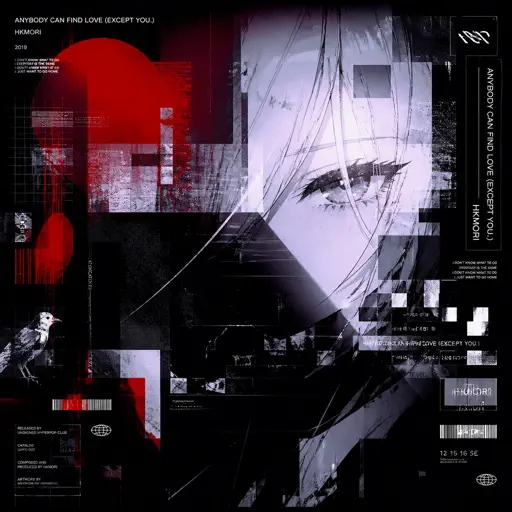
Normal
anybody can find love (except you.)
hkmori
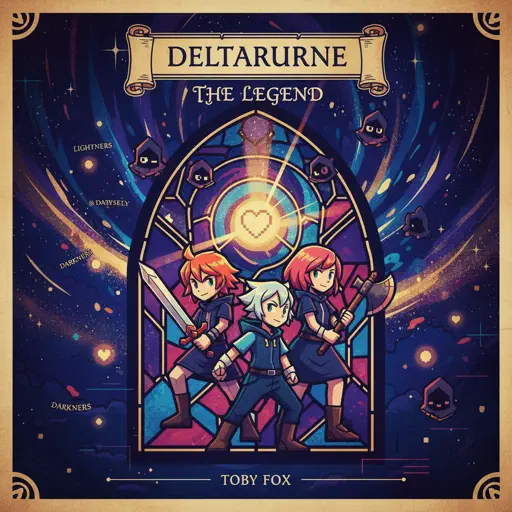
Normal
THE LEGEND from DELTARUNE
Toby Fox
Hard Mode
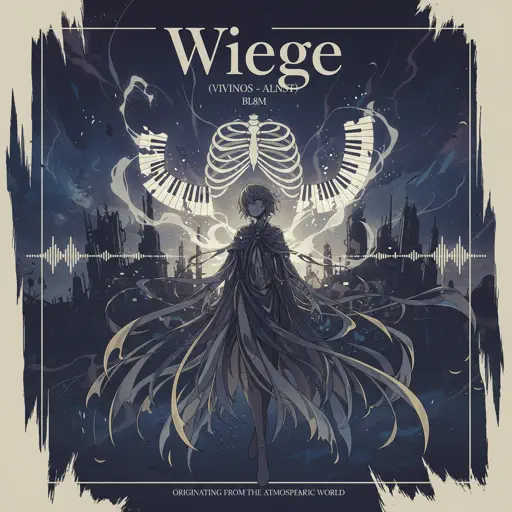
Hard
Wiege (VIVINOS - ALNST)
BL8M

Hard
Bubble Pop Electric
Gwen Stefani
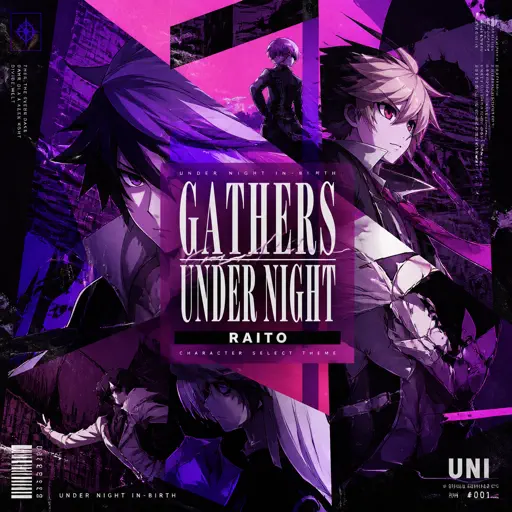
Hard
Gathers Under Night - Under Night In-Birth
Raito
Hard
After LIKE
IVE
Hard
Thé à la menthe (The Laser Dance Song)
La Caution
Hard
Agony
Yung Lean
Hard
The Perfect Girl (such a strange girl)
Mareux
Hard
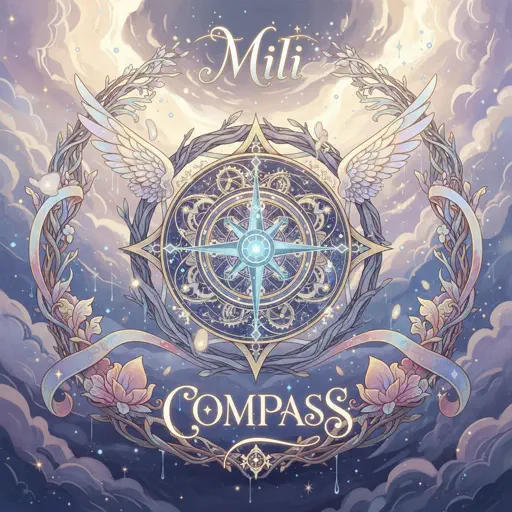
Compass
Mili (Limbus Company)

Hard
Racing Into The Night
YOASOBI
Hard
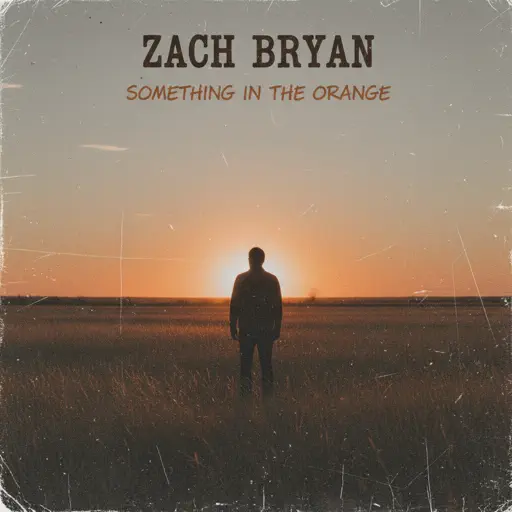
Something in the Orange
Zach Bryan
Recommended Sheets
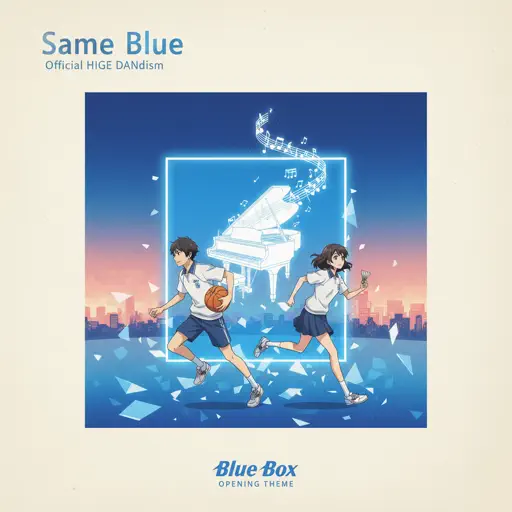
Same Blue
Blue Box OP
Normal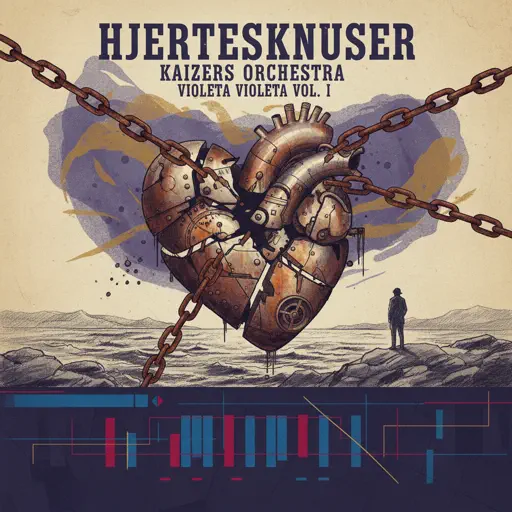
Hjerteknuser
Kaizers Orchestra
Normal
Gnarly
KATSEYE
Hard
It's over but Not for Me
Mrnick LEC
Hard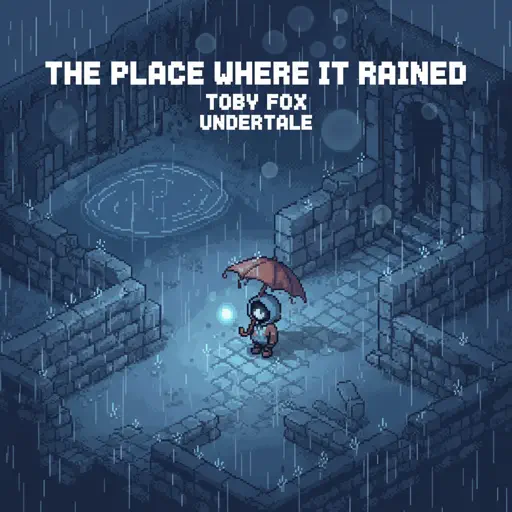
The place where it rained
Toby Fox
Normal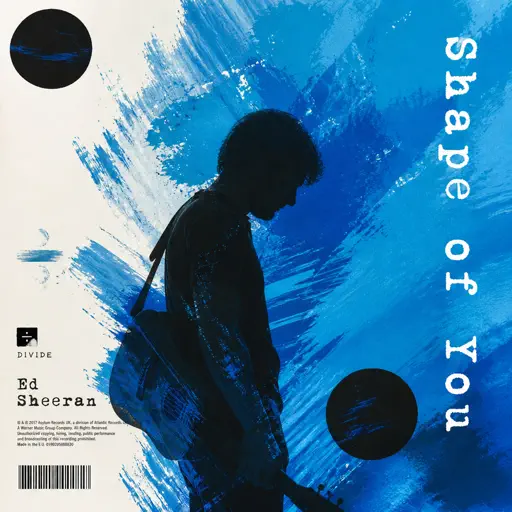
Shape of You
Ed Sheeran
Normal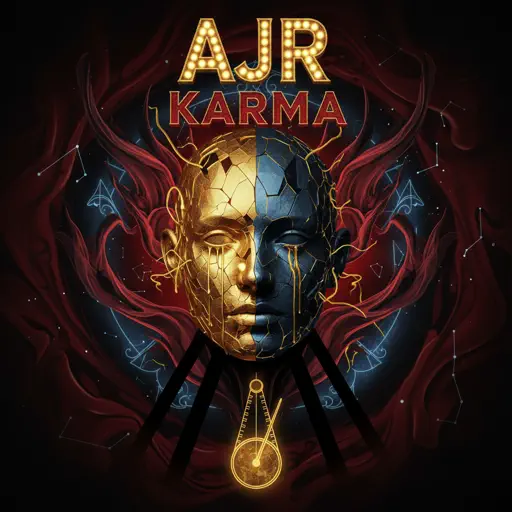
Karma
AJR
Hard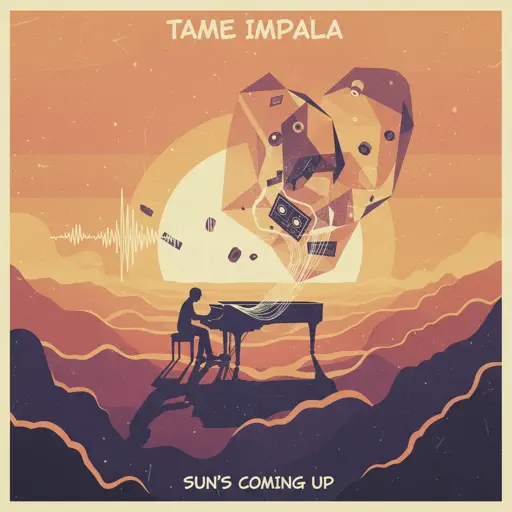
Sun's Coming Up
Tame Impala
Normal
Cry For Me
Michita
Normal
Higher
Tobu
Hard
Gravity Falls Opening Theme
Brad Breeck
Normal
Ready Or Not (c00lkidd Chase From Forsaken)
Forsaken
Hard
War Of Hearts
Ruelle
Normal
Chest Pain (I Love)
Malcolm Todd
Normal
I'll Change for You
Mitski
Normal
Beanie
Chezile
Hard
TIKI TIKI
QMIIR
Normal
Love Love Love
Epik High
Hard
Sweetly
Lord Kael
Hard
The White Lady (from Hollow Knight)
Christopher Larkin
NormalFrequently Asked Questions
What is Roblox Piano Practice Online?
This is a free online tool that lets you practice Roblox virtual piano sheets in your browser. No downloads required - just pick a song and start practicing.
How do I use this online practice tool?
1. Select a song from the recommendations or use the search function. 2. Click play and the sheet will auto-scroll with highlighted notes. 3. Watch the virtual piano keyboard for highlighted keys and practice along. 4. Use speed control to slow down playback - perfect for beginners.
Can I play using my keyboard?
Yes! The virtual piano supports computer keyboard input. The keys correspond to the standard Roblox piano layout (1234567890qwerty...). You can practice on your keyboard while following the sheet.
What does the Transpose feature do?
Transpose raises or lowers the pitch of the sheet. Some Roblox piano games have different default tunings, so transpose helps match the correct pitch. Usually adjusting by +12 or -12 semitones works.
Does this tool work on mobile?
Yes, but desktop provides the best experience. On mobile you can view the sheet and virtual piano demo, but keyboard input requires a computer. We recommend using a desktop for the best practice experience.
How do I find sheets suitable for my level?
Below you'll find recommendations sorted by difficulty: Easy for beginners, Normal for intermediate players, and Hard/Expert for advanced challenges. You can also use the search function to find songs by title or artist.