
Roblox Piano Practice Online
Loading piano...
Practice Guide
Quick guide on how to use the online piano practice tool.
What is this?
This tool allows you to practice playing virtual piano sheets directly in your browser. It simulates a piano keyboard and helps you learn the notes and rhythm before playing in Roblox.
How to Practice Online
Use your computer keyboard or mouse to play the virtual piano keys directly. As the sheet music plays, the corresponding keys on the virtual piano will light up to help you follow along. You can also copy the sheet code to use directly in Roblox.
Discover Sheets
Random Shuffle: Click the Shuffle button in the center of the top control bar to instantly load a random new song without reloading the page.
Search: Click the Search button next to Shuffle to open the search window. Type a song title or artist name to quickly find and switch to the sheet you want to practice.
Playback Controls
- Play/Pause: Start or stop playback.
- 1xSpeed: Adjust tempo (0.5x - 2.0x).
- KTranspose: Shift the pitch up or down.
- SSustain: Toggle sustain pedal effect.
Easy Mode


Normal Mode
Normal
NO BATIDÃO
ZXKAI

Normal
Angel Of My Dreams
JADE
Normal
The Cruel Angel's Thesis (Evangelion)
Yoko Takahashi
Normal
Das Einheitsfrontlied
Hanns Eisler
Normal
Starless
King Crimson
Normal
Hisoka Theme(From Hunter X Hunter)
Hunter X Hunter
Normal
Fluxxwave
Clovis Reyes
Normal
Hey There Delilah
Plain White T's

Normal
Polaroid Love
ENHYPEN
Normal
Temple of Light
Fable Lofi
Hard Mode
Hard
Buddy Holly
Weezer (get weezered meme)
Hard
NEXT TO YOU - Parasyte OST
Ken Arai
Hard
Todo's Black Flash - Jujutsu Kaisen
James Liam Figueroa

Hard
Hotel California
Eagles
Hard
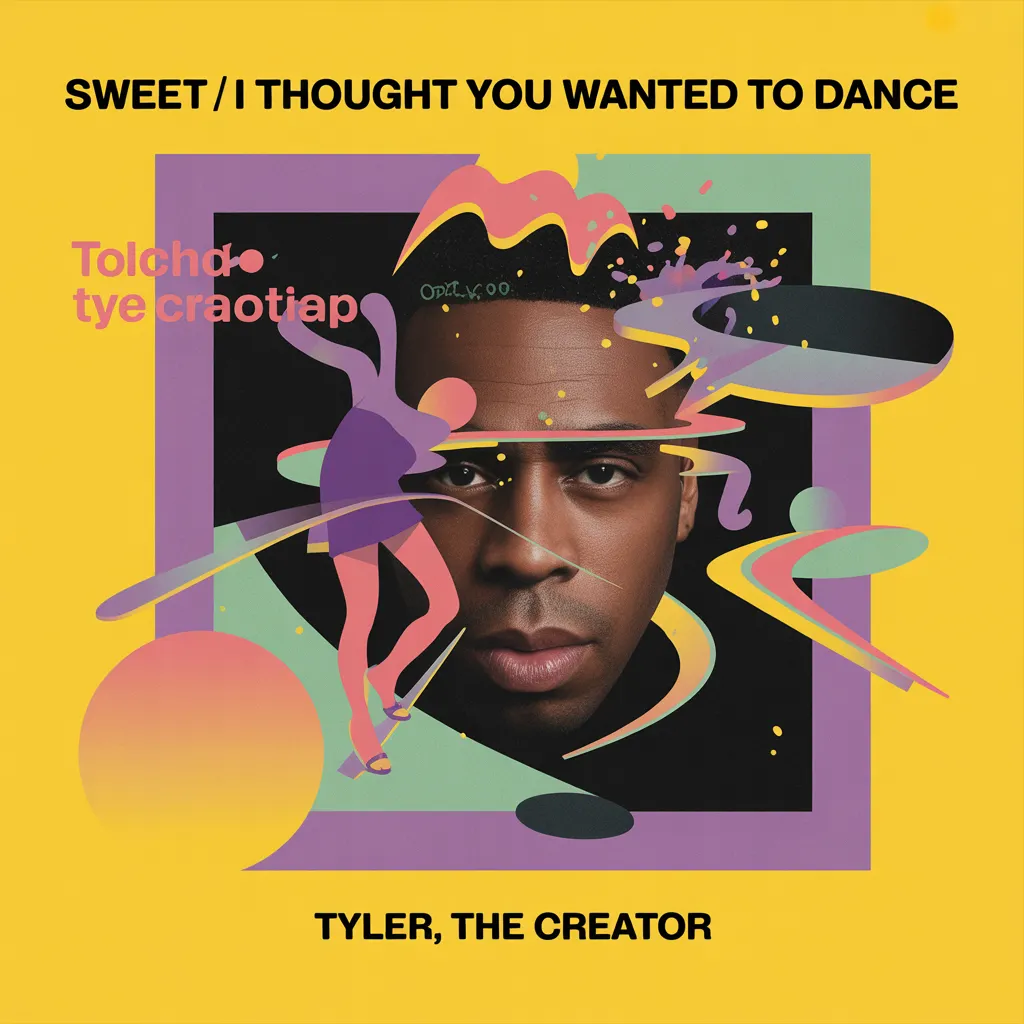
SWEET / I THOUGHT YOU WANTED TO DANCE
Tyler, The Creator
Hard
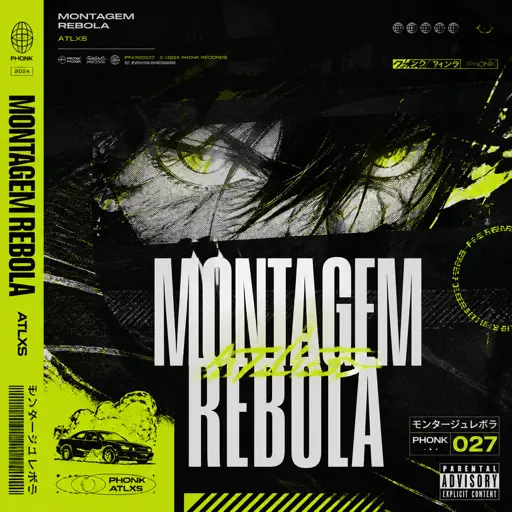
MONTAGEM REBOLA
ATLXS
Hard
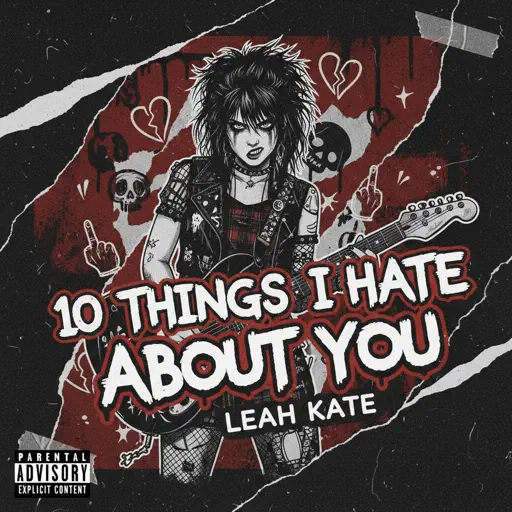
10 Things I Hate About You
Leah Kate
Hard
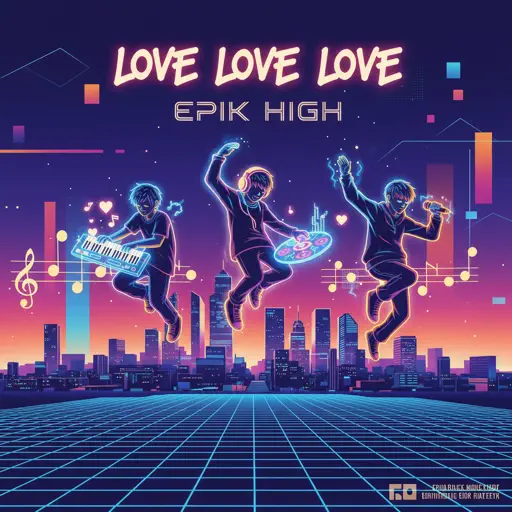
Love Love Love
Epik High
Hard
Bergentrückung
Toby Fox
Hard
Undertale Yellow
MasterSwordRemix
Recommended Sheets
otherside - Minecraft: Caves & Cliffs
Lena Raine
Normal
Bloody Mary
Lady Gaga
Normal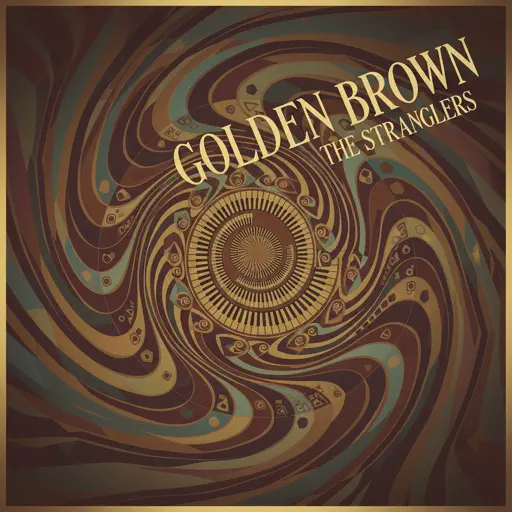
Golden Brown
The Stranglers
Normal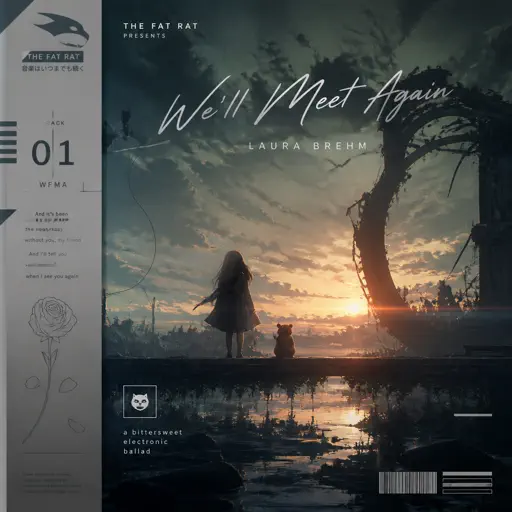
We'll Meet Again
Laura Brehm
Hard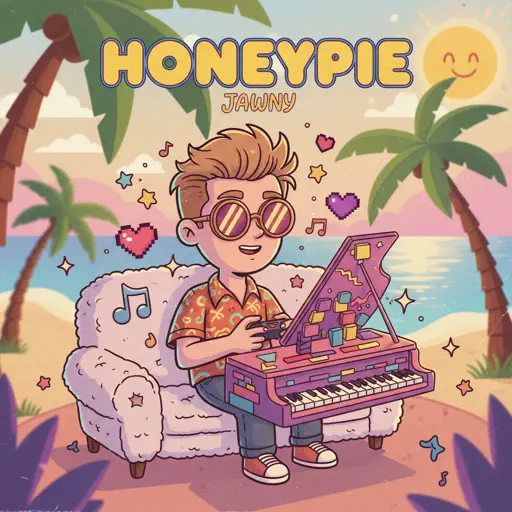
Honeypie
JAWNY
Hard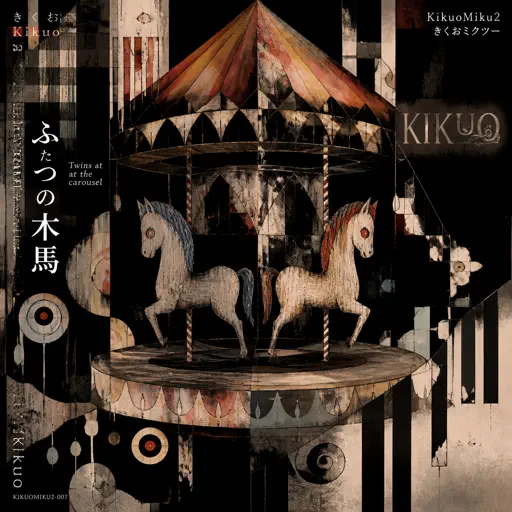
Twins at the carousel
Kikuo
Normal
Brain Rot ブレインロット
Tokya Manaka
Hard
The Visitor
Sienna Spiro
Hard
Date - Your Name (君の名は)
RADWIMPS
NormalUndertale Yellow
MasterSwordRemix
Hard
Shikairo Days/シカ色デイズ
My Deer Friend Nokotan OP
Hard
Perfect
Ed Sheeran
Normal
BON VOYAGE (one piece)
BON BON BLANCO
Normal
absolute in doubt
Lil Peep
Normal
A Thousand Years
Christina Perri
Normal
Around the World (La La La La La)
A Touch Of Class
Normal
Kill Bill
SZA
Hard
I'm From Another Dimension (Star Vs The Forces of Evil)
Brad Breeck
Hard
La Distancia Para Un Duelo (From Bleach)
LucasGitanoFamily
Hard
Tomorrow (Konosuba)
Miura Jam
HardFrequently Asked Questions
What is Roblox Piano Practice Online?
This is a free online tool that lets you practice Roblox virtual piano sheets in your browser. No downloads required - just pick a song and start practicing.
How do I use this online practice tool?
1. Select a song from the recommendations or use the search function. 2. Click play and the sheet will auto-scroll with highlighted notes. 3. Watch the virtual piano keyboard for highlighted keys and practice along. 4. Use speed control to slow down playback - perfect for beginners.
Can I play using my keyboard?
Yes! The virtual piano supports computer keyboard input. The keys correspond to the standard Roblox piano layout (1234567890qwerty...). You can practice on your keyboard while following the sheet.
What does the Transpose feature do?
Transpose raises or lowers the pitch of the sheet. Some Roblox piano games have different default tunings, so transpose helps match the correct pitch. Usually adjusting by +12 or -12 semitones works.
Does this tool work on mobile?
Yes, but desktop provides the best experience. On mobile you can view the sheet and virtual piano demo, but keyboard input requires a computer. We recommend using a desktop for the best practice experience.
How do I find sheets suitable for my level?
Below you'll find recommendations sorted by difficulty: Easy for beginners, Normal for intermediate players, and Hard/Expert for advanced challenges. You can also use the search function to find songs by title or artist.