
Roblox Piano Practice Online
Loading piano...
Practice Guide
Quick guide on how to use the online piano practice tool.
What is this?
This tool allows you to practice playing virtual piano sheets directly in your browser. It simulates a piano keyboard and helps you learn the notes and rhythm before playing in Roblox.
How to Practice Online
Use your computer keyboard or mouse to play the virtual piano keys directly. As the sheet music plays, the corresponding keys on the virtual piano will light up to help you follow along. You can also copy the sheet code to use directly in Roblox.
Discover Sheets
Random Shuffle: Click the Shuffle button in the center of the top control bar to instantly load a random new song without reloading the page.
Search: Click the Search button next to Shuffle to open the search window. Type a song title or artist name to quickly find and switch to the sheet you want to practice.
Playback Controls
- Play/Pause: Start or stop playback.
- 1xSpeed: Adjust tempo (0.5x - 2.0x).
- KTranspose: Shift the pitch up or down.
- SSustain: Toggle sustain pedal effect.
Easy Mode

Easy
Immortal
Playboi Carti

Easy
Where You Lead
Carole King

Easy
Mist
EsDeeKid

Easy
Nice To Know - BFDIA 19 Cake At Stake Intro
BFDIA 19

Easy
Mockingbird
Eminem

Easy
Harvey
Alex G

Easy
Gravity Falls Main Title Theme
Brad Breeck

Easy
LET ME SEE YA MOVE!
Lumi Athena

Easy
If You Love These People (Man of Steel)
Hans Zimmer

Easy
Fur Elise
Beethoven
Normal Mode

Normal
Aerie - Minecraft
Lena Raine
Normal
Berdly - Deltarune
Toby Fox
Normal
Angela
Flower Face
Normal
Dawn Of The Doors (Doors Theme)
LSPLASH
Normal
CHAOS CONSTRUCT
AZALI
Normal
Another Rain (Halo 3: ODST)
Martin O'Donnell
Normal
Bloody Mary
Lady Gaga
Normal
Bloodline
Alex Warren

Normal
ESTILO HORIZONTE DIAMANTE
DJ Kartier
Normal
Quelqu'un de bien
Livaï
Hard Mode
Hard
Rush E (Full Version)
Sheet Music Boss
Hard
Nevada
Vicetone

Hard
back to friends
sombr

Hard
La Vie en Rose
Edith Piaf
Hard
Pure Imagination (from Wonka)
Timothée Chalamet
Hard
Beethoven - Virus (INSANE)
Ludwig van Beethoven
Hard
Just the Two of Us
Grover Washington Jr.
Hard
Summertime Sadness
Lana Del Rey
Hard
Head Over Heels
Tears For Fears
Hard
SWEET / I THOUGHT YOU WANTED TO DANCE
Tyler, The Creator
Recommended Sheets
Alien Blues
Vundabar
Normal
Hotline Bling
Billie Eilish
Normal
Hold You Down
X Ambassadors
HardSWEET / I THOUGHT YOU WANTED TO DANCE
Tyler, The Creator
Hard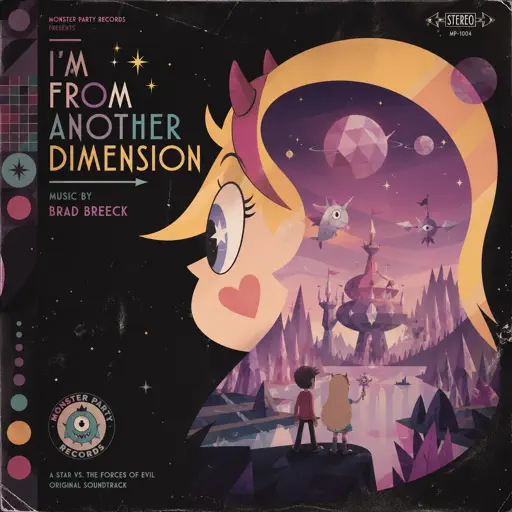
I'm From Another Dimension (Star Vs The Forces of Evil)
Brad Breeck
Hard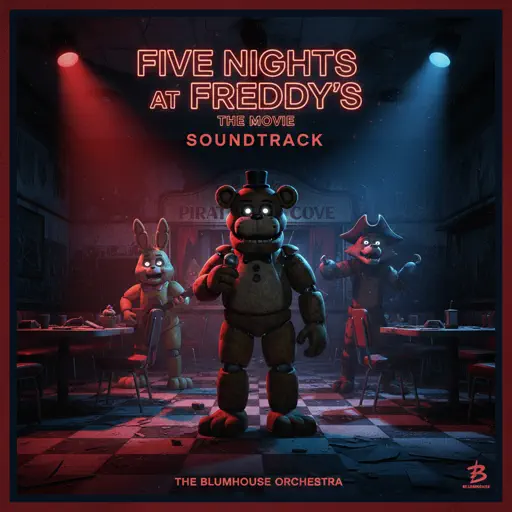
Five Nights at Freddy's Movie
The Newton Brothers
Hard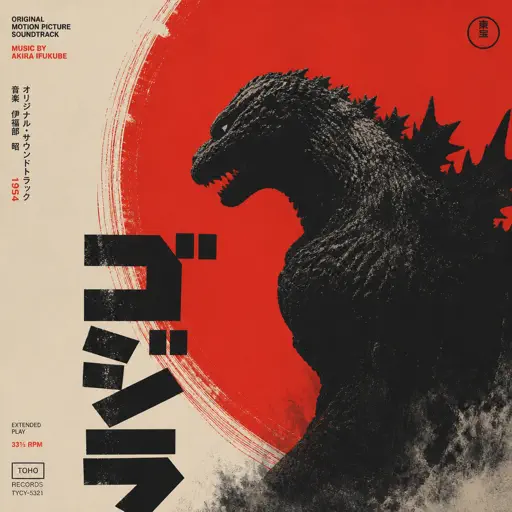
Godzilla Theme
Akira Ifukube
Normal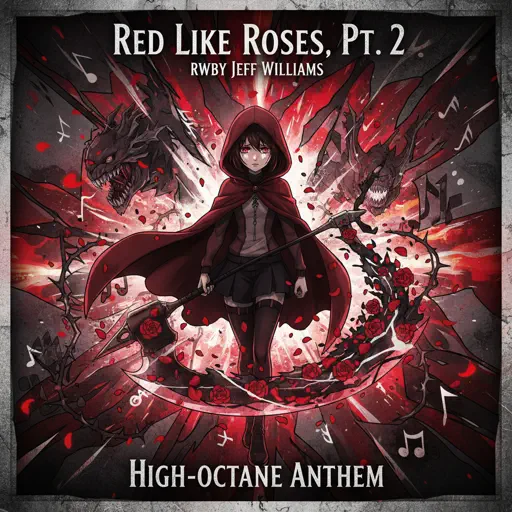
Red Like Roses, Pt. 2 - RWBY
Jeff Williams
Hard
EFN
VRIGGER
Normal
KICK BACK - Chainsaw Man OP
Kenshi Yonezu
Normal
Right Behind You (From "Team Fortress 2")
Sheet Music Boss
Normal
Feel It (From Invincible)
d4vd
Normal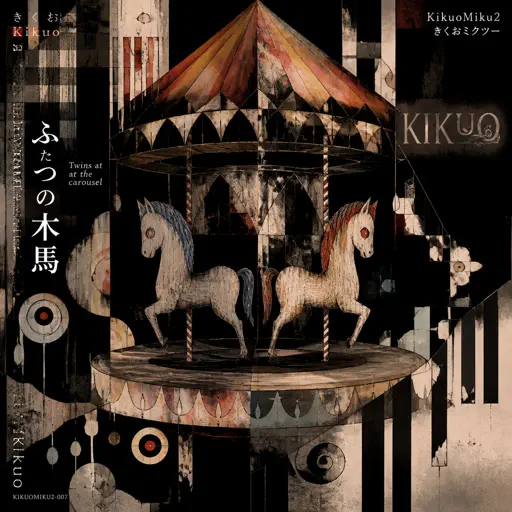
Twins at the carousel
Kikuo
Normal
Tum Hi Ho
Arijit Singh
Normal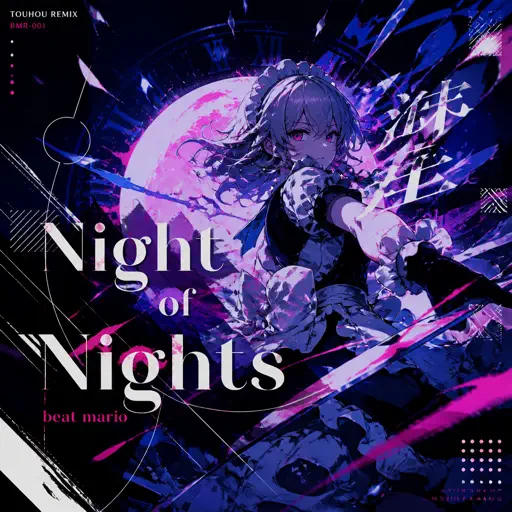
Night of Nights ナイト・オブ・ナイツ
Beat Mario
Hard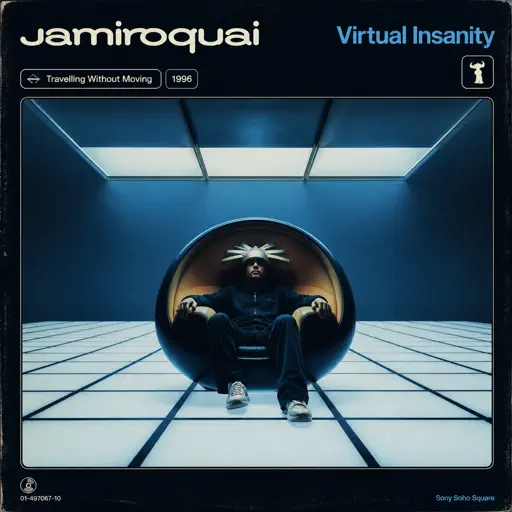
Virtual Insanity
Jamiroquai
Hard
Oceans & Engines
NIKI
Hard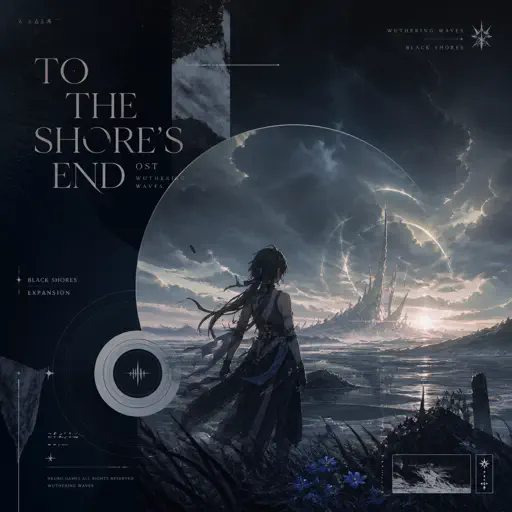
To The Shore's End OST
By Wuthering Waves
Normal
What You Know
Two Door Cinema Club
Normal
Yuugure no Tori - Attack on Titan
Shinsei Kamattechan
NormalFrequently Asked Questions
What is Roblox Piano Practice Online?
This is a free online tool that lets you practice Roblox virtual piano sheets in your browser. No downloads required - just pick a song and start practicing.
How do I use this online practice tool?
1. Select a song from the recommendations or use the search function. 2. Click play and the sheet will auto-scroll with highlighted notes. 3. Watch the virtual piano keyboard for highlighted keys and practice along. 4. Use speed control to slow down playback - perfect for beginners.
Can I play using my keyboard?
Yes! The virtual piano supports computer keyboard input. The keys correspond to the standard Roblox piano layout (1234567890qwerty...). You can practice on your keyboard while following the sheet.
What does the Transpose feature do?
Transpose raises or lowers the pitch of the sheet. Some Roblox piano games have different default tunings, so transpose helps match the correct pitch. Usually adjusting by +12 or -12 semitones works.
Does this tool work on mobile?
Yes, but desktop provides the best experience. On mobile you can view the sheet and virtual piano demo, but keyboard input requires a computer. We recommend using a desktop for the best practice experience.
How do I find sheets suitable for my level?
Below you'll find recommendations sorted by difficulty: Easy for beginners, Normal for intermediate players, and Hard/Expert for advanced challenges. You can also use the search function to find songs by title or artist.