
Roblox Piano Practice Online
Loading piano...
Practice Guide
Quick guide on how to use the online piano practice tool.
What is this?
This tool allows you to practice playing virtual piano sheets directly in your browser. It simulates a piano keyboard and helps you learn the notes and rhythm before playing in Roblox.
How to Practice Online
Use your computer keyboard or mouse to play the virtual piano keys directly. As the sheet music plays, the corresponding keys on the virtual piano will light up to help you follow along. You can also copy the sheet code to use directly in Roblox.
Discover Sheets
Random Shuffle: Click the Shuffle button in the center of the top control bar to instantly load a random new song without reloading the page.
Search: Click the Search button next to Shuffle to open the search window. Type a song title or artist name to quickly find and switch to the sheet you want to practice.
Playback Controls
- Play/Pause: Start or stop playback.
- 1xSpeed: Adjust tempo (0.5x - 2.0x).
- KTranspose: Shift the pitch up or down.
- SSustain: Toggle sustain pedal effect.
Easy Mode

Easy
Mist
EsDeeKid

Easy
Fur Elise
Beethoven

Easy
Balcony
Cave Story

Easy
LET ME SEE YA MOVE!
Lumi Athena

Easy
Nice To Know - BFDIA 19 Cake At Stake Intro
BFDIA 19

Easy
Where You Lead
Carole King

Easy
Pimp Hoe
Mike Sherm

Easy
If You Love These People (Man of Steel)
Hans Zimmer

Easy
Sleeping City Funk
Emotional Recycling Bin

Easy
Mockingbird
Eminem
Normal Mode
Normal
Master of Puppets
Metallica
Normal
Symphony
Clean Bandit feat. Zara Larsson
Normal
Hasretinle Yandı Gönlüm
Edip Akbayram

Normal
Prairies
BoyWithUke

Normal
Guren no Yumiya 紅蓮の弓矢 - Attack on Titan
Linked Horizon

Normal
undercover
Baby Smoove
Normal
Just Give Me One More Day
Alej

Normal
My Old Ways
Tame Impala
Normal
Piano Man
Billy Joel
Normal
If I Ain't Got You
Alicia Keys
Hard Mode

Hard
Sealed Vessel - Hollow Knight
Christopher Larkin

Hard
Propose
9Lana

Hard
lit (A Silent Voice)
Kensuke Ushio
Hard
The Interstellar Experience
Tony Ann
Hard
2 days into college
Aimee Carty
Hard
I Can’t Fix You
The Living Tombstone

Hard
Hallelujah
Kanye West

Hard
Multo
Cup of Joe
Hard
Touch-Tone Telephone
Lemon Demon

Hard
Ao To Kirameki - アオとキラメキ
My Dress-Up Darling Season 2 Opening
Recommended Sheets
Door
C418 (Minecraft)
Normal
5469
d2s1(E.G. Makarov)
Normal
Piano Tiles
Armani West
Normal
Brain Rot ブレインロット
Tokya Manaka
Hard
Lit (Koe No Katachi)
Musics Emotion
Normal
Powers Collide - TPOT 19
Ian Woodside
Normal
Dark Red
Steve Lacy
Normal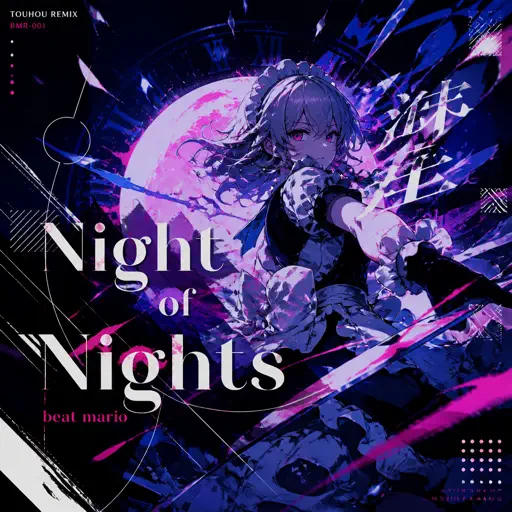
Night of Nights ナイト・オブ・ナイツ
Beat Mario
Hard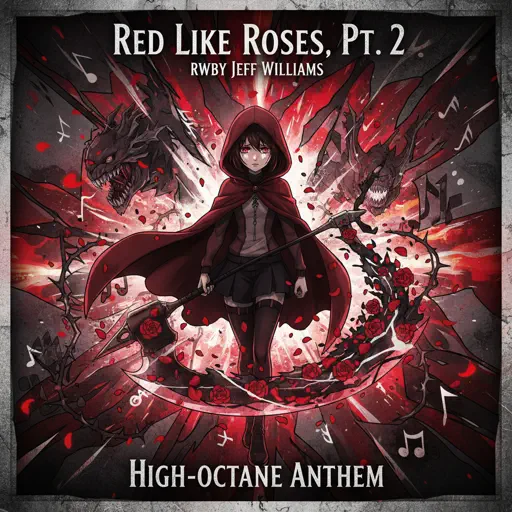
Red Like Roses, Pt. 2 - RWBY
Jeff Williams
Hard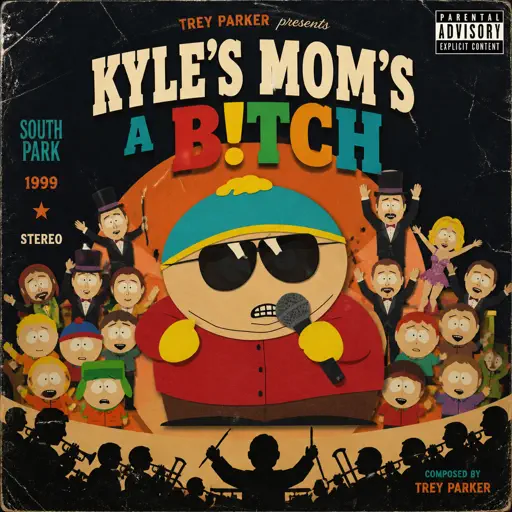
Kyles mom's a bitch (South Park)
Trey Parker
HardPiano Man
Billy Joel
Normal
BIRDS OF A FEATHER
Billie Eilish
Normal
Cigarettes out the Window
TV Girl
Normal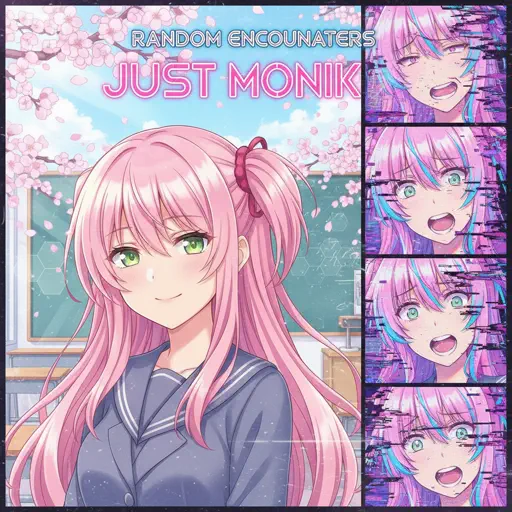
Just Monika
Random Encounters
Hard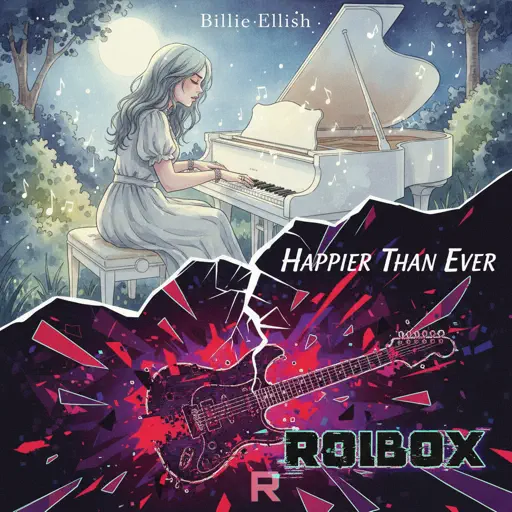
Happier Than Ever
Billie Eilish
Normal
Cradles
Sub Urban
Normal
All the Way North
Jay Chou
Hard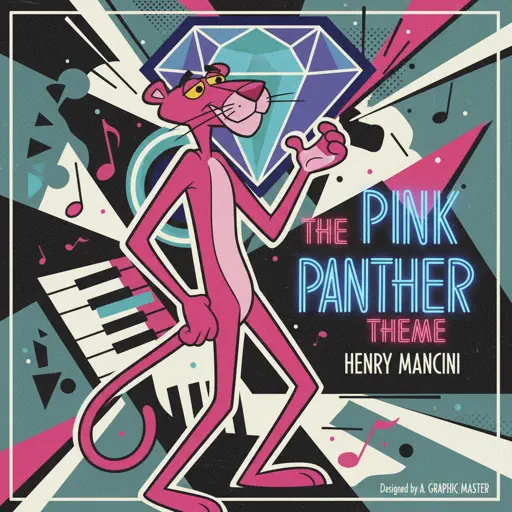
The Pink Panther Theme
Henry Mancini
Normal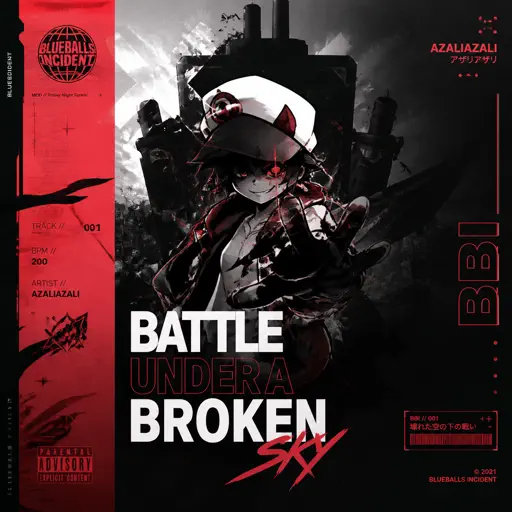
BATTLE UNDER A BROKEN SKY
AZALI
Hard
Sa Susunod na Habang Buhay
Ben&Ben
HardFrequently Asked Questions
What is Roblox Piano Practice Online?
This is a free online tool that lets you practice Roblox virtual piano sheets in your browser. No downloads required - just pick a song and start practicing.
How do I use this online practice tool?
1. Select a song from the recommendations or use the search function. 2. Click play and the sheet will auto-scroll with highlighted notes. 3. Watch the virtual piano keyboard for highlighted keys and practice along. 4. Use speed control to slow down playback - perfect for beginners.
Can I play using my keyboard?
Yes! The virtual piano supports computer keyboard input. The keys correspond to the standard Roblox piano layout (1234567890qwerty...). You can practice on your keyboard while following the sheet.
What does the Transpose feature do?
Transpose raises or lowers the pitch of the sheet. Some Roblox piano games have different default tunings, so transpose helps match the correct pitch. Usually adjusting by +12 or -12 semitones works.
Does this tool work on mobile?
Yes, but desktop provides the best experience. On mobile you can view the sheet and virtual piano demo, but keyboard input requires a computer. We recommend using a desktop for the best practice experience.
How do I find sheets suitable for my level?
Below you'll find recommendations sorted by difficulty: Easy for beginners, Normal for intermediate players, and Hard/Expert for advanced challenges. You can also use the search function to find songs by title or artist.