
Roblox Piano Practice Online
Loading piano...
Practice Guide
Quick guide on how to use the online piano practice tool.
What is this?
This tool allows you to practice playing virtual piano sheets directly in your browser. It simulates a piano keyboard and helps you learn the notes and rhythm before playing in Roblox.
How to Practice Online
Use your computer keyboard or mouse to play the virtual piano keys directly. As the sheet music plays, the corresponding keys on the virtual piano will light up to help you follow along. You can also copy the sheet code to use directly in Roblox.
Discover Sheets
Random Shuffle: Click the Shuffle button in the center of the top control bar to instantly load a random new song without reloading the page.
Search: Click the Search button next to Shuffle to open the search window. Type a song title or artist name to quickly find and switch to the sheet you want to practice.
Playback Controls
- Play/Pause: Start or stop playback.
- 1xSpeed: Adjust tempo (0.5x - 2.0x).
- KTranspose: Shift the pitch up or down.
- SSustain: Toggle sustain pedal effect.
Easy Mode

Easy
If You Love These People (Man of Steel)
Hans Zimmer

Easy
Sleeping City Funk
Emotional Recycling Bin

Easy
Pimp Hoe
Mike Sherm

Easy
Mockingbird
Eminem

Easy
Mist
EsDeeKid

Easy
Where You Lead
Carole King

Easy
LET ME SEE YA MOVE!
Lumi Athena

Easy
Gravity Falls Main Title Theme
Brad Breeck

Easy
Fur Elise
Beethoven

Easy
Nice To Know - BFDIA 19 Cake At Stake Intro
BFDIA 19
Normal Mode

Normal
Nơi Này Có Anh
Sơn Tùng M-TP
Normal
No One Noticed
The Marías

Normal
Sóng Gió
Jack & K-ICM
Normal
Patience
Tame Impala
Normal
Smells Like Teen Spirit
Nirvana
Normal
Kid Cudi
Playboi Carti
Normal
A Thousand Years
John Michael Howell
Normal
MATADORA
DJ Asul

Normal
ALKA TALE - Summer Pockets
Konomi Suzuki
Normal
Spring (The Four Seasons)
Vivaldi
Hard Mode

Hard
It's over but Not for Me
Mrnick LEC
Hard
OG - untitled tag game ost
untitled tag game
Hard
You See Big Girl / T:T
Sawano Hiroyuki
Hard
Blind Spots - Minecraft
C418
Hard
Gettin on Down
Henri Herbert
Hard
Dracula
Tame Impala
Hard
Fly, My Wings - Limbus Company
Mili
Hard
diminished chords are cooler than I thought :0
AZALI

Hard
Tết Đong Đầy
KHOA
Hard
Touch-Tone Telephone
Lemon Demon
Recommended Sheets
Phép Màu (Đàn Cá Gỗ OST)
MAYDAYs
Normal
Stateside
PinkPantheress
Normal
Cornfield Chase (Interstellar)
Dorian Marko
Hard
5469
d2s1(E.G. Makarov)
Normal
Love Like You
Steven Universe
Normal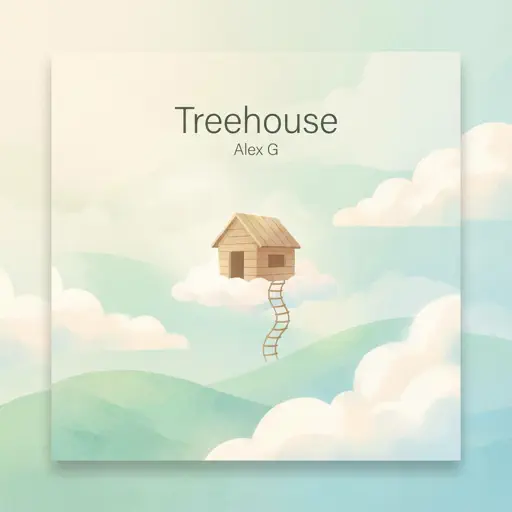
Treehouse
Alex G
Normal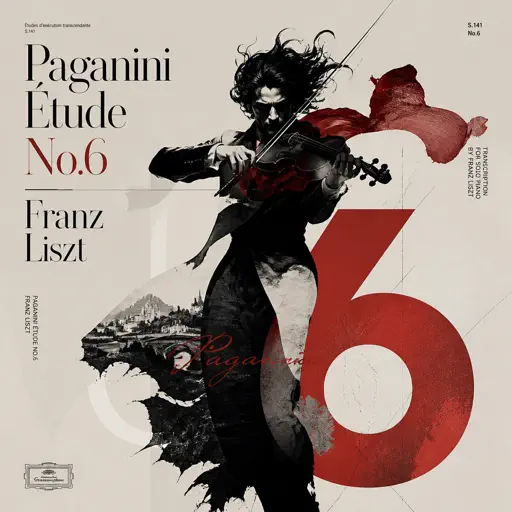
Paganini Étude No. 6
Franz Liszt
Hard
I Want You to Tell Me the Moon is Beautiful!
kakizaki yuta
Hard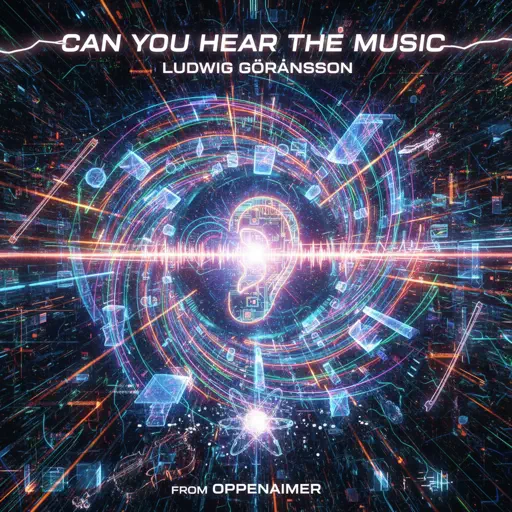
Can You Hear The Music - from Oppenheimer
Ludwig Göransson
Hard
Wildberry Lillet
Nina Chuba
Hard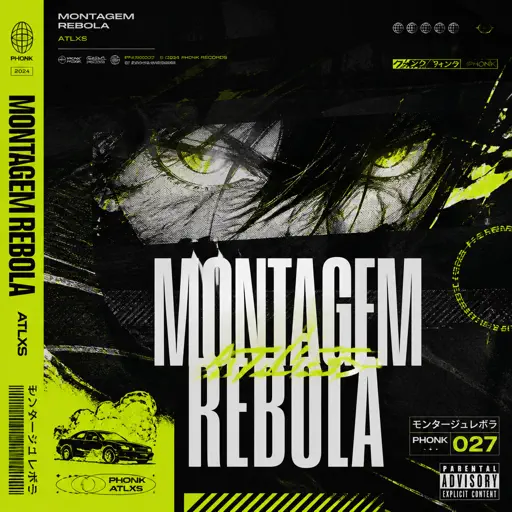
MONTAGEM REBOLA
ATLXS
Hard
Clarity
Zedd
Normal
Five Nights at Freddy's 2 Movie
The Newton Brothers
Normal
Heart of Stone
Six the Musical
Hard
Suzume すずめ
RADWIMPS
Normal
Green Onions
Booker T. & the M.G.'s
Normal
Took Her To The O
King Von
Hard
Discord
The Living Tombstone
Normal
Shiny - Moana
Jemaine Clement
Normal
Sweet but Psycho
Ava Max
NormalFrequently Asked Questions
What is Roblox Piano Practice Online?
This is a free online tool that lets you practice Roblox virtual piano sheets in your browser. No downloads required - just pick a song and start practicing.
How do I use this online practice tool?
1. Select a song from the recommendations or use the search function. 2. Click play and the sheet will auto-scroll with highlighted notes. 3. Watch the virtual piano keyboard for highlighted keys and practice along. 4. Use speed control to slow down playback - perfect for beginners.
Can I play using my keyboard?
Yes! The virtual piano supports computer keyboard input. The keys correspond to the standard Roblox piano layout (1234567890qwerty...). You can practice on your keyboard while following the sheet.
What does the Transpose feature do?
Transpose raises or lowers the pitch of the sheet. Some Roblox piano games have different default tunings, so transpose helps match the correct pitch. Usually adjusting by +12 or -12 semitones works.
Does this tool work on mobile?
Yes, but desktop provides the best experience. On mobile you can view the sheet and virtual piano demo, but keyboard input requires a computer. We recommend using a desktop for the best practice experience.
How do I find sheets suitable for my level?
Below you'll find recommendations sorted by difficulty: Easy for beginners, Normal for intermediate players, and Hard/Expert for advanced challenges. You can also use the search function to find songs by title or artist.