
Roblox Piano Practice Online
Loading piano...
Practice Guide
Quick guide on how to use the online piano practice tool.
What is this?
This tool allows you to practice playing virtual piano sheets directly in your browser. It simulates a piano keyboard and helps you learn the notes and rhythm before playing in Roblox.
How to Practice Online
Use your computer keyboard or mouse to play the virtual piano keys directly. As the sheet music plays, the corresponding keys on the virtual piano will light up to help you follow along. You can also copy the sheet code to use directly in Roblox.
Discover Sheets
Random Shuffle: Click the Shuffle button in the center of the top control bar to instantly load a random new song without reloading the page.
Search: Click the Search button next to Shuffle to open the search window. Type a song title or artist name to quickly find and switch to the sheet you want to practice.
Playback Controls
- Play/Pause: Start or stop playback.
- 1xSpeed: Adjust tempo (0.5x - 2.0x).
- KTranspose: Shift the pitch up or down.
- SSustain: Toggle sustain pedal effect.
Easy Mode

Easy
If You Love These People (Man of Steel)
Hans Zimmer

Easy
LET ME SEE YA MOVE!
Lumi Athena

Easy
Balcony
Cave Story

Easy
Mockingbird
Eminem

Easy
Nice To Know - BFDIA 19 Cake At Stake Intro
BFDIA 19

Easy
Gravity Falls Main Title Theme
Brad Breeck

Easy
Cupid (Twin Version)
Fifty Fifty

Easy
Where You Lead
Carole King

Easy
Mist
EsDeeKid

Easy
Fur Elise
Beethoven
Normal Mode
Normal
otherside - Minecraft: Caves & Cliffs
Lena Raine
Normal
Kyoufuu All Back
Wonderlands×Showtime
Normal
Eyes Without A Face
Billy Idol
Normal
Futile Devices
Sufjan Stevens
Normal
Mice on Venus
C418
Normal
Stephanie
Nafeesisboujee
Normal
TPOT Intro Theme (Gibberish!!)
coal bones
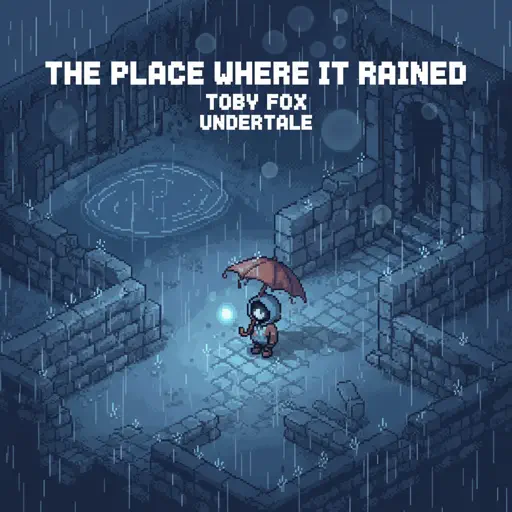
Normal
The place where it rained
Toby Fox
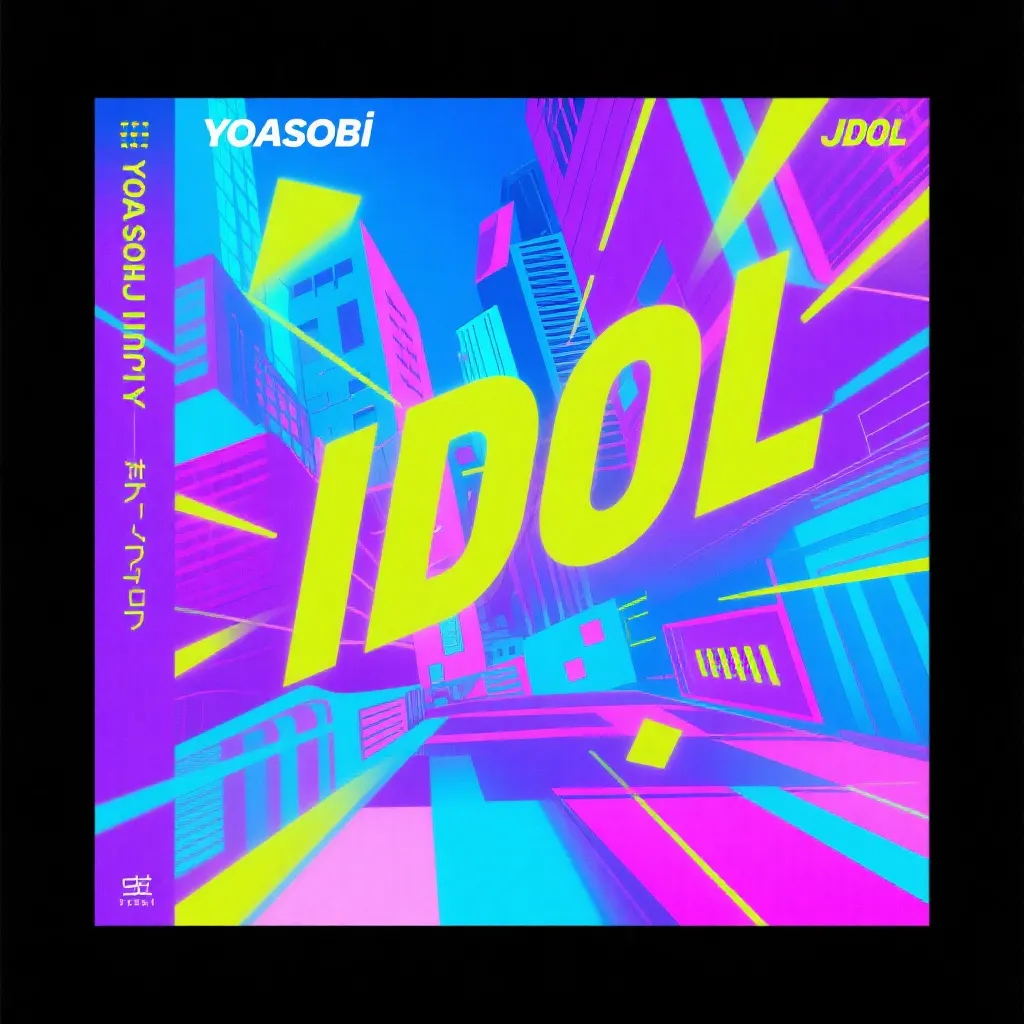
Normal
IDOL
Yoasobi
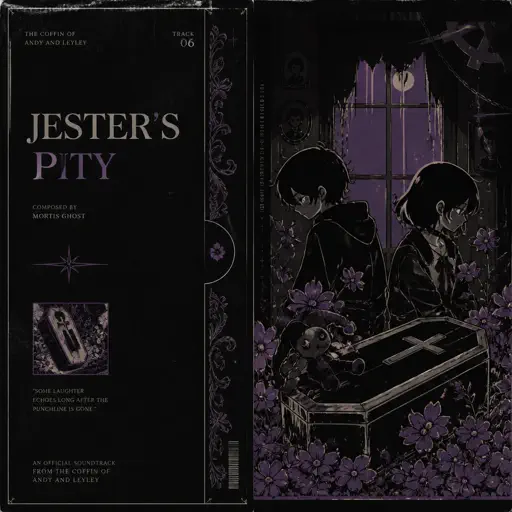
Normal
Jesters Pity
The Coffin of Andy and Leyley
Hard Mode

Hard
BEST FRIEND from KinitoPET
Genichris
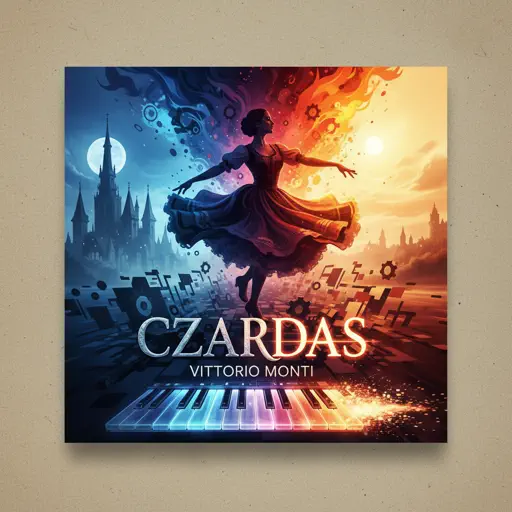
Hard
Czardas
Vittorio Monti
Hard
Hold You Down
X Ambassadors
Hard
Nuke Powder
MaelouX
Hard
Maneater
Daryl Hall & John Oates

Hard
Heart of Stone
Six the Musical

Hard
La vaguelette さざ波- Genshin Impact
HOYO-MiX

Hard
Cure (VIVINOS - ALNST)
AKUGETSU

Hard
Oceans & Engines
NIKI
Hard
Otherside
Red Hot Chili Peppers
Recommended Sheets
Sunset of Seven Suns - DELTARUNE
Toby Fox
Normal
FF9CAE (Color and Electricity c00lkidd Theme)
Metalovania
Hard
Ruins - UNDERTALE
Toby Fox
Normal
Golden Hour
JVKE
Normal
Friday Theme (Roblox 3008 OST)
Uglyburger0
Hard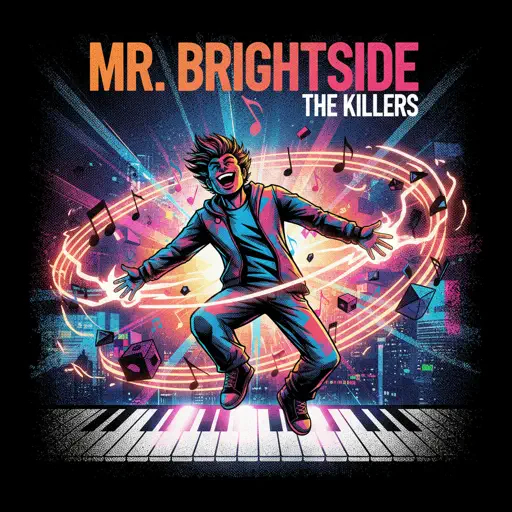
Mr. Brightside
The Killers
Hard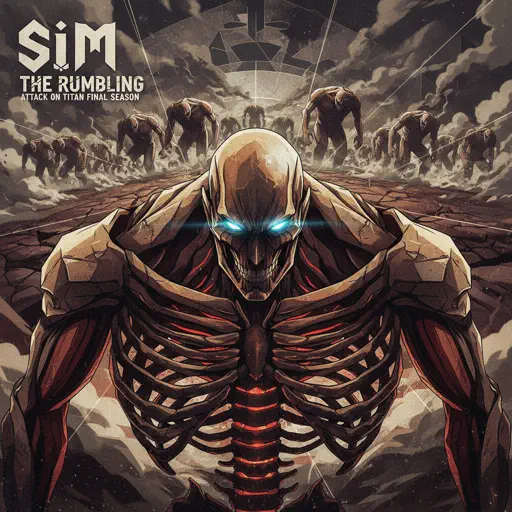
The Rumbling - Attack on Titan Final Season OP
SiM
Normal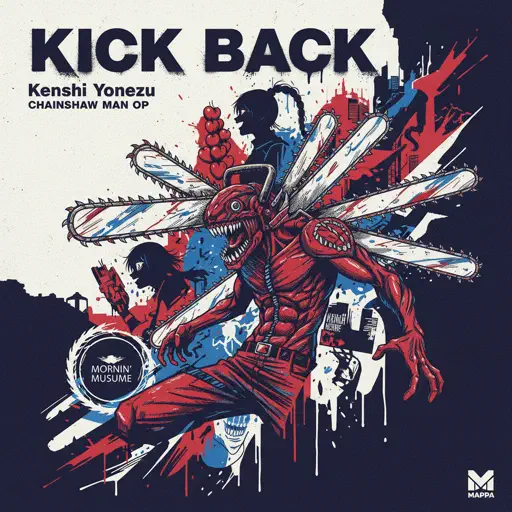
KICK BACK - Chainsaw Man OP
Kenshi Yonezu
Normal
Vienna
Billy Joel
Hard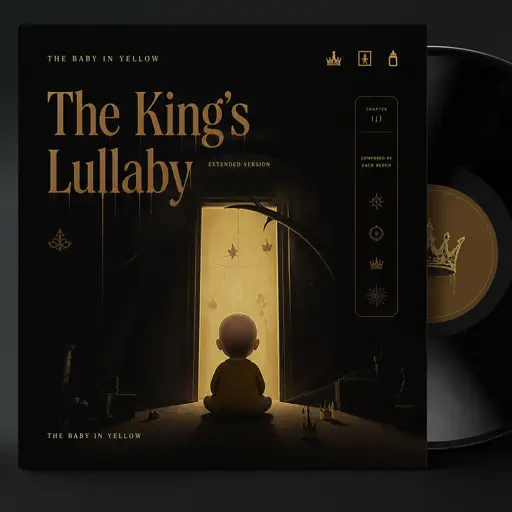
The King's Lullaby (Extended Version)
The Baby in Yellow
Normal
LDR
Shoti
Normal
Creep
Scott Bradlee's Postmodern Jukebox
Hard
Faded
Alan Walker
Normal
Jax Toy (THE AMAZING DIGITAL CIRCUS)
Jakeneutron
Normal
Kioku 記憶 (Yosuga No Sora)
Manabu Miwa
Normal
Komm, Süsser Tod (Come Sweet Death)
Arianne
HardTPOT Intro Theme (Gibberish!!)
coal bones
Normal
requiem for the lost ones
Shiro SAGISU
Hard
CandyCookieChocolate
Hatsune Miku
Hard
Quelqu'un de bien
Livaï
NormalFrequently Asked Questions
What is Roblox Piano Practice Online?
This is a free online tool that lets you practice Roblox virtual piano sheets in your browser. No downloads required - just pick a song and start practicing.
How do I use this online practice tool?
1. Select a song from the recommendations or use the search function. 2. Click play and the sheet will auto-scroll with highlighted notes. 3. Watch the virtual piano keyboard for highlighted keys and practice along. 4. Use speed control to slow down playback - perfect for beginners.
Can I play using my keyboard?
Yes! The virtual piano supports computer keyboard input. The keys correspond to the standard Roblox piano layout (1234567890qwerty...). You can practice on your keyboard while following the sheet.
What does the Transpose feature do?
Transpose raises or lowers the pitch of the sheet. Some Roblox piano games have different default tunings, so transpose helps match the correct pitch. Usually adjusting by +12 or -12 semitones works.
Does this tool work on mobile?
Yes, but desktop provides the best experience. On mobile you can view the sheet and virtual piano demo, but keyboard input requires a computer. We recommend using a desktop for the best practice experience.
How do I find sheets suitable for my level?
Below you'll find recommendations sorted by difficulty: Easy for beginners, Normal for intermediate players, and Hard/Expert for advanced challenges. You can also use the search function to find songs by title or artist.