
Roblox Piano Practice Online
Loading piano...
Practice Guide
Quick guide on how to use the online piano practice tool.
What is this?
This tool allows you to practice playing virtual piano sheets directly in your browser. It simulates a piano keyboard and helps you learn the notes and rhythm before playing in Roblox.
How to Practice Online
Use your computer keyboard or mouse to play the virtual piano keys directly. As the sheet music plays, the corresponding keys on the virtual piano will light up to help you follow along. You can also copy the sheet code to use directly in Roblox.
Discover Sheets
Random Shuffle: Click the Shuffle button in the center of the top control bar to instantly load a random new song without reloading the page.
Search: Click the Search button next to Shuffle to open the search window. Type a song title or artist name to quickly find and switch to the sheet you want to practice.
Playback Controls
- Play/Pause: Start or stop playback.
- 1xSpeed: Adjust tempo (0.5x - 2.0x).
- KTranspose: Shift the pitch up or down.
- SSustain: Toggle sustain pedal effect.
Easy Mode

Easy
Fur Elise
Beethoven

Easy
Balcony
Cave Story

Easy
Cupid (Twin Version)
Fifty Fifty

Easy
Nice To Know - BFDIA 19 Cake At Stake Intro
BFDIA 19

Easy
Immortal
Playboi Carti

Easy
Where You Lead
Carole King

Easy
Sleeping City Funk
Emotional Recycling Bin

Easy
Mist
EsDeeKid

Easy
If You Love These People (Man of Steel)
Hans Zimmer

Easy
Harvey
Alex G
Normal Mode

Normal
Já Que Me Ensinou a Beber
Os Barões Da Pisadinha
Normal
End of Beginning
Djo
Normal
Who Will Know - Shin Godzilla
Shiro SAGISU
Normal
Nathalie - Bir Günah Gibi
Julio Iglesias

Normal
Ride Like the Wind
Christopher Cross
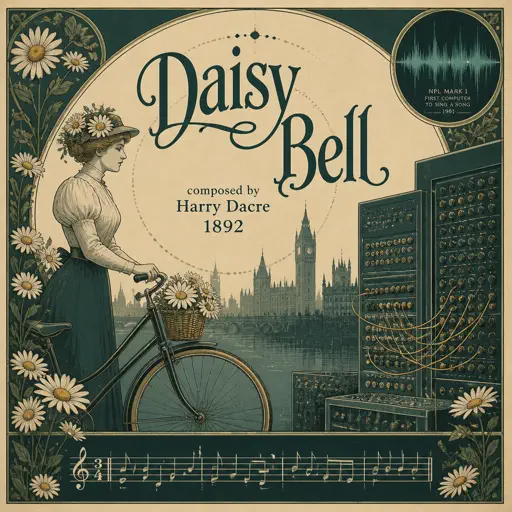
Normal
Daisy Bell
Harry Dacre

Normal
Ada titik-titik di ujung doa
Sal Priadi
Normal
Ecstacy
SUICIDAL-IDOL
Normal
Shoota
Playboi Carti & Lil Uzi Vert
Normal
Rock With You
Michael Jackson
Hard Mode

Hard
XOXO
Feng

Hard
The Great Gig in the Sky
Pink Floyd
Hard
Tomorrow (Konosuba)
Miura Jam
Hard
Pretty Little Baby
Connie Francis

Hard
Get Jinxed
League of Legends
Hard
FF9CAE (Color and Electricity c00lkidd Theme)
Metalovania
Hard
Gusty Garden Galaxy
Super Mario Galaxy
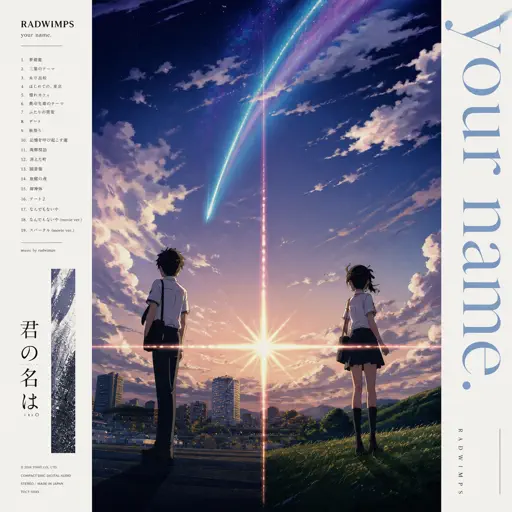
Hard
Zenzenzense 前前前世 -君の名は
RADWIMPS
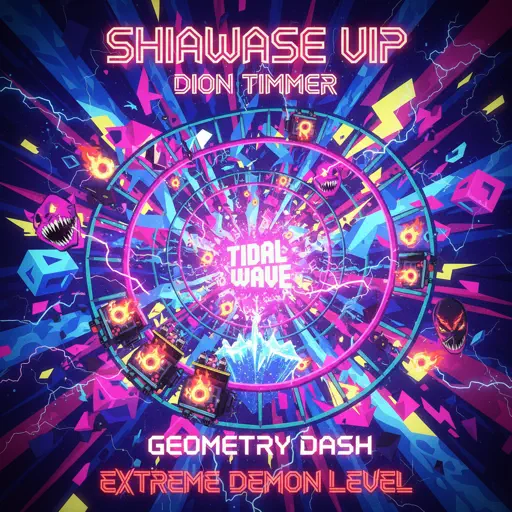
Hard
Shiawase (VIP)
Dion Timmer
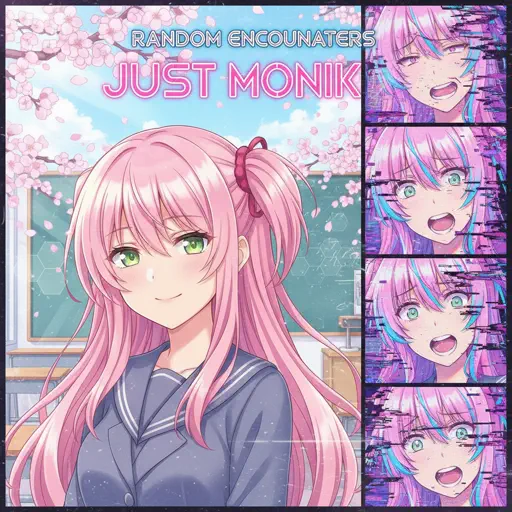
Hard
Just Monika
Random Encounters
Recommended Sheets
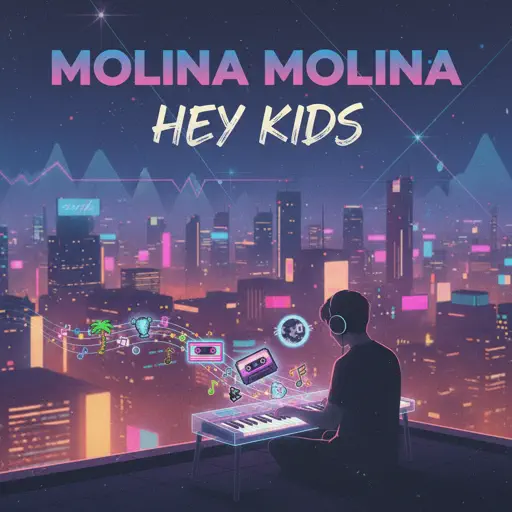
Hey Kids
Molina
Normal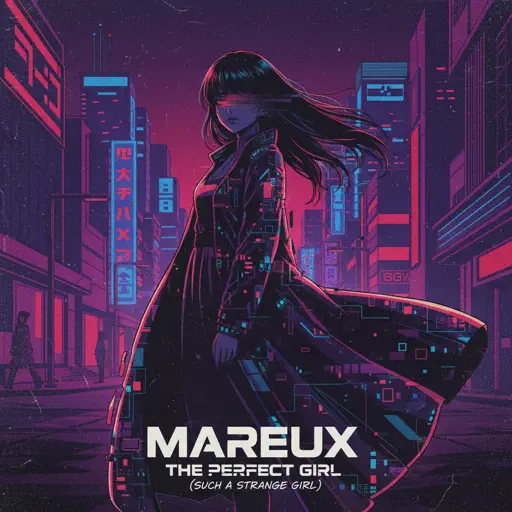
The Perfect Girl (such a strange girl)
Mareux
Hard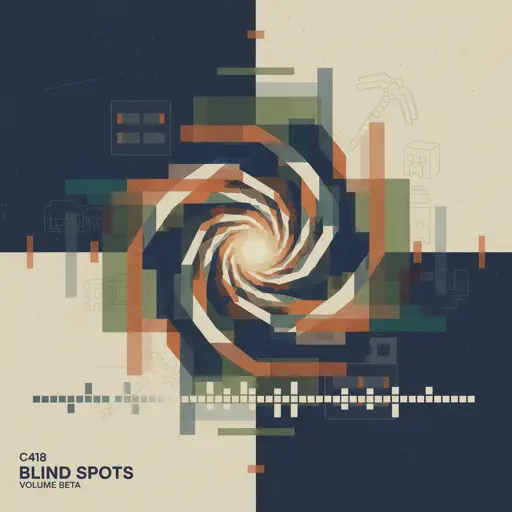
Blind Spots - Minecraft
C418
Hard
Diamond City Lights
LazuLight
Hard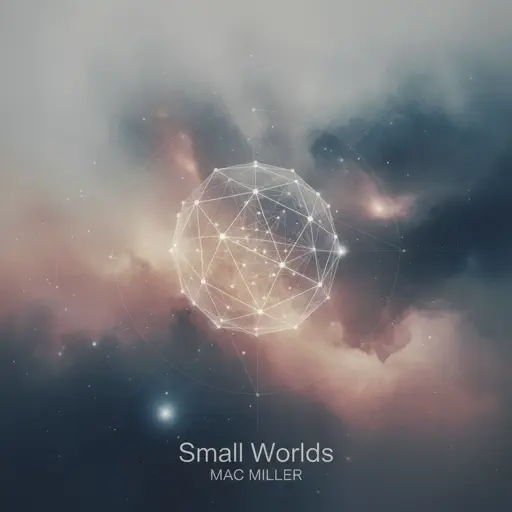
Small Worlds
Mac Miller
Normal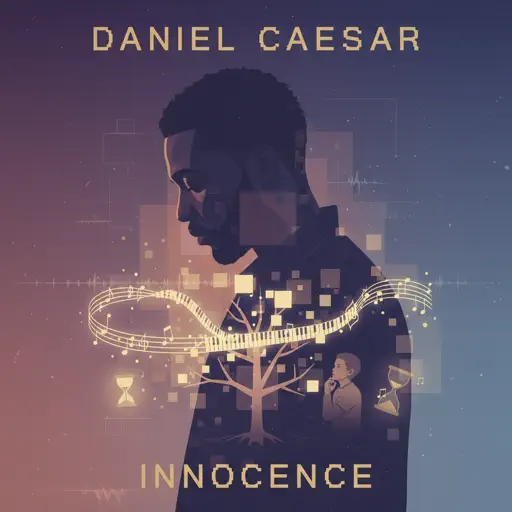
Innocence
Daniel Caesar
Normal
HOMAGE FUNK
KIXIA & KREZUS
Normal
Port Ormos (Day)
Yu-Peng Chen
Hard
au revoir
Malice Mizer
Hard
Sunny Day 晴天
Jay Chou 周杰倫
Normal
Bohemian Rhapsody
Queen
Hard
Igloo
KISS OF LIFE
Normal
Daylight
Shinedown
Hard
Nearer My God to Thee - Titanic's Last Scene
Titanic Orchestra
Normal
Sinking Town
Yoeko Kurahashi
Normal
The Lost Soul Down
NBSPLV
Normal
Akaza Love Theme (Demon Slayer Infinity Castle)
D.Meletis
Normal
Disassembly Required (Murder Drones)
Liam Vickers
Normal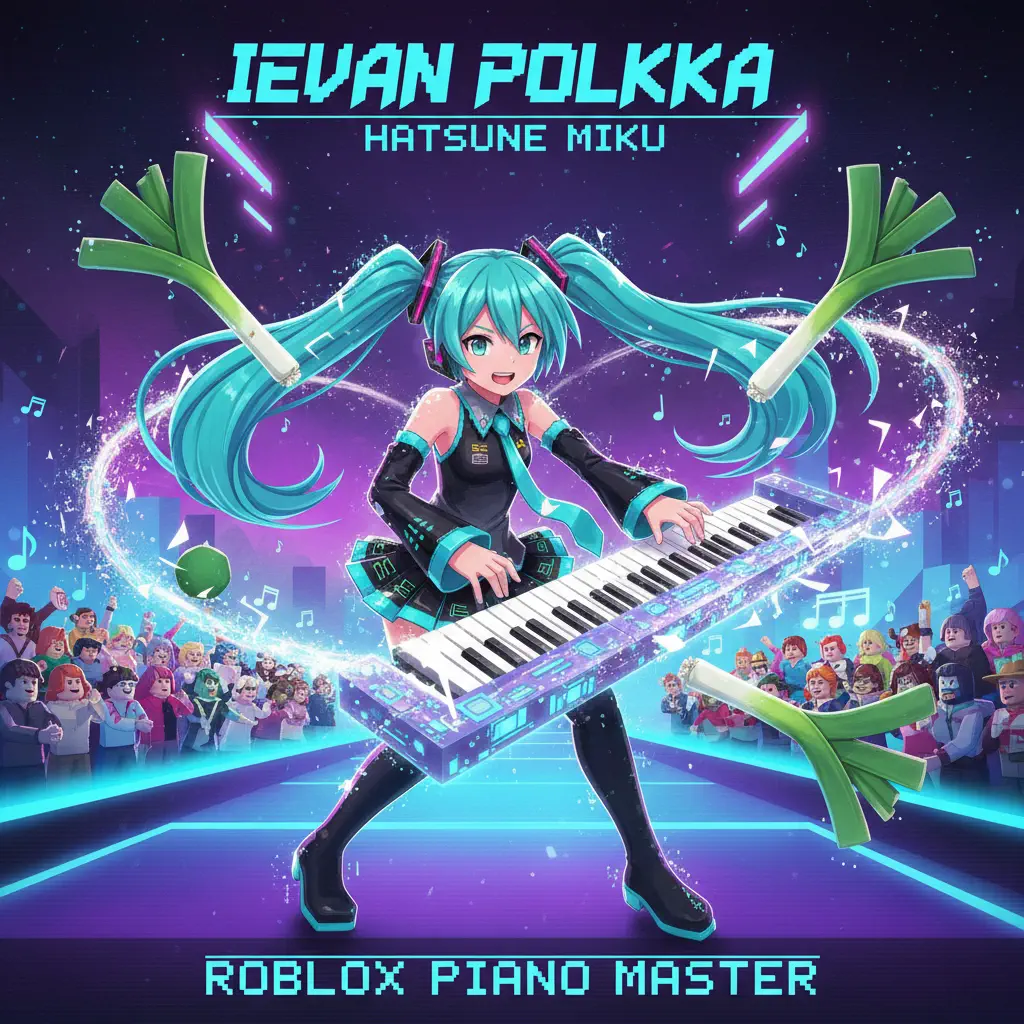
Ievan Polkka
Hatsune Miku
Normal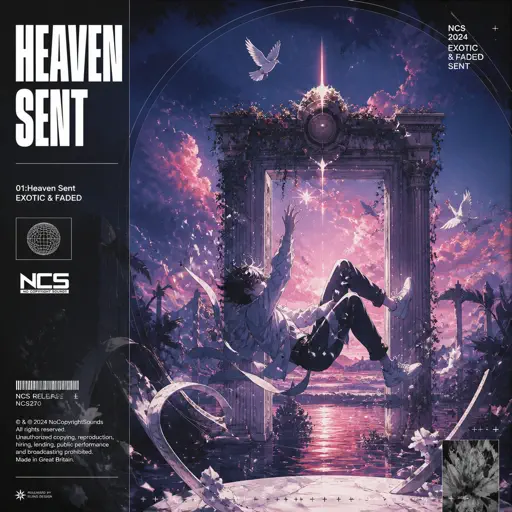
Heaven Sent
Tevomxntana
NormalFrequently Asked Questions
What is Roblox Piano Practice Online?
This is a free online tool that lets you practice Roblox virtual piano sheets in your browser. No downloads required - just pick a song and start practicing.
How do I use this online practice tool?
1. Select a song from the recommendations or use the search function. 2. Click play and the sheet will auto-scroll with highlighted notes. 3. Watch the virtual piano keyboard for highlighted keys and practice along. 4. Use speed control to slow down playback - perfect for beginners.
Can I play using my keyboard?
Yes! The virtual piano supports computer keyboard input. The keys correspond to the standard Roblox piano layout (1234567890qwerty...). You can practice on your keyboard while following the sheet.
What does the Transpose feature do?
Transpose raises or lowers the pitch of the sheet. Some Roblox piano games have different default tunings, so transpose helps match the correct pitch. Usually adjusting by +12 or -12 semitones works.
Does this tool work on mobile?
Yes, but desktop provides the best experience. On mobile you can view the sheet and virtual piano demo, but keyboard input requires a computer. We recommend using a desktop for the best practice experience.
How do I find sheets suitable for my level?
Below you'll find recommendations sorted by difficulty: Easy for beginners, Normal for intermediate players, and Hard/Expert for advanced challenges. You can also use the search function to find songs by title or artist.