
Roblox Piano Practice Online
Loading piano...
Practice Guide
Quick guide on how to use the online piano practice tool.
What is this?
This tool allows you to practice playing virtual piano sheets directly in your browser. It simulates a piano keyboard and helps you learn the notes and rhythm before playing in Roblox.
How to Practice Online
Use your computer keyboard or mouse to play the virtual piano keys directly. As the sheet music plays, the corresponding keys on the virtual piano will light up to help you follow along. You can also copy the sheet code to use directly in Roblox.
Discover Sheets
Random Shuffle: Click the Shuffle button in the center of the top control bar to instantly load a random new song without reloading the page.
Search: Click the Search button next to Shuffle to open the search window. Type a song title or artist name to quickly find and switch to the sheet you want to practice.
Playback Controls
- Play/Pause: Start or stop playback.
- 1xSpeed: Adjust tempo (0.5x - 2.0x).
- KTranspose: Shift the pitch up or down.
- SSustain: Toggle sustain pedal effect.
Easy Mode

Easy
Fur Elise
Beethoven

Easy
Nice To Know - BFDIA 19 Cake At Stake Intro
BFDIA 19

Easy
Where You Lead
Carole King

Easy
Balcony
Cave Story

Easy
Gravity Falls Main Title Theme
Brad Breeck

Easy
Pimp Hoe
Mike Sherm

Easy
Mockingbird
Eminem

Easy
LET ME SEE YA MOVE!
Lumi Athena

Easy
Harvey
Alex G

Easy
If You Love These People (Man of Steel)
Hans Zimmer
Normal Mode
Normal
House of Memories
Panic! At The Disco
Normal
MONTAGEM ALQUIMIA
h6itam

Normal
Hazy Moon
Miku Sanaa

Normal
All Star
Smash Mouth
Normal
Solas
Gibran Alcocer
Normal
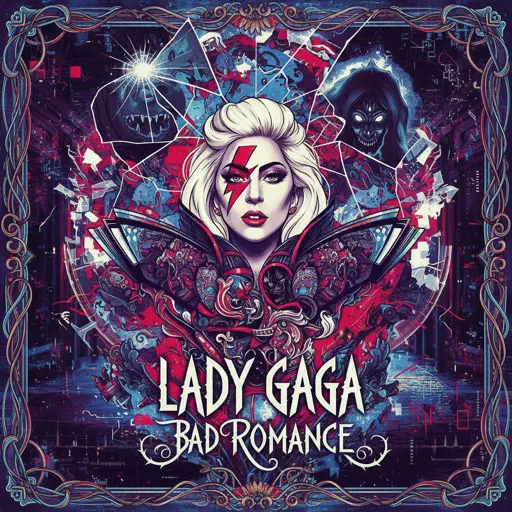
Bad Romance
Lady Gaga

Normal
Kamado Tanjirou no Uta (竈門炭治郎のうた) - Demon Slayer
Go Shiina
Normal
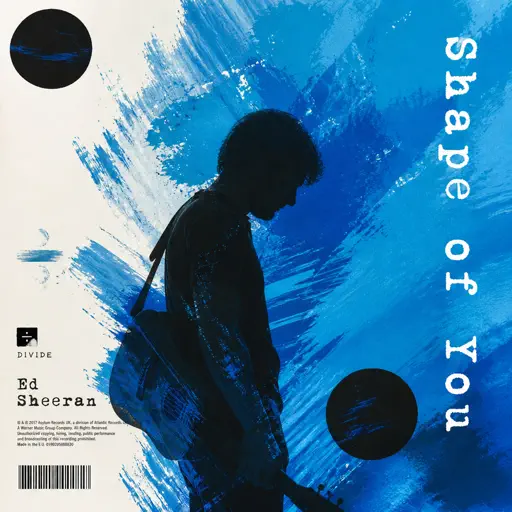
Shape of You
Ed Sheeran

Normal
Golden Hour
JVKE
Normal
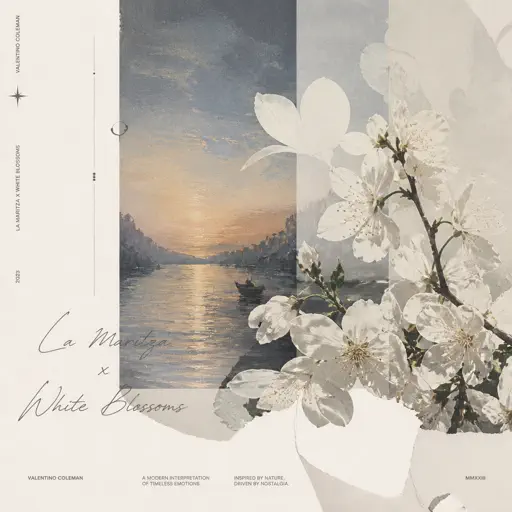
La Maritza x White Blossoms
Valentino Coleman
Hard Mode
Hard
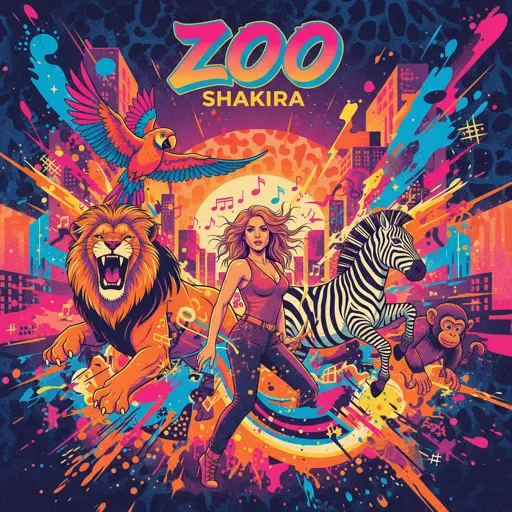
Zoo - From Zootopia 2
Shakira
Hard
Aishite Aishite Aishite
Ado
Hard
katharsis - Tokyo Ghoul
TK from Ling tosite sigure
Hard
HEAVENLY JUMPSTYLE
TWXNY
Hard
Honeypie
JAWNY

Hard
Sweet Hibiscus Tea
Penelope Scott
Hard
Jane!
The Long Faces
Hard
Agony
Yung Lean
Hard
Blind Spots - Minecraft
C418
Hard
swordland (Sword Art Online)
Yuki Kajiura
Recommended Sheets

What Was I Made For
Billie Eilish
Normal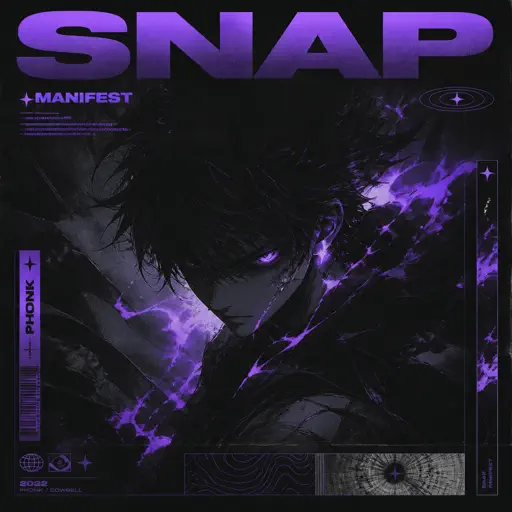
Snap
manifest
Normal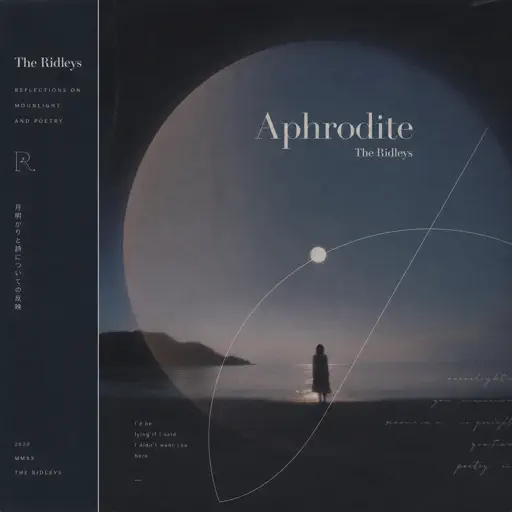
Aphrodite
The Ridleys
Normal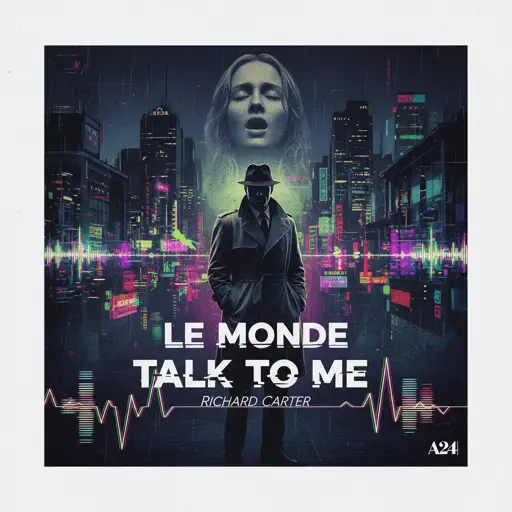
Le Monde - Talk to Me
Richard Carter
Normal
Childhood Memory
Bandari
NormalLa Maritza x White Blossoms
Valentino Coleman
Normal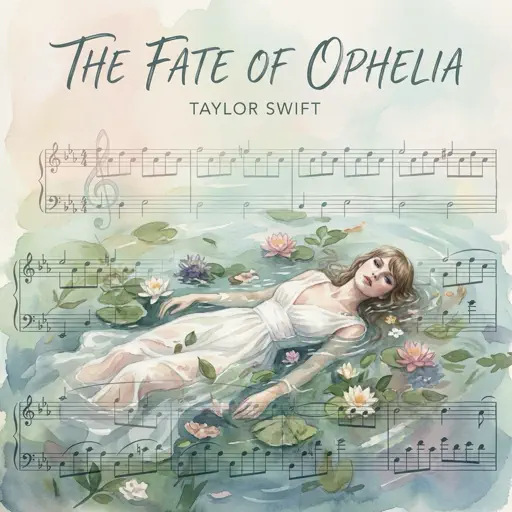
The Fate of Ophelia
Taylor Swift
Normal
Something in the Orange
Zach Bryan
Hard
Kill Bill
SZA
Hard
Fukashigi no Carte (Bunny Girl Senpai)
ShiroNeko
Normal
Lupang Hinirang (Philippine National Anthem)
Legend The Band
Normal
Comptine D'un Autre Été (From Amelie)
Laura Sullivan
Normal
Star Shopping
Lil Peep
Normal
Car's Outside
James Arthur
Normal
Tomorrow (Konosuba)
Miura Jam
Hard
The Final Flash of Existance
Scp Main Theme Combined
Hard
Wildfire - Star Rail - Of Snow and Ember
HOYO-MiX
Normal
Clair de lune
Claude Debussy
Normal
Bergentrückung / ASGORE
Toby Fox
Normal
End of Line - From TRON Legacy
Daft Punk
NormalFrequently Asked Questions
What is Roblox Piano Practice Online?
This is a free online tool that lets you practice Roblox virtual piano sheets in your browser. No downloads required - just pick a song and start practicing.
How do I use this online practice tool?
1. Select a song from the recommendations or use the search function. 2. Click play and the sheet will auto-scroll with highlighted notes. 3. Watch the virtual piano keyboard for highlighted keys and practice along. 4. Use speed control to slow down playback - perfect for beginners.
Can I play using my keyboard?
Yes! The virtual piano supports computer keyboard input. The keys correspond to the standard Roblox piano layout (1234567890qwerty...). You can practice on your keyboard while following the sheet.
What does the Transpose feature do?
Transpose raises or lowers the pitch of the sheet. Some Roblox piano games have different default tunings, so transpose helps match the correct pitch. Usually adjusting by +12 or -12 semitones works.
Does this tool work on mobile?
Yes, but desktop provides the best experience. On mobile you can view the sheet and virtual piano demo, but keyboard input requires a computer. We recommend using a desktop for the best practice experience.
How do I find sheets suitable for my level?
Below you'll find recommendations sorted by difficulty: Easy for beginners, Normal for intermediate players, and Hard/Expert for advanced challenges. You can also use the search function to find songs by title or artist.