
Roblox Piano Practice Online
Loading piano...
Practice Guide
Quick guide on how to use the online piano practice tool.
What is this?
This tool allows you to practice playing virtual piano sheets directly in your browser. It simulates a piano keyboard and helps you learn the notes and rhythm before playing in Roblox.
How to Practice Online
Use your computer keyboard or mouse to play the virtual piano keys directly. As the sheet music plays, the corresponding keys on the virtual piano will light up to help you follow along. You can also copy the sheet code to use directly in Roblox.
Discover Sheets
Random Shuffle: Click the Shuffle button in the center of the top control bar to instantly load a random new song without reloading the page.
Search: Click the Search button next to Shuffle to open the search window. Type a song title or artist name to quickly find and switch to the sheet you want to practice.
Playback Controls
- Play/Pause: Start or stop playback.
- 1xSpeed: Adjust tempo (0.5x - 2.0x).
- KTranspose: Shift the pitch up or down.
- SSustain: Toggle sustain pedal effect.
Easy Mode

Easy
Where You Lead
Carole King

Easy
Sleeping City Funk
Emotional Recycling Bin

Easy
Mockingbird
Eminem

Easy
Pimp Hoe
Mike Sherm

Easy
Balcony
Cave Story

Easy
Mist
EsDeeKid

Easy
LET ME SEE YA MOVE!
Lumi Athena

Easy
Gravity Falls Main Title Theme
Brad Breeck

Easy
Nice To Know - BFDIA 19 Cake At Stake Intro
BFDIA 19

Easy
If You Love These People (Man of Steel)
Hans Zimmer
Normal Mode

Hard Mode
Hard
Mangu
Fourtwnty ft. Charita Utami

Hard
Tháng Tư Là Lời Nói Dối Của Em
Hà Anh Tuấn
Hard
Dan Dan Kokoro Hikareteku (Dragon Ball GT)
Jann-Aron JP
Hard
Windfall
TheFatRat
Hard
The Safety Dance
Men Without Hats
Hard
Davy Jones - Pirates of the Carribean
Hans Zimmer

Hard
Congratulations
Mac Miller
Hard
Kalapastangan
fitterkarma
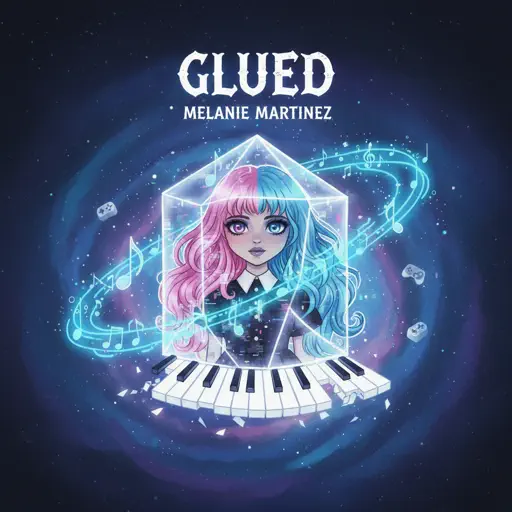
Hard
Glued
Melanie Martinez

Hard
weathergirl
FLAVOR FOLEY
Recommended Sheets
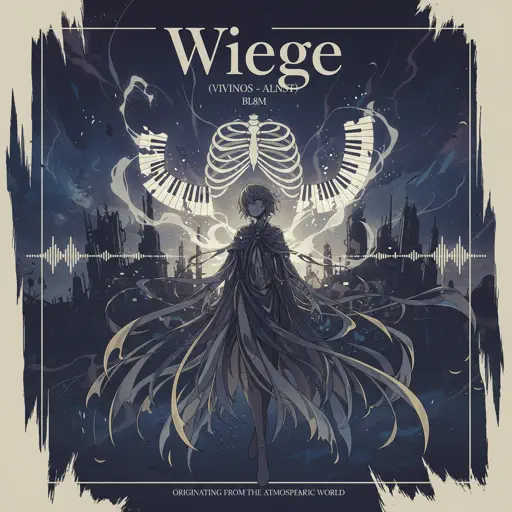
Wiege (VIVINOS - ALNST)
BL8M
Hard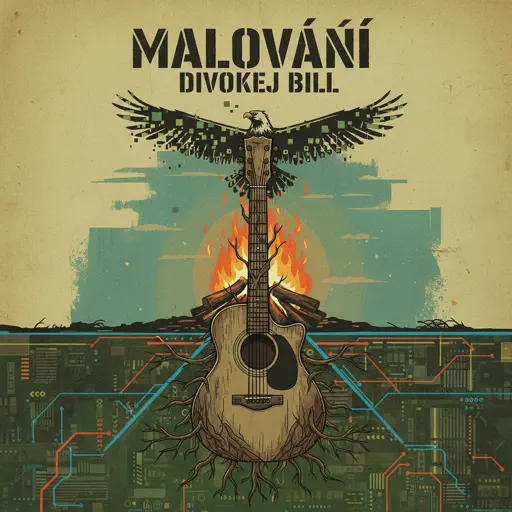
Malování
Divokej Bill
Normal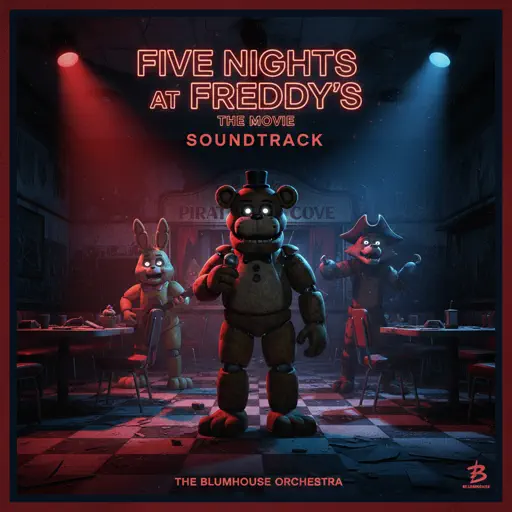
Five Nights at Freddy's Movie
The Newton Brothers
Hard
Beauty and the Beast
Ariana Grande
Normal
Hyori Ittai - HUNTER X HUNTER
HelloROMIX
Hard
Every Breath You Take
The Police
Normal
Earrings
Malcolm Todd
Normal
Canon in D
Johann Pachelbel
Hard
Hello Charlotte EP 2 OST
Farewell
Normal
Dancing In The Dark - From The Home
Rihanna
Normal
Berdly - Deltarune
Toby Fox
Normalweathergirl
FLAVOR FOLEY
Hard
Bubble Pop Electric
Gwen Stefani
Hard
Michael in the Bathroom - Be More Chill
George Salazar
Hard
Sports car
Tate McRae
Normal
Sparkle - From Your Name
RADWIMPS
Normal
Hey Kids
Molina
Normal
2 days into college
Aimee Carty
Hard
Moonlight Sonata 3rd Mvt.
Beethoven
Normal
Dark Red
Steve Lacy
NormalFrequently Asked Questions
What is Roblox Piano Practice Online?
This is a free online tool that lets you practice Roblox virtual piano sheets in your browser. No downloads required - just pick a song and start practicing.
How do I use this online practice tool?
1. Select a song from the recommendations or use the search function. 2. Click play and the sheet will auto-scroll with highlighted notes. 3. Watch the virtual piano keyboard for highlighted keys and practice along. 4. Use speed control to slow down playback - perfect for beginners.
Can I play using my keyboard?
Yes! The virtual piano supports computer keyboard input. The keys correspond to the standard Roblox piano layout (1234567890qwerty...). You can practice on your keyboard while following the sheet.
What does the Transpose feature do?
Transpose raises or lowers the pitch of the sheet. Some Roblox piano games have different default tunings, so transpose helps match the correct pitch. Usually adjusting by +12 or -12 semitones works.
Does this tool work on mobile?
Yes, but desktop provides the best experience. On mobile you can view the sheet and virtual piano demo, but keyboard input requires a computer. We recommend using a desktop for the best practice experience.
How do I find sheets suitable for my level?
Below you'll find recommendations sorted by difficulty: Easy for beginners, Normal for intermediate players, and Hard/Expert for advanced challenges. You can also use the search function to find songs by title or artist.