
Roblox Piano Practice Online
Loading piano...
Practice Guide
Quick guide on how to use the online piano practice tool.
What is this?
This tool allows you to practice playing virtual piano sheets directly in your browser. It simulates a piano keyboard and helps you learn the notes and rhythm before playing in Roblox.
How to Practice Online
Use your computer keyboard or mouse to play the virtual piano keys directly. As the sheet music plays, the corresponding keys on the virtual piano will light up to help you follow along. You can also copy the sheet code to use directly in Roblox.
Discover Sheets
Random Shuffle: Click the Shuffle button in the center of the top control bar to instantly load a random new song without reloading the page.
Search: Click the Search button next to Shuffle to open the search window. Type a song title or artist name to quickly find and switch to the sheet you want to practice.
Playback Controls
- Play/Pause: Start or stop playback.
- 1xSpeed: Adjust tempo (0.5x - 2.0x).
- KTranspose: Shift the pitch up or down.
- SSustain: Toggle sustain pedal effect.
Easy Mode

Easy
Gravity Falls Main Title Theme
Brad Breeck

Easy
Harvey
Alex G

Easy
Balcony
Cave Story

Easy
Fur Elise
Beethoven

Easy
Mockingbird
Eminem

Easy
Immortal
Playboi Carti

Easy
Pimp Hoe
Mike Sherm

Easy
If You Love These People (Man of Steel)
Hans Zimmer

Easy
Cupid (Twin Version)
Fifty Fifty

Easy
Sleeping City Funk
Emotional Recycling Bin
Normal Mode
Normal
Hide
Dorian Concept
Normal
Someone Like You
Adele
Normal
Stay Calm
Griffinilla, Jeff Burgess
Normal
La Campanella
Franz Liszt

Normal
There's a Great Big Beautiful Tomorrow
Robert Sherman
Normal
Just Give Me One More Day
Alej

Normal
Sunroof
Nicky Youre

Normal
Nơi Này Có Anh
Sơn Tùng M-TP
Normal
Into the Infinity Castle (From "Demon Slayer")
Jimmy's Atelier
Normal
Cry For Me
Michita
Hard Mode
Hard
Waltz No.2
Dmitri Shostakovich

Hard
There's a Feller in the Moon
John W Dick
Hard
Upside Down
Diana Ross
Hard
greedy
Tate McRae

Hard
Je T’aime
Lara Fabian
Hard
Engeki
Nanou
Hard
Girl Song
beabadoobee
Hard
New Flesh
Current Joys
Hard
I Can’t Fix You
The Living Tombstone
Hard
Ready Or Not (c00lkidd Chase From Forsaken)
Forsaken
Recommended Sheets
5469
d2s1(E.G. Makarov)
Normal
Careless Whisper
George Michael
Hard
Save Me
Morandi
Normal
Winds Of Fjords
minomus
Normal
Lemon - Unnatural
Kenshi Yonezu
Hard
Clouds
Alex G
Normal
Just the Two of Us
Grover Washington Jr.
Hard
The Interstellar Experience
Tony Ann
Hard
Hungarian Dance No. 5
Johannes Brahms
Hard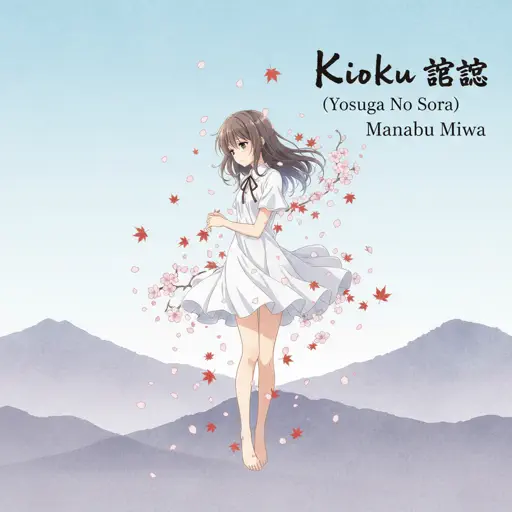
Kioku 記憶 (Yosuga No Sora)
Manabu Miwa
Normal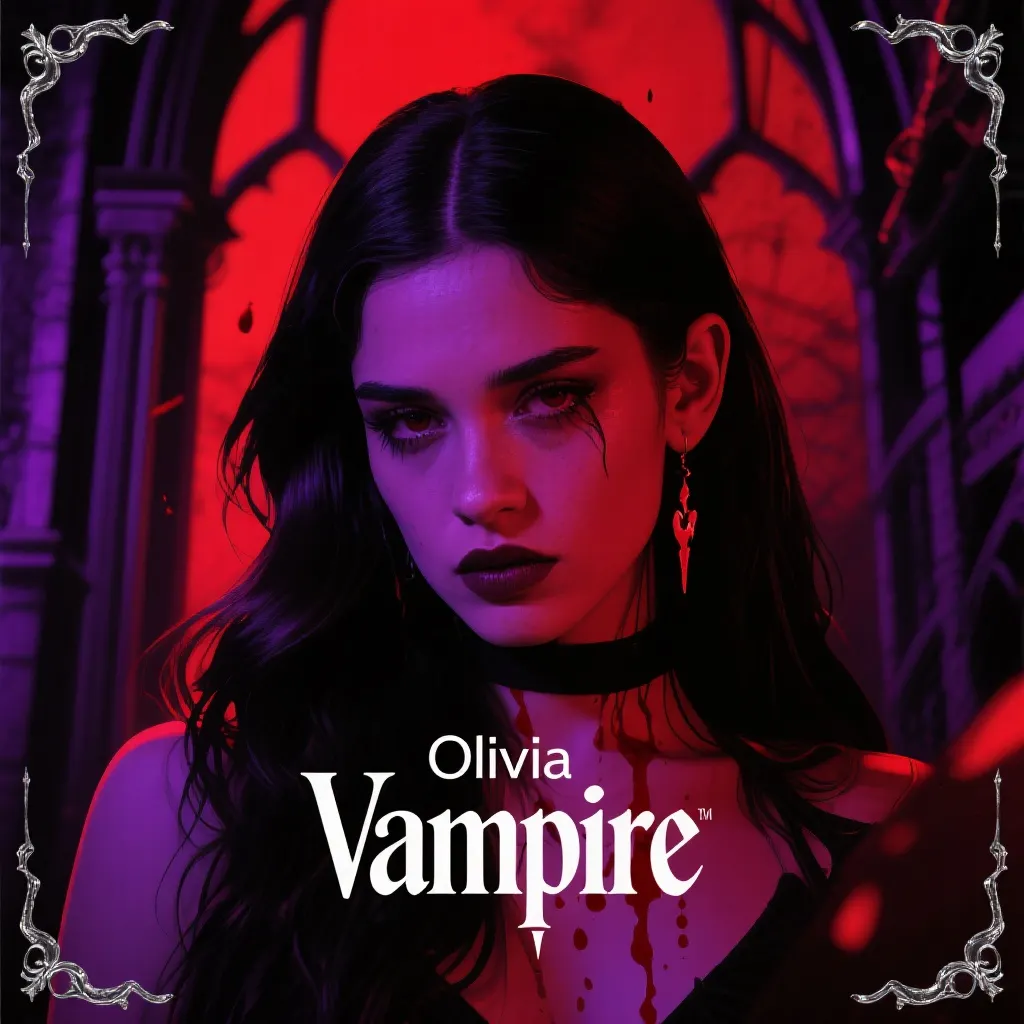
Vampire
Olivia Rodrigo
Normal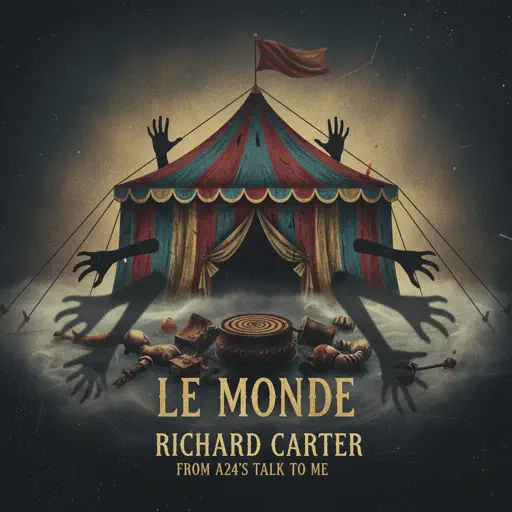
Le Monde - From Talk to Me
Richard Carter
Hard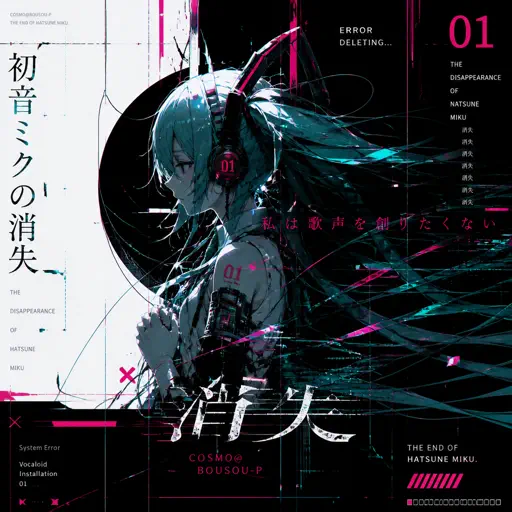
The Disappearance of Hatsune Miku
Hatsune Miku
Normal
Lines 1 Sound São Paulo Metro
Metro-SP
Normal
Dormant Craving (WIP) - Arknights
Erik Castro
Normal
Gnarly
KATSEYE
Hard
Jeopardy! Main Theme
Geek Music
Normal
The Shepherd's Boy - Breaking The Wall - Doctor Who
Murray Gold
Hard
crystallized
Camellia
Normal
Peaches (The Super Mario Bros. Movie)
Jack Black
NormalFrequently Asked Questions
What is Roblox Piano Practice Online?
This is a free online tool that lets you practice Roblox virtual piano sheets in your browser. No downloads required - just pick a song and start practicing.
How do I use this online practice tool?
1. Select a song from the recommendations or use the search function. 2. Click play and the sheet will auto-scroll with highlighted notes. 3. Watch the virtual piano keyboard for highlighted keys and practice along. 4. Use speed control to slow down playback - perfect for beginners.
Can I play using my keyboard?
Yes! The virtual piano supports computer keyboard input. The keys correspond to the standard Roblox piano layout (1234567890qwerty...). You can practice on your keyboard while following the sheet.
What does the Transpose feature do?
Transpose raises or lowers the pitch of the sheet. Some Roblox piano games have different default tunings, so transpose helps match the correct pitch. Usually adjusting by +12 or -12 semitones works.
Does this tool work on mobile?
Yes, but desktop provides the best experience. On mobile you can view the sheet and virtual piano demo, but keyboard input requires a computer. We recommend using a desktop for the best practice experience.
How do I find sheets suitable for my level?
Below you'll find recommendations sorted by difficulty: Easy for beginners, Normal for intermediate players, and Hard/Expert for advanced challenges. You can also use the search function to find songs by title or artist.