
Roblox Piano Practice Online
Loading piano...
Practice Guide
Quick guide on how to use the online piano practice tool.
What is this?
This tool allows you to practice playing virtual piano sheets directly in your browser. It simulates a piano keyboard and helps you learn the notes and rhythm before playing in Roblox.
How to Practice Online
Use your computer keyboard or mouse to play the virtual piano keys directly. As the sheet music plays, the corresponding keys on the virtual piano will light up to help you follow along. You can also copy the sheet code to use directly in Roblox.
Discover Sheets
Random Shuffle: Click the Shuffle button in the center of the top control bar to instantly load a random new song without reloading the page.
Search: Click the Search button next to Shuffle to open the search window. Type a song title or artist name to quickly find and switch to the sheet you want to practice.
Playback Controls
- Play/Pause: Start or stop playback.
- 1xSpeed: Adjust tempo (0.5x - 2.0x).
- KTranspose: Shift the pitch up or down.
- SSustain: Toggle sustain pedal effect.
Easy Mode

Easy
Cupid (Twin Version)
Fifty Fifty

Easy
Pimp Hoe
Mike Sherm

Easy
If You Love These People (Man of Steel)
Hans Zimmer

Easy
Fur Elise
Beethoven

Easy
Balcony
Cave Story

Easy
Sleeping City Funk
Emotional Recycling Bin

Easy
Mist
EsDeeKid

Easy
LET ME SEE YA MOVE!
Lumi Athena

Easy
Gravity Falls Main Title Theme
Brad Breeck

Easy
Mockingbird
Eminem
Normal Mode
Normal
Tum Hi Ho
Arijit Singh
Normal
La Quête
Orelsan

Normal
Hazy Moon
Miku Sanaa
Normal
Pou music - Connect/Cliff Jump/Cliff Dash/Jet Pou
GotaProduction
Normal
Killswitch Lullaby
Flawed Mangoes
Normal
Symphony
Clean Bandit feat. Zara Larsson
Normal
Windows XP Startup
Windows

Normal
La Marseillaise
Claude Joseph Rouget de Lisle

Normal
King of Karaoke (K歌之王)
Eason Chan
Normal
Memory Reboot
VØJ
Hard Mode

Hard
Wonderwall
Oasis
Hard
Touch-Tone Telephone
Lemon Demon
Hard
Pi The Song With 3.1415 Million Notes (Auto-Play Only)
TheSuperMarioBros2

Hard
Shinzo wo Sasageyo ! - 心臓を捧げよ! - Attack on Titan
Linked Horizon
Hard
Pas de deux (The Nutcracker, Op. 71, Act 2: No. 14a, Andante maestoso)
Pyotr Ilyich Tchaikovsky
Hard
BOUNCY (K-HOT CHILLI PEPPERS)
ATEEZ

Hard
Bella Ciao - Música Original de la Serie la Casa de Papel
La Casa De Papel

Hard
Vienna
Billy Joel
Hard
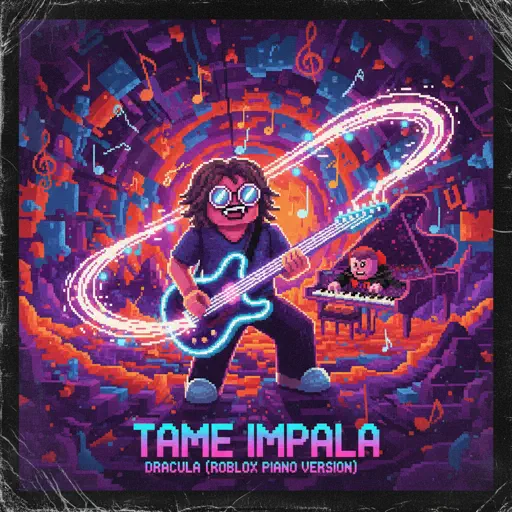
Dracula
Tame Impala
Hard
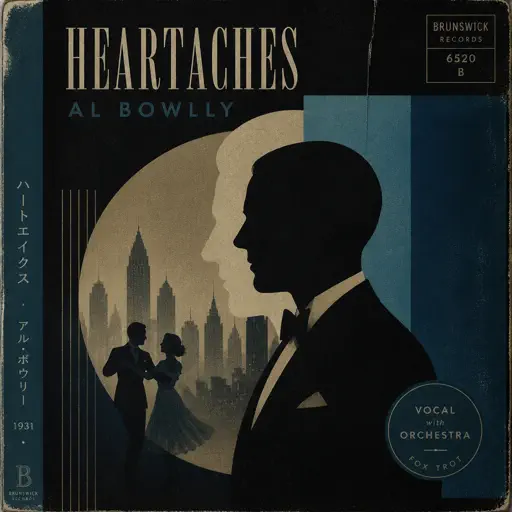
Heartaches
Al Bowlly
Recommended Sheets
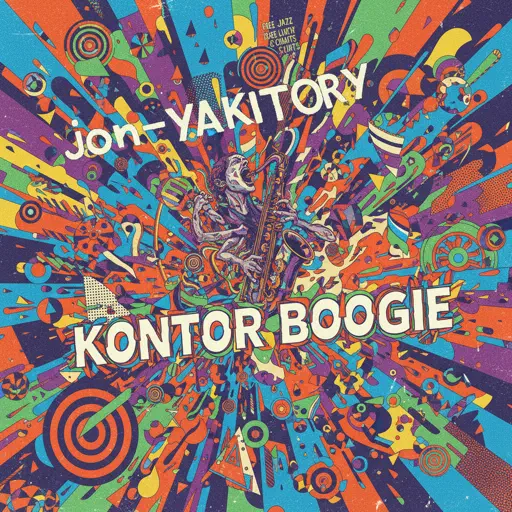
Konton Boogie
jon-YAKITORY
Hard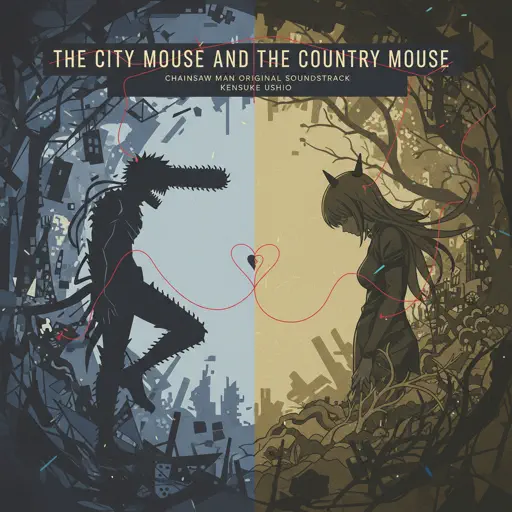
the city mouse and the country mouse - Chainsaw Man
kensuke ushio
Normal
Lover Girl
Laufey
Hard
505
Arctic Monkeys
Normal
Innocence
Hildir Svensson
Normal
Retry now いますぐ輪廻
NAKISO
Hard
La Vie en Rose
Edith Piaf
Hard
The Final Flash of Existance
Scp Main Theme Combined
Hard
poison tree
liza v posteli
Normal
Accidentally In Love
Counting Crows
Normal
Pure Imagination (from Wonka)
Timothée Chalamet
Hard
The Nowhere King
The Centaurworld Cast
Normal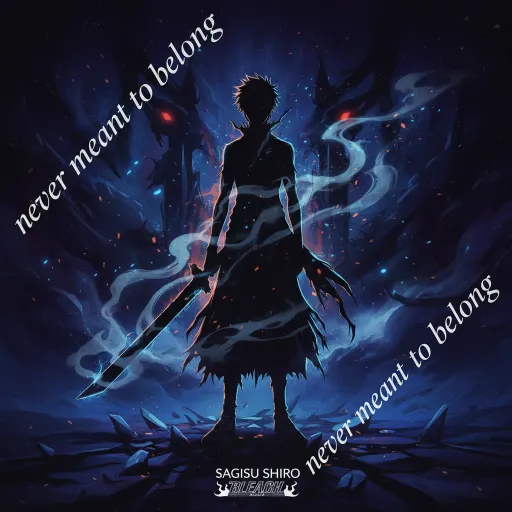
never meant to belong - Bleach
Sagisu Shiro
Normal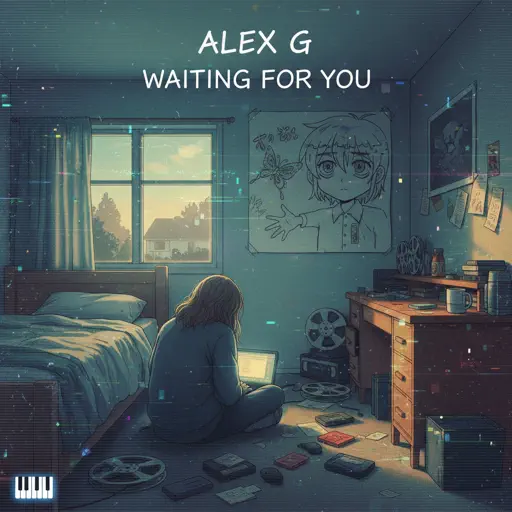
Waiting For You
Alex G
Normal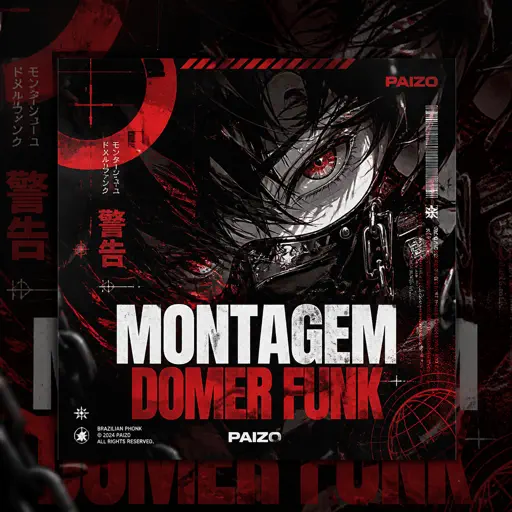
MONTAGEM DOMER Funk
Paizo
Normal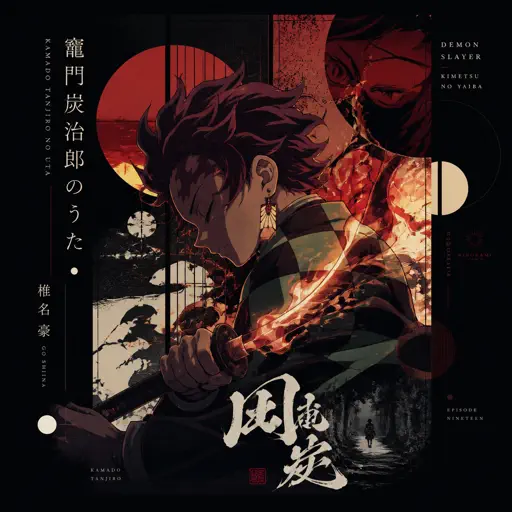
Kamado Tanjirou no Uta (竈門炭治郎のうた) - Demon Slayer
Go Shiina
Normal
Hava Harp Okulu Marşı
TSK Armoni Mızıkası
Normal
Smooth Operator
Sade
Normal
SPECIALZ - Jujutsu Kaisen Season 2 OP 2
King Gnu
Normal
Still D.R.E.
Dr. Dre
HardFrequently Asked Questions
What is Roblox Piano Practice Online?
This is a free online tool that lets you practice Roblox virtual piano sheets in your browser. No downloads required - just pick a song and start practicing.
How do I use this online practice tool?
1. Select a song from the recommendations or use the search function. 2. Click play and the sheet will auto-scroll with highlighted notes. 3. Watch the virtual piano keyboard for highlighted keys and practice along. 4. Use speed control to slow down playback - perfect for beginners.
Can I play using my keyboard?
Yes! The virtual piano supports computer keyboard input. The keys correspond to the standard Roblox piano layout (1234567890qwerty...). You can practice on your keyboard while following the sheet.
What does the Transpose feature do?
Transpose raises or lowers the pitch of the sheet. Some Roblox piano games have different default tunings, so transpose helps match the correct pitch. Usually adjusting by +12 or -12 semitones works.
Does this tool work on mobile?
Yes, but desktop provides the best experience. On mobile you can view the sheet and virtual piano demo, but keyboard input requires a computer. We recommend using a desktop for the best practice experience.
How do I find sheets suitable for my level?
Below you'll find recommendations sorted by difficulty: Easy for beginners, Normal for intermediate players, and Hard/Expert for advanced challenges. You can also use the search function to find songs by title or artist.