
Roblox Piano Practice Online
Loading piano...
Practice Guide
Quick guide on how to use the online piano practice tool.
What is this?
This tool allows you to practice playing virtual piano sheets directly in your browser. It simulates a piano keyboard and helps you learn the notes and rhythm before playing in Roblox.
How to Practice Online
Use your computer keyboard or mouse to play the virtual piano keys directly. As the sheet music plays, the corresponding keys on the virtual piano will light up to help you follow along. You can also copy the sheet code to use directly in Roblox.
Discover Sheets
Random Shuffle: Click the Shuffle button in the center of the top control bar to instantly load a random new song without reloading the page.
Search: Click the Search button next to Shuffle to open the search window. Type a song title or artist name to quickly find and switch to the sheet you want to practice.
Playback Controls
- Play/Pause: Start or stop playback.
- 1xSpeed: Adjust tempo (0.5x - 2.0x).
- KTranspose: Shift the pitch up or down.
- SSustain: Toggle sustain pedal effect.
Easy Mode

Easy
Mockingbird
Eminem

Easy
Fur Elise
Beethoven

Easy
If You Love These People (Man of Steel)
Hans Zimmer

Easy
Balcony
Cave Story

Easy
Nice To Know - BFDIA 19 Cake At Stake Intro
BFDIA 19

Easy
Harvey
Alex G

Easy
Where You Lead
Carole King

Easy
LET ME SEE YA MOVE!
Lumi Athena

Easy
Sleeping City Funk
Emotional Recycling Bin

Easy
Mist
EsDeeKid
Normal Mode
Normal
Yuugure no Tori - Attack on Titan
Shinsei Kamattechan
Normal
Minecraft Theme
C418
Normal
Clubstep - Geometry Dash
dj-Nate

Normal
Bir Fırtına Tuttu Bizi (Selanik Türküsü)
Şevval Sam
Normal
Die Moldau
Bedřich Smetana
Normal
7 Weeks & 3 Days
yungatita
Normal
Same Blue
Blue Box OP

Normal
Made In Japan
Buck Owens
Normal
4 morant (better luck next time)
Doja Cat

Normal
Self Aware
Temper City
Hard Mode
Hard
Stayed Gone
Hazbin Hotel

Hard
Parfum d'étoiles
Ichiko Aoba
Hard
Gusty Garden Galaxy
Super Mario Galaxy

Hard
Miku
Anamanaguchi

Hard
Valentine
Laufey
Hard
Touch-Tone Telephone
Lemon Demon
Hard
As the World Caves In
Matt Maltese
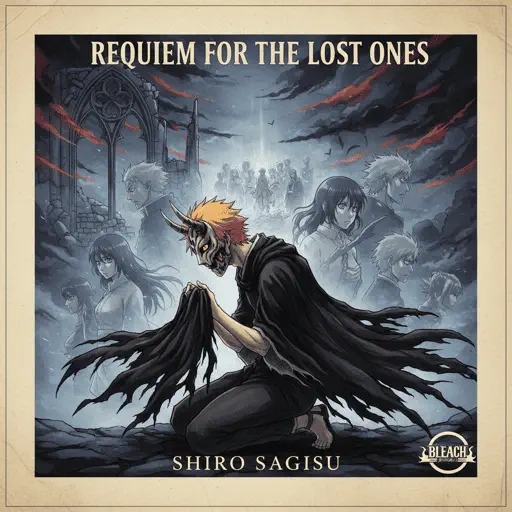
Hard
requiem for the lost ones
Shiro SAGISU
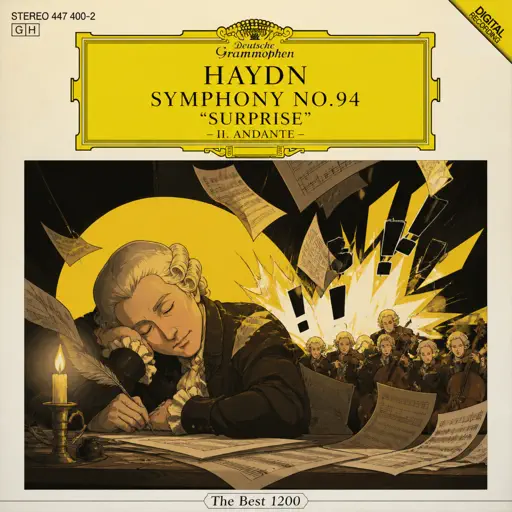
Hard
Haydn Surprise Symphony No. 94 Movement 2
Haydn
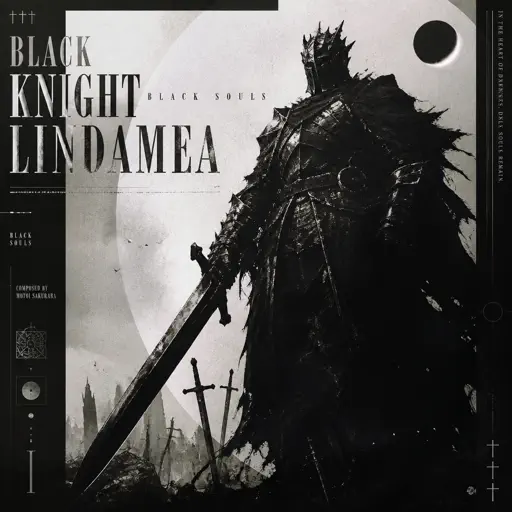
Hard
Black Knight Lindamea
Black Souls
Recommended Sheets
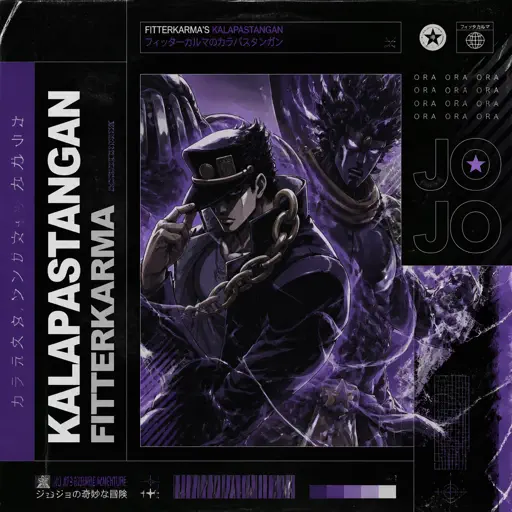
Kalapastangan
fitterkarma
Hard
No
Plenka
Normal
TIKI TIKI
QMIIR
Normal
Piano Man
Billy Joel
Normal
Grasswalk - Plants vs. Zombies
Laura Shigihara
Normal
COQUETA
Fuerza Regida
Normal
Inarticulation
Rio Romeo
Normal
Faded
Alan Walker
Normal
All Roads Leads To Rome
Stephen Castillo
Normal
Rush Piggies
Sheet Music Boss
Hard
90210
Travis Scott
Hard
Young And Beautiful
Lana Del Rey
Normal
Mazeppa
Franz Liszt
Hard
BEST FRIEND from KinitoPET
Genichris
Hard
Don't Look Back in Anger
Oasis
Normal
White Star Line March
Clifford Putnam
Hard
Kaiju no Hanauta
Vaundy
Normal
Malování
Divokej Bill
Normal
Sweet Boy
Malcolm Todd
Hard
Electar - Rec Room
Gribbly
NormalFrequently Asked Questions
What is Roblox Piano Practice Online?
This is a free online tool that lets you practice Roblox virtual piano sheets in your browser. No downloads required - just pick a song and start practicing.
How do I use this online practice tool?
1. Select a song from the recommendations or use the search function. 2. Click play and the sheet will auto-scroll with highlighted notes. 3. Watch the virtual piano keyboard for highlighted keys and practice along. 4. Use speed control to slow down playback - perfect for beginners.
Can I play using my keyboard?
Yes! The virtual piano supports computer keyboard input. The keys correspond to the standard Roblox piano layout (1234567890qwerty...). You can practice on your keyboard while following the sheet.
What does the Transpose feature do?
Transpose raises or lowers the pitch of the sheet. Some Roblox piano games have different default tunings, so transpose helps match the correct pitch. Usually adjusting by +12 or -12 semitones works.
Does this tool work on mobile?
Yes, but desktop provides the best experience. On mobile you can view the sheet and virtual piano demo, but keyboard input requires a computer. We recommend using a desktop for the best practice experience.
How do I find sheets suitable for my level?
Below you'll find recommendations sorted by difficulty: Easy for beginners, Normal for intermediate players, and Hard/Expert for advanced challenges. You can also use the search function to find songs by title or artist.