

Roblox Piano Practice Online
Loading piano...
Practice Guide
Quick guide on how to use the online piano practice tool.
What is this?
This tool allows you to practice playing virtual piano sheets directly in your browser. It simulates a piano keyboard and helps you learn the notes and rhythm before playing in Roblox.
How to Practice Online
Use your computer keyboard or mouse to play the virtual piano keys directly. As the sheet music plays, the corresponding keys on the virtual piano will light up to help you follow along. You can also copy the sheet code to use directly in Roblox.
Discover Sheets
Random Shuffle: Click the Shuffle button in the center of the top control bar to instantly load a random new song without reloading the page.
Search: Click the Search button next to Shuffle to open the search window. Type a song title or artist name to quickly find and switch to the sheet you want to practice.
Playback Controls
- Play/Pause: Start or stop playback.
- 1xSpeed: Adjust tempo (0.5x - 2.0x).
- KTranspose: Shift the pitch up or down.
- SSustain: Toggle sustain pedal effect.
Easy Mode

Easy
Mist
EsDeeKid

Easy
Immortal
Playboi Carti

Easy
Sleeping City Funk
Emotional Recycling Bin

Easy
Where You Lead
Carole King

Easy
If You Love These People (Man of Steel)
Hans Zimmer

Easy
Balcony
Cave Story

Easy
Nice To Know - BFDIA 19 Cake At Stake Intro
BFDIA 19

Easy
LET ME SEE YA MOVE!
Lumi Athena

Easy
Cupid (Twin Version)
Fifty Fifty

Easy
Pimp Hoe
Mike Sherm
Normal Mode

Normal
Date - Your Name (君の名は)
RADWIMPS
Normal
Silksong Theme
kohto
Normal
The Rumbling - Attack on Titan Final Season OP
SiM
Normal
Akari (燈) - Jujutsu Kaisen Season 2
Soushi Sakiyama
Normal
loml
Taylor Swift
Normal
The Disappearance of Hatsune Miku
Hatsune Miku
Normal
EFN
VRIGGER
Normal
What You Know
Two Door Cinema Club
Normal
Cat Vibing To Ievan Polkka Swing
Cat Vibing Meme
Normal
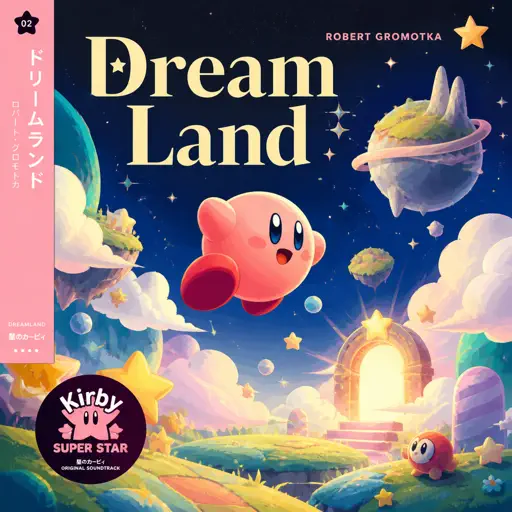
Dreamland
Robert Gromotka
Hard Mode

Hard
Ao To Kirameki - アオとキラメキ
My Dress-Up Darling Season 2 Opening

Hard
I Love You
OMFG
Hard
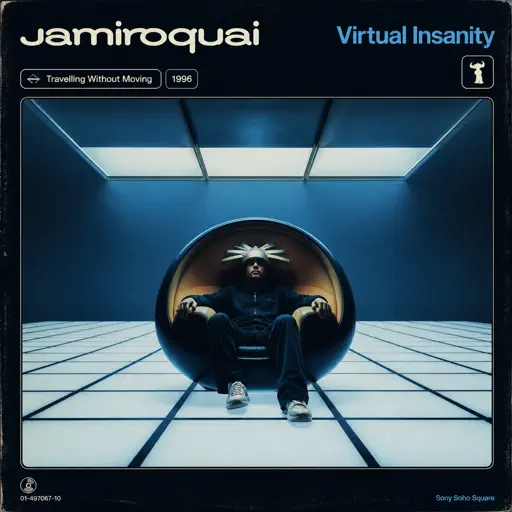
Virtual Insanity
Jamiroquai
Hard
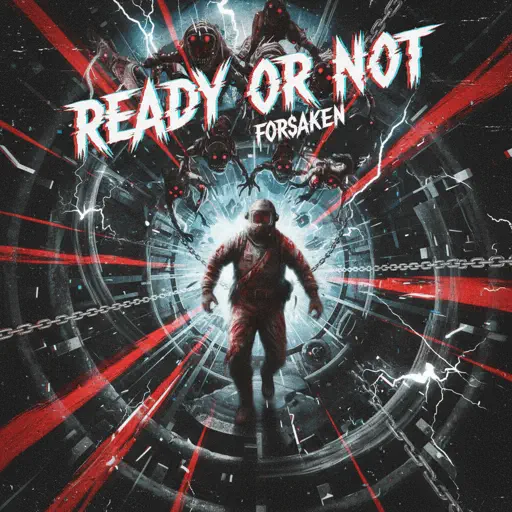
Ready Or Not (c00lkidd Chase From Forsaken)
Forsaken
Hard
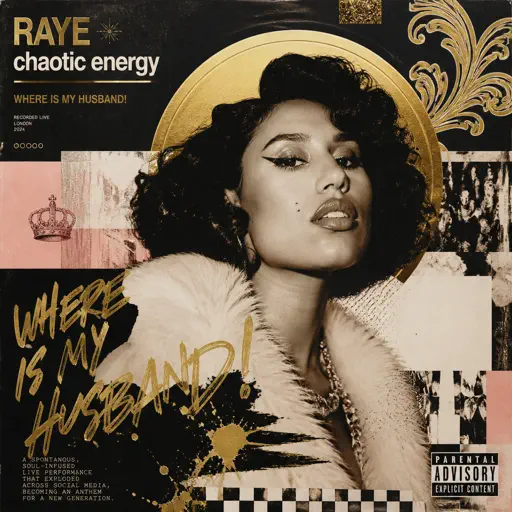
WHERE IS MY HUSBAND!
RAYE
Hard
Black Knight Lindamea
Black Souls
Hard
Something in the Orange
Zach Bryan
Hard
Girl Song
beabadoobee

Hard
White Star Line March
Clifford Putnam
Hard
White Blossoms
Mimokeys
Recommended Sheets
You've Been Trolled
Antony Cannon
Hard
Life Goes On
Oliver Tree
Normal
Up Is Down
Hans Zimmer
Normal
Debito di Sonno (Mafioso Chase Theme)
Forsaken
Hard
TPOT Intro Theme (Gibberish!!)
coal bones
Normal
Mangu
Fourtwnty ft. Charita Utami
Hard
Sensiz Olmaz
Recep İvedik
Normal
Almost Closing Time - Work At A Pizza Place
Kyle Allen Music
Normal
Gnossienne: No. 1
Erik Satie
Normal
Another Rain (Halo 3: ODST)
Martin O'Donnell
Normal
5469
d2s1(E.G. Makarov)
Normal
Beauty and the Beast
Ariana Grande
Normal
Sacred Play Secret Place
matryoshka
Hard
Mr. Brightside
The Killers
Hard
poison tree
liza v posteli
Normal
Still D.R.E.
Dr. Dre
Hard
Golden Brown
The Stranglers
Normal
Case Closed (From Detective Conan)
Gosho Aoyama
Normal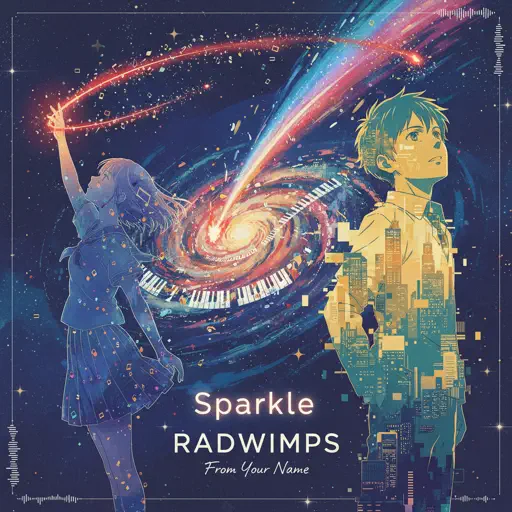
Sparkle - From Your Name
RADWIMPS
Normal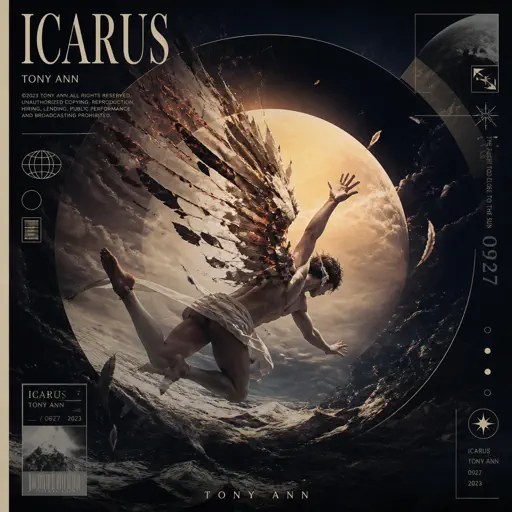
ICARUS
Tony Ann
NormalFrequently Asked Questions
What is Roblox Piano Practice Online?
This is a free online tool that lets you practice Roblox virtual piano sheets in your browser. No downloads required - just pick a song and start practicing.
How do I use this online practice tool?
1. Select a song from the recommendations or use the search function. 2. Click play and the sheet will auto-scroll with highlighted notes. 3. Watch the virtual piano keyboard for highlighted keys and practice along. 4. Use speed control to slow down playback - perfect for beginners.
Can I play using my keyboard?
Yes! The virtual piano supports computer keyboard input. The keys correspond to the standard Roblox piano layout (1234567890qwerty...). You can practice on your keyboard while following the sheet.
What does the Transpose feature do?
Transpose raises or lowers the pitch of the sheet. Some Roblox piano games have different default tunings, so transpose helps match the correct pitch. Usually adjusting by +12 or -12 semitones works.
Does this tool work on mobile?
Yes, but desktop provides the best experience. On mobile you can view the sheet and virtual piano demo, but keyboard input requires a computer. We recommend using a desktop for the best practice experience.
How do I find sheets suitable for my level?
Below you'll find recommendations sorted by difficulty: Easy for beginners, Normal for intermediate players, and Hard/Expert for advanced challenges. You can also use the search function to find songs by title or artist.