
Roblox Piano Practice Online
Loading piano...
Practice Guide
Quick guide on how to use the online piano practice tool.
What is this?
This tool allows you to practice playing virtual piano sheets directly in your browser. It simulates a piano keyboard and helps you learn the notes and rhythm before playing in Roblox.
How to Practice Online
Use your computer keyboard or mouse to play the virtual piano keys directly. As the sheet music plays, the corresponding keys on the virtual piano will light up to help you follow along. You can also copy the sheet code to use directly in Roblox.
Discover Sheets
Random Shuffle: Click the Shuffle button in the center of the top control bar to instantly load a random new song without reloading the page.
Search: Click the Search button next to Shuffle to open the search window. Type a song title or artist name to quickly find and switch to the sheet you want to practice.
Playback Controls
- Play/Pause: Start or stop playback.
- 1xSpeed: Adjust tempo (0.5x - 2.0x).
- KTranspose: Shift the pitch up or down.
- SSustain: Toggle sustain pedal effect.
Easy Mode

Easy
Nice To Know - BFDIA 19 Cake At Stake Intro
BFDIA 19

Easy
Fur Elise
Beethoven

Easy
Mockingbird
Eminem

Easy
Balcony
Cave Story

Easy
Immortal
Playboi Carti

Easy
Sleeping City Funk
Emotional Recycling Bin

Easy
Cupid (Twin Version)
Fifty Fifty

Easy
If You Love These People (Man of Steel)
Hans Zimmer

Easy
Harvey
Alex G

Easy
Mist
EsDeeKid
Normal Mode



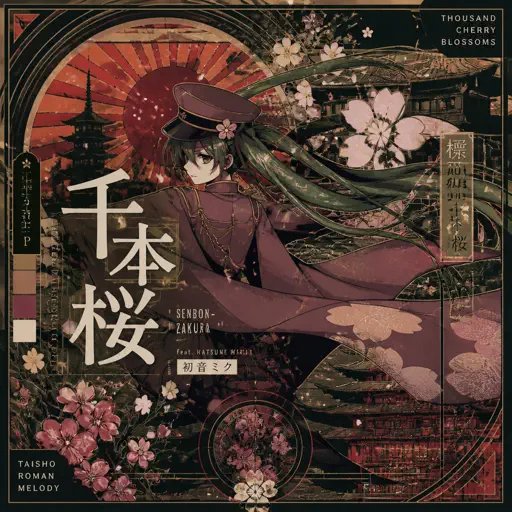

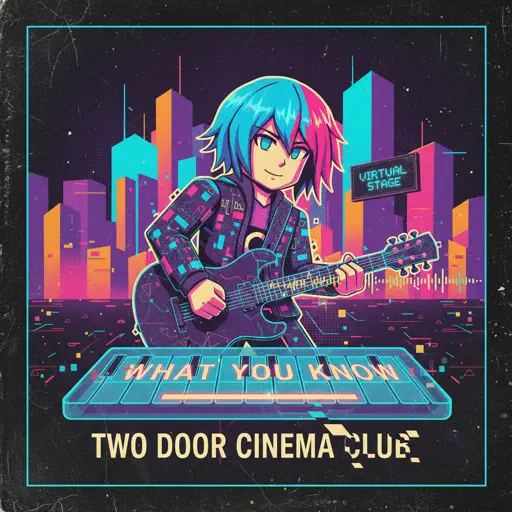

Hard Mode
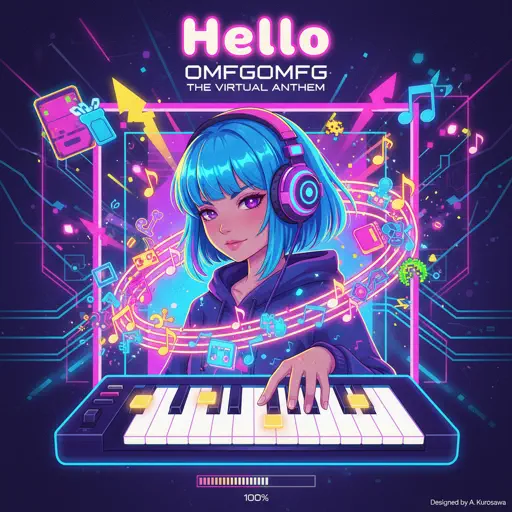
Hard
Hello
OMFG
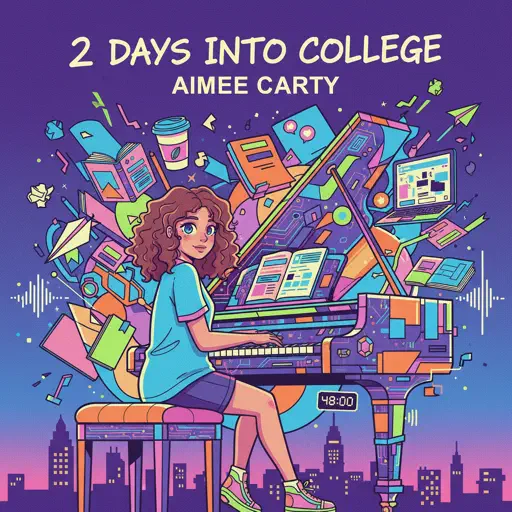
Hard
2 days into college
Aimee Carty

Hard
I Want You to Tell Me the Moon is Beautiful!
kakizaki yuta
Hard
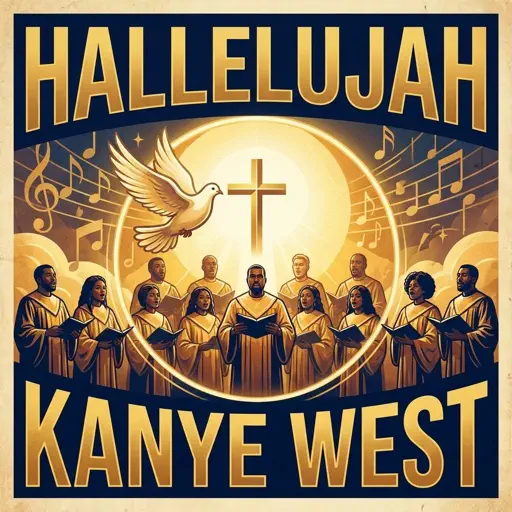
Hallelujah
Kanye West
Hard
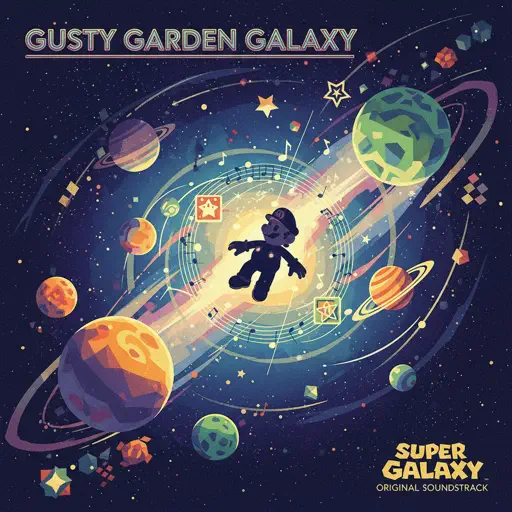
Gusty Garden Galaxy
Super Mario Galaxy
Hard
Engeki
Nanou
Hard
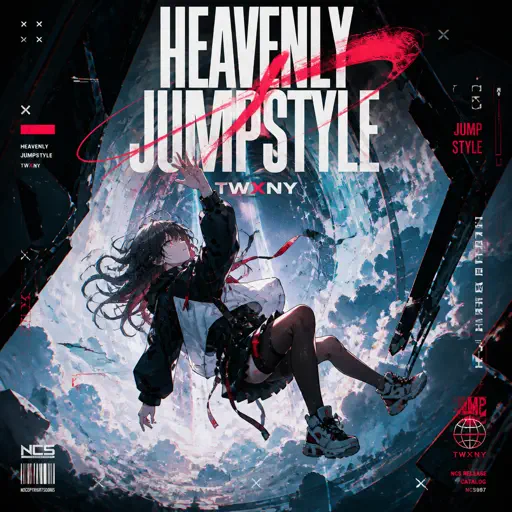
HEAVENLY JUMPSTYLE
TWXNY
Hard
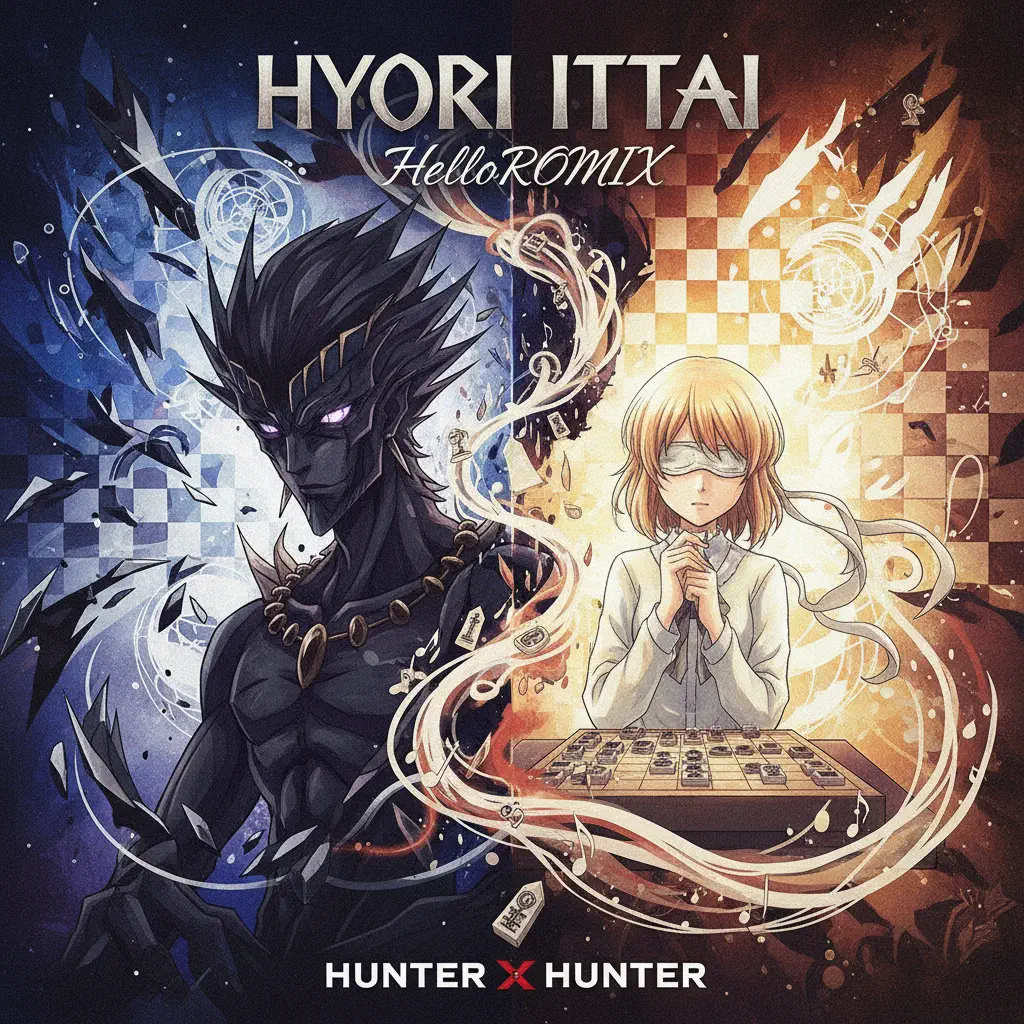
Hyori Ittai - HUNTER X HUNTER
HelloROMIX
Hard
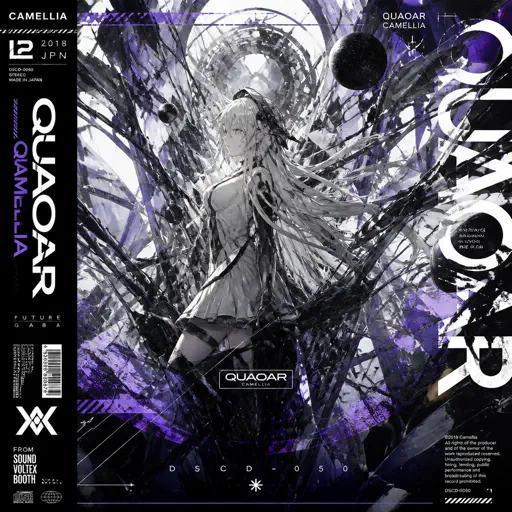
Quaoar
Camellia
Hard
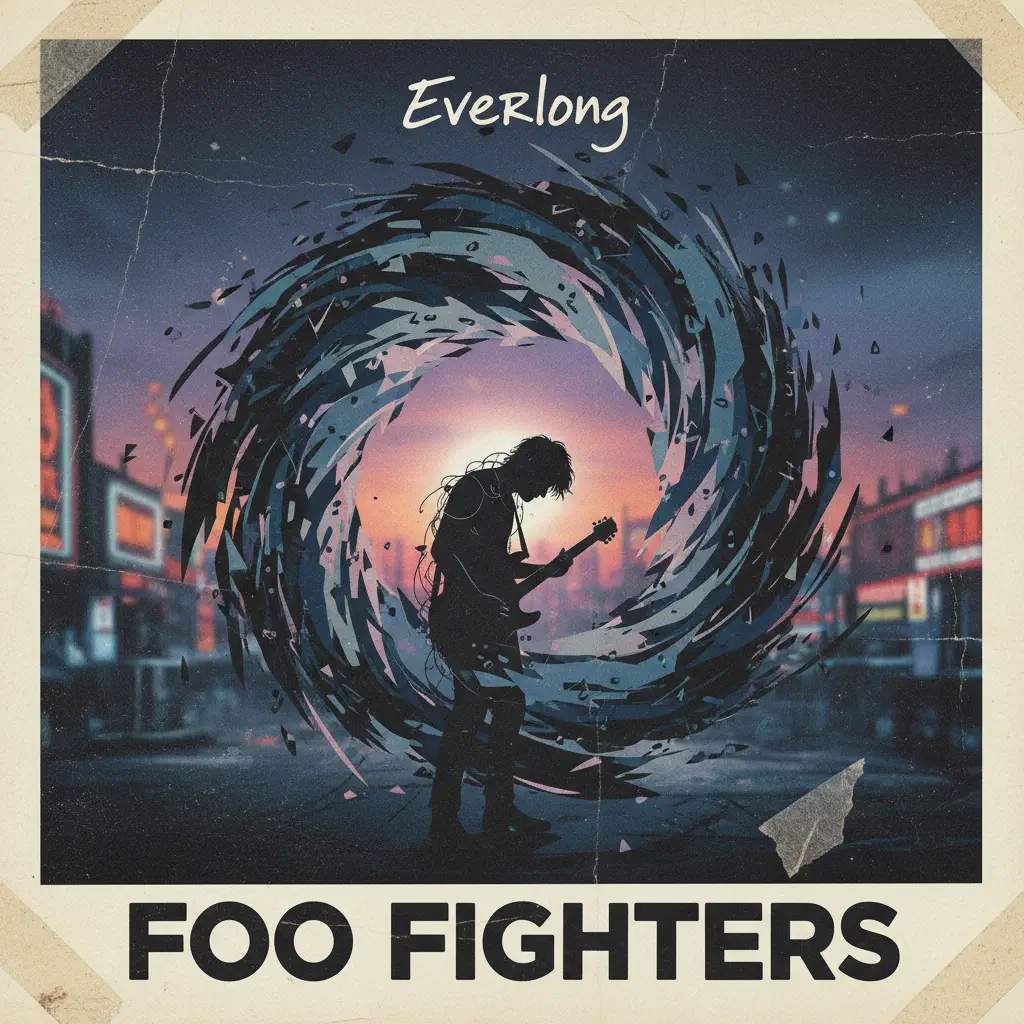
Everlong
Foo Fighters
Recommended Sheets
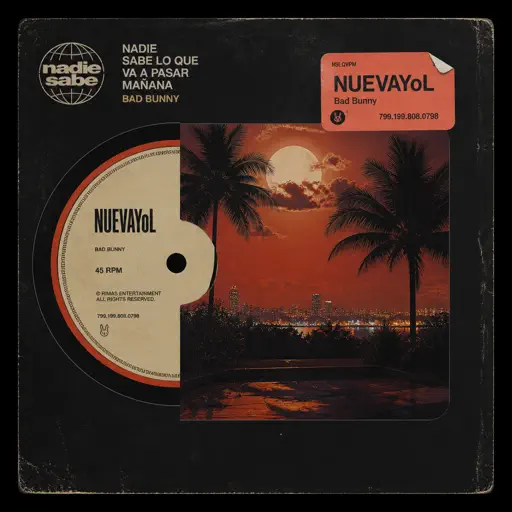
NUEVAYoL
Bad Bunny
Normal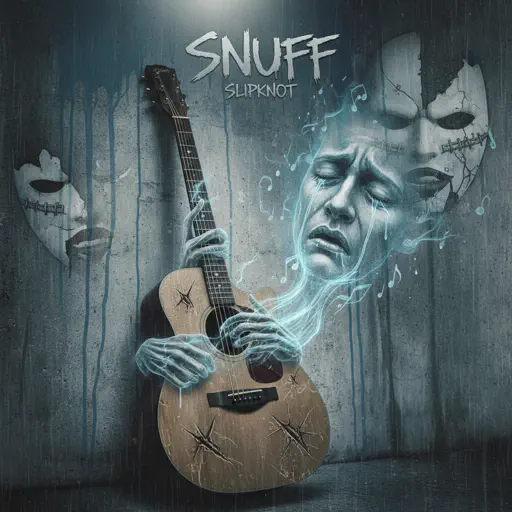
Snuff
Slipknot
Hard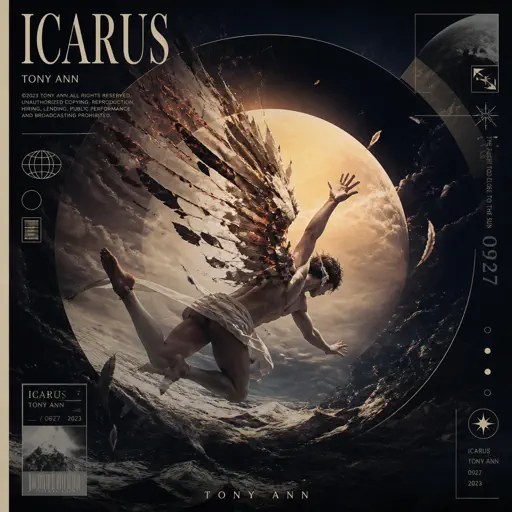
ICARUS
Tony Ann
Normal
Golden Hour
JVKE
Normal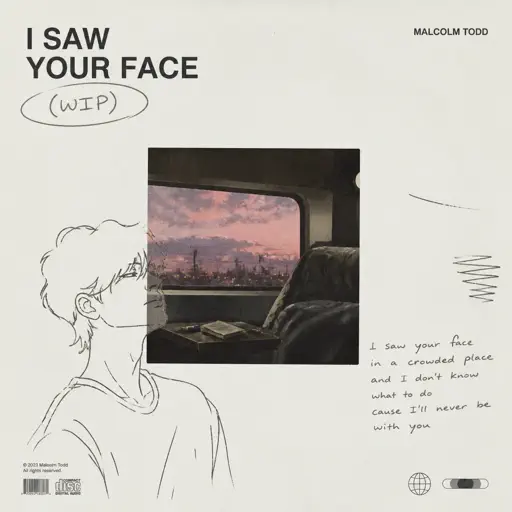
I Saw Your Face (WIP)
Malcolm Todd
Normal
Another Rain (Halo 3: ODST)
Martin O'Donnell
Normal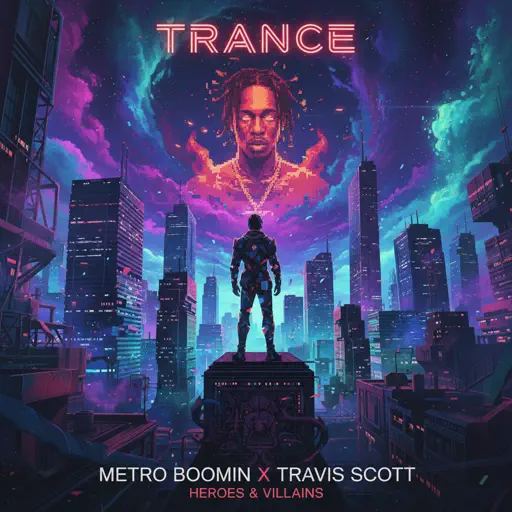
Trance
Metro Boomin and Travis Scott
Normal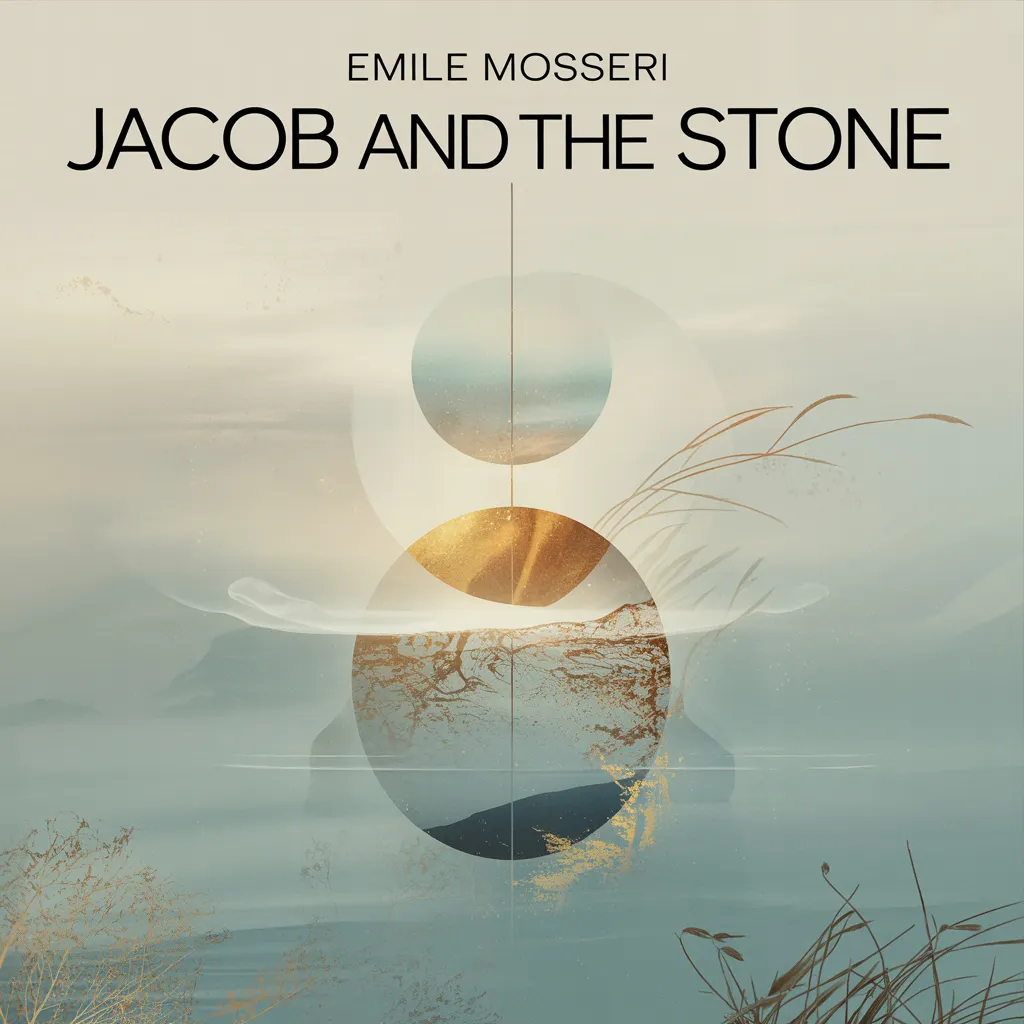
Jacob and the Stone
Emile Mosseri
Normal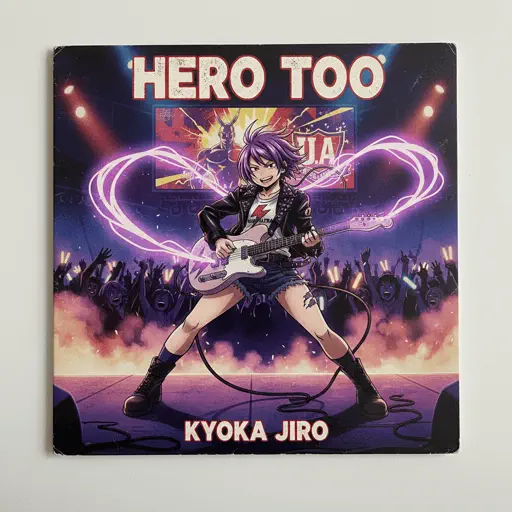
Hero too
Kyoka Jiro
NormalHEAVENLY JUMPSTYLE
TWXNY
Hard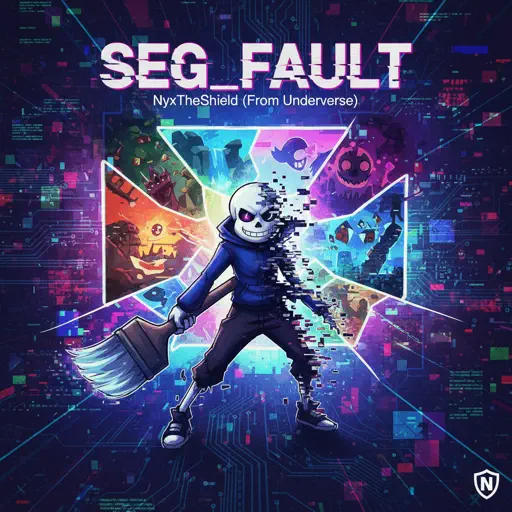
SEG_FAULT (From Underverse)
NyxTheShield
Hard
Shinunoga E-Wa
Fujii Kaze
Normal
Moonlight Sonata 3rd Mvt.
Beethoven
Normal
Welcome to the Black Parade
My Chemical Romance
Normal
v0idness
crxw
Normal
From Russia with Love
Matt Monro
Hard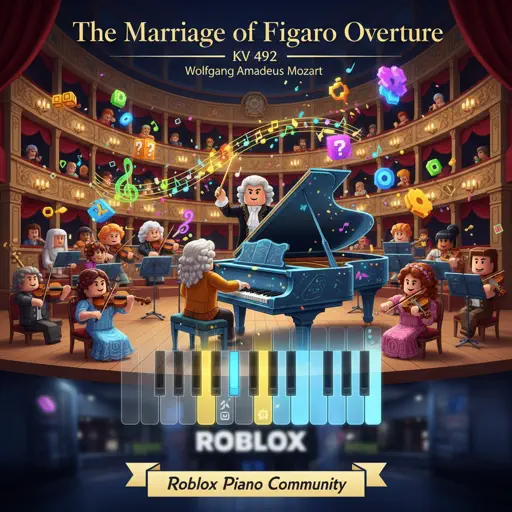
The Marriage of Figaro Overture, KV 492
Wolfgang Amadeus Mozart
Hard
Every Breath You Take
The Police
Normal
D.T.B. (Interlude)
A Boogie Wit da Hoodie
Normal
Can You Hear The Music - from Oppenheimer
Ludwig Göransson
HardFrequently Asked Questions
What is Roblox Piano Practice Online?
This is a free online tool that lets you practice Roblox virtual piano sheets in your browser. No downloads required - just pick a song and start practicing.
How do I use this online practice tool?
1. Select a song from the recommendations or use the search function. 2. Click play and the sheet will auto-scroll with highlighted notes. 3. Watch the virtual piano keyboard for highlighted keys and practice along. 4. Use speed control to slow down playback - perfect for beginners.
Can I play using my keyboard?
Yes! The virtual piano supports computer keyboard input. The keys correspond to the standard Roblox piano layout (1234567890qwerty...). You can practice on your keyboard while following the sheet.
What does the Transpose feature do?
Transpose raises or lowers the pitch of the sheet. Some Roblox piano games have different default tunings, so transpose helps match the correct pitch. Usually adjusting by +12 or -12 semitones works.
Does this tool work on mobile?
Yes, but desktop provides the best experience. On mobile you can view the sheet and virtual piano demo, but keyboard input requires a computer. We recommend using a desktop for the best practice experience.
How do I find sheets suitable for my level?
Below you'll find recommendations sorted by difficulty: Easy for beginners, Normal for intermediate players, and Hard/Expert for advanced challenges. You can also use the search function to find songs by title or artist.