
Roblox Piano Practice Online
Loading piano...
Practice Guide
Quick guide on how to use the online piano practice tool.
What is this?
This tool allows you to practice playing virtual piano sheets directly in your browser. It simulates a piano keyboard and helps you learn the notes and rhythm before playing in Roblox.
How to Practice Online
Use your computer keyboard or mouse to play the virtual piano keys directly. As the sheet music plays, the corresponding keys on the virtual piano will light up to help you follow along. You can also copy the sheet code to use directly in Roblox.
Discover Sheets
Random Shuffle: Click the Shuffle button in the center of the top control bar to instantly load a random new song without reloading the page.
Search: Click the Search button next to Shuffle to open the search window. Type a song title or artist name to quickly find and switch to the sheet you want to practice.
Playback Controls
- Play/Pause: Start or stop playback.
- 1xSpeed: Adjust tempo (0.5x - 2.0x).
- KTranspose: Shift the pitch up or down.
- SSustain: Toggle sustain pedal effect.
Easy Mode

Easy
Mockingbird
Eminem

Easy
Nice To Know - BFDIA 19 Cake At Stake Intro
BFDIA 19

Easy
Sleeping City Funk
Emotional Recycling Bin

Easy
Immortal
Playboi Carti

Easy
Where You Lead
Carole King

Easy
LET ME SEE YA MOVE!
Lumi Athena

Easy
Gravity Falls Main Title Theme
Brad Breeck

Easy
Cupid (Twin Version)
Fifty Fifty

Easy
If You Love These People (Man of Steel)
Hans Zimmer

Easy
Pimp Hoe
Mike Sherm
Normal Mode
Normal
Great Balls Of Fire
Jerry Lee Lewis
Normal
Hero too
Kyoka Jiro
Normal
Everything I Wanted
Billie Eilish
Normal
Boys Don't Cry
The Cure
Normal
Kerosene
Crystal Castles

Normal
NO BATIDÃO
ZXKAI
Normal
Into the Infinity Castle (From "Demon Slayer")
Jimmy's Atelier
Normal
Eternal Dream (Murder Drones)
AJ Dispirito

Normal
Nơi Này Có Anh
Sơn Tùng M-TP
Normal
Auld Lang Syne
Home Free
Hard Mode
Hard
Le Monde - From Talk to Me
Richard Carter
Hard
Red Like Roses, Pt. 2 - RWBY
Jeff Williams
Hard
Nuke Powder
MaelouX
Hard
Ditto
NewJeans
Hard
requiem for the lost ones
Shiro SAGISU
Hard
Retry now いますぐ輪廻
NAKISO

Hard
Get Jinxed
League of Legends
Hard
Defeat Everyone! - TPOT 19 Soundtrack
Ian Woodside
Hard
Israel Circles
geometry dash
Hard
Sweet Boy
Malcolm Todd
Recommended Sheets

Kill Bill
SZA
Hard
L no Theme - Death Note
Hideki Taniuchi
Normal
Queen St
twentythree
Normal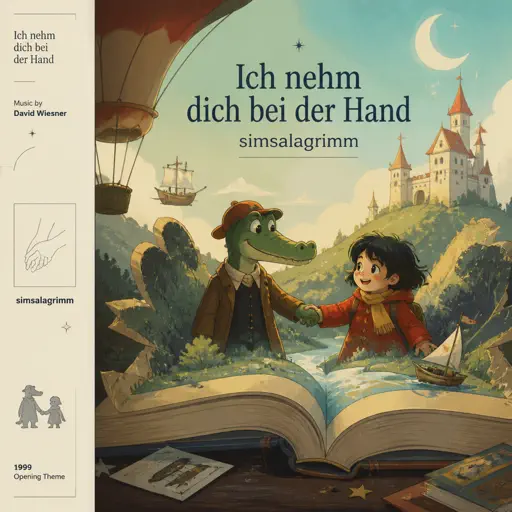
Ich nehm dich bei der Hand (simsalagrimm)
David Wiesner
Normal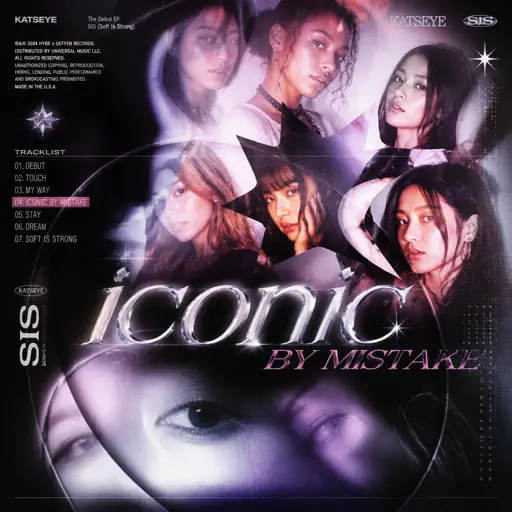
ICONIC BY MISTAKE
KATSEYE
Normal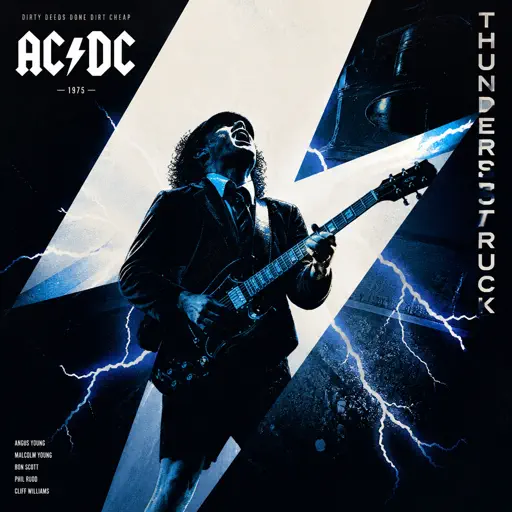
Thunderstruck
AC/DC
Normal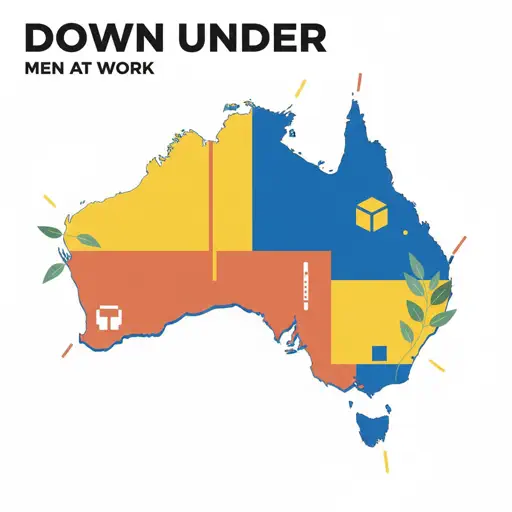
Down Under
Men At Work
HardMockingbird
Eminem
Easy
World's Smallest Violin
AJR
Normal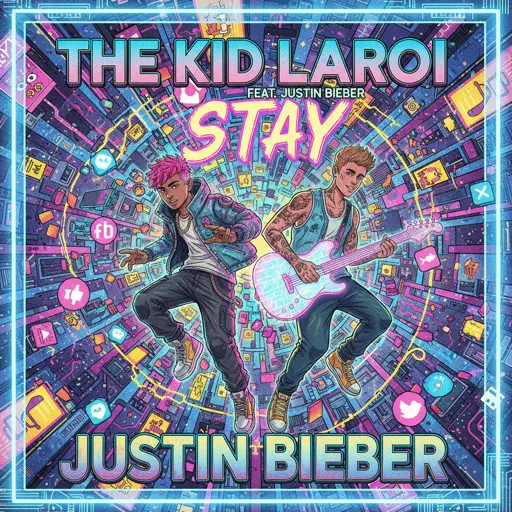
STAY
The Kid LAROI and Justin Bieber
Normal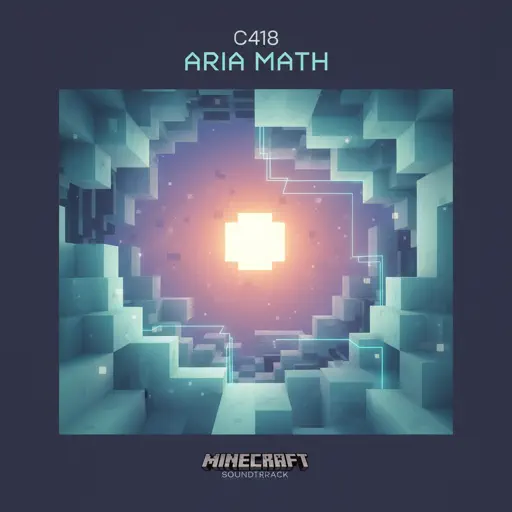
Aria Math
C418 (Minecraft)
Normal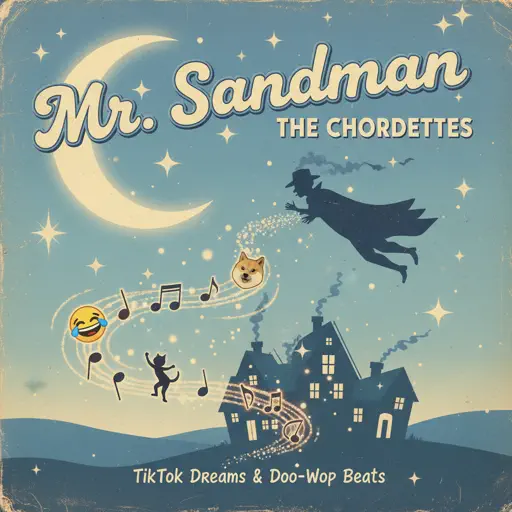
Mr. Sandman
The Chordettes
Hard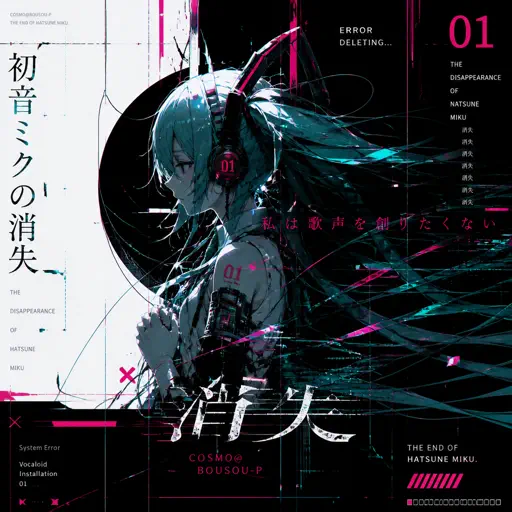
The Disappearance of Hatsune Miku
Hatsune Miku
Normal
Sa Susunod na Habang Buhay
Ben&Ben
Hard
Melancholy
Tiny Bunny
Normal
Beautiful Girl
INXS
Normal
Vogel Im Kafig - Attack on Titan
Sawano Hiroyuki
Normal
traitor
Olivia Rodrigo
Normal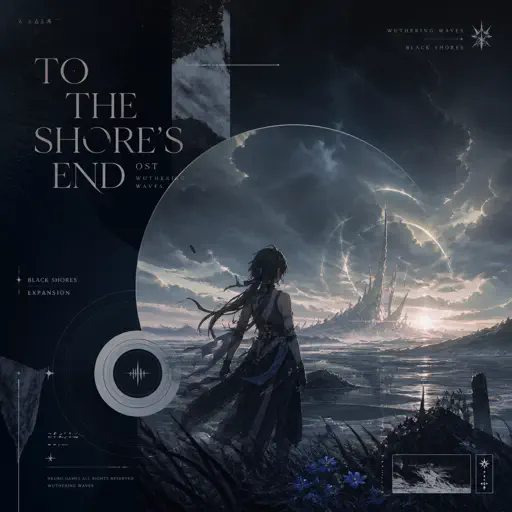
To The Shore's End OST
By Wuthering Waves
Normal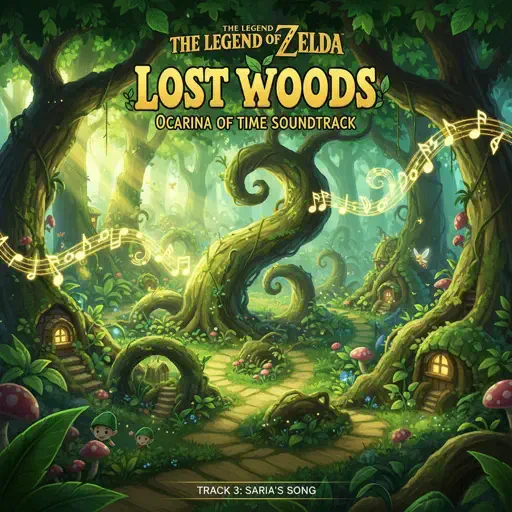
Lost Woods (The Legend of Zelda: Ocarina of Time)
Legend of Zelda
NormalFrequently Asked Questions
What is Roblox Piano Practice Online?
This is a free online tool that lets you practice Roblox virtual piano sheets in your browser. No downloads required - just pick a song and start practicing.
How do I use this online practice tool?
1. Select a song from the recommendations or use the search function. 2. Click play and the sheet will auto-scroll with highlighted notes. 3. Watch the virtual piano keyboard for highlighted keys and practice along. 4. Use speed control to slow down playback - perfect for beginners.
Can I play using my keyboard?
Yes! The virtual piano supports computer keyboard input. The keys correspond to the standard Roblox piano layout (1234567890qwerty...). You can practice on your keyboard while following the sheet.
What does the Transpose feature do?
Transpose raises or lowers the pitch of the sheet. Some Roblox piano games have different default tunings, so transpose helps match the correct pitch. Usually adjusting by +12 or -12 semitones works.
Does this tool work on mobile?
Yes, but desktop provides the best experience. On mobile you can view the sheet and virtual piano demo, but keyboard input requires a computer. We recommend using a desktop for the best practice experience.
How do I find sheets suitable for my level?
Below you'll find recommendations sorted by difficulty: Easy for beginners, Normal for intermediate players, and Hard/Expert for advanced challenges. You can also use the search function to find songs by title or artist.