
Roblox Piano Practice Online
Loading piano...
Practice Guide
Quick guide on how to use the online piano practice tool.
What is this?
This tool allows you to practice playing virtual piano sheets directly in your browser. It simulates a piano keyboard and helps you learn the notes and rhythm before playing in Roblox.
How to Practice Online
Use your computer keyboard or mouse to play the virtual piano keys directly. As the sheet music plays, the corresponding keys on the virtual piano will light up to help you follow along. You can also copy the sheet code to use directly in Roblox.
Discover Sheets
Random Shuffle: Click the Shuffle button in the center of the top control bar to instantly load a random new song without reloading the page.
Search: Click the Search button next to Shuffle to open the search window. Type a song title or artist name to quickly find and switch to the sheet you want to practice.
Playback Controls
- Play/Pause: Start or stop playback.
- 1xSpeed: Adjust tempo (0.5x - 2.0x).
- KTranspose: Shift the pitch up or down.
- SSustain: Toggle sustain pedal effect.
Easy Mode

Easy
LET ME SEE YA MOVE!
Lumi Athena

Easy
If You Love These People (Man of Steel)
Hans Zimmer

Easy
Fur Elise
Beethoven

Easy
Mockingbird
Eminem

Easy
Where You Lead
Carole King

Easy
Harvey
Alex G

Easy
Pimp Hoe
Mike Sherm

Easy
Gravity Falls Main Title Theme
Brad Breeck

Easy
Sleeping City Funk
Emotional Recycling Bin

Easy
Immortal
Playboi Carti
Normal Mode
Normal
MONTAGEM ALQUIMIA
h6itam

Normal
Kyoto
C418
Normal
THE LEGEND from DELTARUNE
Toby Fox
Normal
Remember Me - From "Coco"
Anthony Gonzalez
Normal
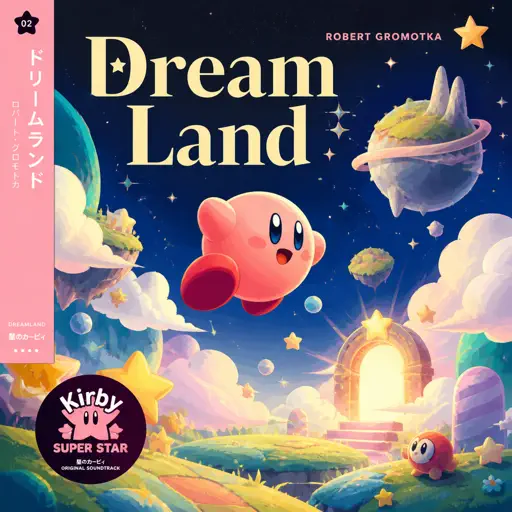
Dreamland
Robert Gromotka
Normal
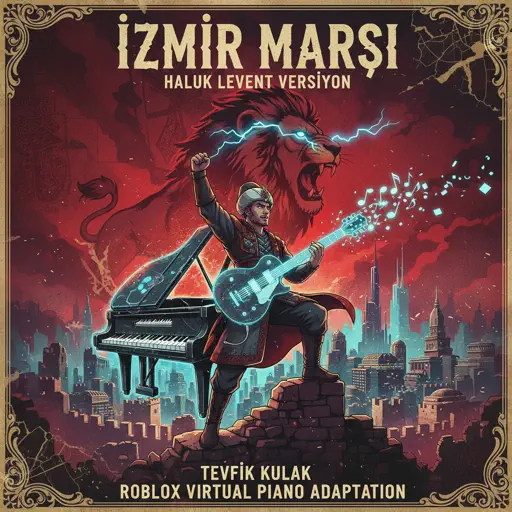
İzmir Marşı - Haluk Levent Versiyon
Tevfik Kulak
Normal
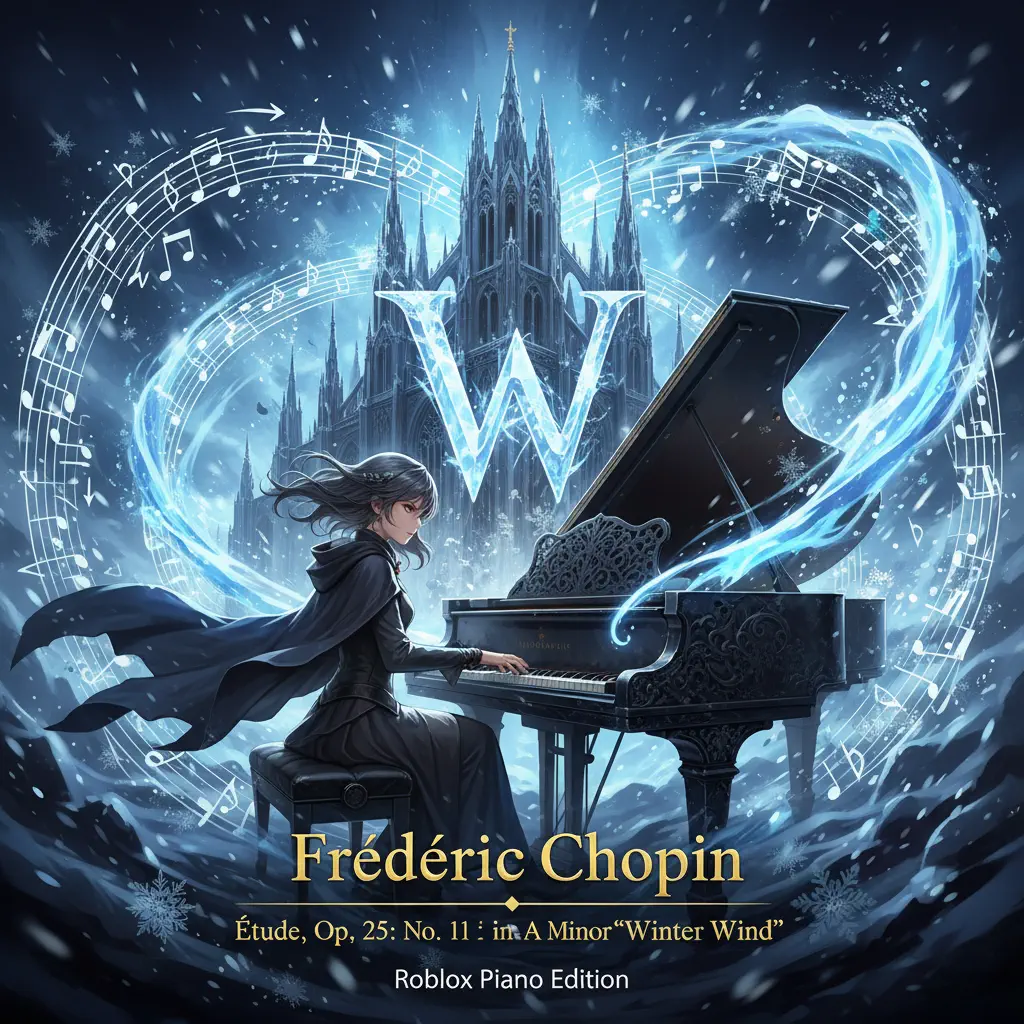
Winter Wind Étude Op. 25 No. 11
Frédéric Chopin
Normal
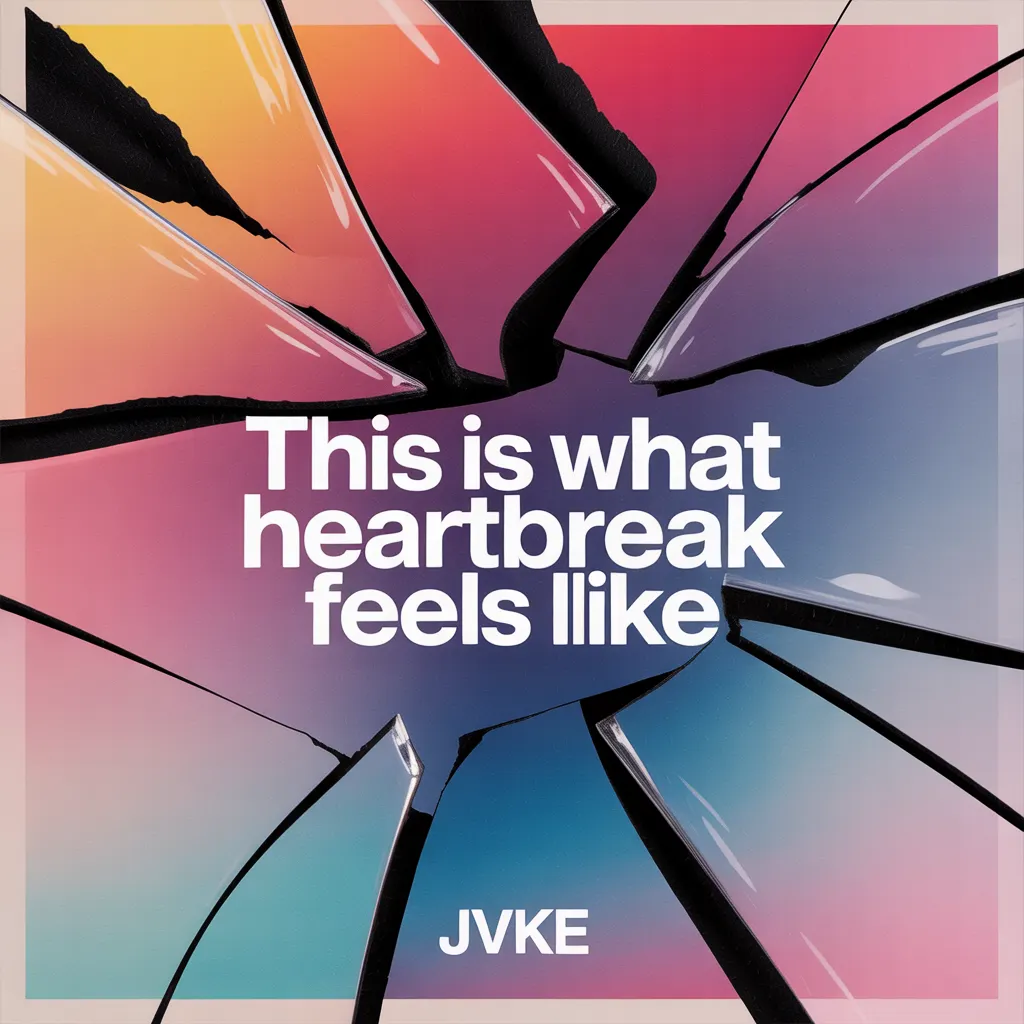
This is what heartbreak feels like
JVKE
Normal
Flowers
Miley Cyrus
Normal
Hello Charlotte EP 2 OST
Farewell

Recommended Sheets
snowfall
Øneheart
Normal
Unravel (Tokyo Ghoul)
AmaLee
Normal
Skybase
Standartskill
Normal
Sadness and Sorrow - Naruto
Toshio Masuda
Normal
Belki
Dedublüman
Normal
Bebe
Stayc
Normal
At the Speed of Light
Dimrain47
Hard
Pi The Song With 3.1415 Million Notes (Auto-Play Only)
TheSuperMarioBros2
Hard
York'scher Marsch
Beethoven
Hard
Clash Royale Intro Sound
Supercell
Normal
I'll Change for You
Mitski
Normal
The Fate of Ophelia
Taylor Swift
Normal
All the Way North
Jay Chou
Hard
BIRDBRAIN
Jamie Paige
Normal
OG - untitled tag game ost
untitled tag game
Hard
Kamado Tanjirou no Uta (竈門炭治郎のうた) - Demon Slayer
Go Shiina
Normal
Flamewall - Geometry Dash
Camellia
Normal
Initial D First Stage Sound - Admiration
Initial D
Normal
crystallized
Camellia
Normal
Lovers Rock
TV Girl
HardFrequently Asked Questions
What is Roblox Piano Practice Online?
This is a free online tool that lets you practice Roblox virtual piano sheets in your browser. No downloads required - just pick a song and start practicing.
How do I use this online practice tool?
1. Select a song from the recommendations or use the search function. 2. Click play and the sheet will auto-scroll with highlighted notes. 3. Watch the virtual piano keyboard for highlighted keys and practice along. 4. Use speed control to slow down playback - perfect for beginners.
Can I play using my keyboard?
Yes! The virtual piano supports computer keyboard input. The keys correspond to the standard Roblox piano layout (1234567890qwerty...). You can practice on your keyboard while following the sheet.
What does the Transpose feature do?
Transpose raises or lowers the pitch of the sheet. Some Roblox piano games have different default tunings, so transpose helps match the correct pitch. Usually adjusting by +12 or -12 semitones works.
Does this tool work on mobile?
Yes, but desktop provides the best experience. On mobile you can view the sheet and virtual piano demo, but keyboard input requires a computer. We recommend using a desktop for the best practice experience.
How do I find sheets suitable for my level?
Below you'll find recommendations sorted by difficulty: Easy for beginners, Normal for intermediate players, and Hard/Expert for advanced challenges. You can also use the search function to find songs by title or artist.