
Roblox Piano Practice Online
Loading piano...
Practice Guide
Quick guide on how to use the online piano practice tool.
What is this?
This tool allows you to practice playing virtual piano sheets directly in your browser. It simulates a piano keyboard and helps you learn the notes and rhythm before playing in Roblox.
How to Practice Online
Use your computer keyboard or mouse to play the virtual piano keys directly. As the sheet music plays, the corresponding keys on the virtual piano will light up to help you follow along. You can also copy the sheet code to use directly in Roblox.
Discover Sheets
Random Shuffle: Click the Shuffle button in the center of the top control bar to instantly load a random new song without reloading the page.
Search: Click the Search button next to Shuffle to open the search window. Type a song title or artist name to quickly find and switch to the sheet you want to practice.
Playback Controls
- Play/Pause: Start or stop playback.
- 1xSpeed: Adjust tempo (0.5x - 2.0x).
- KTranspose: Shift the pitch up or down.
- SSustain: Toggle sustain pedal effect.
Easy Mode









Normal Mode
Normal
Snake
Yorushika
Normal
The Disappearance of Hatsune Miku
Hatsune Miku
Normal
BIRDBRAIN
Jamie Paige
Normal
Moonlight Sonata 3rd Mvt.
Beethoven
Normal
Sophie (Cry of Fear)
Andreas Rönnberg
Normal
when the devil falls in love
Hakdo
Normal
Jožin Z Bažin
Ivan Mládek
Normal
Call Me
Shinedown
Normal
OOBE - Rec Room OST
Gribbly
Normal
Prince Sidon's Theme - The Legend of Zelda: Breath of the Wild
Tim Burnelis
Hard Mode
Hard
Succession (Main Title Theme)
Nicholas Britell
Hard
Brain Rot ブレインロット
Tokya Manaka
Hard
FoxSong (Alisa theme)
Tiny Bunny
Hard
Sphere
Creo
Hard
Interstellar Main Theme
Peter Buka
Hard
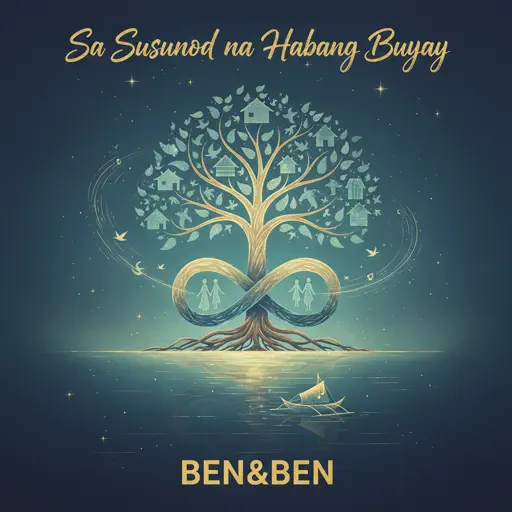
Sa Susunod na Habang Buhay
Ben&Ben

Hard
Your Idol (KPop Demon Hunters)
Saja Boys
Hard
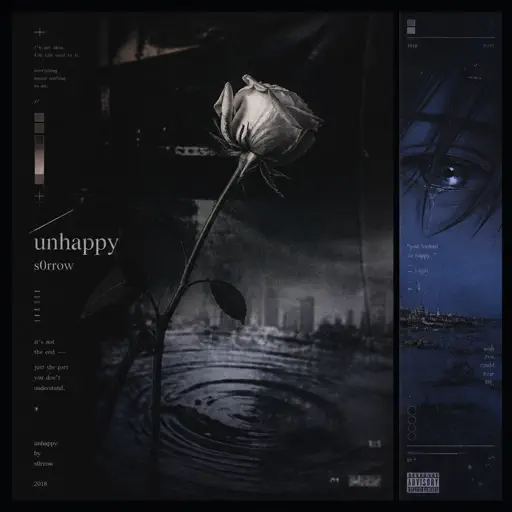
unhappy
s0rrow
Hard
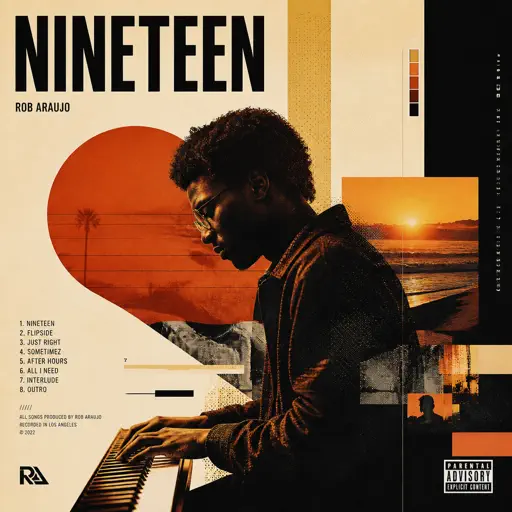
Nineteen
Rob Araujo
Hard
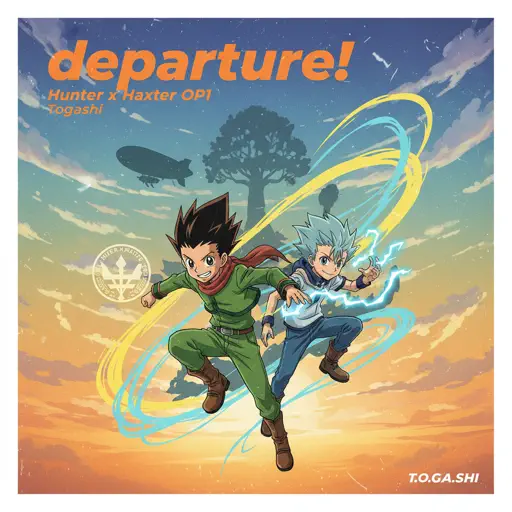
departure! - Hunter x Hunter OP1
Togash
Recommended Sheets
traitor
Olivia Rodrigo
Normal
Clair de lune
Claude Debussy
Normal
Riptide
Vance Joy
Normal
The Entertainer
Scott Joplin
Hard
I Can’t Fix You
The Living Tombstone
Hard
After LIKE
IVE
Hard
The One Who's Running the Show - The Amazing Digital Circus
Gooseworx
Hard
Blue Tequila
Táo
Normal
Kids - From Stranger Things
Kyle Dixon & Michael Stein
Normal
i like the way you kiss me
Artemas
Hard
Mist
EsDeeKid
Easy
Hello Charlotte EP 2 OST
Farewell
Normal
Valencina & Lucio Battle Theme - Limbus Company
Studio EIM
Normal
Stuck Inside
Living Tombstone
Hard
Quelqu'un de bien
Livaï
Normal
Nostalgia
Tate McRae
Normal
God’s Menu 神메뉴
Stray Kids
Hard
That’s So True
Gracie Abrams
Normal
Pas de deux (The Nutcracker, Op. 71, Act 2: No. 14a, Andante maestoso)
Pyotr Ilyich Tchaikovsky
Hard
Driftveil City - Toothless Dancing
Hitomi Sato
HardFrequently Asked Questions
What is Roblox Piano Practice Online?
This is a free online tool that lets you practice Roblox virtual piano sheets in your browser. No downloads required - just pick a song and start practicing.
How do I use this online practice tool?
1. Select a song from the recommendations or use the search function. 2. Click play and the sheet will auto-scroll with highlighted notes. 3. Watch the virtual piano keyboard for highlighted keys and practice along. 4. Use speed control to slow down playback - perfect for beginners.
Can I play using my keyboard?
Yes! The virtual piano supports computer keyboard input. The keys correspond to the standard Roblox piano layout (1234567890qwerty...). You can practice on your keyboard while following the sheet.
What does the Transpose feature do?
Transpose raises or lowers the pitch of the sheet. Some Roblox piano games have different default tunings, so transpose helps match the correct pitch. Usually adjusting by +12 or -12 semitones works.
Does this tool work on mobile?
Yes, but desktop provides the best experience. On mobile you can view the sheet and virtual piano demo, but keyboard input requires a computer. We recommend using a desktop for the best practice experience.
How do I find sheets suitable for my level?
Below you'll find recommendations sorted by difficulty: Easy for beginners, Normal for intermediate players, and Hard/Expert for advanced challenges. You can also use the search function to find songs by title or artist.