
Roblox Piano Practice Online
Loading piano...
Practice Guide
Quick guide on how to use the online piano practice tool.
What is this?
This tool allows you to practice playing virtual piano sheets directly in your browser. It simulates a piano keyboard and helps you learn the notes and rhythm before playing in Roblox.
How to Practice Online
Use your computer keyboard or mouse to play the virtual piano keys directly. As the sheet music plays, the corresponding keys on the virtual piano will light up to help you follow along. You can also copy the sheet code to use directly in Roblox.
Discover Sheets
Random Shuffle: Click the Shuffle button in the center of the top control bar to instantly load a random new song without reloading the page.
Search: Click the Search button next to Shuffle to open the search window. Type a song title or artist name to quickly find and switch to the sheet you want to practice.
Playback Controls
- Play/Pause: Start or stop playback.
- 1xSpeed: Adjust tempo (0.5x - 2.0x).
- KTranspose: Shift the pitch up or down.
- SSustain: Toggle sustain pedal effect.
Easy Mode










Normal Mode
Normal
Space Song
Beach House
Normal
The King's Lullaby (Extended Version)
The Baby in Yellow
Normal
Daylight
David Kushner
Normal
Migraine
Jaydes
Normal
Song of Storms (The Legend of Zelda)
Legend of Zelda
Normal
Umapyoi Densetsu - Uma Musume Pretty Derby (うまぴょい伝説)
Cygames
Normal
Mia & Sebastian’s Theme - La La Land
Justin Hurwitz
Normal
This Is Pure Love - Jujutsu Kaisen 呪術廻戦
Alisa Okehazama
Normal
The Promised Love
Jay Chou
Normal
Meaningful Love
Silo
Hard Mode
Hard
Kyles mom's a bitch (South Park)
Trey Parker
Hard
Heartaches
Al Bowlly
Hard
Wonderwall
Oasis
Hard
The Final Flash of Existance
Scp Main Theme Combined
Hard
Everlong
Foo Fighters
Hard
Nutshell
Alice In Chains

Hard
Vienna
Billy Joel
Hard
requiem for the lost ones
Shiro SAGISU
Hard
Hatachi No Koi
Lamp
Hard
Megalomayhem (Undertale AU)
CHARTY
Recommended Sheets
Israel Circles
geometry dash
Hard
Go Away
Weezer
Normal
Kerosene
Crystal Castles
NormalUmapyoi Densetsu - Uma Musume Pretty Derby (うまぴょい伝説)
Cygames
Normal
10 Things I Hate About You
Leah Kate
Hard
505
Arctic Monkeys
Normal
Sunny Day 晴天
Jay Chou 周杰倫
Normal
Sealed Vessel - Hollow Knight
Christopher Larkin
Hard
katharsis - Tokyo Ghoul
TK from Ling tosite sigure
Hard
Wife
Mitski
Normal
Static
Steve Lacy
Normal
Chúng Ta Không Thuộc Về Nhau
Sơn Tùng M-TP
Normal
Paparazzi
Lady Gaga
Hard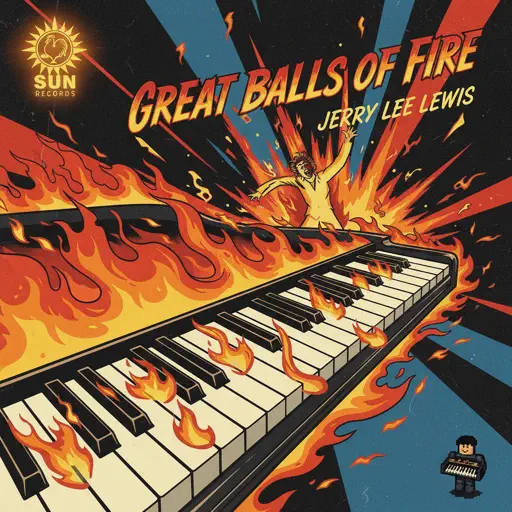
Great Balls Of Fire
Jerry Lee Lewis
Normal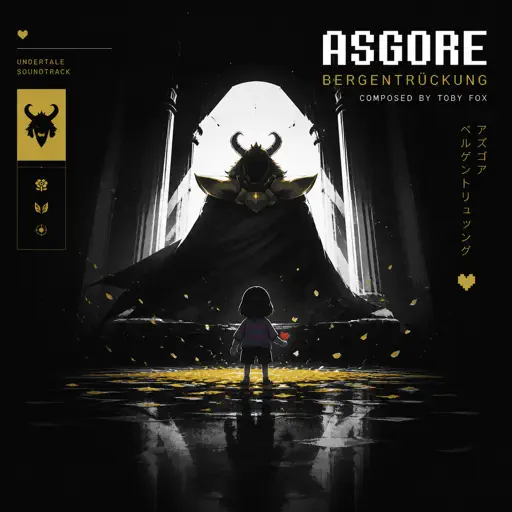
Bergentrückung / ASGORE
Toby Fox
Normal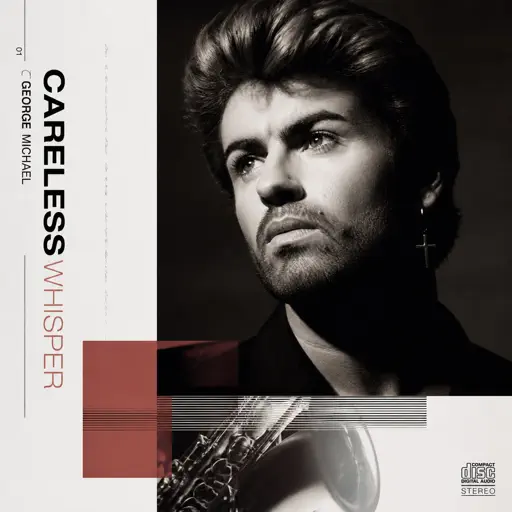
Careless Whisper
George Michael
Hard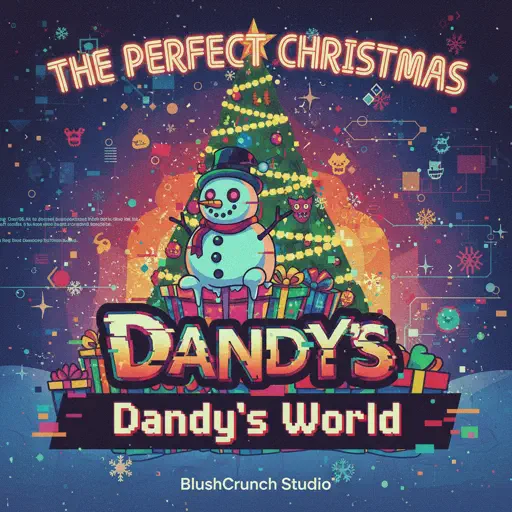
The Perfect Christmas - Dandy's World
BlushCrunch Studio
Normal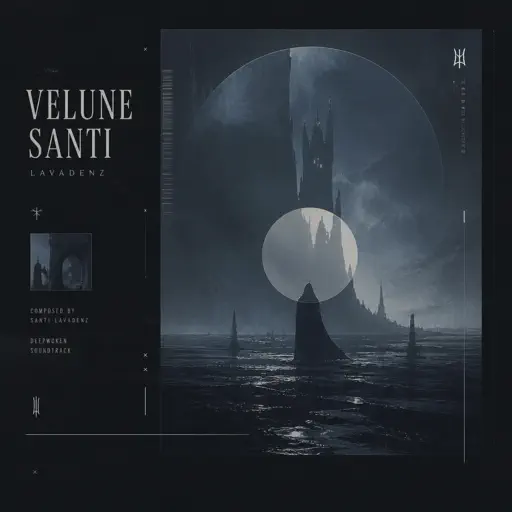
Velune
Santi Lavadenz
Normal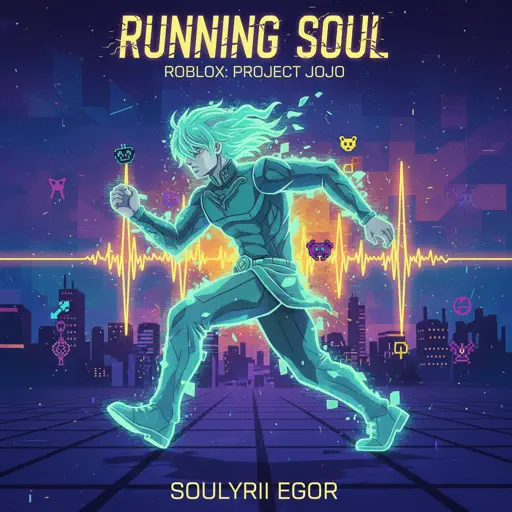
Running Soul
yrii egor
Hard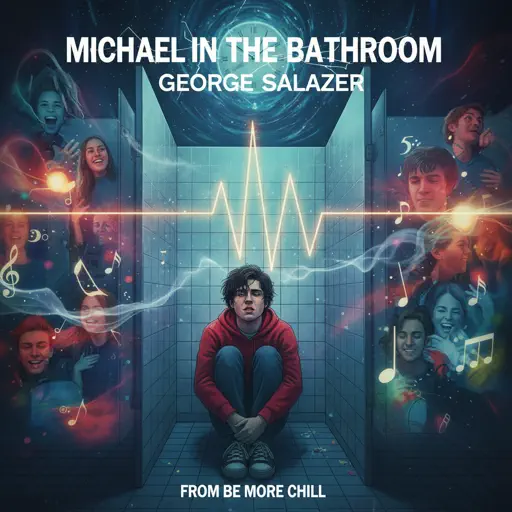
Michael in the Bathroom - Be More Chill
George Salazar
HardFrequently Asked Questions
What is Roblox Piano Practice Online?
This is a free online tool that lets you practice Roblox virtual piano sheets in your browser. No downloads required - just pick a song and start practicing.
How do I use this online practice tool?
1. Select a song from the recommendations or use the search function. 2. Click play and the sheet will auto-scroll with highlighted notes. 3. Watch the virtual piano keyboard for highlighted keys and practice along. 4. Use speed control to slow down playback - perfect for beginners.
Can I play using my keyboard?
Yes! The virtual piano supports computer keyboard input. The keys correspond to the standard Roblox piano layout (1234567890qwerty...). You can practice on your keyboard while following the sheet.
What does the Transpose feature do?
Transpose raises or lowers the pitch of the sheet. Some Roblox piano games have different default tunings, so transpose helps match the correct pitch. Usually adjusting by +12 or -12 semitones works.
Does this tool work on mobile?
Yes, but desktop provides the best experience. On mobile you can view the sheet and virtual piano demo, but keyboard input requires a computer. We recommend using a desktop for the best practice experience.
How do I find sheets suitable for my level?
Below you'll find recommendations sorted by difficulty: Easy for beginners, Normal for intermediate players, and Hard/Expert for advanced challenges. You can also use the search function to find songs by title or artist.