
Roblox Piano Practice Online
Loading piano...
Practice Guide
Quick guide on how to use the online piano practice tool.
What is this?
This tool allows you to practice playing virtual piano sheets directly in your browser. It simulates a piano keyboard and helps you learn the notes and rhythm before playing in Roblox.
How to Practice Online
Use your computer keyboard or mouse to play the virtual piano keys directly. As the sheet music plays, the corresponding keys on the virtual piano will light up to help you follow along. You can also copy the sheet code to use directly in Roblox.
Discover Sheets
Random Shuffle: Click the Shuffle button in the center of the top control bar to instantly load a random new song without reloading the page.
Search: Click the Search button next to Shuffle to open the search window. Type a song title or artist name to quickly find and switch to the sheet you want to practice.
Playback Controls
- Play/Pause: Start or stop playback.
- 1xSpeed: Adjust tempo (0.5x - 2.0x).
- KTranspose: Shift the pitch up or down.
- SSustain: Toggle sustain pedal effect.
Easy Mode

Easy
Fur Elise
Beethoven

Easy
Balcony
Cave Story

Easy
Gravity Falls Main Title Theme
Brad Breeck

Easy
Immortal
Playboi Carti

Easy
If You Love These People (Man of Steel)
Hans Zimmer

Easy
Nice To Know - BFDIA 19 Cake At Stake Intro
BFDIA 19

Easy
Where You Lead
Carole King

Easy
LET ME SEE YA MOVE!
Lumi Athena

Easy
Pimp Hoe
Mike Sherm

Easy
Mist
EsDeeKid
Normal Mode
Normal
Space Song
Beach House

Normal
Life Goes On
Oliver Tree
Normal
Pesan Terakhir
Lyodra
Normal
OOBE - Rec Room OST
Gribbly
Normal
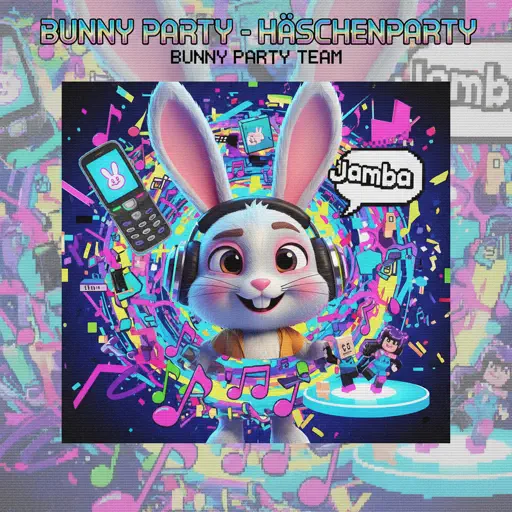
Bunny Party - Häschenparty
Bunny Party Team
Normal
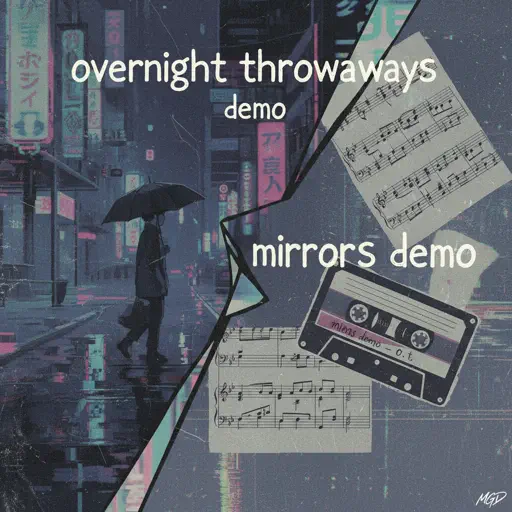
Mirrors Demo
Overtonight Throwaways
Normal
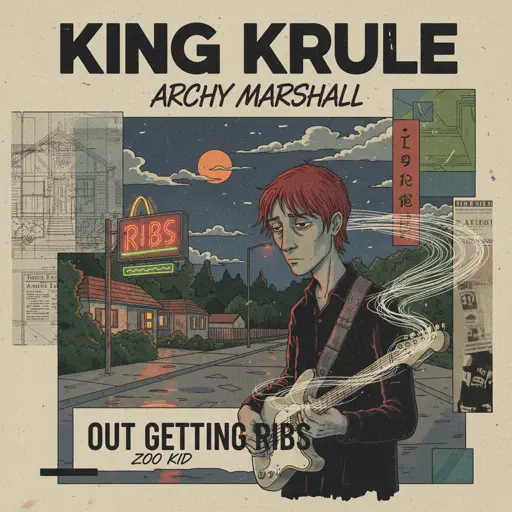
Out Getting Ribs
King Krule
Normal
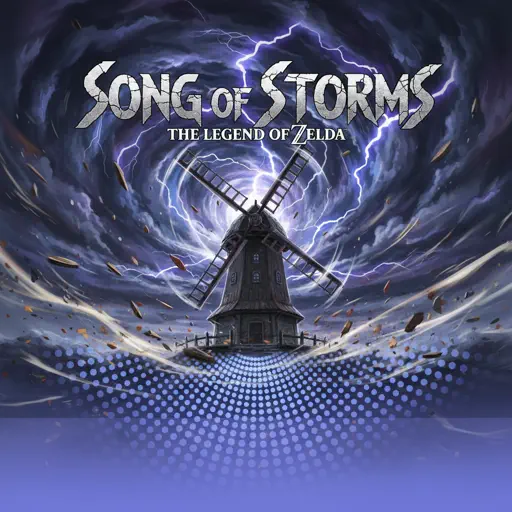
Song of Storms (The Legend of Zelda)
Legend of Zelda

Normal
Clair de lune
Claude Debussy
Normal
Supermassive Black Hole
Muse
Hard Mode
Hard
greedy
Tate McRae
Hard
Slash Inferno
Boom Kitty
Hard
Papaoutai
Stromae
Hard
My R - Yellow Cardigan
Rachie
Hard
Emesis Blue Scouts Requiem
Fortress Films
Hard
The Promise - FINAL FANTASY XIII
Masashi Hamauzu
Hard
Oops!...I Did It Again
Britney Spears
Hard
Order from ULTRAKILL
Heaven Pierce Her

Hard
XOXO
Feng
Hard
Took Her To The O
King Von
Recommended Sheets
Godspeed
Frank Ocean
Normal
ref
OsamaSon
Normal
Clubstep - Geometry Dash
dj-Nate
Normal
Toxic Gossip Train
Colleen Ballinger
Normal
Jeopardy! Main Theme
Geek Music
Normal
Katyusha
Matvey Blanter
Hard
一个人的浪漫 (一起来看流星雨)
Yu Hao Ming
Normal
Zankyou Sanka - 残響散歌 - Demon Slayer
Aimer
Hard
Voyager
Xdinary Heroes
Normal
XO Tour Llif3
Lil Uzi Vert
Hard
Super Mario Bros. Theme
Nintendo
Normal
Touch-Tone Telephone
Lemon Demon
Hard
Tum Hi Ho
Arijit Singh
Normal
Brain Rot ブレインロット
Tokya Manaka
Hard
Drowning Love
Chasing Kou
Hard
Valentine
Laufey
Hard
Beaches
beabadoobee
Normal
High School Sweethearts
Melanie Martinez
Normal
back to friends
sombr
Hard
Flamewall - Geometry Dash
Camellia
NormalFrequently Asked Questions
What is Roblox Piano Practice Online?
This is a free online tool that lets you practice Roblox virtual piano sheets in your browser. No downloads required - just pick a song and start practicing.
How do I use this online practice tool?
1. Select a song from the recommendations or use the search function. 2. Click play and the sheet will auto-scroll with highlighted notes. 3. Watch the virtual piano keyboard for highlighted keys and practice along. 4. Use speed control to slow down playback - perfect for beginners.
Can I play using my keyboard?
Yes! The virtual piano supports computer keyboard input. The keys correspond to the standard Roblox piano layout (1234567890qwerty...). You can practice on your keyboard while following the sheet.
What does the Transpose feature do?
Transpose raises or lowers the pitch of the sheet. Some Roblox piano games have different default tunings, so transpose helps match the correct pitch. Usually adjusting by +12 or -12 semitones works.
Does this tool work on mobile?
Yes, but desktop provides the best experience. On mobile you can view the sheet and virtual piano demo, but keyboard input requires a computer. We recommend using a desktop for the best practice experience.
How do I find sheets suitable for my level?
Below you'll find recommendations sorted by difficulty: Easy for beginners, Normal for intermediate players, and Hard/Expert for advanced challenges. You can also use the search function to find songs by title or artist.