
Roblox Piano Practice Online
Loading piano...
Practice Guide
Quick guide on how to use the online piano practice tool.
What is this?
This tool allows you to practice playing virtual piano sheets directly in your browser. It simulates a piano keyboard and helps you learn the notes and rhythm before playing in Roblox.
How to Practice Online
Use your computer keyboard or mouse to play the virtual piano keys directly. As the sheet music plays, the corresponding keys on the virtual piano will light up to help you follow along. You can also copy the sheet code to use directly in Roblox.
Discover Sheets
Random Shuffle: Click the Shuffle button in the center of the top control bar to instantly load a random new song without reloading the page.
Search: Click the Search button next to Shuffle to open the search window. Type a song title or artist name to quickly find and switch to the sheet you want to practice.
Playback Controls
- Play/Pause: Start or stop playback.
- 1xSpeed: Adjust tempo (0.5x - 2.0x).
- KTranspose: Shift the pitch up or down.
- SSustain: Toggle sustain pedal effect.
Easy Mode

Easy
If You Love These People (Man of Steel)
Hans Zimmer

Easy
Balcony
Cave Story

Easy
Nice To Know - BFDIA 19 Cake At Stake Intro
BFDIA 19

Easy
Harvey
Alex G

Easy
Sleeping City Funk
Emotional Recycling Bin

Easy
Gravity Falls Main Title Theme
Brad Breeck

Easy
Cupid (Twin Version)
Fifty Fifty

Easy
Mockingbird
Eminem

Easy
Fur Elise
Beethoven

Easy
Mist
EsDeeKid
Normal Mode
Normal
LoonBoon
Laura Shigihara

Normal
Don't Look Back in Anger
Oasis
Normal
Stereo Madness (Geometry Dash)
Forever Bound
Normal
Master of Puppets
Metallica
Normal
Terbuang Dalam Waktu
Barasuara
Normal
I Can't Help It
Michael Jackson
Normal
Eternity
Alex Warren
Normal
Duvet
bôa (Serial Experiments Lain)

Normal
Temple of Light
Fable Lofi
Normal
Symphony
Clean Bandit feat. Zara Larsson
Hard Mode
Hard
LEMONADE
Forrest Frank
Hard
I'm the Purple Guy
Dagames
Hard
Boyfriend
Dove Cameron
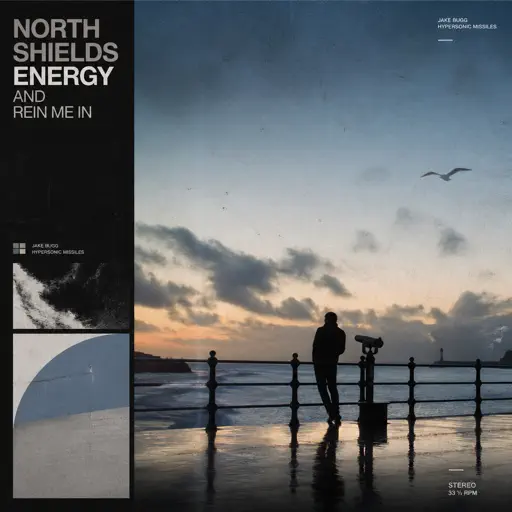
Hard
Rein Me In
Sam Fender
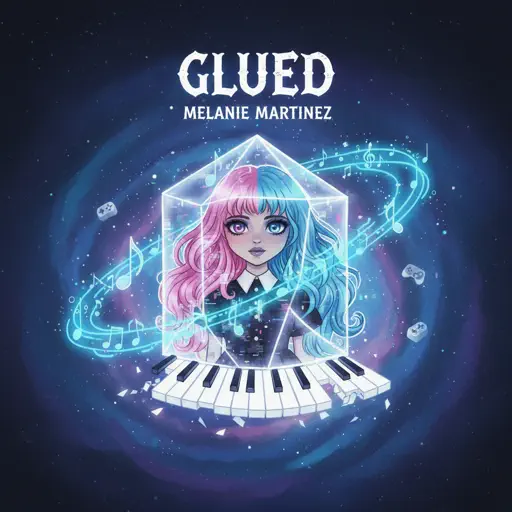
Hard
Glued
Melanie Martinez
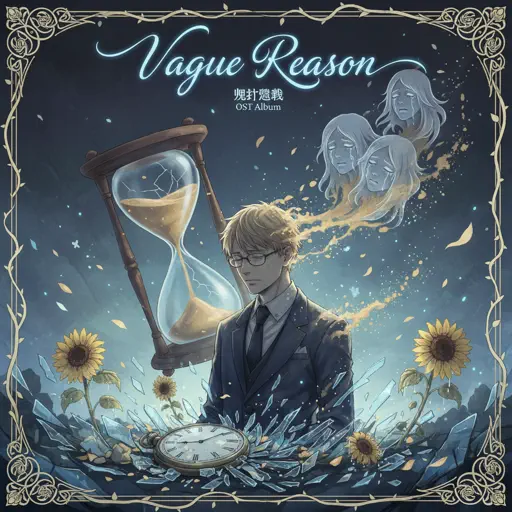
Hard
Vague Reason - Jujutsu Kaisen S2 OST (Nanami Theme)
Yoshimasa Terui

Hard
Cure (VIVINOS - ALNST)
AKUGETSU
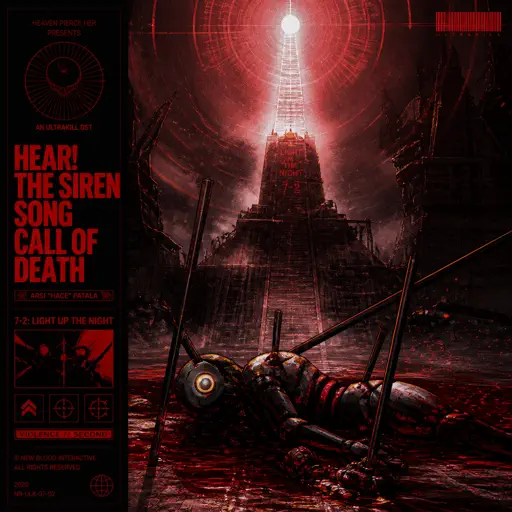
Hard
Hear! the Siren Song Call of Death - ULTRAKILL OST
Heaven Pierce Her

Hard
Paint It, Black
The Rolling Stones

Hard
La Vie en Rose
Edith Piaf
Recommended Sheets

La vaguelette さざ波- Genshin Impact
HOYO-MiX
Hard
IRIS OUT - Chainsaw Man Movie
Kenshi Yonezu
Hard
Mice on Venus
C418
Normal
Friday Theme (Roblox 3008 OST)
Uglyburger0
Hard
Up Is Down
Hans Zimmer
Normal
Blinding Lights
The Weeknd
Normal
Call Me
Shinedown
Normal
You're Mine (Baldi's Basics)
Dagames
Normal
Canon in D
Johann Pachelbel
Hard
The Lost Soul Down
NBSPLV
Normal
Last Surprise (Persona 5)
Persona 5
Hard
CanCan
Jacques Offenbach
Hard
Slash Inferno
Boom Kitty
Hard
Auld Lang Syne
Home Free
Normal
STAY
The Kid LAROI and Justin Bieber
Normal
Boys Don't Cry
The Cure
Normal
untitled6
mandy
Normal
U.N. Owen Was Her?
Flandre's Theme
Hard
Kimi Dake O Mamoritai (Ultraman Dyna Ending)
Takeshi Tsuruno
Normal
Gnarly
KATSEYE
HardFrequently Asked Questions
What is Roblox Piano Practice Online?
This is a free online tool that lets you practice Roblox virtual piano sheets in your browser. No downloads required - just pick a song and start practicing.
How do I use this online practice tool?
1. Select a song from the recommendations or use the search function. 2. Click play and the sheet will auto-scroll with highlighted notes. 3. Watch the virtual piano keyboard for highlighted keys and practice along. 4. Use speed control to slow down playback - perfect for beginners.
Can I play using my keyboard?
Yes! The virtual piano supports computer keyboard input. The keys correspond to the standard Roblox piano layout (1234567890qwerty...). You can practice on your keyboard while following the sheet.
What does the Transpose feature do?
Transpose raises or lowers the pitch of the sheet. Some Roblox piano games have different default tunings, so transpose helps match the correct pitch. Usually adjusting by +12 or -12 semitones works.
Does this tool work on mobile?
Yes, but desktop provides the best experience. On mobile you can view the sheet and virtual piano demo, but keyboard input requires a computer. We recommend using a desktop for the best practice experience.
How do I find sheets suitable for my level?
Below you'll find recommendations sorted by difficulty: Easy for beginners, Normal for intermediate players, and Hard/Expert for advanced challenges. You can also use the search function to find songs by title or artist.