
Roblox Piano Practice Online
Loading piano...
Practice Guide
Quick guide on how to use the online piano practice tool.
What is this?
This tool allows you to practice playing virtual piano sheets directly in your browser. It simulates a piano keyboard and helps you learn the notes and rhythm before playing in Roblox.
How to Practice Online
Use your computer keyboard or mouse to play the virtual piano keys directly. As the sheet music plays, the corresponding keys on the virtual piano will light up to help you follow along. You can also copy the sheet code to use directly in Roblox.
Discover Sheets
Random Shuffle: Click the Shuffle button in the center of the top control bar to instantly load a random new song without reloading the page.
Search: Click the Search button next to Shuffle to open the search window. Type a song title or artist name to quickly find and switch to the sheet you want to practice.
Playback Controls
- Play/Pause: Start or stop playback.
- 1xSpeed: Adjust tempo (0.5x - 2.0x).
- KTranspose: Shift the pitch up or down.
- SSustain: Toggle sustain pedal effect.
Easy Mode










Normal Mode
Normal
This Is Me
Keala Settle
Normal
Understand
BoyWithUke
Normal
That’s So True
Gracie Abrams
Normal
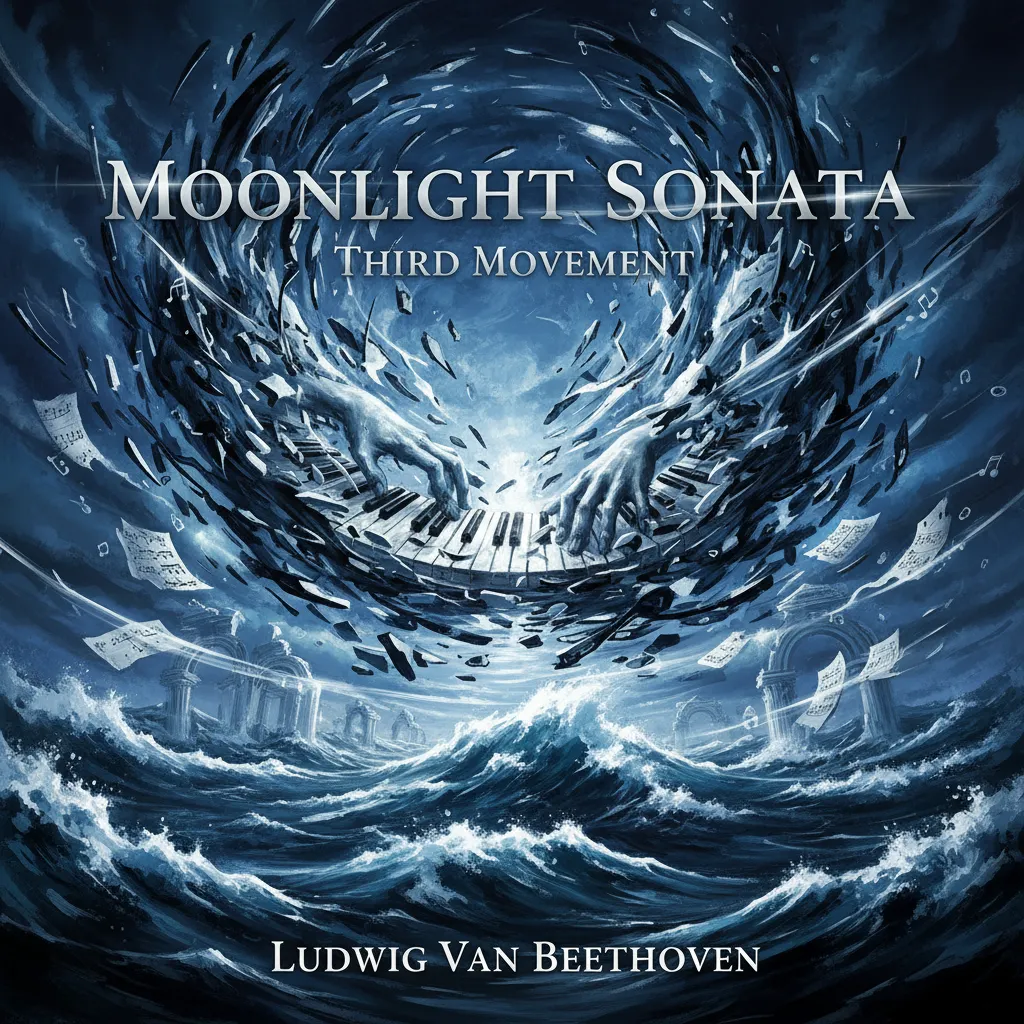
Moonlight Sonata 3rd Mvt.
Beethoven
Normal
Snap
manifest
Normal
Line 5 Yellow São Paulo Metro sound
ViaMobilidade
Normal
in the pool - Chainsaw Man the Movie
kensuke ushio
Normal
Spring (The Four Seasons)
Vivaldi
Normal
King of Karaoke (K歌之王)
Eason Chan
Normal
Amazing Grace (My Chains Are Gone)
Chris Tomlin
Hard Mode
Hard
Mariage d'amour
Paul de Senneville
Hard
The Interstellar Experience
Tony Ann
Hard
Bohemian Rhapsody
Queen
Hard
Tomorrow (Konosuba)
Miura Jam
Hard
Faerie's Aire and Death Waltz
John Stump
Hard
Unreggcognizable
Forsaken OST

Hard
Your Idol (KPop Demon Hunters)
Saja Boys
Hard
Daylight
Shinedown
Hard
Gratitude
Brandon Lake
Hard
Dreams Come True
aespa
Recommended Sheets
Blinding Lights
The Weeknd
Normal
iloveitiloveitiloveit
Bella Kay
Hard
Homestuck Terezi's Theme
CopacetiCat
Normal
Relaxed Scene - Break In
James Clarke
Normal
Song of the Stars
TOMORROW X TOGETHER
Hard
Sensiz Olmaz
Recep İvedik
Normal
Static
Steve Lacy
Normal
Hallelujah
Kanye West
Hard
An Enigmatic Encounter V2 - Undertale: Last Breath (Phase 3)
Toby Fox
Hard
Dexter - The blood theme
The blood theme
Normal
Les
Childish Gambino
Normal
The Night Begins to Shine - Teen Titans GO!
B.E.R.
Normal
Katyusha
Matvey Blanter
Hard
poison tree
liza v posteli
Normal
Love Like You
Steven Universe
Normal
Graze the Roof (from Plants vs. Zombies)
Laura Shigihara
Normal
seasons
wave to earth
Normal
Praeludium and Allegro
Kreisler
Normal
Song of Storms (The Legend of Zelda)
Legend of Zelda
Normal
Silksong Theme
kohto
NormalFrequently Asked Questions
What is Roblox Piano Practice Online?
This is a free online tool that lets you practice Roblox virtual piano sheets in your browser. No downloads required - just pick a song and start practicing.
How do I use this online practice tool?
1. Select a song from the recommendations or use the search function. 2. Click play and the sheet will auto-scroll with highlighted notes. 3. Watch the virtual piano keyboard for highlighted keys and practice along. 4. Use speed control to slow down playback - perfect for beginners.
Can I play using my keyboard?
Yes! The virtual piano supports computer keyboard input. The keys correspond to the standard Roblox piano layout (1234567890qwerty...). You can practice on your keyboard while following the sheet.
What does the Transpose feature do?
Transpose raises or lowers the pitch of the sheet. Some Roblox piano games have different default tunings, so transpose helps match the correct pitch. Usually adjusting by +12 or -12 semitones works.
Does this tool work on mobile?
Yes, but desktop provides the best experience. On mobile you can view the sheet and virtual piano demo, but keyboard input requires a computer. We recommend using a desktop for the best practice experience.
How do I find sheets suitable for my level?
Below you'll find recommendations sorted by difficulty: Easy for beginners, Normal for intermediate players, and Hard/Expert for advanced challenges. You can also use the search function to find songs by title or artist.