

Roblox Piano Practice Online
Loading piano...
Practice Guide
Quick guide on how to use the online piano practice tool.
What is this?
This tool allows you to practice playing virtual piano sheets directly in your browser. It simulates a piano keyboard and helps you learn the notes and rhythm before playing in Roblox.
How to Practice Online
Use your computer keyboard or mouse to play the virtual piano keys directly. As the sheet music plays, the corresponding keys on the virtual piano will light up to help you follow along. You can also copy the sheet code to use directly in Roblox.
Discover Sheets
Random Shuffle: Click the Shuffle button in the center of the top control bar to instantly load a random new song without reloading the page.
Search: Click the Search button next to Shuffle to open the search window. Type a song title or artist name to quickly find and switch to the sheet you want to practice.
Playback Controls
- Play/Pause: Start or stop playback.
- 1xSpeed: Adjust tempo (0.5x - 2.0x).
- KTranspose: Shift the pitch up or down.
- SSustain: Toggle sustain pedal effect.
Easy Mode

Easy
Immortal
Playboi Carti

Easy
Gravity Falls Main Title Theme
Brad Breeck

Easy
Nice To Know - BFDIA 19 Cake At Stake Intro
BFDIA 19

Easy
Mockingbird
Eminem

Easy
Harvey
Alex G

Easy
Fur Elise
Beethoven

Easy
If You Love These People (Man of Steel)
Hans Zimmer

Easy
Pimp Hoe
Mike Sherm

Easy
Where You Lead
Carole King

Easy
Cupid (Twin Version)
Fifty Fifty
Normal Mode
Normal
mumei
Nanashi Mumei
Normal
nop
ChenYueLong
Normal
Skybase
Standartskill

Normal
Viva la Vida
Coldplay
Normal
Daisy Bell
Harry Dacre

Normal
Poppippo (Vegetable Juice)
LamazeP
Normal
Powers Collide - TPOT 19
Ian Woodside
Normal
Whole Lotta Red
Playboi Carti
Normal
Prince Sidon's Theme - The Legend of Zelda: Breath of the Wild
Tim Burnelis
Normal
Clouds
Alex G
Hard Mode
Hard
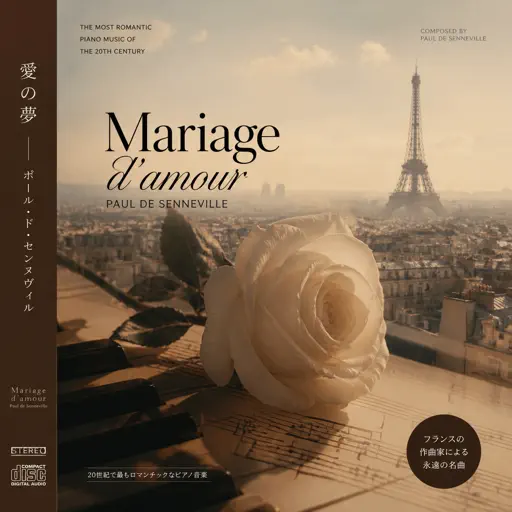
Mariage d'amour
Paul de Senneville
Hard
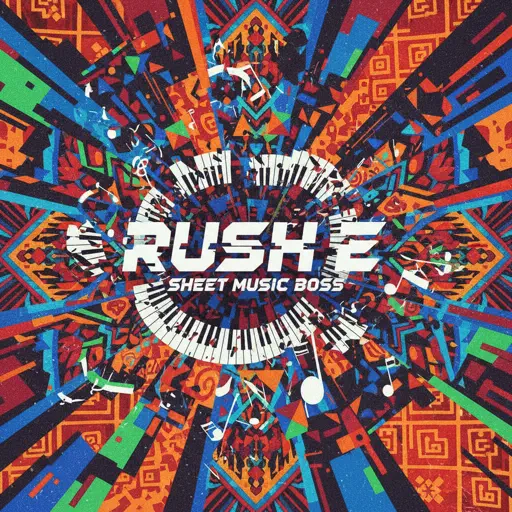
Rush E (Full Version)
Sheet Music Boss
Hard
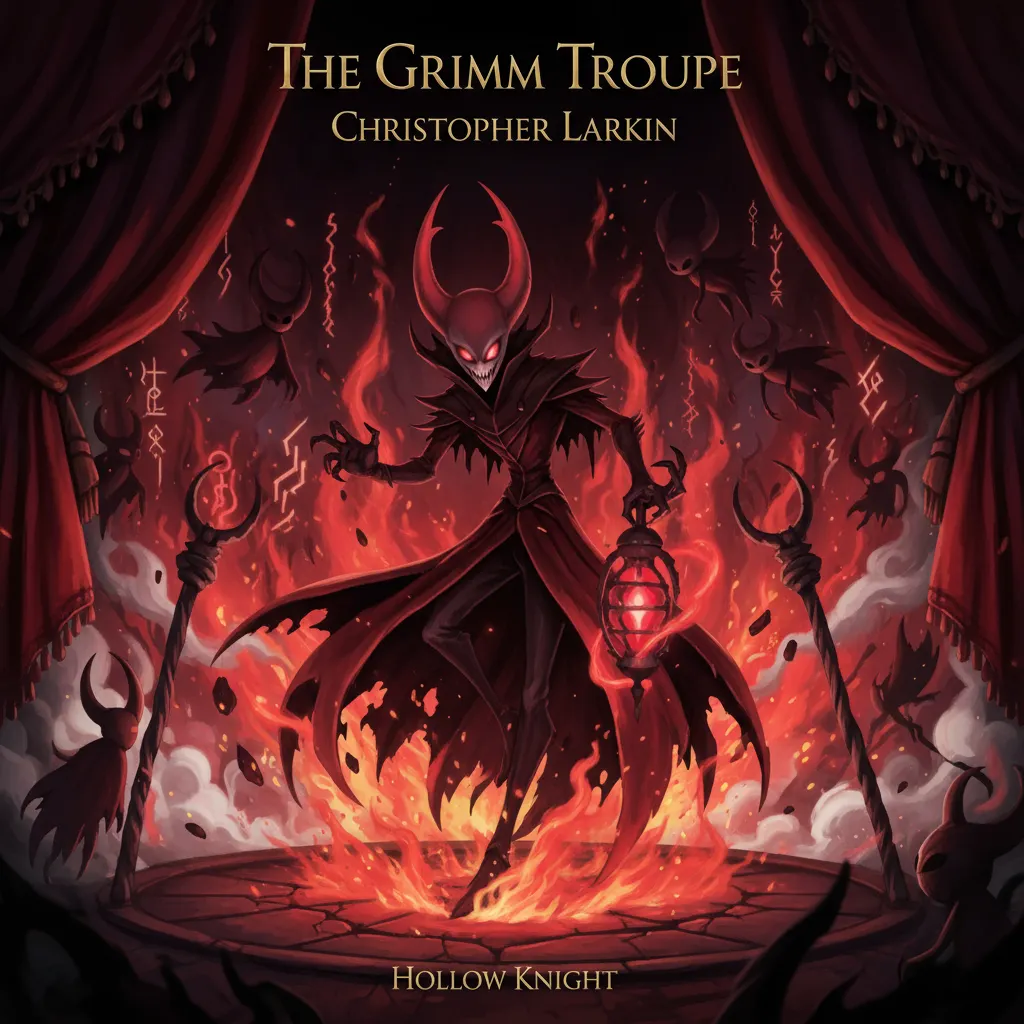
The Grimm Troupe (Hollow Knight)
Christopher Larkin
Hard
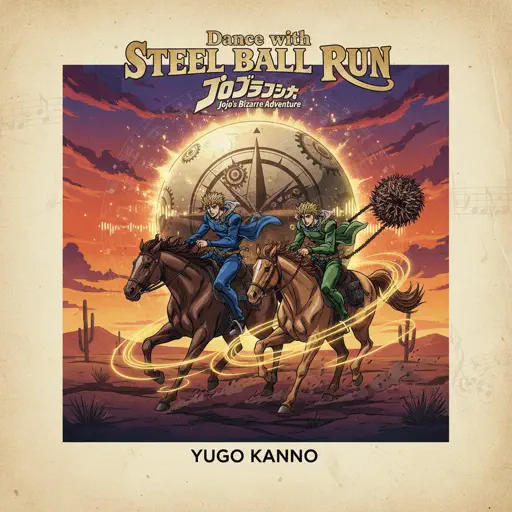
Dance with STEEL BALL RUN - JoJo's Bizarre Adventure
Yugo Kanno

Hard
Cinnamon Girl
Lana Del Rey

Hard
Heart of Stone
Six the Musical
Hard
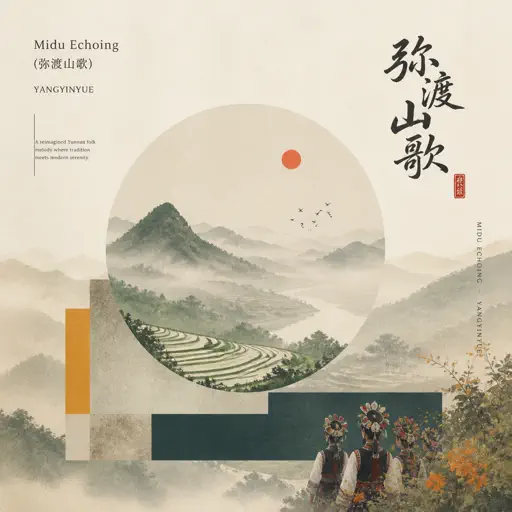
Midu Echoing
YANGYINYUE

Hard
Guanshan Wine
Deng Shen Me Jun
Hard
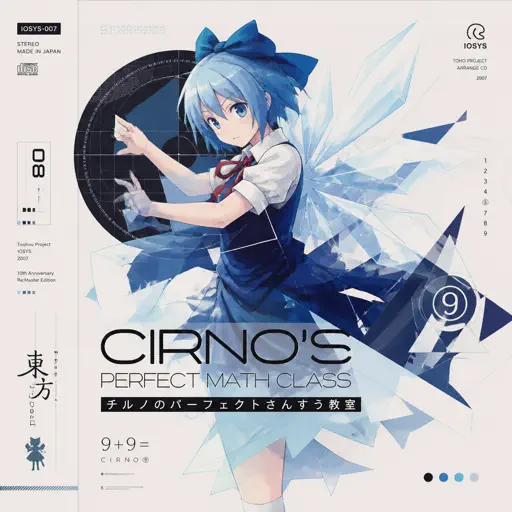
Cirno's Perfect Math Class チルノのパーフェクトさんすう教室
IOSYS
Hard
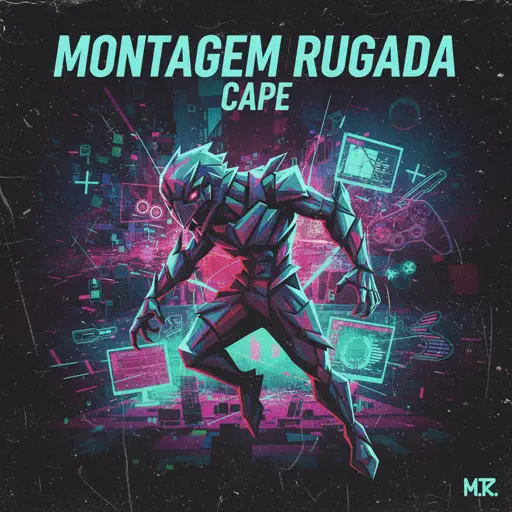
MONTAGEM RUGADA
cape
Recommended Sheets

Mist
EsDeeKid
Easy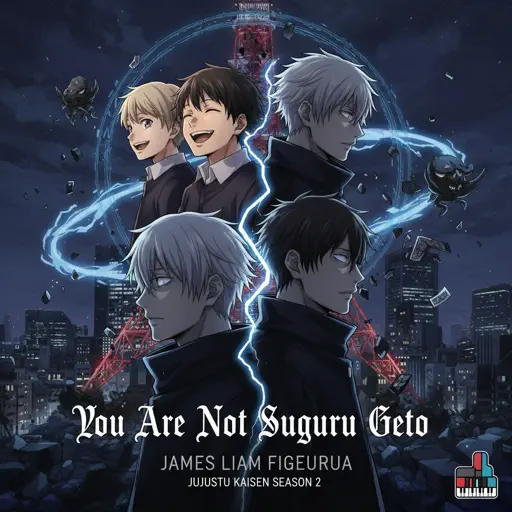
You Are Not Suguru Geto - Jujutsu Kaisen Season 2
James Liam Figueroa
Normal
Keskin Biçak
Sezen Aksu
Normal
Surat Cinta Untuk Starla
Virgoun
Hard
Bazooka
Miami XO
Normal
Bergentrückung
Toby Fox
Hard
Hide
Dorian Concept
Normal
Mr. Blue Sky
Electric Light Orchestra
Hard
ref
OsamaSon
Normal
Ylang Ylang
FKJ
Normal
Kings & Queens
Ava Max
Normal
Stick Season
Noah Kahan
Normal
Lover Girl
Laufey
Hard
Congratulations
Mac Miller
Hard
Around the World (La La La La La)
A Touch Of Class
Normal
Let Down
Radiohead
Normal
Don't Stop Believin'
Journey
Normal
Dance With The Devil
Immortal Technique
Normal
Hungarian Rhapsody No. 2
Franz Liszt
Hard
The Gummy Bear Song
Gummibär
NormalFrequently Asked Questions
What is Roblox Piano Practice Online?
This is a free online tool that lets you practice Roblox virtual piano sheets in your browser. No downloads required - just pick a song and start practicing.
How do I use this online practice tool?
1. Select a song from the recommendations or use the search function. 2. Click play and the sheet will auto-scroll with highlighted notes. 3. Watch the virtual piano keyboard for highlighted keys and practice along. 4. Use speed control to slow down playback - perfect for beginners.
Can I play using my keyboard?
Yes! The virtual piano supports computer keyboard input. The keys correspond to the standard Roblox piano layout (1234567890qwerty...). You can practice on your keyboard while following the sheet.
What does the Transpose feature do?
Transpose raises or lowers the pitch of the sheet. Some Roblox piano games have different default tunings, so transpose helps match the correct pitch. Usually adjusting by +12 or -12 semitones works.
Does this tool work on mobile?
Yes, but desktop provides the best experience. On mobile you can view the sheet and virtual piano demo, but keyboard input requires a computer. We recommend using a desktop for the best practice experience.
How do I find sheets suitable for my level?
Below you'll find recommendations sorted by difficulty: Easy for beginners, Normal for intermediate players, and Hard/Expert for advanced challenges. You can also use the search function to find songs by title or artist.