
Roblox Piano Practice Online
Loading piano...
Practice Guide
Quick guide on how to use the online piano practice tool.
What is this?
This tool allows you to practice playing virtual piano sheets directly in your browser. It simulates a piano keyboard and helps you learn the notes and rhythm before playing in Roblox.
How to Practice Online
Use your computer keyboard or mouse to play the virtual piano keys directly. As the sheet music plays, the corresponding keys on the virtual piano will light up to help you follow along. You can also copy the sheet code to use directly in Roblox.
Discover Sheets
Random Shuffle: Click the Shuffle button in the center of the top control bar to instantly load a random new song without reloading the page.
Search: Click the Search button next to Shuffle to open the search window. Type a song title or artist name to quickly find and switch to the sheet you want to practice.
Playback Controls
- Play/Pause: Start or stop playback.
- 1xSpeed: Adjust tempo (0.5x - 2.0x).
- KTranspose: Shift the pitch up or down.
- SSustain: Toggle sustain pedal effect.
Easy Mode

Easy
LET ME SEE YA MOVE!
Lumi Athena

Easy
Balcony
Cave Story

Easy
Nice To Know - BFDIA 19 Cake At Stake Intro
BFDIA 19

Easy
Fur Elise
Beethoven

Easy
If You Love These People (Man of Steel)
Hans Zimmer

Easy
Immortal
Playboi Carti

Easy
Mockingbird
Eminem

Easy
Cupid (Twin Version)
Fifty Fifty

Easy
Where You Lead
Carole King

Easy
Harvey
Alex G
Normal Mode
Normal
Great Balls Of Fire
Jerry Lee Lewis
Normal
PASSO BEM SOLTO
ATLXS
Normal
Fukashigi no Carte (Bunny Girl Senpai)
ShiroNeko
Normal
Voyager
Xdinary Heroes
Normal
Moog City 2 - Minecraft
C418
Normal
Terbuang Dalam Waktu
Barasuara
Normal
Kimetsu no Yaiba OP - 紅蓮華
LiSA

Normal
Runaway
AURORA
Normal
Windows XP Startup
Windows
Normal
Speed Demon
Michael Jackson
Hard Mode
Hard
Kyles mom's a bitch (South Park)
Trey Parker
Hard
CanCan
Jacques Offenbach
Hard
Sweetly
Lord Kael

Hard
Lover Girl
Laufey
Hard
Heart of Stone
Six the Musical
Hard
York'scher Marsch
Beethoven
Hard
Succession (Main Title Theme)
Nicholas Britell
Hard
Sealed Vessel - Hollow Knight
Christopher Larkin
Hard
Mariage d'amour
Paul de Senneville
Hard
Le Monde - From Talk to Me
Richard Carter
Recommended Sheets
her
JVKE
Normal
Clarity
Zedd
Normal
Black Hole Sun
Soundgarden
Hard
Believer
Imagine Dragons
Normal
Karma
AJR
Hard
Human
Rag'n'Bone Man
Normal
The Promised Love
Jay Chou
Normal
Bubble Pop Electric
Gwen Stefani
Hard
il vento d'oro - Giorno's Theme
Yugo Kanno
Hard
Bang!
AJR
Hard
A Sky Full of Stars
Coldplay
HardBalcony
Cave Story
Easy
A Thousand Years
John Michael Howell
Normal
We Are Charlie Kirk
Spalexma
Normal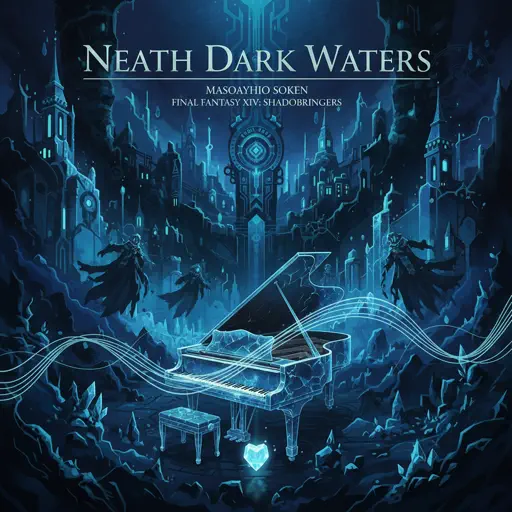
Neath Dark Waters - Final Fantasy XIV
Masayoshi Soken
Hard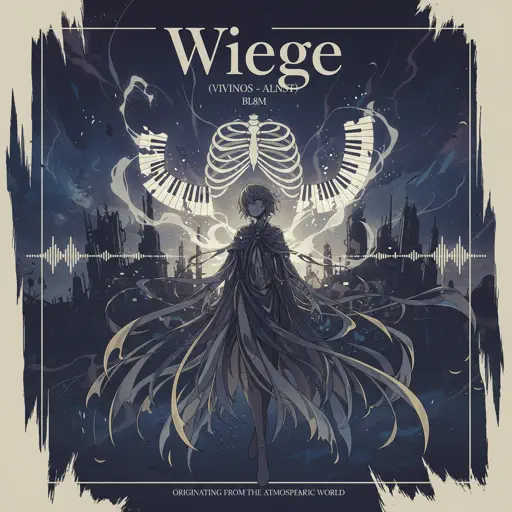
Wiege (VIVINOS - ALNST)
BL8M
Hard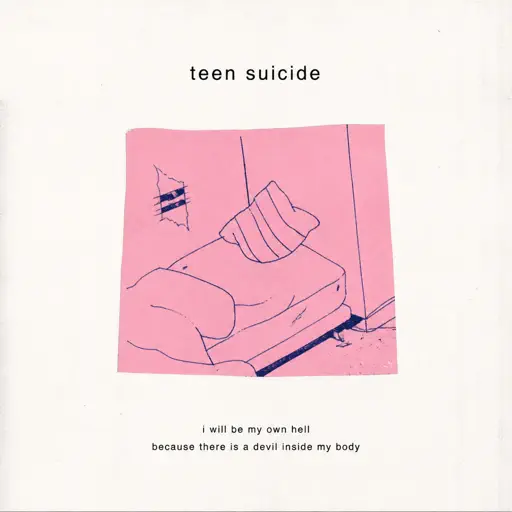
no, the moon
Teen Suicide
Normal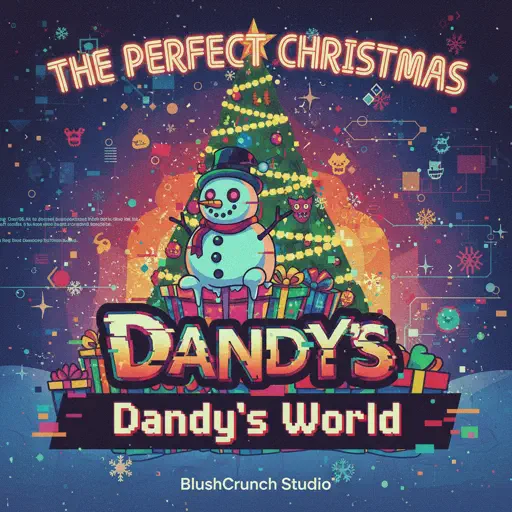
The Perfect Christmas - Dandy's World
BlushCrunch Studio
Normal
Brainiac Maniac - Plants vs. Zombies
Laura Shigihara
Hard
The Interstellar Experience
Tony Ann
HardFrequently Asked Questions
What is Roblox Piano Practice Online?
This is a free online tool that lets you practice Roblox virtual piano sheets in your browser. No downloads required - just pick a song and start practicing.
How do I use this online practice tool?
1. Select a song from the recommendations or use the search function. 2. Click play and the sheet will auto-scroll with highlighted notes. 3. Watch the virtual piano keyboard for highlighted keys and practice along. 4. Use speed control to slow down playback - perfect for beginners.
Can I play using my keyboard?
Yes! The virtual piano supports computer keyboard input. The keys correspond to the standard Roblox piano layout (1234567890qwerty...). You can practice on your keyboard while following the sheet.
What does the Transpose feature do?
Transpose raises or lowers the pitch of the sheet. Some Roblox piano games have different default tunings, so transpose helps match the correct pitch. Usually adjusting by +12 or -12 semitones works.
Does this tool work on mobile?
Yes, but desktop provides the best experience. On mobile you can view the sheet and virtual piano demo, but keyboard input requires a computer. We recommend using a desktop for the best practice experience.
How do I find sheets suitable for my level?
Below you'll find recommendations sorted by difficulty: Easy for beginners, Normal for intermediate players, and Hard/Expert for advanced challenges. You can also use the search function to find songs by title or artist.