
Roblox Piano Practice Online
Loading piano...
Practice Guide
Quick guide on how to use the online piano practice tool.
What is this?
This tool allows you to practice playing virtual piano sheets directly in your browser. It simulates a piano keyboard and helps you learn the notes and rhythm before playing in Roblox.
How to Practice Online
Use your computer keyboard or mouse to play the virtual piano keys directly. As the sheet music plays, the corresponding keys on the virtual piano will light up to help you follow along. You can also copy the sheet code to use directly in Roblox.
Discover Sheets
Random Shuffle: Click the Shuffle button in the center of the top control bar to instantly load a random new song without reloading the page.
Search: Click the Search button next to Shuffle to open the search window. Type a song title or artist name to quickly find and switch to the sheet you want to practice.
Playback Controls
- Play/Pause: Start or stop playback.
- 1xSpeed: Adjust tempo (0.5x - 2.0x).
- KTranspose: Shift the pitch up or down.
- SSustain: Toggle sustain pedal effect.
Easy Mode

Easy
Pimp Hoe
Mike Sherm

Easy
Harvey
Alex G

Easy
Balcony
Cave Story

Easy
Cupid (Twin Version)
Fifty Fifty

Easy
Fur Elise
Beethoven

Easy
If You Love These People (Man of Steel)
Hans Zimmer

Easy
Mockingbird
Eminem

Easy
Mist
EsDeeKid

Easy
Sleeping City Funk
Emotional Recycling Bin

Easy
Nice To Know - BFDIA 19 Cake At Stake Intro
BFDIA 19
Normal Mode
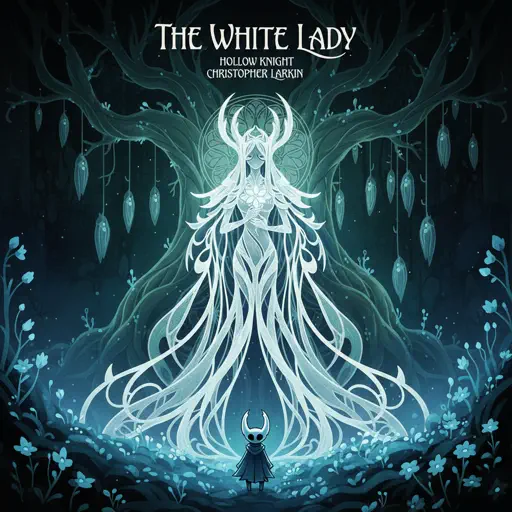
Normal
The White Lady (from Hollow Knight)
Christopher Larkin
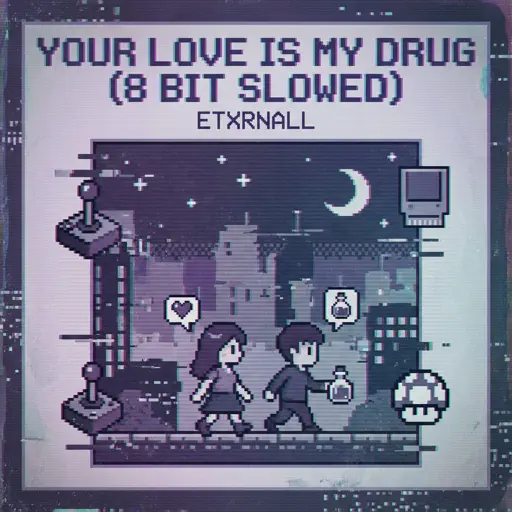
Normal
Your Love Is My Drug (8 Bit Slowed)
EtxrnalL
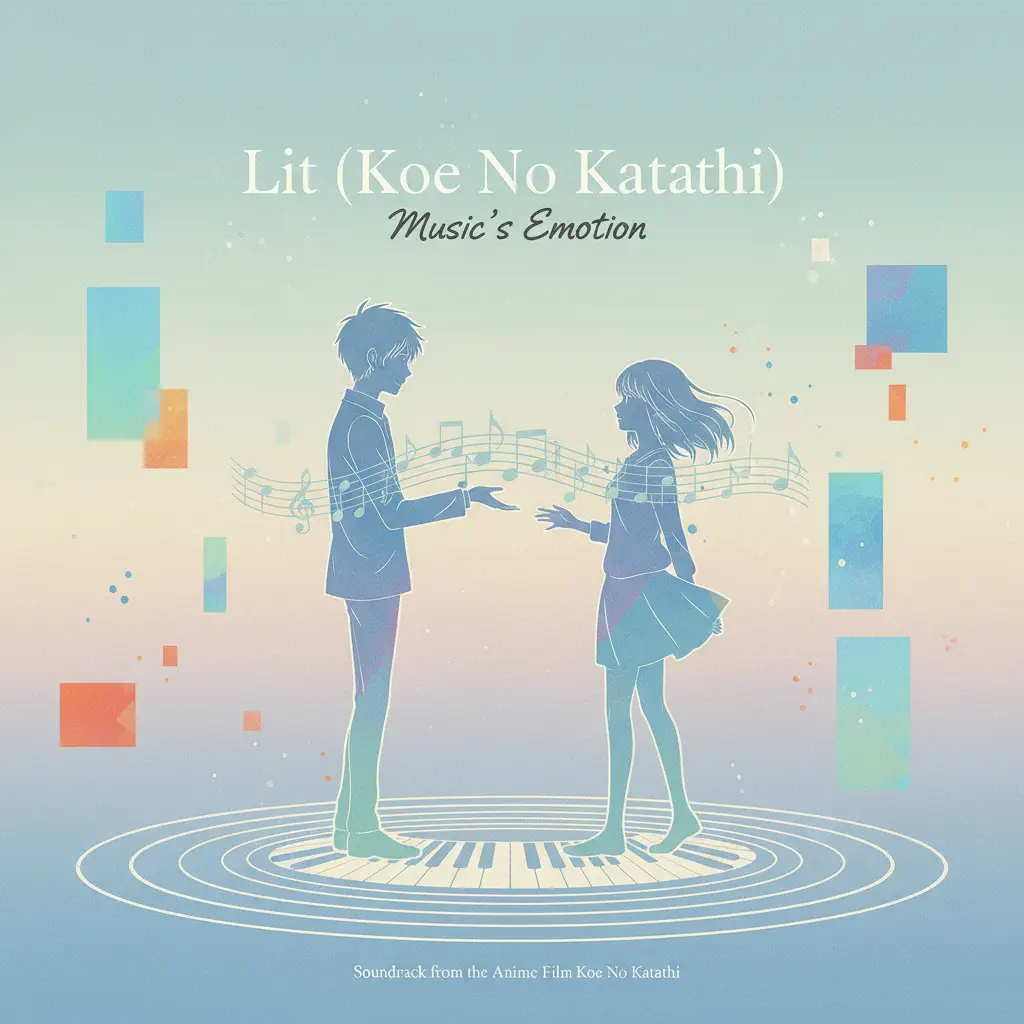
Normal
Lit (Koe No Katachi)
Musics Emotion

Normal
Alone
Alan Walker

Normal
Bad Romance
Lady Gaga
Normal
UNDERSTAND
keshi
Normal
TRILLIUM HARDTEKK
S3RL
Normal
Understand
BoyWithUke
Normal
Subwoofer Lullaby
C418

Normal
YOUR WAY'S BETTER
Forrest Frank
Hard Mode
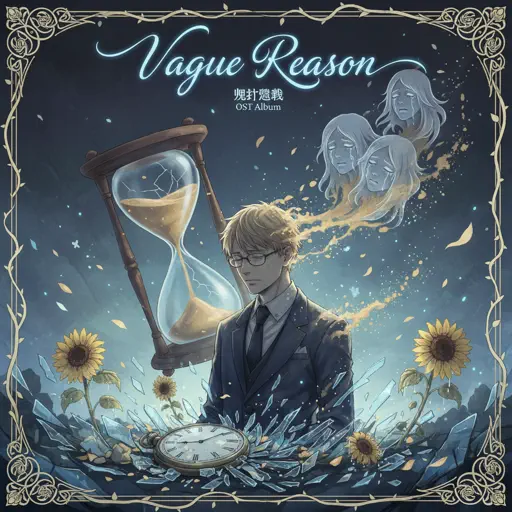
Hard
Vague Reason - Jujutsu Kaisen S2 OST (Nanami Theme)
Yoshimasa Terui

Hard
Surat Cinta Untuk Starla
Virgoun
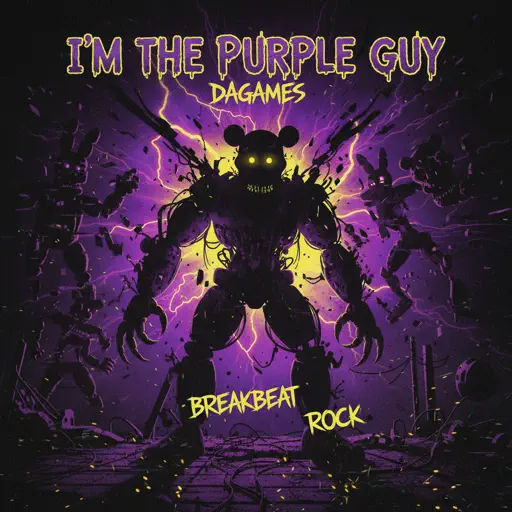
Hard
I'm the Purple Guy
Dagames

Hard
Dance with STEEL BALL RUN - JoJo's Bizarre Adventure
Yugo Kanno
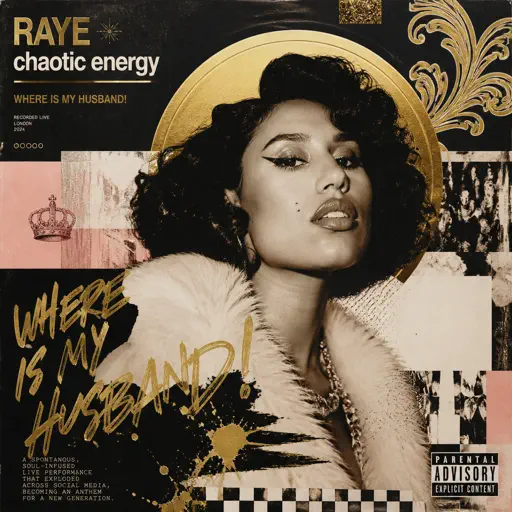
Hard
WHERE IS MY HUSBAND!
RAYE
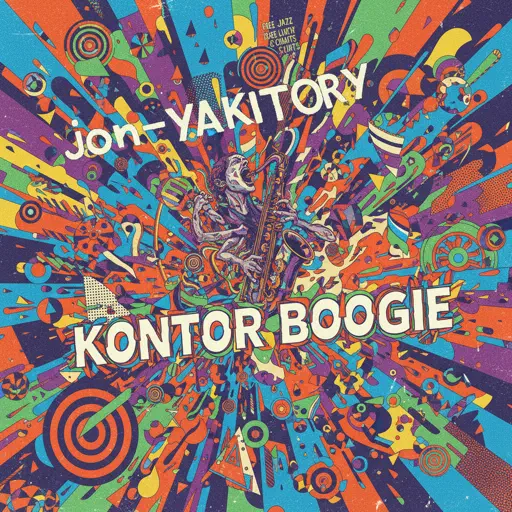
Hard
Konton Boogie
jon-YAKITORY

Hard
golden hour (Full Version)
JVKE

Hard
Dreams Come True
aespa
Hard
au revoir
Malice Mizer

Hard
Black Catcher (Black Clover)
VK Blanka
Recommended Sheets
One Way!
Autumn!
Normal
Sinking Town
Yoeko Kurahashi
Normal
Beanie
Chezile
Hard
Nocturne in C-Sharp Minor
Frédéric Chopin
Normal
Duniyaa (Luka Chuppi)
Akhil
Normal
Golden Brown
The Stranglers
Normal
Human Nature
Michael Jackson
Normal
The Amazing Digital Circus Main Theme
Gooseworx
Normal
Como La Flor
Selena
Normal
What Was I Made For
Billie Eilish
Normal
Robbery
Juice WRLD
Normal
İzmir Marşı - Haluk Levent Versiyon
Tevfik Kulak
Normal
Date - Your Name (君の名は)
RADWIMPS
Normal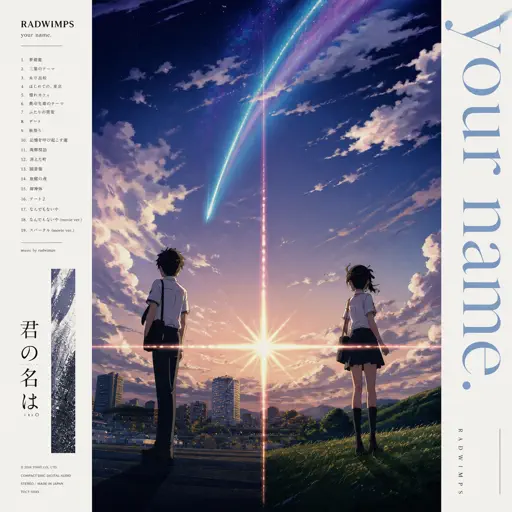
Zenzenzense 前前前世 -君の名は
RADWIMPS
Hard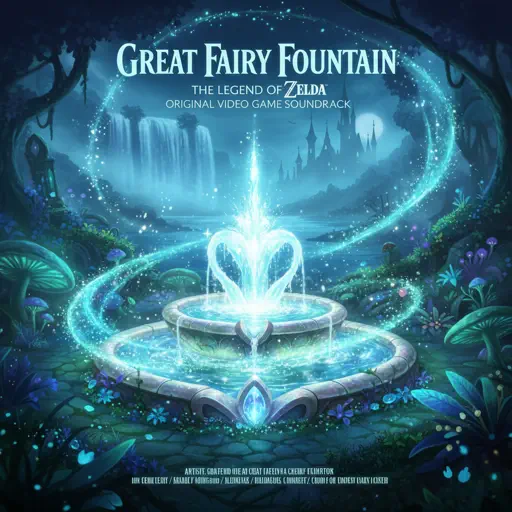
Great Fairy Fountain - The Legend of Zelda
Legend of Zelda
Normal
As It Was
Harry Styles
Normal
Lovers Rock
TV Girl
Hard
Immortal
Playboi Carti
Easy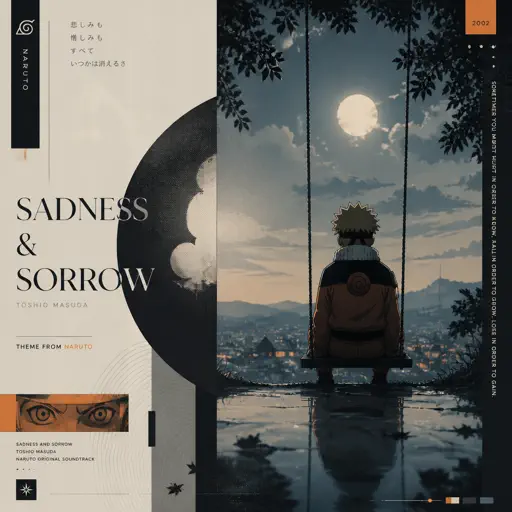
Sadness and Sorrow - Naruto
Toshio Masuda
Normal
Bubble Pop Electric
Gwen Stefani
HardFrequently Asked Questions
What is Roblox Piano Practice Online?
This is a free online tool that lets you practice Roblox virtual piano sheets in your browser. No downloads required - just pick a song and start practicing.
How do I use this online practice tool?
1. Select a song from the recommendations or use the search function. 2. Click play and the sheet will auto-scroll with highlighted notes. 3. Watch the virtual piano keyboard for highlighted keys and practice along. 4. Use speed control to slow down playback - perfect for beginners.
Can I play using my keyboard?
Yes! The virtual piano supports computer keyboard input. The keys correspond to the standard Roblox piano layout (1234567890qwerty...). You can practice on your keyboard while following the sheet.
What does the Transpose feature do?
Transpose raises or lowers the pitch of the sheet. Some Roblox piano games have different default tunings, so transpose helps match the correct pitch. Usually adjusting by +12 or -12 semitones works.
Does this tool work on mobile?
Yes, but desktop provides the best experience. On mobile you can view the sheet and virtual piano demo, but keyboard input requires a computer. We recommend using a desktop for the best practice experience.
How do I find sheets suitable for my level?
Below you'll find recommendations sorted by difficulty: Easy for beginners, Normal for intermediate players, and Hard/Expert for advanced challenges. You can also use the search function to find songs by title or artist.