
Roblox Piano Practice Online
Loading piano...
Practice Guide
Quick guide on how to use the online piano practice tool.
What is this?
This tool allows you to practice playing virtual piano sheets directly in your browser. It simulates a piano keyboard and helps you learn the notes and rhythm before playing in Roblox.
How to Practice Online
Use your computer keyboard or mouse to play the virtual piano keys directly. As the sheet music plays, the corresponding keys on the virtual piano will light up to help you follow along. You can also copy the sheet code to use directly in Roblox.
Discover Sheets
Random Shuffle: Click the Shuffle button in the center of the top control bar to instantly load a random new song without reloading the page.
Search: Click the Search button next to Shuffle to open the search window. Type a song title or artist name to quickly find and switch to the sheet you want to practice.
Playback Controls
- Play/Pause: Start or stop playback.
- 1xSpeed: Adjust tempo (0.5x - 2.0x).
- KTranspose: Shift the pitch up or down.
- SSustain: Toggle sustain pedal effect.
Easy Mode










Normal Mode
Normal
Innocence
Daniel Caesar

Normal
ALKA TALE - Summer Pockets
Konomi Suzuki
Normal
Clubstep - Geometry Dash
dj-Nate
Normal
Date - Your Name (君の名は)
RADWIMPS
Normal
ClutterFunk (Geometry Dash lvl 11)
Waterflame
Normal
Resonanse -
Heaven's Secret Requiem
Djinotan
Normal
BEASTARS -wolf and rabbit-
Satoru Kōsaki
Normal
never meant to belong - Bleach
Sagisu Shiro
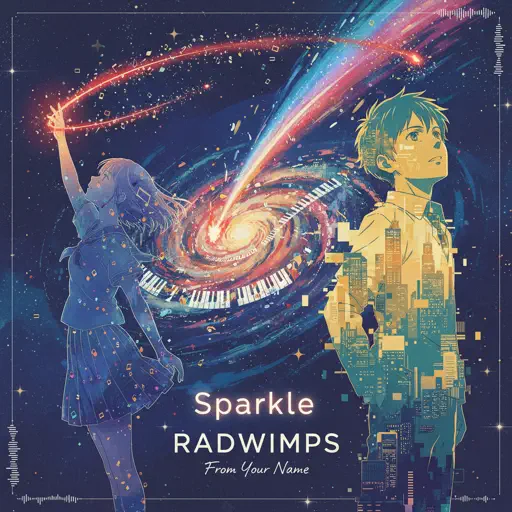
Normal
Sparkle - From Your Name
RADWIMPS
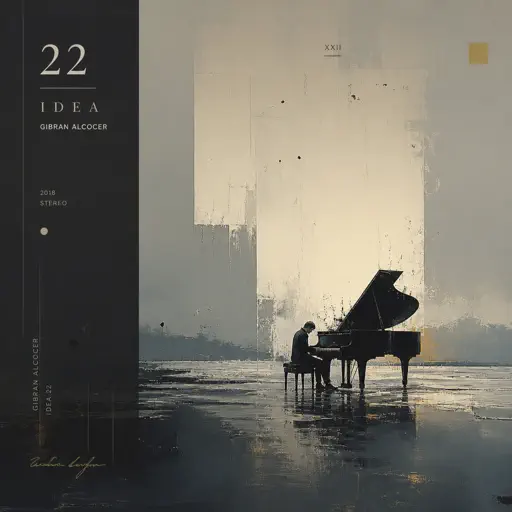
Normal
Idea 22
Gibran Alcocer
Hard Mode
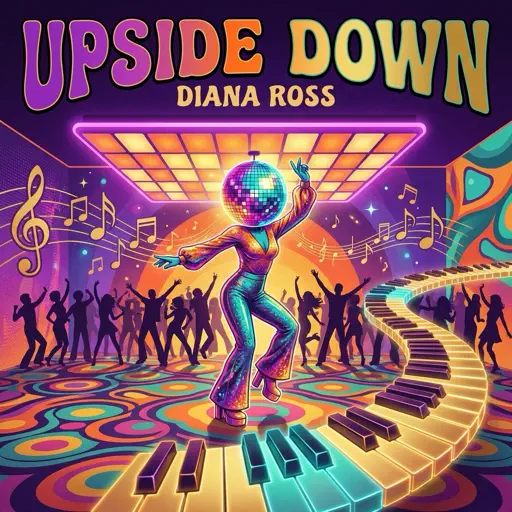
Hard
Upside Down
Diana Ross
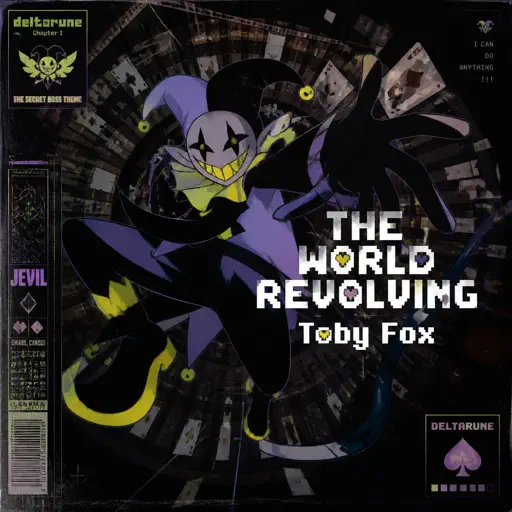
Hard
THE WORLD REVOLVING
Toby Fox
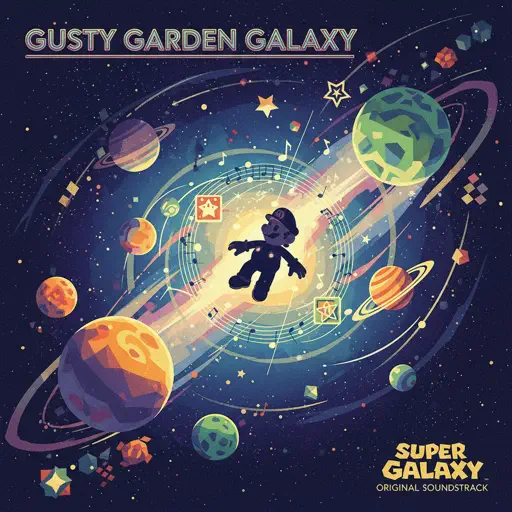
Hard
Gusty Garden Galaxy
Super Mario Galaxy
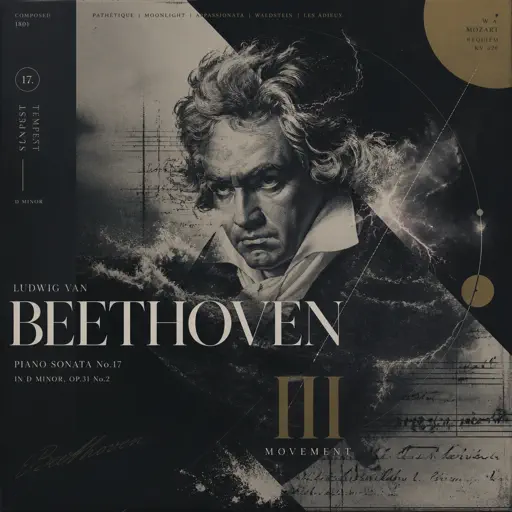
Hard
Tempest Sonata 3rd Movement
Ludwig van Beethoven
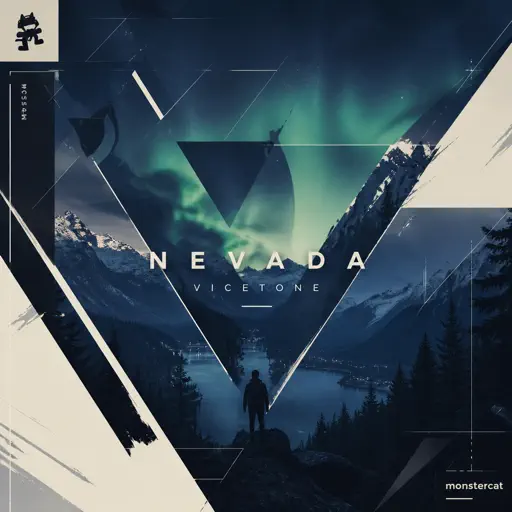
Hard
Nevada
Vicetone
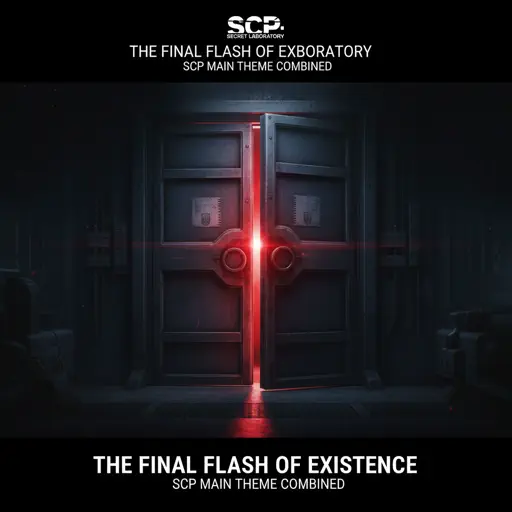
Hard
The Final Flash of Existance
Scp Main Theme Combined

Hard
Lemon - Unnatural
Kenshi Yonezu
Hard
Get Lucky
Daft Punk
Hard
diminished chords are cooler than I thought :0
AZALI
Hard
Shikairo Days/シカ色デイズ
My Deer Friend Nokotan OP
Recommended Sheets
poison tree
liza v posteli
Normal
Anything
Adrianne Lenker
Normal
Megalovania
Toby Fox
Normal
LEMONADE
Forrest Frank
Hard
Your Idol (KPop Demon Hunters)
Saja Boys
Hard
York'scher Marsch
Beethoven
Hard
Stick Season
Noah Kahan
Normal
Interstellar Main Theme
Peter Buka
Hard
Stuck Inside
Living Tombstone
Hard
Paparazzi
Lady Gaga
Hard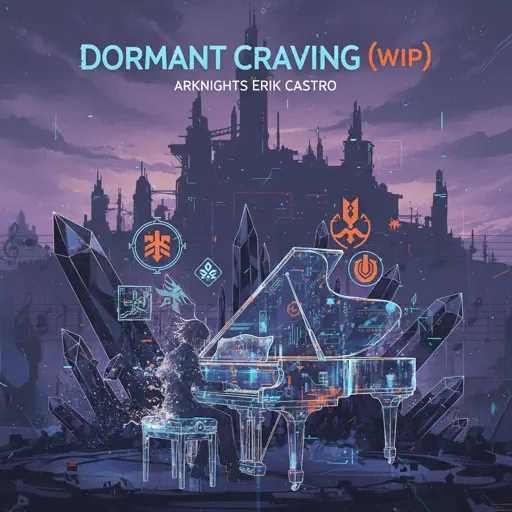
Dormant Craving (WIP) - Arknights
Erik Castro
Normal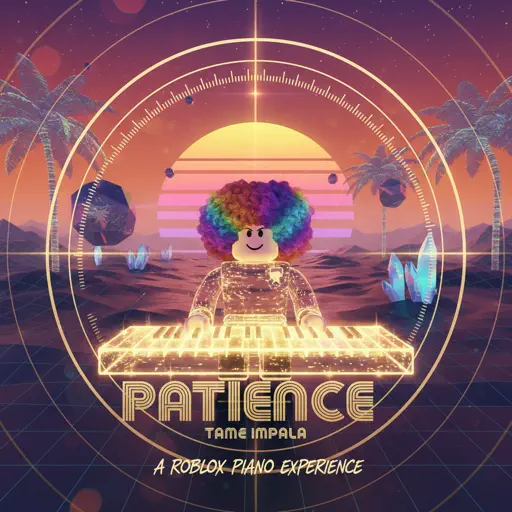
Patience
Tame Impala
Normal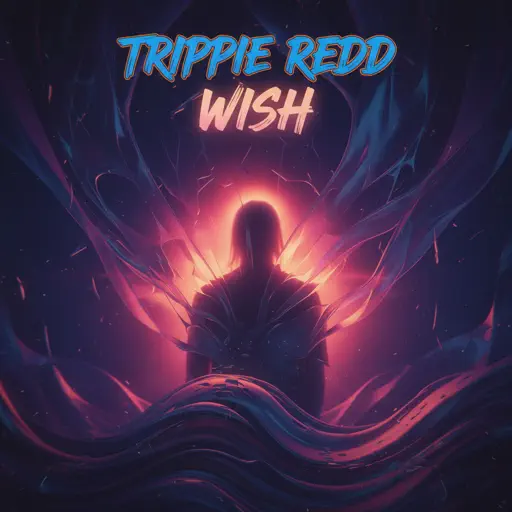
Wish
Trippie Redd
Hard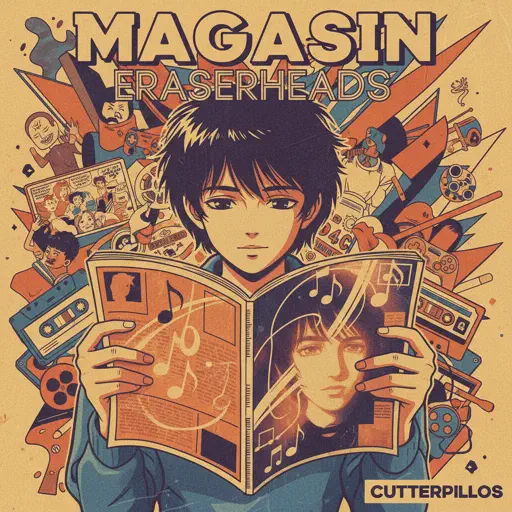
Magasin
Eraserheads
Normal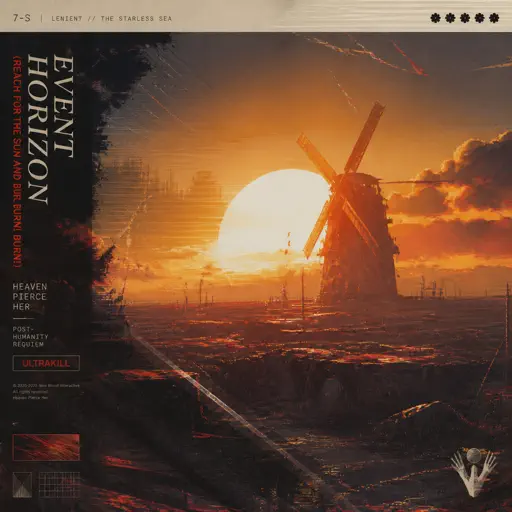
Event Horizon (Reach for the Sun and Burn! Burn! Burn!)
Heaven Pierce Her
Hard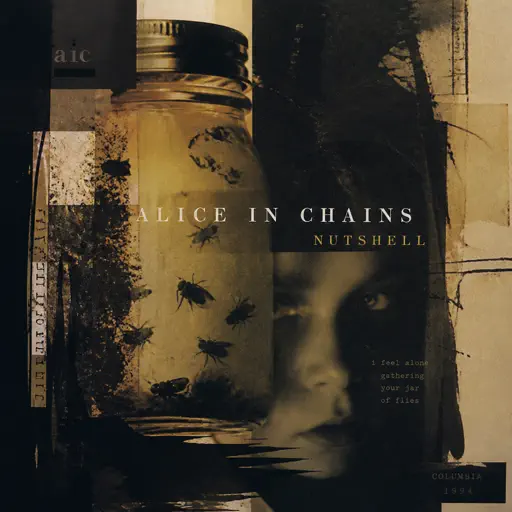
Nutshell
Alice In Chains
Hard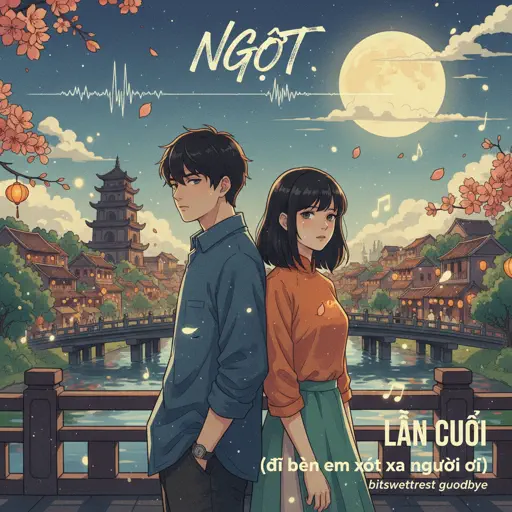
LẦN CUỐI (đi bên em xót xa người ơi)
Ngọt
Hard
Your Reality
Doki Doki Literature Club!
Normal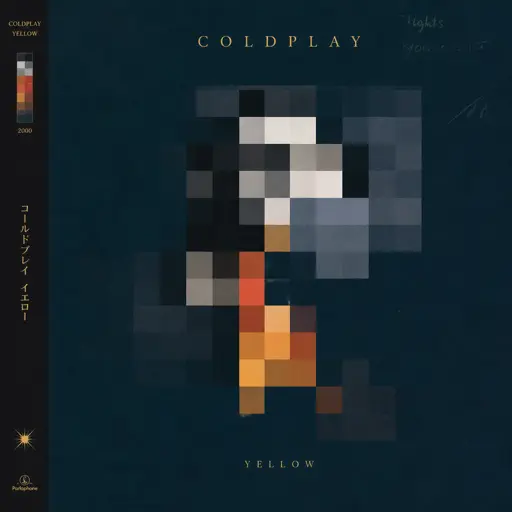
Yellow
Coldplay
Hard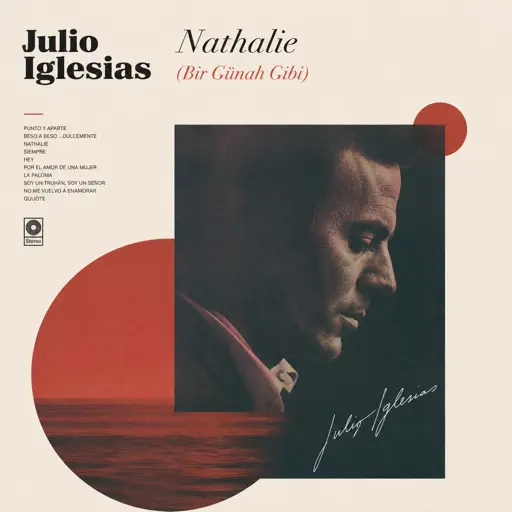
Nathalie - Bir Günah Gibi
Julio Iglesias
NormalFrequently Asked Questions
What is Roblox Piano Practice Online?
This is a free online tool that lets you practice Roblox virtual piano sheets in your browser. No downloads required - just pick a song and start practicing.
How do I use this online practice tool?
1. Select a song from the recommendations or use the search function. 2. Click play and the sheet will auto-scroll with highlighted notes. 3. Watch the virtual piano keyboard for highlighted keys and practice along. 4. Use speed control to slow down playback - perfect for beginners.
Can I play using my keyboard?
Yes! The virtual piano supports computer keyboard input. The keys correspond to the standard Roblox piano layout (1234567890qwerty...). You can practice on your keyboard while following the sheet.
What does the Transpose feature do?
Transpose raises or lowers the pitch of the sheet. Some Roblox piano games have different default tunings, so transpose helps match the correct pitch. Usually adjusting by +12 or -12 semitones works.
Does this tool work on mobile?
Yes, but desktop provides the best experience. On mobile you can view the sheet and virtual piano demo, but keyboard input requires a computer. We recommend using a desktop for the best practice experience.
How do I find sheets suitable for my level?
Below you'll find recommendations sorted by difficulty: Easy for beginners, Normal for intermediate players, and Hard/Expert for advanced challenges. You can also use the search function to find songs by title or artist.