

Roblox Piano Practice Online
Loading piano...
Practice Guide
Quick guide on how to use the online piano practice tool.
What is this?
This tool allows you to practice playing virtual piano sheets directly in your browser. It simulates a piano keyboard and helps you learn the notes and rhythm before playing in Roblox.
How to Practice Online
Use your computer keyboard or mouse to play the virtual piano keys directly. As the sheet music plays, the corresponding keys on the virtual piano will light up to help you follow along. You can also copy the sheet code to use directly in Roblox.
Discover Sheets
Random Shuffle: Click the Shuffle button in the center of the top control bar to instantly load a random new song without reloading the page.
Search: Click the Search button next to Shuffle to open the search window. Type a song title or artist name to quickly find and switch to the sheet you want to practice.
Playback Controls
- Play/Pause: Start or stop playback.
- 1xSpeed: Adjust tempo (0.5x - 2.0x).
- KTranspose: Shift the pitch up or down.
- SSustain: Toggle sustain pedal effect.
Easy Mode


Normal Mode

Normal
It's A Dream
Snow Strippers
Normal
The Witcher 2 - Assassins of Kings
Adam Skorupa

Normal
Ordinary
Alex Warren
Normal
Clash Royale Intro Sound
Supercell
Normal
Inuyasha's Lullaby
Lizz Robinett
Normal
You And I (From Forsaken) - WIP
D.Meletis
Normal
Relaxed Scene - Break In
James Clarke
Normal
I Can't Help It
Michael Jackson
Normal
Lit (Koe No Katachi)
Musics Emotion
Normal
Umapyoi Densetsu - Uma Musume Pretty Derby (うまぴょい伝説)
Cygames
Hard Mode
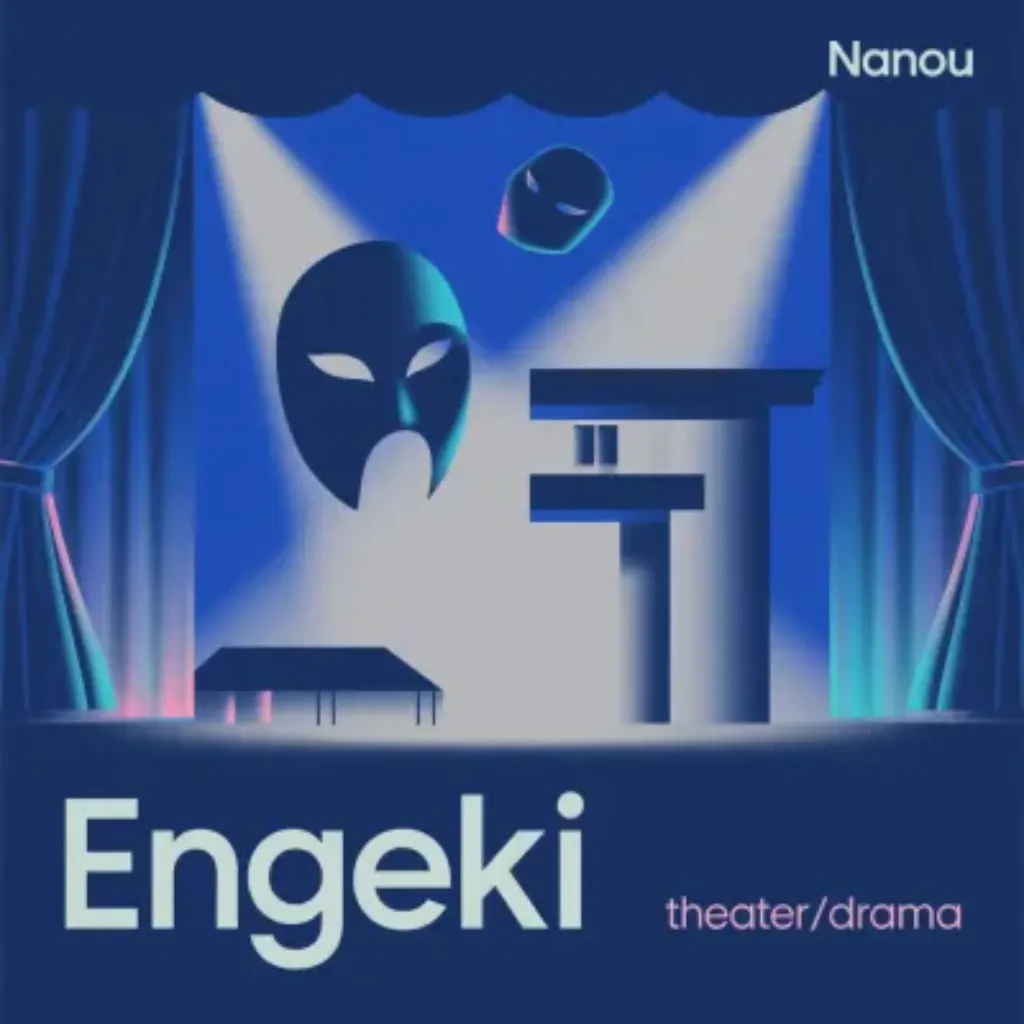
Hard
Engeki
Nanou
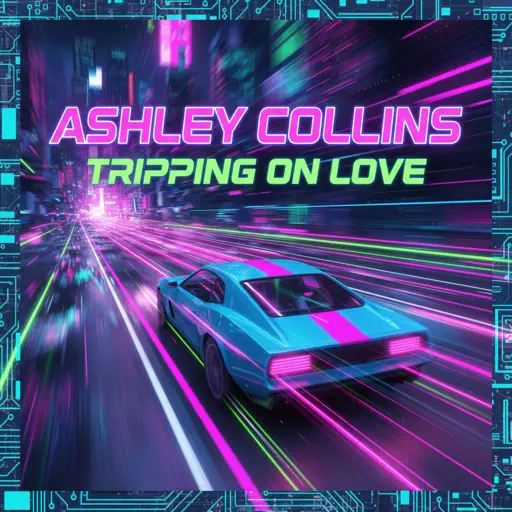
Hard
Tripping on Love
Ashley Collins
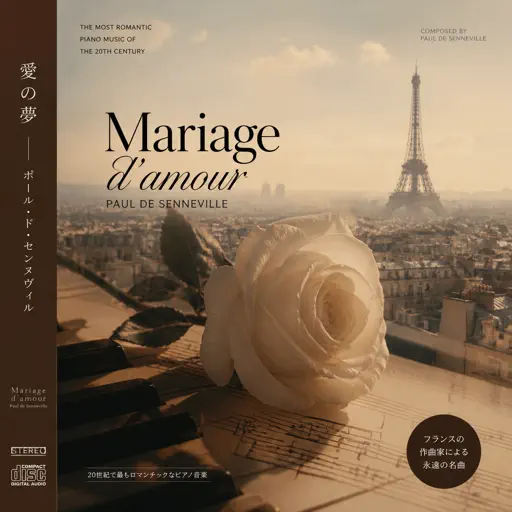
Hard
Mariage d'amour
Paul de Senneville
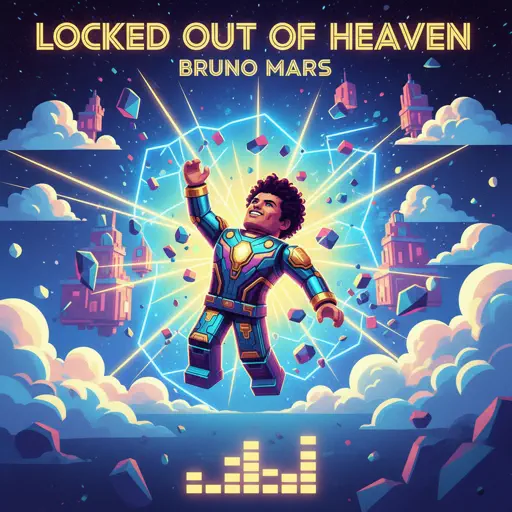
Hard
Locked out of Heaven
Bruno Mars
Hard
Noticed
Lil Mosey
Hard
What pumpkin - homestuck- MS Paint Adventures
Alexander Rosetti
Hard
Unreggcognizable
Forsaken OST
Hard
Nothing's New
Rio Romeo
Hard
Black Knight Lindamea
Black Souls
Hard
Du hast
Rammstein
Recommended Sheets
Girl Song
beabadoobee
Hard
The Winner Takes It All
ABBA
Normal
House of Memories
Panic! At The Disco
Normal
Havana
Camila Cabello
Normal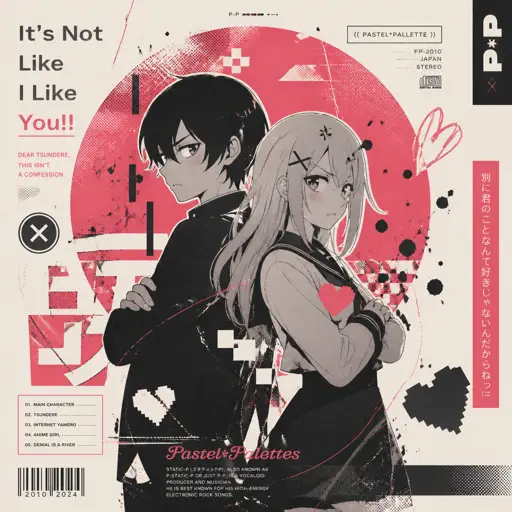
It's Not Like I Like You!!
Static-P
Normal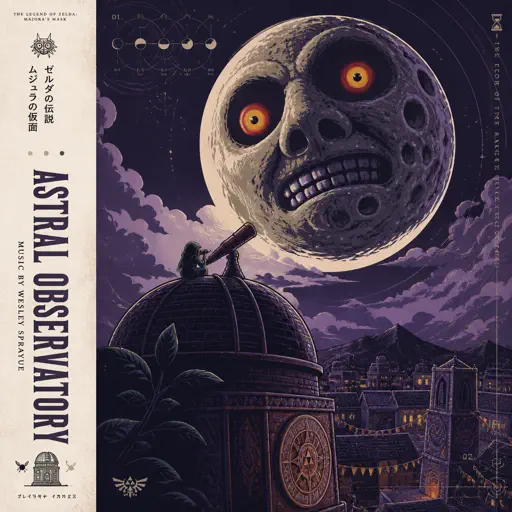
Astral Observatory - The Legend of Zelda: Majora's Mask
Wesley Sprayue
Hard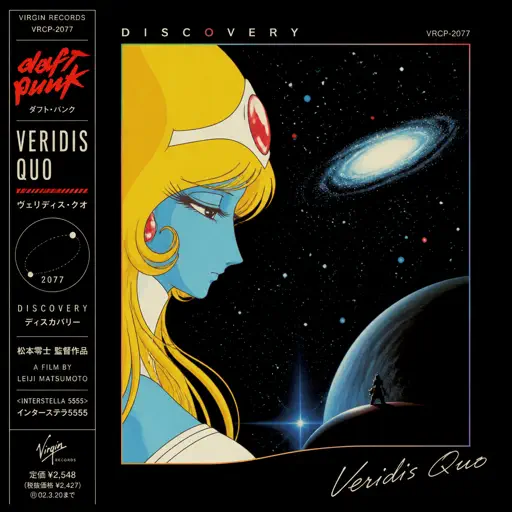
Veridis Quo
Daft Punk
Hard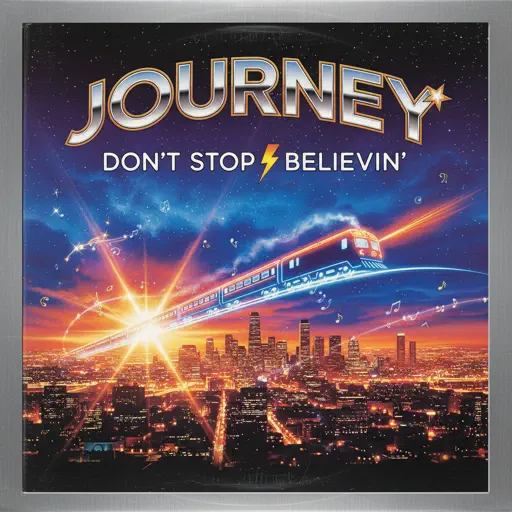
Don't Stop Believin'
Journey
Normal
Daylight
Shinedown
Hard
Comptine D'un Autre Été (From Amelie)
Laura Sullivan
Normal
We are Bulletproof : the Eternal
BTS
Normal
IRIS OUT - Chainsaw Man Movie
Kenshi Yonezu
Hard
Honeypie
JAWNY
Hard
Coffin Dance
Vicetone
Normal
Quaoar
Camellia
Hard
The One Who's Running the Show - The Amazing Digital Circus
Gooseworx
Hard
GOZALO
Ariis
Normal
Todo's Black Flash - Jujutsu Kaisen
James Liam Figueroa
Hard
Lost in Bonerland
Nero's Day At Disneyland
Hard
Nocturne in E-Flat Major, Op. 9, No. 2
Frédéric Chopin
NormalFrequently Asked Questions
What is Roblox Piano Practice Online?
This is a free online tool that lets you practice Roblox virtual piano sheets in your browser. No downloads required - just pick a song and start practicing.
How do I use this online practice tool?
1. Select a song from the recommendations or use the search function. 2. Click play and the sheet will auto-scroll with highlighted notes. 3. Watch the virtual piano keyboard for highlighted keys and practice along. 4. Use speed control to slow down playback - perfect for beginners.
Can I play using my keyboard?
Yes! The virtual piano supports computer keyboard input. The keys correspond to the standard Roblox piano layout (1234567890qwerty...). You can practice on your keyboard while following the sheet.
What does the Transpose feature do?
Transpose raises or lowers the pitch of the sheet. Some Roblox piano games have different default tunings, so transpose helps match the correct pitch. Usually adjusting by +12 or -12 semitones works.
Does this tool work on mobile?
Yes, but desktop provides the best experience. On mobile you can view the sheet and virtual piano demo, but keyboard input requires a computer. We recommend using a desktop for the best practice experience.
How do I find sheets suitable for my level?
Below you'll find recommendations sorted by difficulty: Easy for beginners, Normal for intermediate players, and Hard/Expert for advanced challenges. You can also use the search function to find songs by title or artist.