
Roblox Piano Practice Online
Loading piano...
Practice Guide
Quick guide on how to use the online piano practice tool.
What is this?
This tool allows you to practice playing virtual piano sheets directly in your browser. It simulates a piano keyboard and helps you learn the notes and rhythm before playing in Roblox.
How to Practice Online
Use your computer keyboard or mouse to play the virtual piano keys directly. As the sheet music plays, the corresponding keys on the virtual piano will light up to help you follow along. You can also copy the sheet code to use directly in Roblox.
Discover Sheets
Random Shuffle: Click the Shuffle button in the center of the top control bar to instantly load a random new song without reloading the page.
Search: Click the Search button next to Shuffle to open the search window. Type a song title or artist name to quickly find and switch to the sheet you want to practice.
Playback Controls
- Play/Pause: Start or stop playback.
- 1xSpeed: Adjust tempo (0.5x - 2.0x).
- KTranspose: Shift the pitch up or down.
- SSustain: Toggle sustain pedal effect.
Easy Mode

Easy
Fur Elise
Beethoven

Easy
Pimp Hoe
Mike Sherm

Easy
Mockingbird
Eminem

Easy
Mist
EsDeeKid

Easy
Gravity Falls Main Title Theme
Brad Breeck

Easy
Balcony
Cave Story

Easy
Sleeping City Funk
Emotional Recycling Bin

Easy
Cupid (Twin Version)
Fifty Fifty

Easy
Nice To Know - BFDIA 19 Cake At Stake Intro
BFDIA 19

Easy
If You Love These People (Man of Steel)
Hans Zimmer
Normal Mode
Normal
Nostalgia
Tate McRae
Normal
The 7 Seas
F-777
Normal
Better When I'm Dancin'
Meghan Trainor
Normal
Scorched Earth Symphony - FlameFrags
Nombra101
Normal
Super Mario Bros. Theme
Nintendo
Normal
Sometimes
Mattyeux

Normal
Polaroid Love
ENHYPEN
Normal
End of Line - From TRON Legacy
Daft Punk
Normal
If I Ain't Got You
Alicia Keys
Normal
Door
C418 (Minecraft)
Hard Mode

Hard
Dan Dan Kokoro Hikareteku (Dragon Ball GT)
Jann-Aron JP

Hard
Tháng Tư Là Lời Nói Dối Của Em
Hà Anh Tuấn

Hard
lit (A Silent Voice)
Kensuke Ushio
Hard
Compass
Mili (Limbus Company)
Hard
Beethoven Virus
Ludwig van Beethoven
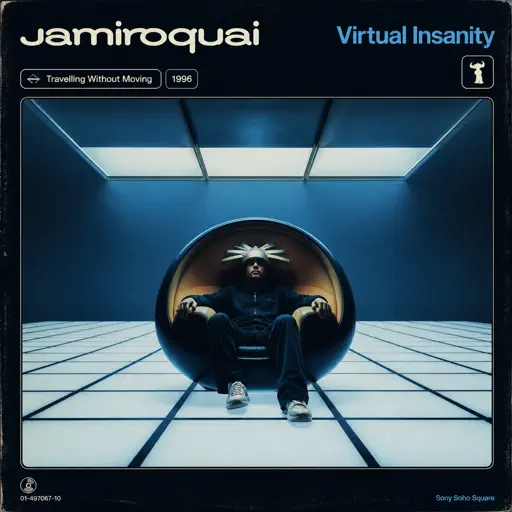
Hard
Virtual Insanity
Jamiroquai

Hard
Hallelujah
Kanye West
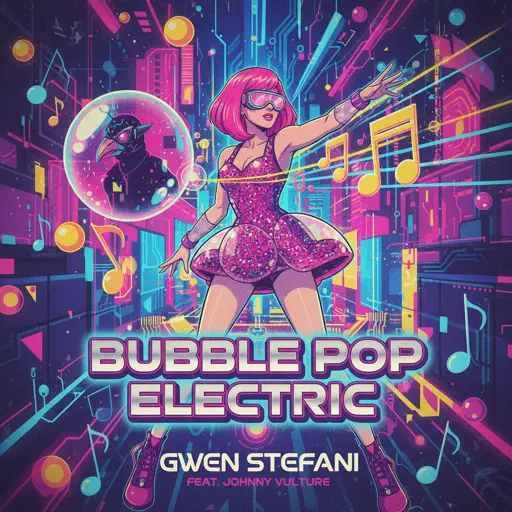
Hard
Bubble Pop Electric
Gwen Stefani
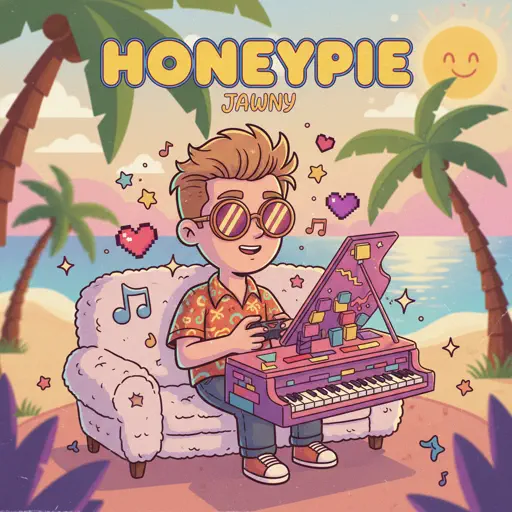
Hard
Honeypie
JAWNY
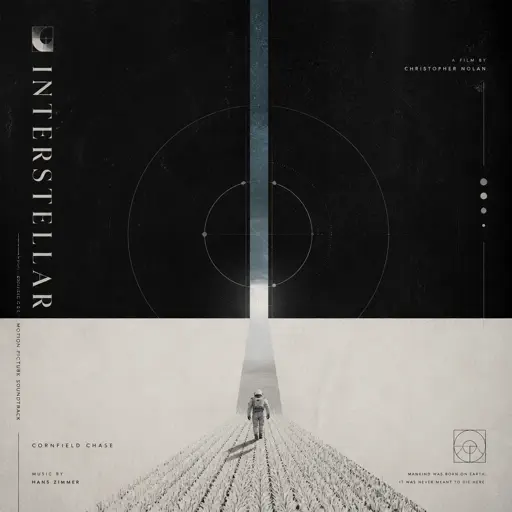
Hard
Cornfield Chase (interstellar)
Hans Zimmer
Recommended Sheets

99 Luftballons
Nena
Normal![Roblox Piano Sheets - Noli by [[LUCA]]](https://file.gamepianosheets.com/cover/noli.webp)
Noli
[[LUCA]]
Normal
meowsic
d2s1
Normal
Viva la Vida
Coldplay
Normal
Ecstacy
SUICIDAL-IDOL
Normal
Bunny Party - Häschenparty
Bunny Party Team
Normal
Overworld Day - Terraria
Terraria
Hard
Cure (VIVINOS - ALNST)
AKUGETSU
Hard
Oscillation - Deepwoken OST
Naktigonis
Normal
Midu Echoing
YANGYINYUE
Hard
Fortnight
Taylor Swift
Normal
Raining Tacos
Parry Gripp
Normal
Fukashigi no Carte (Bunny Girl Senpai)
ShiroNeko
Normal
Elegy for Rem - Requiem of Silence (Re Zero Ost)
Amy B
NormalEnd of Line - From TRON Legacy
Daft Punk
Normal
Cottonwood
Twenty One Pilots
Normal
Red Like Roses, Pt. 1 - RWBY
Jeff Williams
Normal
Lupang Hinirang (Philippine National Anthem)
Legend The Band
Normal
changes
XXXTENTACION
Normal
CandyCookieChocolate
Hatsune Miku
HardFrequently Asked Questions
What is Roblox Piano Practice Online?
This is a free online tool that lets you practice Roblox virtual piano sheets in your browser. No downloads required - just pick a song and start practicing.
How do I use this online practice tool?
1. Select a song from the recommendations or use the search function. 2. Click play and the sheet will auto-scroll with highlighted notes. 3. Watch the virtual piano keyboard for highlighted keys and practice along. 4. Use speed control to slow down playback - perfect for beginners.
Can I play using my keyboard?
Yes! The virtual piano supports computer keyboard input. The keys correspond to the standard Roblox piano layout (1234567890qwerty...). You can practice on your keyboard while following the sheet.
What does the Transpose feature do?
Transpose raises or lowers the pitch of the sheet. Some Roblox piano games have different default tunings, so transpose helps match the correct pitch. Usually adjusting by +12 or -12 semitones works.
Does this tool work on mobile?
Yes, but desktop provides the best experience. On mobile you can view the sheet and virtual piano demo, but keyboard input requires a computer. We recommend using a desktop for the best practice experience.
How do I find sheets suitable for my level?
Below you'll find recommendations sorted by difficulty: Easy for beginners, Normal for intermediate players, and Hard/Expert for advanced challenges. You can also use the search function to find songs by title or artist.