

Roblox Piano Practice Online
Loading piano...
Practice Guide
Quick guide on how to use the online piano practice tool.
What is this?
This tool allows you to practice playing virtual piano sheets directly in your browser. It simulates a piano keyboard and helps you learn the notes and rhythm before playing in Roblox.
How to Practice Online
Use your computer keyboard or mouse to play the virtual piano keys directly. As the sheet music plays, the corresponding keys on the virtual piano will light up to help you follow along. You can also copy the sheet code to use directly in Roblox.
Discover Sheets
Random Shuffle: Click the Shuffle button in the center of the top control bar to instantly load a random new song without reloading the page.
Search: Click the Search button next to Shuffle to open the search window. Type a song title or artist name to quickly find and switch to the sheet you want to practice.
Playback Controls
- Play/Pause: Start or stop playback.
- 1xSpeed: Adjust tempo (0.5x - 2.0x).
- KTranspose: Shift the pitch up or down.
- SSustain: Toggle sustain pedal effect.
Easy Mode










Normal Mode
Hard Mode
Hard
Le Monde - From Talk to Me
Richard Carter
Hard
We'll Meet Again
Laura Brehm
Hard
Running the Show - The Amazing Digital Circus
John Michael Hopkins
Hard
Veridis Quo
Daft Punk
Hard
Jane!
The Long Faces
Hard
Noticed
Lil Mosey
Hard
I’m Tired
Labrinth
Hard
Creep
Scott Bradlee's Postmodern Jukebox
Hard
cut my fingers off
Ethan Bortnick
Hard
Paint It, Black
The Rolling Stones
Recommended Sheets

Kyoto
C418
Normal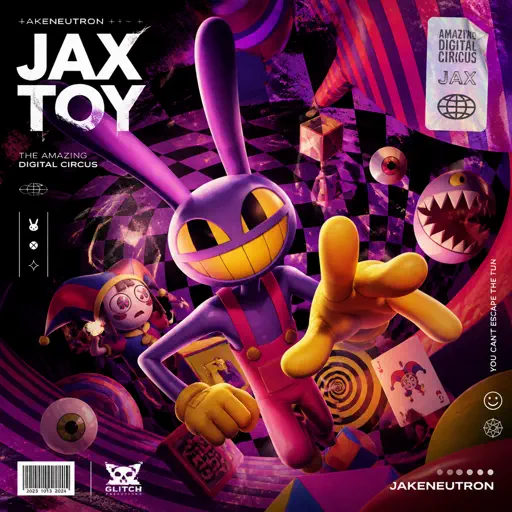
Jax Toy (THE AMAZING DIGITAL CIRCUS)
Jakeneutron
Normal
Le ciel
Malice Mizer
Normal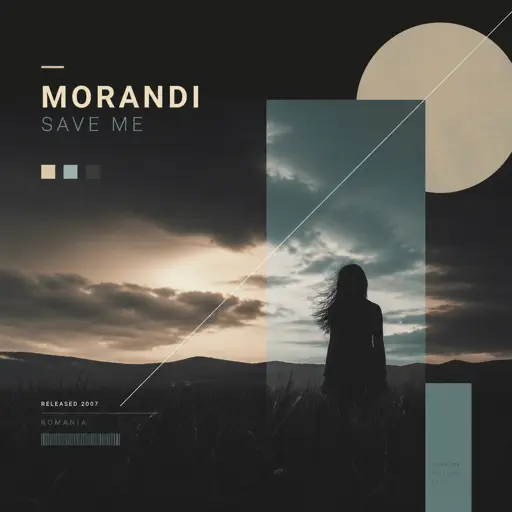
Save Me
Morandi
Normal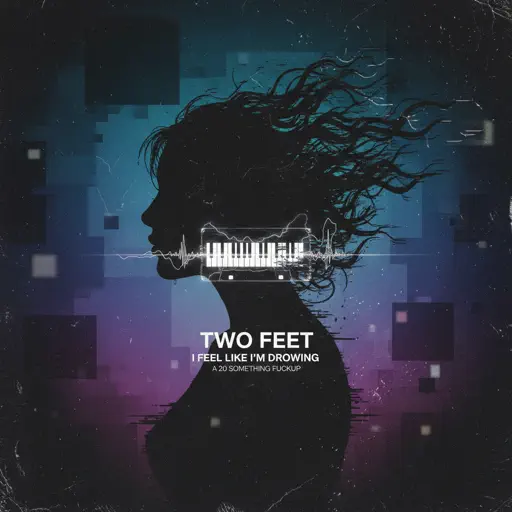
I Feel Like I'm Drowning
Two Feet
Normal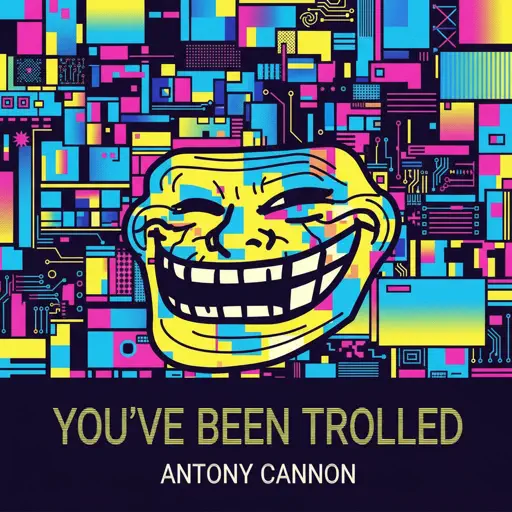
You've Been Trolled
Antony Cannon
Hard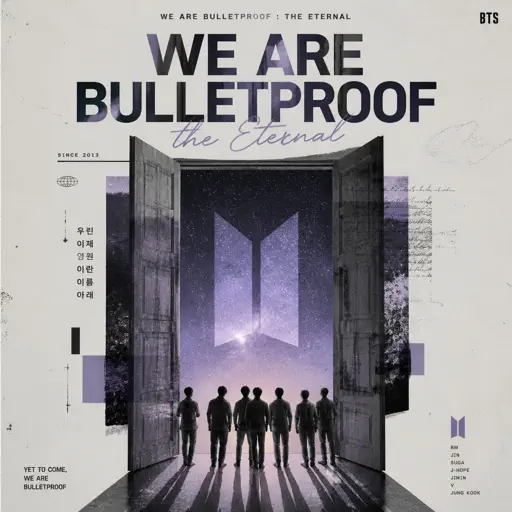
We are Bulletproof : the Eternal
BTS
Normal
Blister In The Sun
Violent Femmes
Normal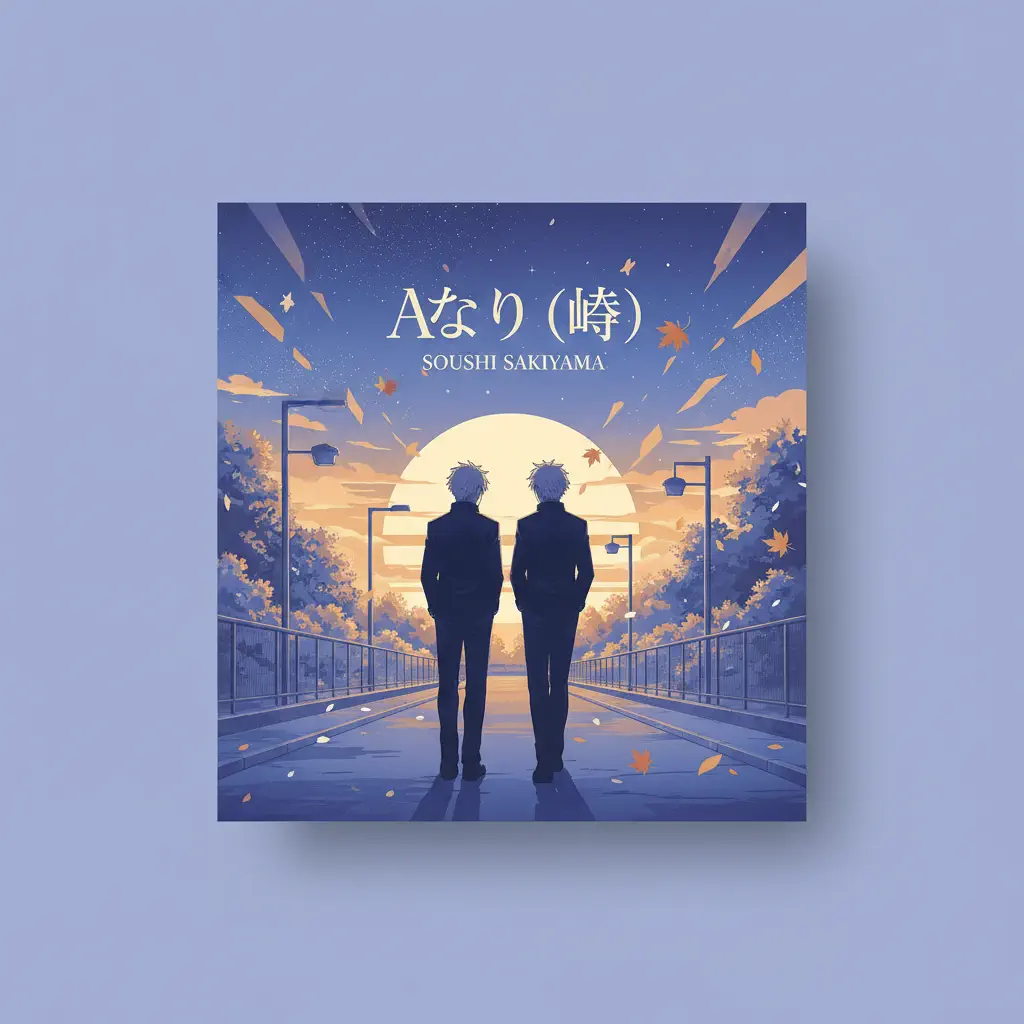
Akari (燈) - Jujutsu Kaisen Season 2
Soushi Sakiyama
Normal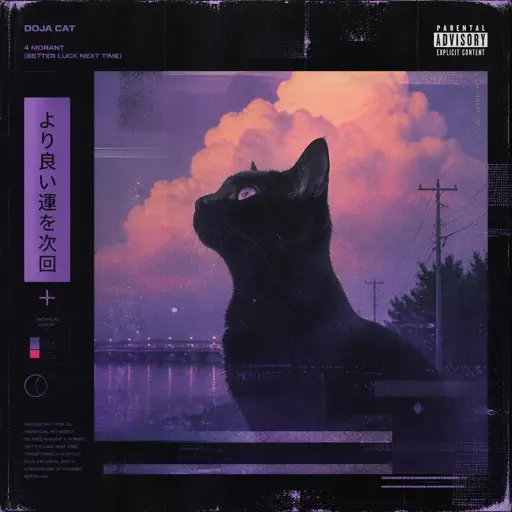
4 morant (better luck next time)
Doja Cat
Normal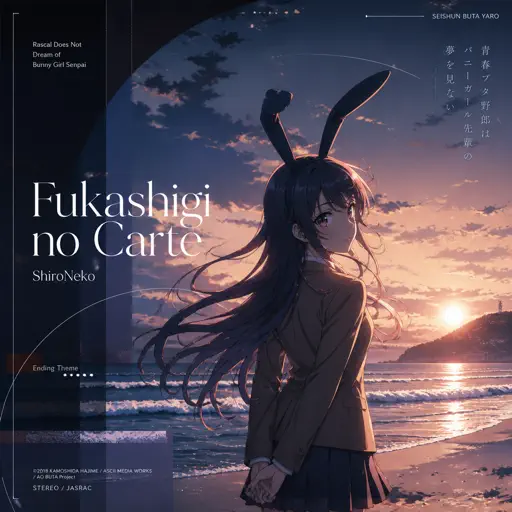
Fukashigi no Carte (Bunny Girl Senpai)
ShiroNeko
Normal
25
Rod Wave
Normal
Kimi Dake O Mamoritai (Ultraman Dyna Ending)
Takeshi Tsuruno
Normal
FoxSong (Alisa theme)
Tiny Bunny
Hard
The Amazing Digital Circus Main Theme
Gooseworx
Normal
Kaikai Kitan (廻廻奇譚) - Jujutsu Kaisen
Eve
Normal
Summertime Sadness
Lana Del Rey
Hard
hysteric
jaydes
Normal
Treehouse
Alex G
Normal
Waltz of Lovers No.1
Егор Юрий
NormalFrequently Asked Questions
What is Roblox Piano Practice Online?
This is a free online tool that lets you practice Roblox virtual piano sheets in your browser. No downloads required - just pick a song and start practicing.
How do I use this online practice tool?
1. Select a song from the recommendations or use the search function. 2. Click play and the sheet will auto-scroll with highlighted notes. 3. Watch the virtual piano keyboard for highlighted keys and practice along. 4. Use speed control to slow down playback - perfect for beginners.
Can I play using my keyboard?
Yes! The virtual piano supports computer keyboard input. The keys correspond to the standard Roblox piano layout (1234567890qwerty...). You can practice on your keyboard while following the sheet.
What does the Transpose feature do?
Transpose raises or lowers the pitch of the sheet. Some Roblox piano games have different default tunings, so transpose helps match the correct pitch. Usually adjusting by +12 or -12 semitones works.
Does this tool work on mobile?
Yes, but desktop provides the best experience. On mobile you can view the sheet and virtual piano demo, but keyboard input requires a computer. We recommend using a desktop for the best practice experience.
How do I find sheets suitable for my level?
Below you'll find recommendations sorted by difficulty: Easy for beginners, Normal for intermediate players, and Hard/Expert for advanced challenges. You can also use the search function to find songs by title or artist.