
Roblox Piano Practice Online
Loading piano...
Practice Guide
Quick guide on how to use the online piano practice tool.
What is this?
This tool allows you to practice playing virtual piano sheets directly in your browser. It simulates a piano keyboard and helps you learn the notes and rhythm before playing in Roblox.
How to Practice Online
Use your computer keyboard or mouse to play the virtual piano keys directly. As the sheet music plays, the corresponding keys on the virtual piano will light up to help you follow along. You can also copy the sheet code to use directly in Roblox.
Discover Sheets
Random Shuffle: Click the Shuffle button in the center of the top control bar to instantly load a random new song without reloading the page.
Search: Click the Search button next to Shuffle to open the search window. Type a song title or artist name to quickly find and switch to the sheet you want to practice.
Playback Controls
- Play/Pause: Start or stop playback.
- 1xSpeed: Adjust tempo (0.5x - 2.0x).
- KTranspose: Shift the pitch up or down.
- SSustain: Toggle sustain pedal effect.
Easy Mode

Easy
Sleeping City Funk
Emotional Recycling Bin

Easy
If You Love These People (Man of Steel)
Hans Zimmer

Easy
Fur Elise
Beethoven

Easy
LET ME SEE YA MOVE!
Lumi Athena

Easy
Balcony
Cave Story

Easy
Where You Lead
Carole King

Easy
Nice To Know - BFDIA 19 Cake At Stake Intro
BFDIA 19

Easy
Mist
EsDeeKid

Easy
Gravity Falls Main Title Theme
Brad Breeck

Easy
Pimp Hoe
Mike Sherm
Normal Mode
Normal
Save Your Tears
The Weeknd
Normal
JUDAS x GOJO vs SUKUNA
Lady Gaga

Normal
Rises the Moon
Liana Flores
Normal
Lit (Koe No Katachi)
Musics Emotion

Normal
Secret Door
Arctic Monkeys
Normal
FNAF Song 1
The Living Tombstone
Normal
Subwoofer Lullaby
C418
Normal
The Nowhere King
The Centaurworld Cast

Normal
The Mandalorian - Star Wars
Ludwig Göransson

Normal
Creation of Hatred
Forsaken
Hard Mode
Hard
Bergentrückung
Toby Fox
Hard
Looping the Rooms
rusino
Hard
From Russia with Love
Matt Monro

Hard
Mazeppa
Franz Liszt
Hard
Drowning Love
Chasing Kou
Hard
I'm From Another Dimension (Star Vs The Forces of Evil)
Brad Breeck

Hard
STAR☆T☆RAIN - 推しの子 Oshi no Ko
Yusuke Onodera
Hard
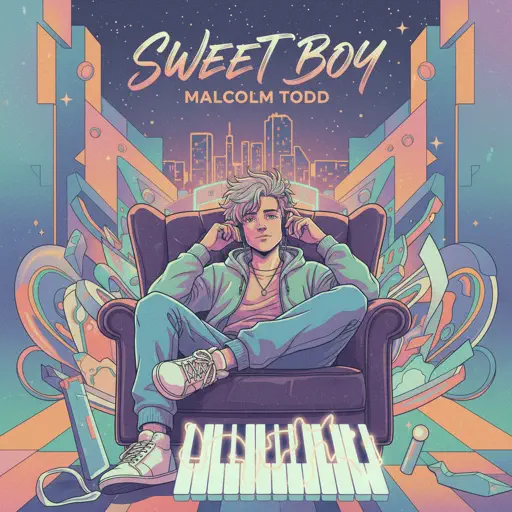
Sweet Boy
Malcolm Todd
Hard
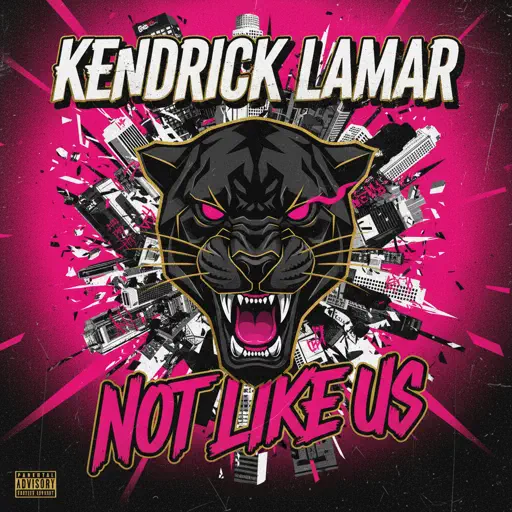
Not Like Us
Kendrick Lamar
Hard
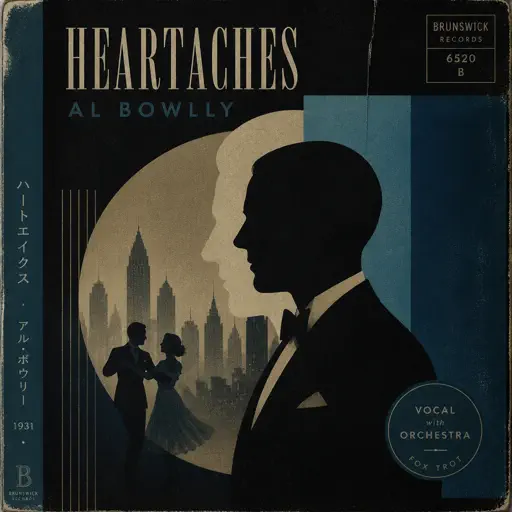
Heartaches
Al Bowlly
Recommended Sheets

Kamin - Камин
EMIN
Normal
Big Iron
Marty Robbins
Normal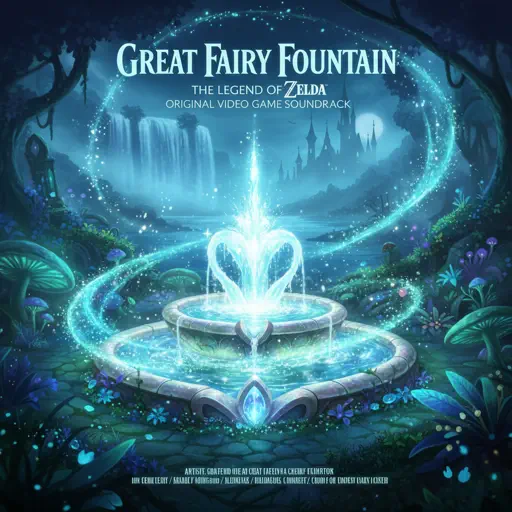
Great Fairy Fountain - The Legend of Zelda
Legend of Zelda
Normal
Sign of the Times
Harry Styles
Hard
Tetris Theme
Video Game Players
Normal
9 to 5
Dolly Parton
NormalMist
EsDeeKid
Easy
Cradles
Sub Urban
Normal
Spring (The Four Seasons)
Vivaldi
Normal
Initial D First Stage Sound - Admiration
Initial D
Normal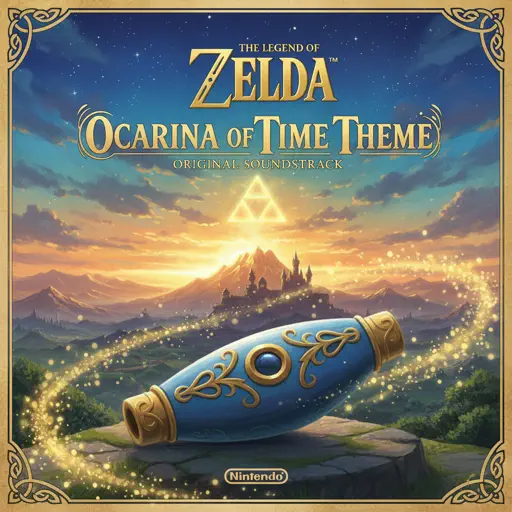
Ocarina Of Time Theme (The Legend Of Zelda)
Legend of Zelda
Normal
Sparks
Coldplay
Hard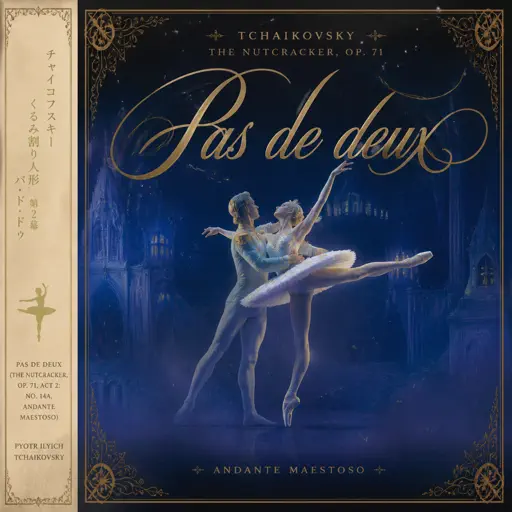
Pas de deux (The Nutcracker, Op. 71, Act 2: No. 14a, Andante maestoso)
Pyotr Ilyich Tchaikovsky
Hard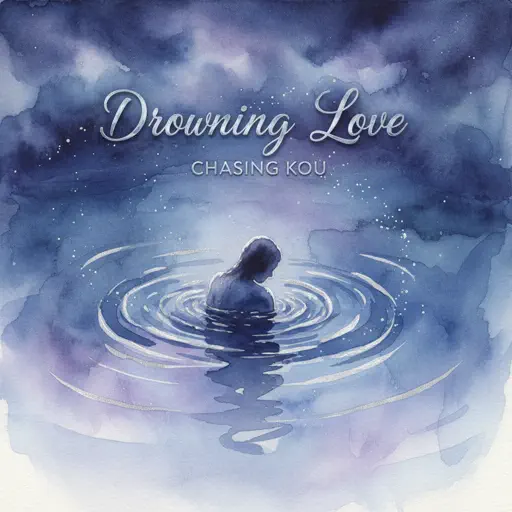
Drowning Love
Chasing Kou
Normal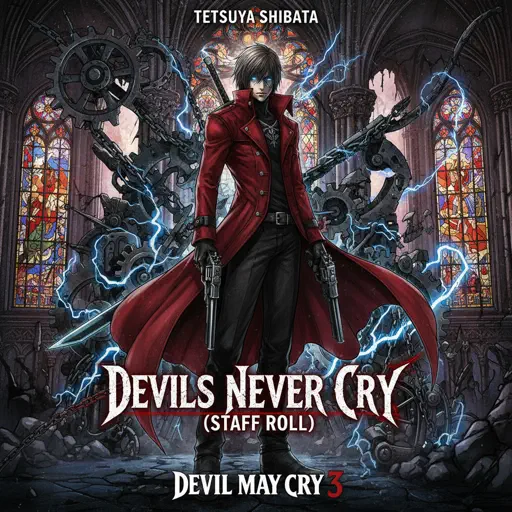
Devils Never Cry (スタッフロール)
Tetsuya Shibata
Normal
Kurşun Adres Sormaz Ki
Kenan Doğulu
Normal
Days Gone
Nathan Whitehead
Normal
commatose - geometry dash
glass beach
Hard
Port Ormos (Day)
Yu-Peng Chen
Hard
Song of the Stars
TOMORROW X TOGETHER
HardFrequently Asked Questions
What is Roblox Piano Practice Online?
This is a free online tool that lets you practice Roblox virtual piano sheets in your browser. No downloads required - just pick a song and start practicing.
How do I use this online practice tool?
1. Select a song from the recommendations or use the search function. 2. Click play and the sheet will auto-scroll with highlighted notes. 3. Watch the virtual piano keyboard for highlighted keys and practice along. 4. Use speed control to slow down playback - perfect for beginners.
Can I play using my keyboard?
Yes! The virtual piano supports computer keyboard input. The keys correspond to the standard Roblox piano layout (1234567890qwerty...). You can practice on your keyboard while following the sheet.
What does the Transpose feature do?
Transpose raises or lowers the pitch of the sheet. Some Roblox piano games have different default tunings, so transpose helps match the correct pitch. Usually adjusting by +12 or -12 semitones works.
Does this tool work on mobile?
Yes, but desktop provides the best experience. On mobile you can view the sheet and virtual piano demo, but keyboard input requires a computer. We recommend using a desktop for the best practice experience.
How do I find sheets suitable for my level?
Below you'll find recommendations sorted by difficulty: Easy for beginners, Normal for intermediate players, and Hard/Expert for advanced challenges. You can also use the search function to find songs by title or artist.