
Roblox Piano Practice Online
Loading piano...
Practice Guide
Quick guide on how to use the online piano practice tool.
What is this?
This tool allows you to practice playing virtual piano sheets directly in your browser. It simulates a piano keyboard and helps you learn the notes and rhythm before playing in Roblox.
How to Practice Online
Use your computer keyboard or mouse to play the virtual piano keys directly. As the sheet music plays, the corresponding keys on the virtual piano will light up to help you follow along. You can also copy the sheet code to use directly in Roblox.
Discover Sheets
Random Shuffle: Click the Shuffle button in the center of the top control bar to instantly load a random new song without reloading the page.
Search: Click the Search button next to Shuffle to open the search window. Type a song title or artist name to quickly find and switch to the sheet you want to practice.
Playback Controls
- Play/Pause: Start or stop playback.
- 1xSpeed: Adjust tempo (0.5x - 2.0x).
- KTranspose: Shift the pitch up or down.
- SSustain: Toggle sustain pedal effect.
Easy Mode

Easy
Nice To Know - BFDIA 19 Cake At Stake Intro
BFDIA 19

Easy
Where You Lead
Carole King

Easy
Balcony
Cave Story

Easy
Cupid (Twin Version)
Fifty Fifty

Easy
Fur Elise
Beethoven

Easy
Gravity Falls Main Title Theme
Brad Breeck

Easy
If You Love These People (Man of Steel)
Hans Zimmer

Easy
Mist
EsDeeKid

Easy
Sleeping City Funk
Emotional Recycling Bin

Easy
Pimp Hoe
Mike Sherm
Normal Mode
Normal
TIKI TIKI
QMIIR
Normal
Rock With You
Michael Jackson
Normal
Stephanie
Nafeesisboujee
Normal
Killswitch Lullaby
Flawed Mangoes
Normal
Trance
Metro Boomin and Travis Scott

Normal
ocean eyes
Billie Eilish
Normal
Scorched Earth Symphony - FlameFrags
Nombra101

Normal
La Marseillaise
Claude Joseph Rouget de Lisle
Normal
Locked Away (Dandy's World)
CG5

Normal
Ai đưa em về - LOW CORTISOL DANCE
TIA
Hard Mode

Hard
STAR☆T☆RAIN - 推しの子 Oshi no Ko
Yusuke Onodera
Hard
swordland (Sword Art Online)
Yuki Kajiura
Hard
Gettin on Down
Henri Herbert

Hard
Hikaru Nara 光るなら
Goose house

Hard
Otherside
Red Hot Chili Peppers
Hard
I'm the Purple Guy
Dagames
Hard
Upside Down
Diana Ross
Hard
Vague Reason - Jujutsu Kaisen S2 OST (Nanami Theme)
Yoshimasa Terui
Hard
Rein Me In
Sam Fender
Hard
Drowning Love
Chasing Kou
Recommended Sheets
The Seed
AURORA
Hard
Careless Whisper
George Michael
Hard
Welcome to the Black Parade
My Chemical Romance
Normal
Cottonwood
Twenty One Pilots
Normal
Once More to See You
Mitski
Normal
Happy Birthday
Unknown Artist
Normal
All For Us
Labrinth
Hard
House of Memories
Panic! At The Disco
Normal
Mr. Brightside
The Killers
Hard
Touch You
Yarichin Bitch Club
Normal
LDR
Shoti
Normal
Мама прости
Grechka
Normal
Je T’aime
Lara Fabian
Hard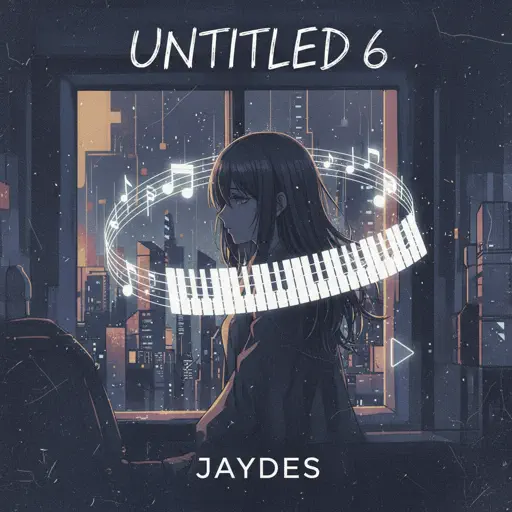
Untitled 6
Jaydes
Normal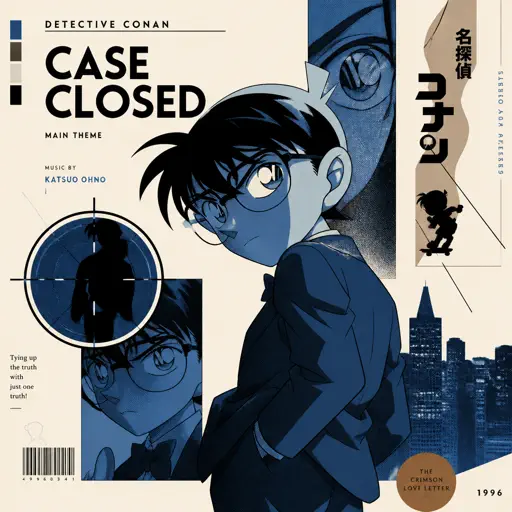
Case Closed (From Detective Conan)
Gosho Aoyama
Normal
White Ferrari
Frank Ocean
Normal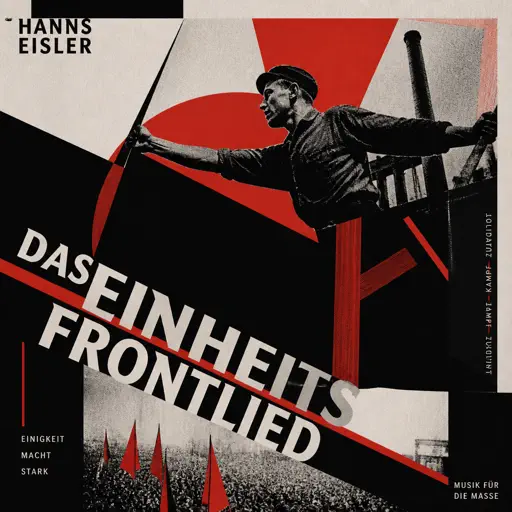
Das Einheitsfrontlied
Hanns Eisler
Normal
What Was I Made For
Billie Eilish
Normal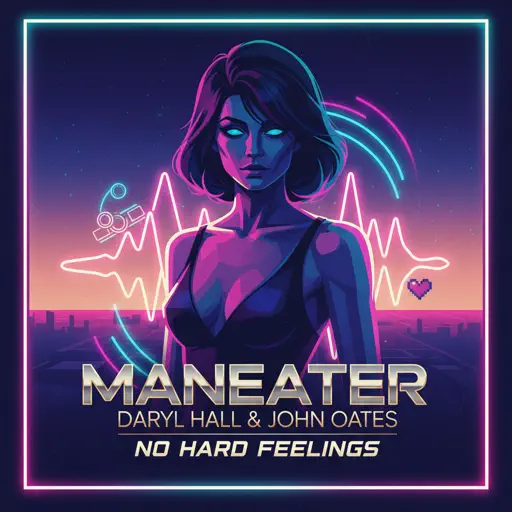
Maneater
Daryl Hall & John Oates
Hard
Young Girl A
siinamota
NormalFrequently Asked Questions
What is Roblox Piano Practice Online?
This is a free online tool that lets you practice Roblox virtual piano sheets in your browser. No downloads required - just pick a song and start practicing.
How do I use this online practice tool?
1. Select a song from the recommendations or use the search function. 2. Click play and the sheet will auto-scroll with highlighted notes. 3. Watch the virtual piano keyboard for highlighted keys and practice along. 4. Use speed control to slow down playback - perfect for beginners.
Can I play using my keyboard?
Yes! The virtual piano supports computer keyboard input. The keys correspond to the standard Roblox piano layout (1234567890qwerty...). You can practice on your keyboard while following the sheet.
What does the Transpose feature do?
Transpose raises or lowers the pitch of the sheet. Some Roblox piano games have different default tunings, so transpose helps match the correct pitch. Usually adjusting by +12 or -12 semitones works.
Does this tool work on mobile?
Yes, but desktop provides the best experience. On mobile you can view the sheet and virtual piano demo, but keyboard input requires a computer. We recommend using a desktop for the best practice experience.
How do I find sheets suitable for my level?
Below you'll find recommendations sorted by difficulty: Easy for beginners, Normal for intermediate players, and Hard/Expert for advanced challenges. You can also use the search function to find songs by title or artist.