

Roblox Piano Practice Online
Loading piano...
Practice Guide
Quick guide on how to use the online piano practice tool.
What is this?
This tool allows you to practice playing virtual piano sheets directly in your browser. It simulates a piano keyboard and helps you learn the notes and rhythm before playing in Roblox.
How to Practice Online
Use your computer keyboard or mouse to play the virtual piano keys directly. As the sheet music plays, the corresponding keys on the virtual piano will light up to help you follow along. You can also copy the sheet code to use directly in Roblox.
Discover Sheets
Random Shuffle: Click the Shuffle button in the center of the top control bar to instantly load a random new song without reloading the page.
Search: Click the Search button next to Shuffle to open the search window. Type a song title or artist name to quickly find and switch to the sheet you want to practice.
Playback Controls
- Play/Pause: Start or stop playback.
- 1xSpeed: Adjust tempo (0.5x - 2.0x).
- KTranspose: Shift the pitch up or down.
- SSustain: Toggle sustain pedal effect.
Easy Mode

Easy
Pimp Hoe
Mike Sherm

Easy
Sleeping City Funk
Emotional Recycling Bin

Easy
Mist
EsDeeKid

Easy
Where You Lead
Carole King

Easy
Immortal
Playboi Carti

Easy
Mockingbird
Eminem

Easy
Gravity Falls Main Title Theme
Brad Breeck

Easy
Cupid (Twin Version)
Fifty Fifty

Easy
Nice To Know - BFDIA 19 Cake At Stake Intro
BFDIA 19

Easy
Harvey
Alex G
Normal Mode
Normal
Hypercharged
Electric Callboy

Normal
Butch 4 Butch
Rio Romeo
Normal
Waltz In A Minor
Frédéric Chopin
Normal
Relaxed Scene - Break In
James Clarke

Normal
Famous Prophets (Stars)
Car Seat Headrest
Normal
RuLe
Ado
Normal
Final Duet Omori - Violin
OMOCAT143
Normal
Unravel (Tokyo Ghoul)
AmaLee
Normal
IDOL
Yoasobi
Normal
NUEVAYoL
Bad Bunny
Hard Mode
Hard
IDFB Intro
Tsskyx
Hard
Fly, My Wings - Limbus Company
Mili
Hard
Interstellar Main Theme
Peter Buka
Hard
You've Been Trolled
Antony Cannon
Hard
Still D.R.E.
Dr. Dre

Hard
Otsukare Summer
HALCALI
Hard
La Distancia Para Un Duelo (From Bleach)
LucasGitanoFamily

Hard
Love Love Love
Epik High

Hard
Bubble Pop Electric
Gwen Stefani
Hard
Bergentrückung
Toby Fox
Recommended Sheets
Take What You Want
Post Malone
Hard
Yellow
Coldplay
Hard
Hopes And Dreams
Toby Fox
Normal
Self Aware
Temper City
Normal
Marigold
Aimyon
Hard
The Lost Soul Down
NBSPLV
Normal
Karma
AJR
Hard
Dark Dream (诡秘之主小丑篇)
Curley gao
Hard
Solas
Gibran Alcocer
Normal
Moog City 2 - Minecraft
C418
Normal
Rush A
Sheet Music Boss
Hard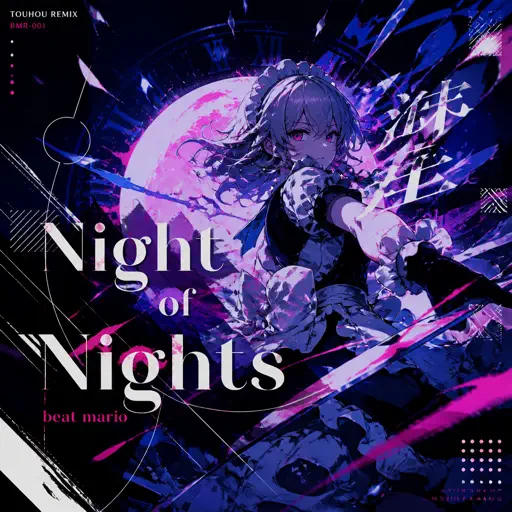
Night of Nights ナイト・オブ・ナイツ
Beat Mario
Hard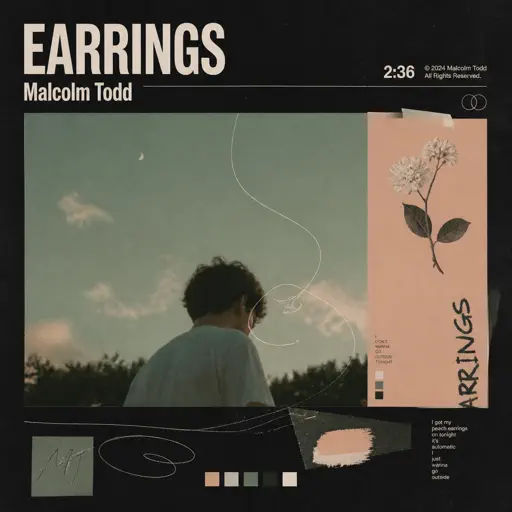
Earrings
Malcolm Todd
Normal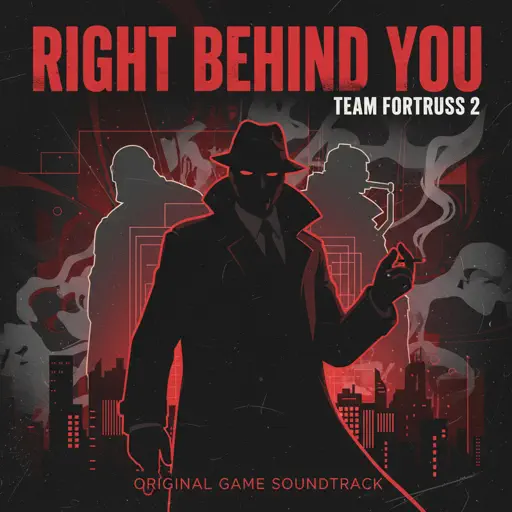
Right Behind You (From "Team Fortress 2")
Sheet Music Boss
Normal
Believer
Imagine Dragons
Normal
CandyCookieChocolate
Hatsune Miku
Hard
iloveitiloveitiloveit
Bella Kay
Hard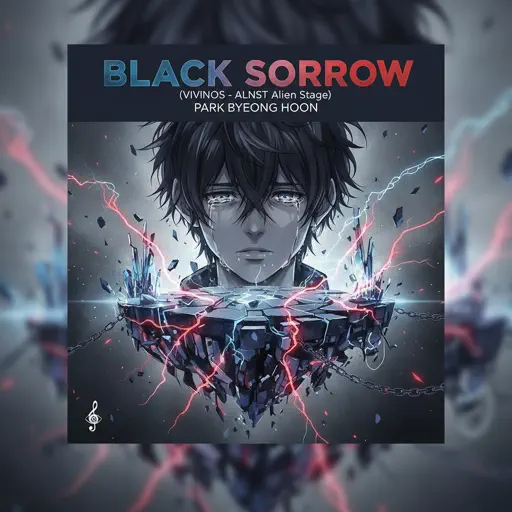
Black Sorrow (VIVINOS - ALNST Alien Stage)
PARK BYEONG HOON
Normal
Cardigan
Taylor Swift
Normal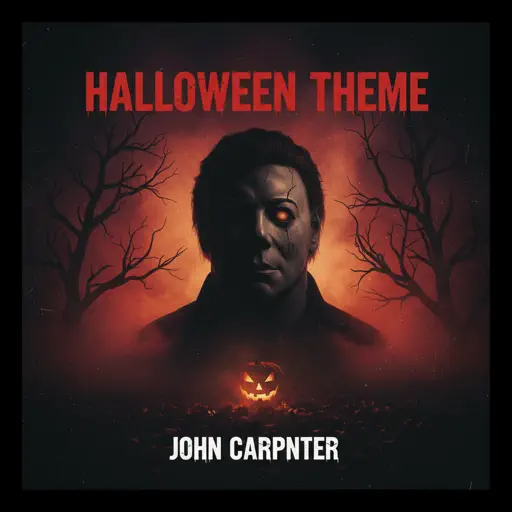
Halloween Theme
Michael Myers
NormalFrequently Asked Questions
What is Roblox Piano Practice Online?
This is a free online tool that lets you practice Roblox virtual piano sheets in your browser. No downloads required - just pick a song and start practicing.
How do I use this online practice tool?
1. Select a song from the recommendations or use the search function. 2. Click play and the sheet will auto-scroll with highlighted notes. 3. Watch the virtual piano keyboard for highlighted keys and practice along. 4. Use speed control to slow down playback - perfect for beginners.
Can I play using my keyboard?
Yes! The virtual piano supports computer keyboard input. The keys correspond to the standard Roblox piano layout (1234567890qwerty...). You can practice on your keyboard while following the sheet.
What does the Transpose feature do?
Transpose raises or lowers the pitch of the sheet. Some Roblox piano games have different default tunings, so transpose helps match the correct pitch. Usually adjusting by +12 or -12 semitones works.
Does this tool work on mobile?
Yes, but desktop provides the best experience. On mobile you can view the sheet and virtual piano demo, but keyboard input requires a computer. We recommend using a desktop for the best practice experience.
How do I find sheets suitable for my level?
Below you'll find recommendations sorted by difficulty: Easy for beginners, Normal for intermediate players, and Hard/Expert for advanced challenges. You can also use the search function to find songs by title or artist.