
Roblox Piano Practice Online
Loading piano...
Practice Guide
Quick guide on how to use the online piano practice tool.
What is this?
This tool allows you to practice playing virtual piano sheets directly in your browser. It simulates a piano keyboard and helps you learn the notes and rhythm before playing in Roblox.
How to Practice Online
Use your computer keyboard or mouse to play the virtual piano keys directly. As the sheet music plays, the corresponding keys on the virtual piano will light up to help you follow along. You can also copy the sheet code to use directly in Roblox.
Discover Sheets
Random Shuffle: Click the Shuffle button in the center of the top control bar to instantly load a random new song without reloading the page.
Search: Click the Search button next to Shuffle to open the search window. Type a song title or artist name to quickly find and switch to the sheet you want to practice.
Playback Controls
- Play/Pause: Start or stop playback.
- 1xSpeed: Adjust tempo (0.5x - 2.0x).
- KTranspose: Shift the pitch up or down.
- SSustain: Toggle sustain pedal effect.
Easy Mode

Easy
Sleeping City Funk
Emotional Recycling Bin

Easy
Nice To Know - BFDIA 19 Cake At Stake Intro
BFDIA 19

Easy
If You Love These People (Man of Steel)
Hans Zimmer

Easy
Where You Lead
Carole King

Easy
Cupid (Twin Version)
Fifty Fifty

Easy
Fur Elise
Beethoven

Easy
Harvey
Alex G

Easy
Mockingbird
Eminem

Easy
Immortal
Playboi Carti

Easy
Mist
EsDeeKid
Normal Mode
Normal
The King's Lullaby (Extended Version)
The Baby in Yellow

Normal
JANE DOE
Kenshi Yonezu (Chainsaw Man)
Normal
Sadness and Sorrow - Naruto
Toshio Masuda
Normal
Trillium
S3RL
Normal
Daylight
David Kushner
Normal
Relaxed Scene - Break In
James Clarke
Normal
The Lost Soul Down
NBSPLV
Normal
Meaningful Love
Silo
Normal
Mirrors Demo
Overtonight Throwaways
Normal
My Hero
Foo Fighters
Hard Mode
Hard
Black Knight Lindamea
Black Souls
Hard
Cirno's Perfect Math Class チルノのパーフェクトさんすう教室
IOSYS

Hard
Hatachi No Koi
Lamp
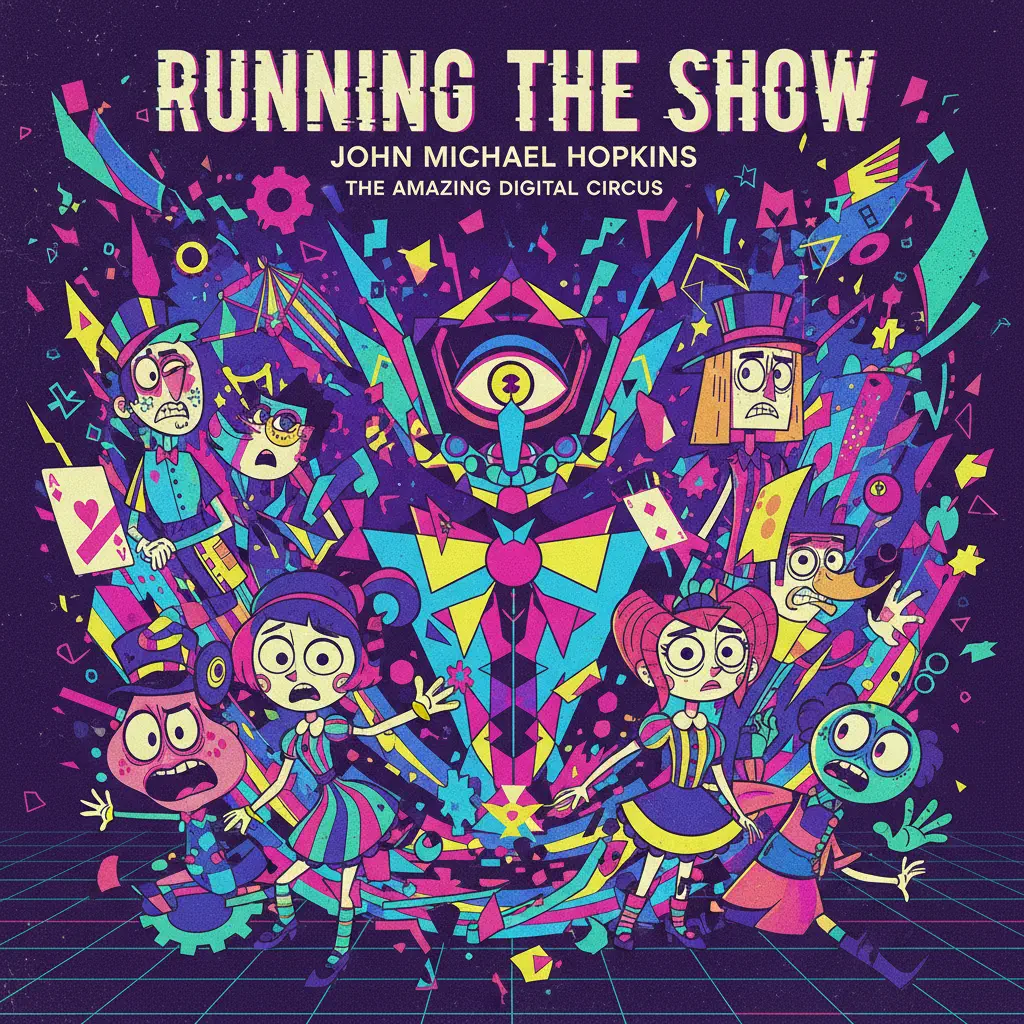
Hard
Running the Show - The Amazing Digital Circus
John Michael Hopkins
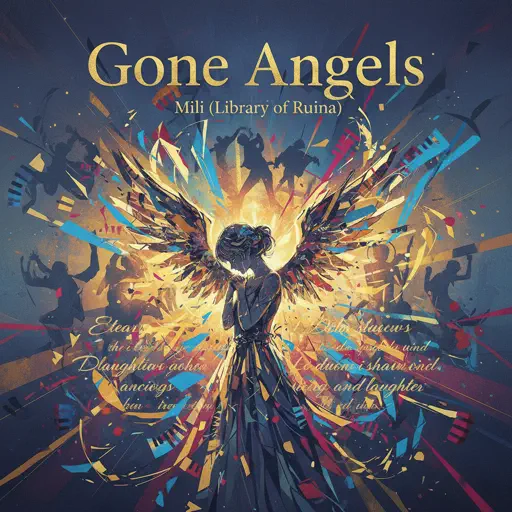
Hard
Gone Angels - Library of Ruina
Mili
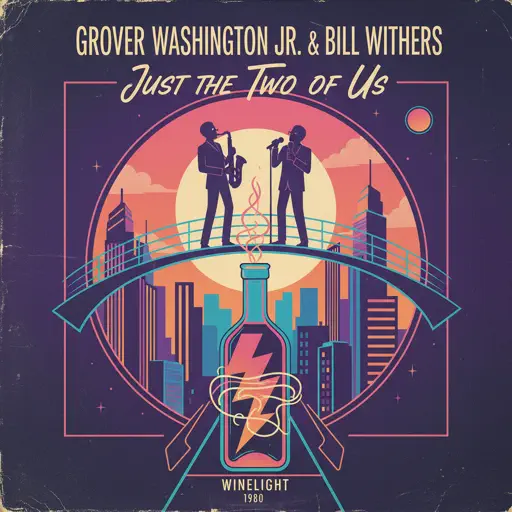
Hard
Just the Two of Us
Grover Washington Jr.
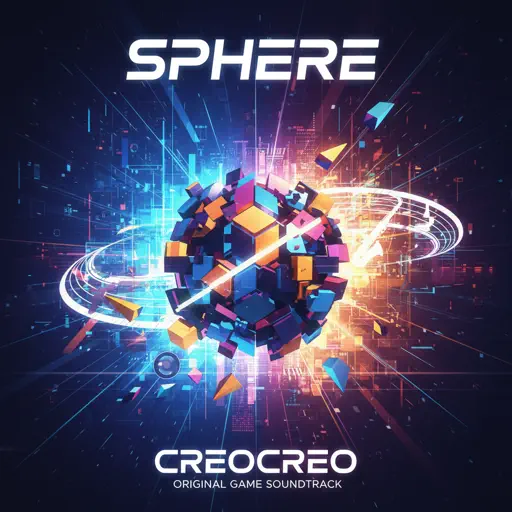
Hard
Sphere
Creo
Hard
Just Monika
Random Encounters
Hard
slow summer eve - Chainsaw Man
kensuke ushio
Hard
Song of the Stars
TOMORROW X TOGETHER
Recommended Sheets
Locked out of Heaven
Bruno Mars
Hard
Nevada
Vicetone
Hard
LUNCH
Billie Eilish
Normal
Chest Pain (I Love)
Malcolm Todd
Normal
The Night Begins to Shine - Teen Titans GO!
B.E.R.
Normal
PLAYING WITH FIRE
BLACKPINK
Hard
XOXO
Feng
Hard
Beautiful Girl
INXS
Normal
Praeludium and Allegro
Kreisler
Normal
BEST FRIEND from KinitoPET
Genichris
Hard
Whole Lotta Red
Playboi Carti
Normal
Nathalie - Bir Günah Gibi
Julio Iglesias
Normal
Moonlight Sonata 3rd Mvt.
Beethoven
Normal
This is what heartbreak feels like
JVKE
Normal
Life Goes On
Oliver Tree
Normal
A Winter Night's Lazzo - Genshin Impact
Yu-Peng Chen
Hard
Kill Bill
SZA
Hard
Truth In The Lies
Central Cee
Normal
Cornfield Chase (Interstellar)
Dorian Marko
Hard
Viva la Vida
Coldplay
NormalFrequently Asked Questions
What is Roblox Piano Practice Online?
This is a free online tool that lets you practice Roblox virtual piano sheets in your browser. No downloads required - just pick a song and start practicing.
How do I use this online practice tool?
1. Select a song from the recommendations or use the search function. 2. Click play and the sheet will auto-scroll with highlighted notes. 3. Watch the virtual piano keyboard for highlighted keys and practice along. 4. Use speed control to slow down playback - perfect for beginners.
Can I play using my keyboard?
Yes! The virtual piano supports computer keyboard input. The keys correspond to the standard Roblox piano layout (1234567890qwerty...). You can practice on your keyboard while following the sheet.
What does the Transpose feature do?
Transpose raises or lowers the pitch of the sheet. Some Roblox piano games have different default tunings, so transpose helps match the correct pitch. Usually adjusting by +12 or -12 semitones works.
Does this tool work on mobile?
Yes, but desktop provides the best experience. On mobile you can view the sheet and virtual piano demo, but keyboard input requires a computer. We recommend using a desktop for the best practice experience.
How do I find sheets suitable for my level?
Below you'll find recommendations sorted by difficulty: Easy for beginners, Normal for intermediate players, and Hard/Expert for advanced challenges. You can also use the search function to find songs by title or artist.