
Roblox Piano Practice Online
Loading piano...
Practice Guide
Quick guide on how to use the online piano practice tool.
What is this?
This tool allows you to practice playing virtual piano sheets directly in your browser. It simulates a piano keyboard and helps you learn the notes and rhythm before playing in Roblox.
How to Practice Online
Use your computer keyboard or mouse to play the virtual piano keys directly. As the sheet music plays, the corresponding keys on the virtual piano will light up to help you follow along. You can also copy the sheet code to use directly in Roblox.
Discover Sheets
Random Shuffle: Click the Shuffle button in the center of the top control bar to instantly load a random new song without reloading the page.
Search: Click the Search button next to Shuffle to open the search window. Type a song title or artist name to quickly find and switch to the sheet you want to practice.
Playback Controls
- Play/Pause: Start or stop playback.
- 1xSpeed: Adjust tempo (0.5x - 2.0x).
- KTranspose: Shift the pitch up or down.
- SSustain: Toggle sustain pedal effect.
Easy Mode

Easy
Sleeping City Funk
Emotional Recycling Bin

Easy
Cupid (Twin Version)
Fifty Fifty

Easy
LET ME SEE YA MOVE!
Lumi Athena

Easy
If You Love These People (Man of Steel)
Hans Zimmer

Easy
Immortal
Playboi Carti

Easy
Harvey
Alex G

Easy
Nice To Know - BFDIA 19 Cake At Stake Intro
BFDIA 19

Easy
Fur Elise
Beethoven

Easy
Mockingbird
Eminem

Easy
Balcony
Cave Story
Normal Mode
Normal
Wet Hands
C418
Normal
poison tree
liza v posteli

Normal
Hazy Moon
Miku Sanaa
Normal
Berdly - Deltarune
Toby Fox

Normal
Takedown
HUNTR/X
Normal
Aruarian Dance
Nujabes
Normal
Erika (Advanced)
German Folk Regiment

Normal
Fairytale of New York
The Pogues

Normal
4 morant (better luck next time)
Doja Cat

Normal
Buông Đôi Tay Nhau Ra
Sơn Tùng M-TP
Hard Mode

Hard
Zenzenzense 前前前世 -君の名は
RADWIMPS

Hard
PLAYING WITH FIRE
AZALI

Hard
The Interstellar Experience
Tony Ann
Hard
The Perfect Girl (such a strange girl)
Mareux

Hard
LẦN CUỐI (đi bên em xót xa người ơi)
Ngọt

Hard
Paint It, Black
The Rolling Stones

Hard
Hatachi No Koi
Lamp

Hard
Tripping on Love
Ashley Collins
Hard
Succession (Main Title Theme)
Nicholas Britell

Hard
Namae wo Yobu yo - 名前を呼ぶよ- 이름을 부를게
LUCKLIFE
Recommended Sheets
Immortal
Playboi Carti
Easy
undercover
Baby Smoove
Normal
Golden
HUNTR/X
Normal
golden hour (Full Version)
JVKE
Hard
Boys Don't Cry
The Cure
Normal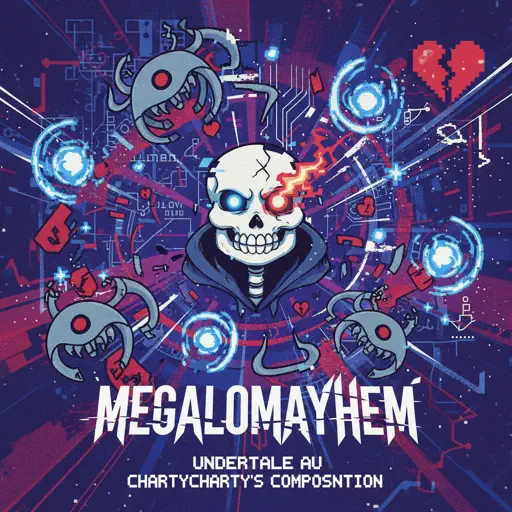
Megalomayhem (Undertale AU)
CHARTY
Hard
Carol of the Bells (From "Home Alone")
John Williams
Normal
Magasin
Eraserheads
Normal
From Russia with Love
Matt Monro
Hard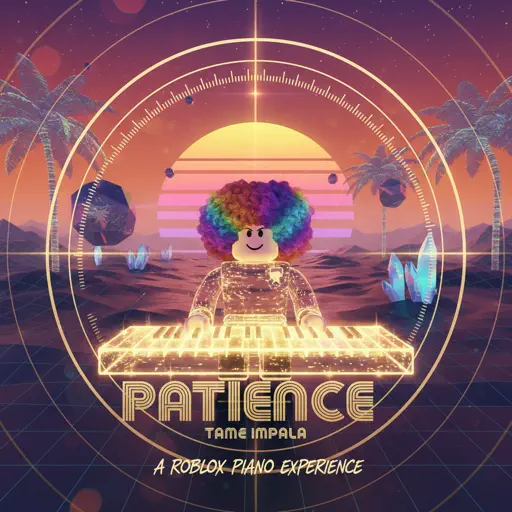
Patience
Tame Impala
Normal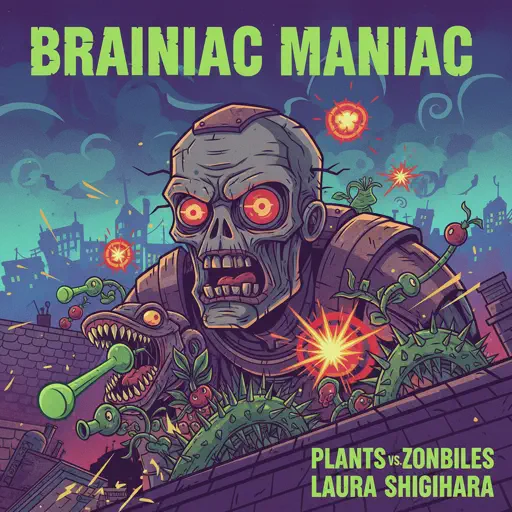
Brainiac Maniac - Plants vs. Zombies
Laura Shigihara
Hard
Fight Til I'm Good Enough
The Living Tombstone
Hard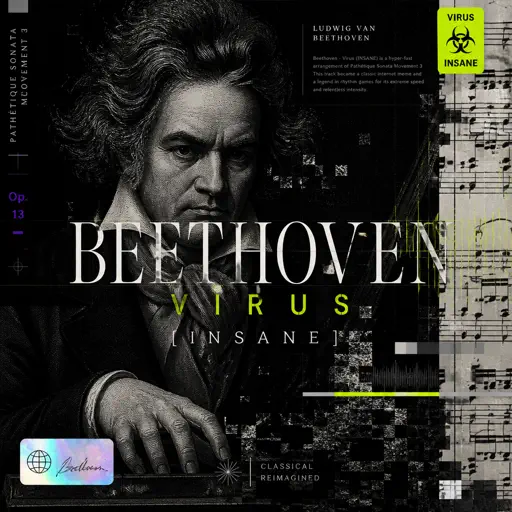
Beethoven - Virus (INSANE)
Ludwig van Beethoven
Hard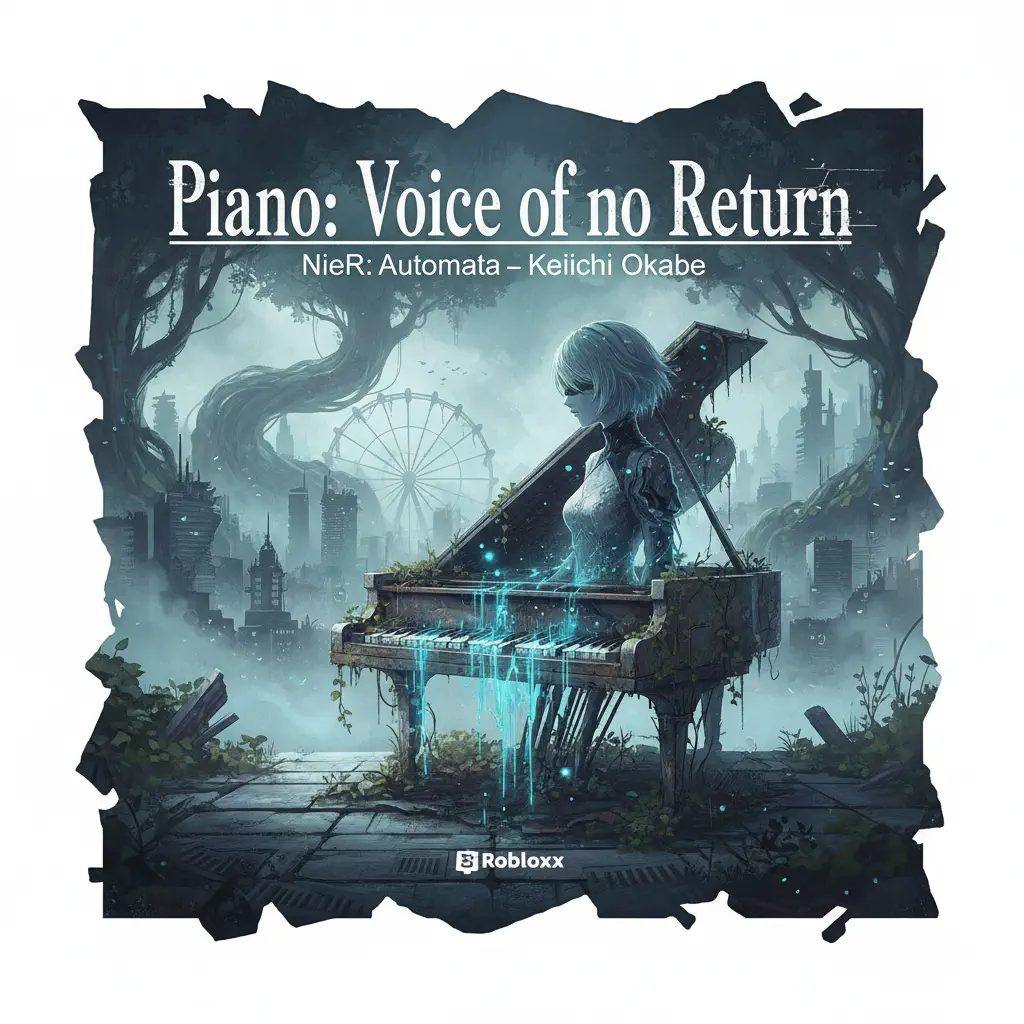
Piano: Voice of no Return – NieR: Automata
岡部啓一
NormalPLAYING WITH FIRE
AZALI
Hard
Where'd All the Time Go?
Dr. Dog
Hard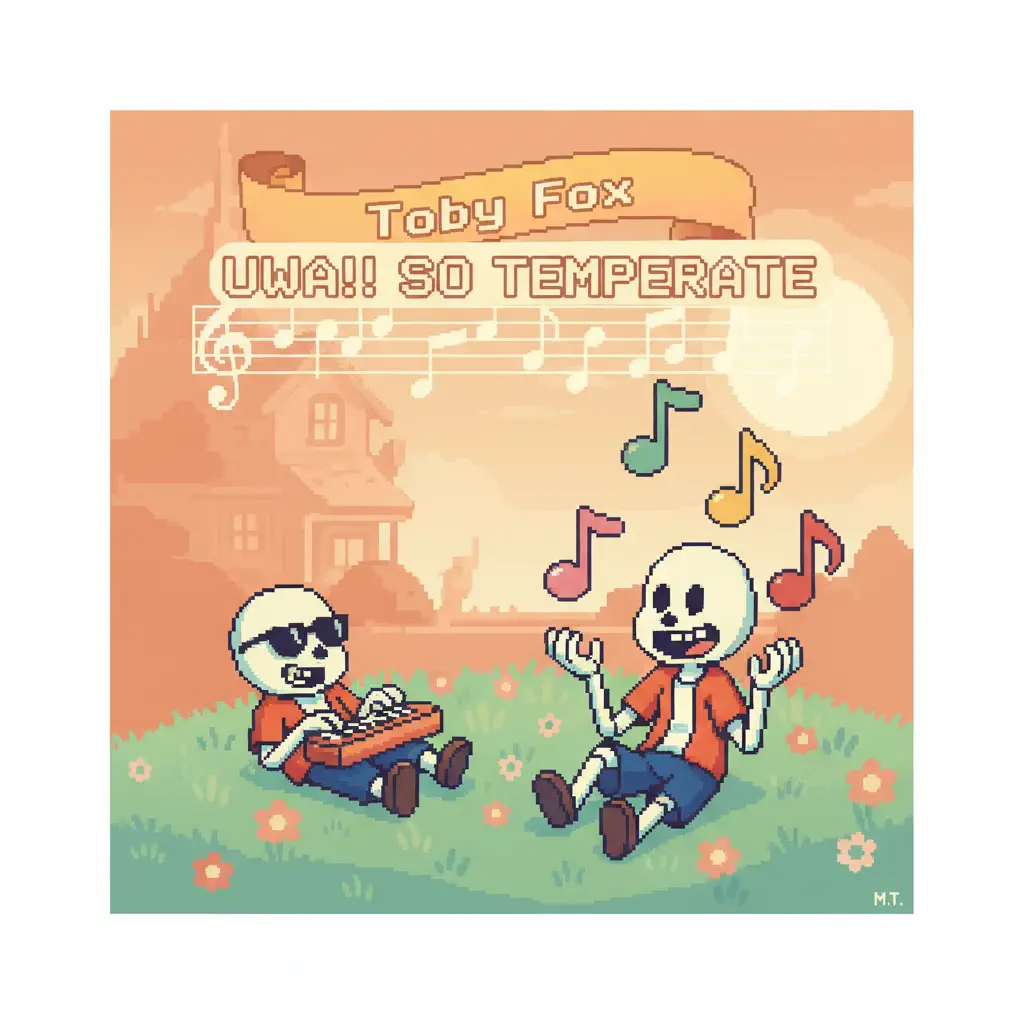
Uwa!! So Temperate
Toby Fox
Normal
Feel Good Inc
Gorillaz
Normal
Star Shopping
Lil Peep
Normal
The Visitor
Sienna Spiro
HardFrequently Asked Questions
What is Roblox Piano Practice Online?
This is a free online tool that lets you practice Roblox virtual piano sheets in your browser. No downloads required - just pick a song and start practicing.
How do I use this online practice tool?
1. Select a song from the recommendations or use the search function. 2. Click play and the sheet will auto-scroll with highlighted notes. 3. Watch the virtual piano keyboard for highlighted keys and practice along. 4. Use speed control to slow down playback - perfect for beginners.
Can I play using my keyboard?
Yes! The virtual piano supports computer keyboard input. The keys correspond to the standard Roblox piano layout (1234567890qwerty...). You can practice on your keyboard while following the sheet.
What does the Transpose feature do?
Transpose raises or lowers the pitch of the sheet. Some Roblox piano games have different default tunings, so transpose helps match the correct pitch. Usually adjusting by +12 or -12 semitones works.
Does this tool work on mobile?
Yes, but desktop provides the best experience. On mobile you can view the sheet and virtual piano demo, but keyboard input requires a computer. We recommend using a desktop for the best practice experience.
How do I find sheets suitable for my level?
Below you'll find recommendations sorted by difficulty: Easy for beginners, Normal for intermediate players, and Hard/Expert for advanced challenges. You can also use the search function to find songs by title or artist.