

Roblox Piano Practice Online
Loading piano...
Practice Guide
Quick guide on how to use the online piano practice tool.
What is this?
This tool allows you to practice playing virtual piano sheets directly in your browser. It simulates a piano keyboard and helps you learn the notes and rhythm before playing in Roblox.
How to Practice Online
Use your computer keyboard or mouse to play the virtual piano keys directly. As the sheet music plays, the corresponding keys on the virtual piano will light up to help you follow along. You can also copy the sheet code to use directly in Roblox.
Discover Sheets
Random Shuffle: Click the Shuffle button in the center of the top control bar to instantly load a random new song without reloading the page.
Search: Click the Search button next to Shuffle to open the search window. Type a song title or artist name to quickly find and switch to the sheet you want to practice.
Playback Controls
- Play/Pause: Start or stop playback.
- 1xSpeed: Adjust tempo (0.5x - 2.0x).
- KTranspose: Shift the pitch up or down.
- SSustain: Toggle sustain pedal effect.
Easy Mode










Normal Mode
Normal
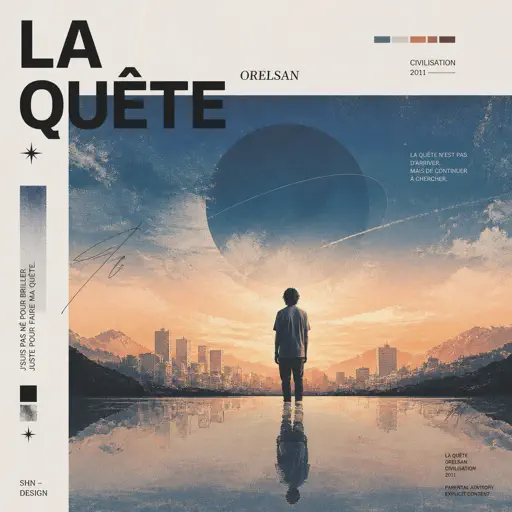
La Quête
Orelsan

Normal
Ghost Girl
TOMORROW X TOGETHER

Normal
Cigarettes out the Window
TV Girl

Normal
IDOL
Yoasobi

Normal
Kimetsu no Yaiba OP - 紅蓮華
LiSA
Normal
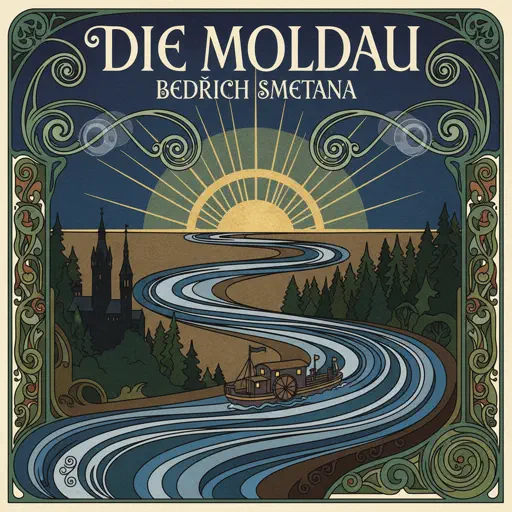
Die Moldau
Bedřich Smetana
Normal
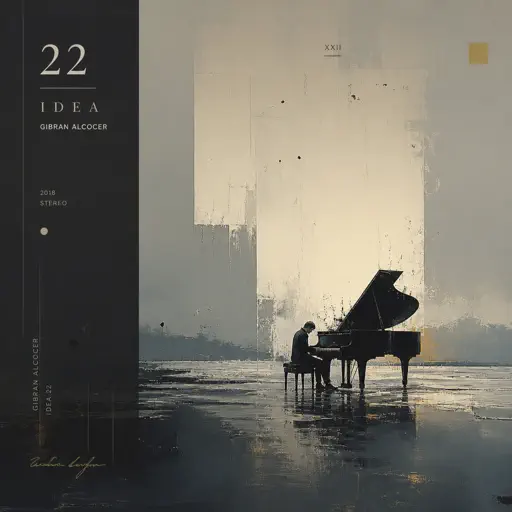
Idea 22
Gibran Alcocer
Normal
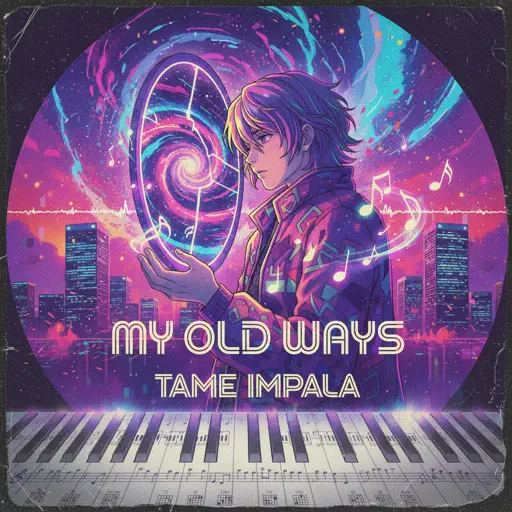
My Old Ways
Tame Impala
Normal
Piano: Voice of no Return – NieR: Automata
岡部啓一
Normal
Voyager
Xdinary Heroes
Hard Mode
Hard
Fortnite Festive Christmas lobby music
Fortnite
Hard
Mrs Magic
Strawberry Guy
Hard
LEMONADE
Forrest Frank
Hard
Bergentrückung
Toby Fox
Hard
God’s Menu 神메뉴
Stray Kids
Hard
Retry now いますぐ輪廻
NAKISO

Hard
Took Her To The O
King Von
Hard
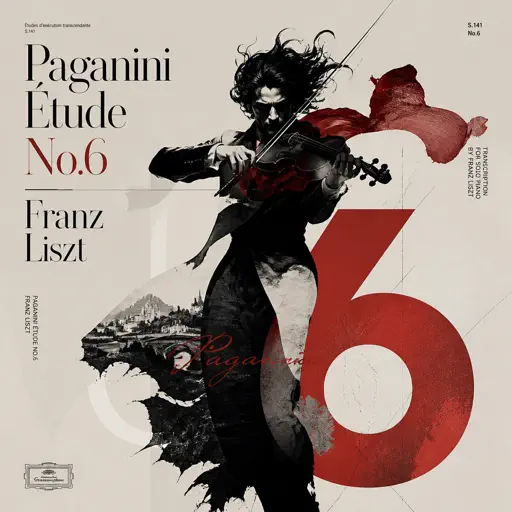
Paganini Étude No. 6
Franz Liszt
Hard
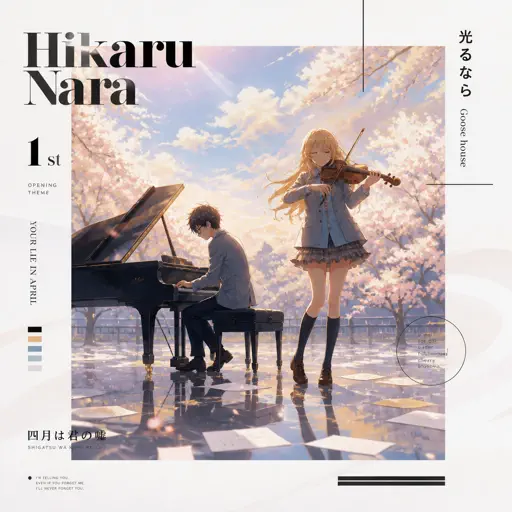
Hikaru Nara 光るなら
Goose house
Hard
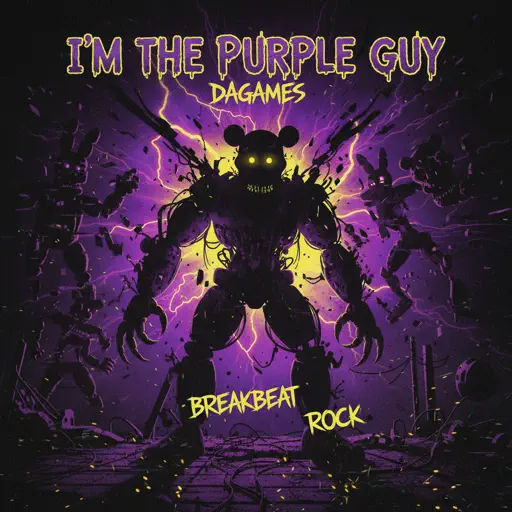
I'm the Purple Guy
Dagames
Recommended Sheets

Josuke's Theme (JoJo's Bizarre Adventure: Diamond is Unbreakable)
Yugo Kanno
HardTook Her To The O
King Von
Hard
Marigold
Aimyon
Hard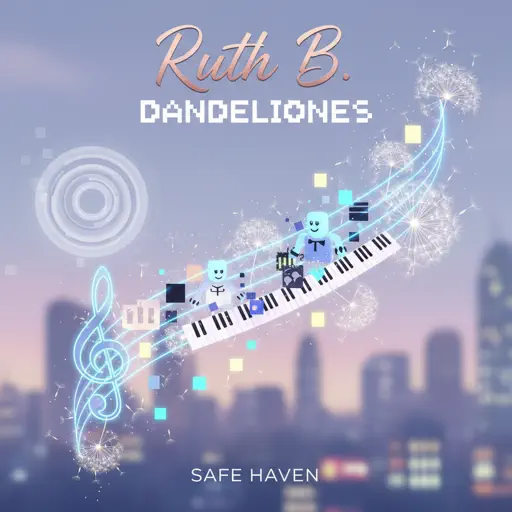
Dandelions
Ruth B.
Hard
The Amazing Digital Circus Main Theme
Gooseworx
Normal
It's Been So Long
The Living Tombstone
Normal
Aphrodite
The Ridleys
NormalPaganini Étude No. 6
Franz Liszt
Hard
Lullaby - Guten Abend, gut’ Nacht
Johannes Brahms
Normal
Blinding Lights
The Weeknd
Normal
Super Mario Bros. Theme
Nintendo
Normal
Faerie's Aire and Death Waltz
John Stump
Hard
Port Ormos (Day)
Yu-Peng Chen
Hard
Rock With You
Michael Jackson
Normal
Terbuang Dalam Waktu
Barasuara
Normal
Sunset of Seven Suns - DELTARUNE
Toby Fox
Normal
Enter Sandman
Metallica
Normal
Locked Away (Dandy's World)
CG5
Normal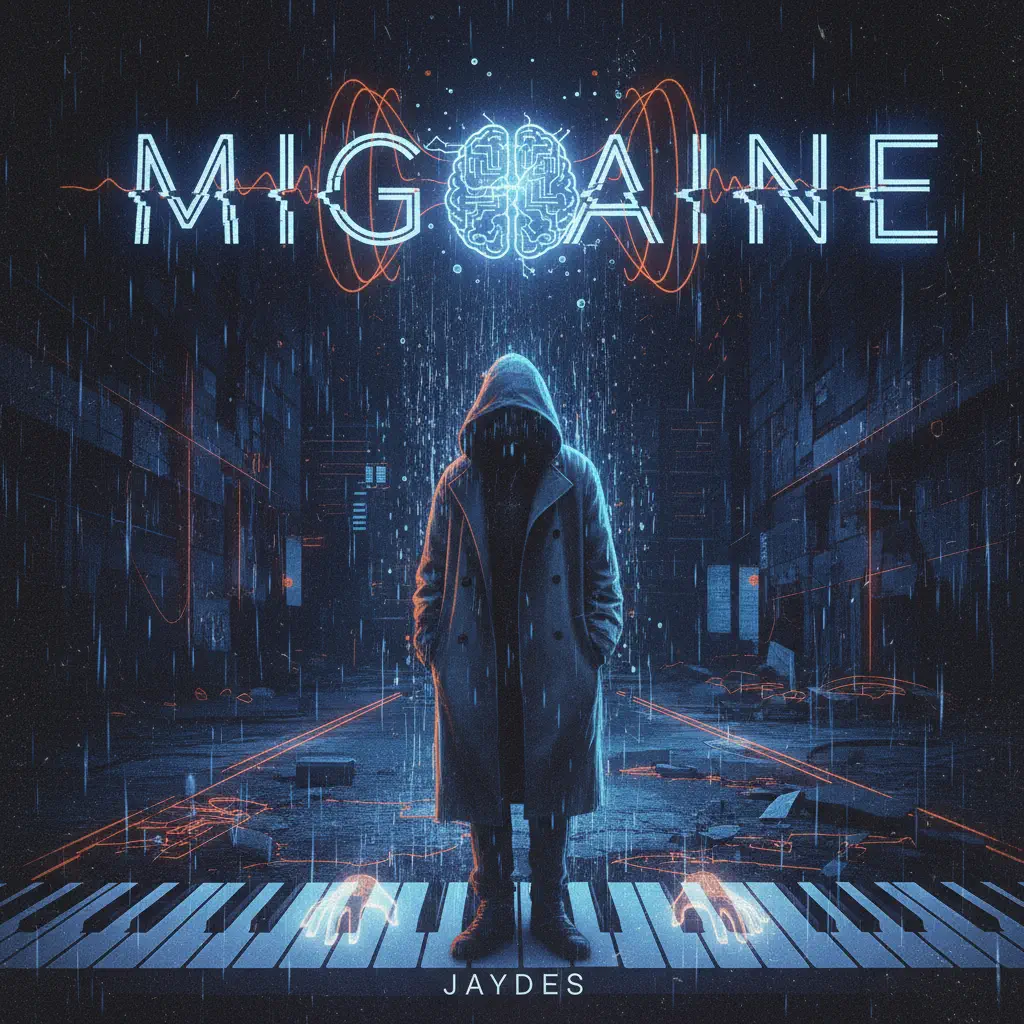
Migraine
Jaydes
Normal
Turning Page
Sleeping At Last
NormalFrequently Asked Questions
What is Roblox Piano Practice Online?
This is a free online tool that lets you practice Roblox virtual piano sheets in your browser. No downloads required - just pick a song and start practicing.
How do I use this online practice tool?
1. Select a song from the recommendations or use the search function. 2. Click play and the sheet will auto-scroll with highlighted notes. 3. Watch the virtual piano keyboard for highlighted keys and practice along. 4. Use speed control to slow down playback - perfect for beginners.
Can I play using my keyboard?
Yes! The virtual piano supports computer keyboard input. The keys correspond to the standard Roblox piano layout (1234567890qwerty...). You can practice on your keyboard while following the sheet.
What does the Transpose feature do?
Transpose raises or lowers the pitch of the sheet. Some Roblox piano games have different default tunings, so transpose helps match the correct pitch. Usually adjusting by +12 or -12 semitones works.
Does this tool work on mobile?
Yes, but desktop provides the best experience. On mobile you can view the sheet and virtual piano demo, but keyboard input requires a computer. We recommend using a desktop for the best practice experience.
How do I find sheets suitable for my level?
Below you'll find recommendations sorted by difficulty: Easy for beginners, Normal for intermediate players, and Hard/Expert for advanced challenges. You can also use the search function to find songs by title or artist.