
Roblox Piano Practice Online
Loading piano...
Practice Guide
Quick guide on how to use the online piano practice tool.
What is this?
This tool allows you to practice playing virtual piano sheets directly in your browser. It simulates a piano keyboard and helps you learn the notes and rhythm before playing in Roblox.
How to Practice Online
Use your computer keyboard or mouse to play the virtual piano keys directly. As the sheet music plays, the corresponding keys on the virtual piano will light up to help you follow along. You can also copy the sheet code to use directly in Roblox.
Discover Sheets
Random Shuffle: Click the Shuffle button in the center of the top control bar to instantly load a random new song without reloading the page.
Search: Click the Search button next to Shuffle to open the search window. Type a song title or artist name to quickly find and switch to the sheet you want to practice.
Playback Controls
- Play/Pause: Start or stop playback.
- 1xSpeed: Adjust tempo (0.5x - 2.0x).
- KTranspose: Shift the pitch up or down.
- SSustain: Toggle sustain pedal effect.
Easy Mode

Easy
Gravity Falls Main Title Theme
Brad Breeck

Easy
Mockingbird
Eminem

Easy
LET ME SEE YA MOVE!
Lumi Athena

Easy
Mist
EsDeeKid

Easy
Fur Elise
Beethoven

Easy
Where You Lead
Carole King

Easy
If You Love These People (Man of Steel)
Hans Zimmer

Easy
Pimp Hoe
Mike Sherm

Easy
Sleeping City Funk
Emotional Recycling Bin

Easy
Cupid (Twin Version)
Fifty Fifty
Normal Mode


Hard Mode
Hard
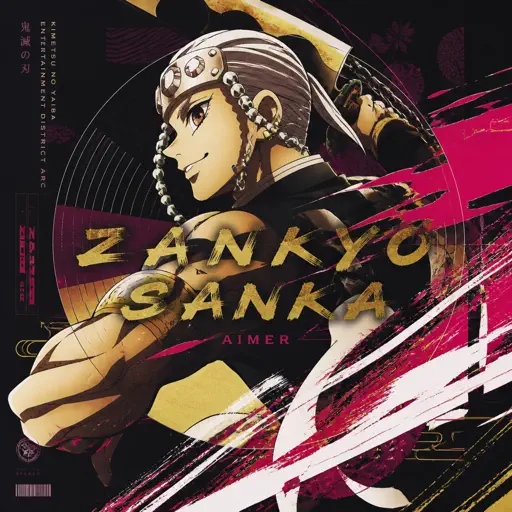
Zankyou Sanka - 残響散歌 - Demon Slayer
Aimer
Hard
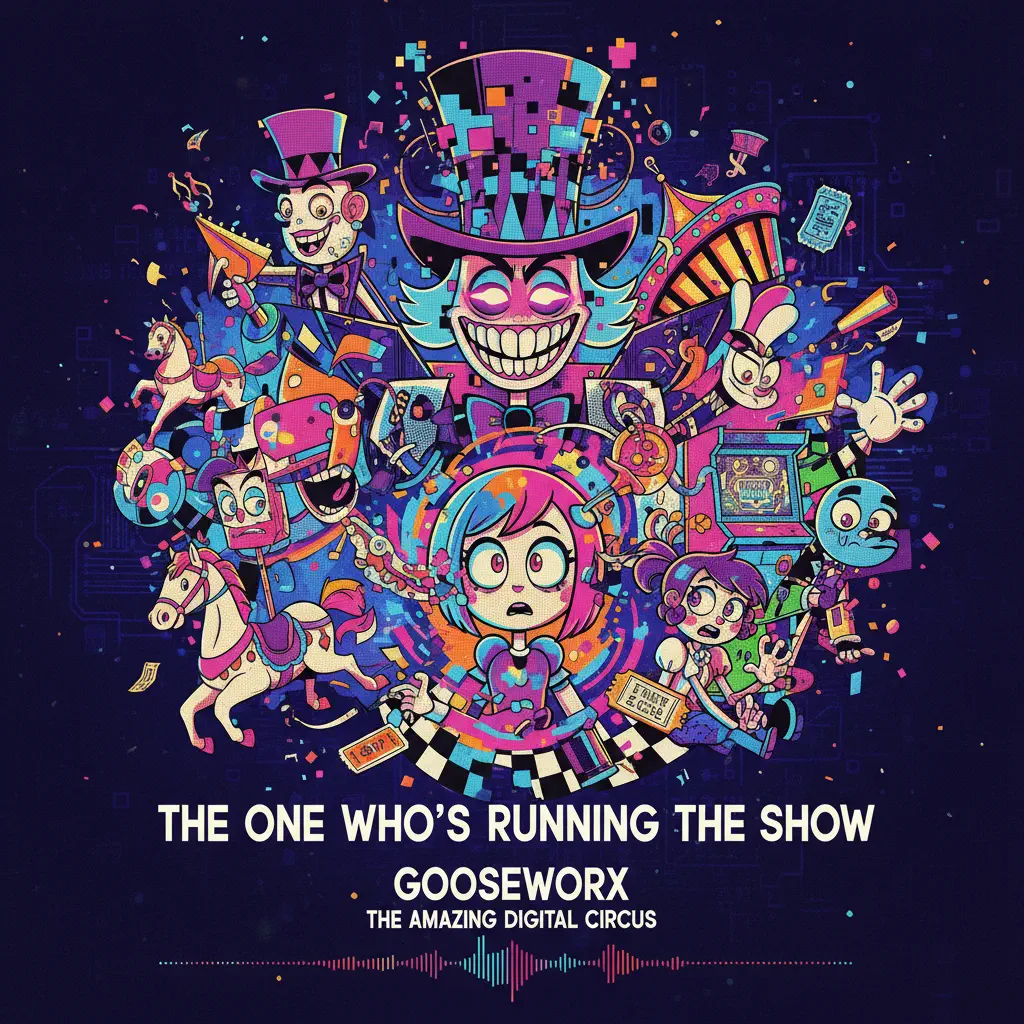
The One Who's Running the Show - The Amazing Digital Circus
Gooseworx
Hard
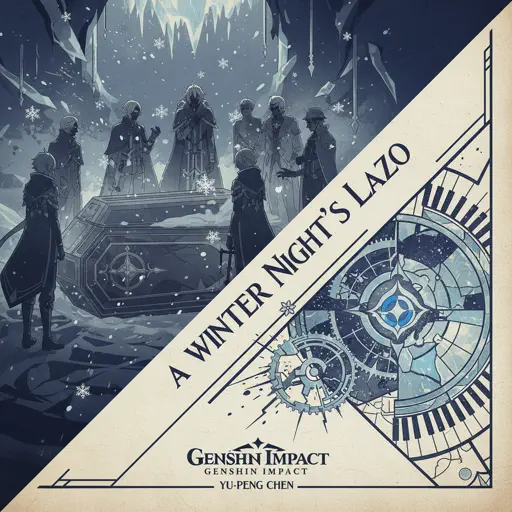
A Winter Night's Lazzo - Genshin Impact
Yu-Peng Chen
Hard
Port Ormos (Day)
Yu-Peng Chen
Hard
La Distancia Para Un Duelo (From Bleach)
LucasGitanoFamily
Hard
Mr. Blue Sky
Electric Light Orchestra
Hard
Famine (Pursuer Jason)
FORSAKEN OST
Hard
Nineteen
Rob Araujo
Hard
Bad Apple!!
Masayoshi Minoshima
Hard
I'm From Another Dimension (Star Vs The Forces of Evil)
Brad Breeck
Recommended Sheets
Flamingo
Kero Kero Bonito
Normal
一个人的浪漫 (一起来看流星雨)
Yu Hao Ming
Normal
Sealed Vessel - Hollow Knight
Christopher Larkin
Hard
Interstellar Main Theme (Cornfield Chase)
Hans Zimmer
Normal
traitor
Olivia Rodrigo
Normal
CHAOS CONSTRUCT
AZALI
Normal
Doll Dancing
Puddle Of Infinity
Normal
Rush Piggies
Sheet Music Boss
Hard
Right Behind You (From "Team Fortress 2")
Sheet Music Boss
Normal
Czardas
Vittorio Monti
Hard
Golden
HUNTR/X
Normal
Case Closed (From Detective Conan)
Gosho Aoyama
Normal
Hjerteknuser
Kaizers Orchestra
Normal
Cardigan
Taylor Swift
Normal
Kokoronashi (心做し)
majiko
Hard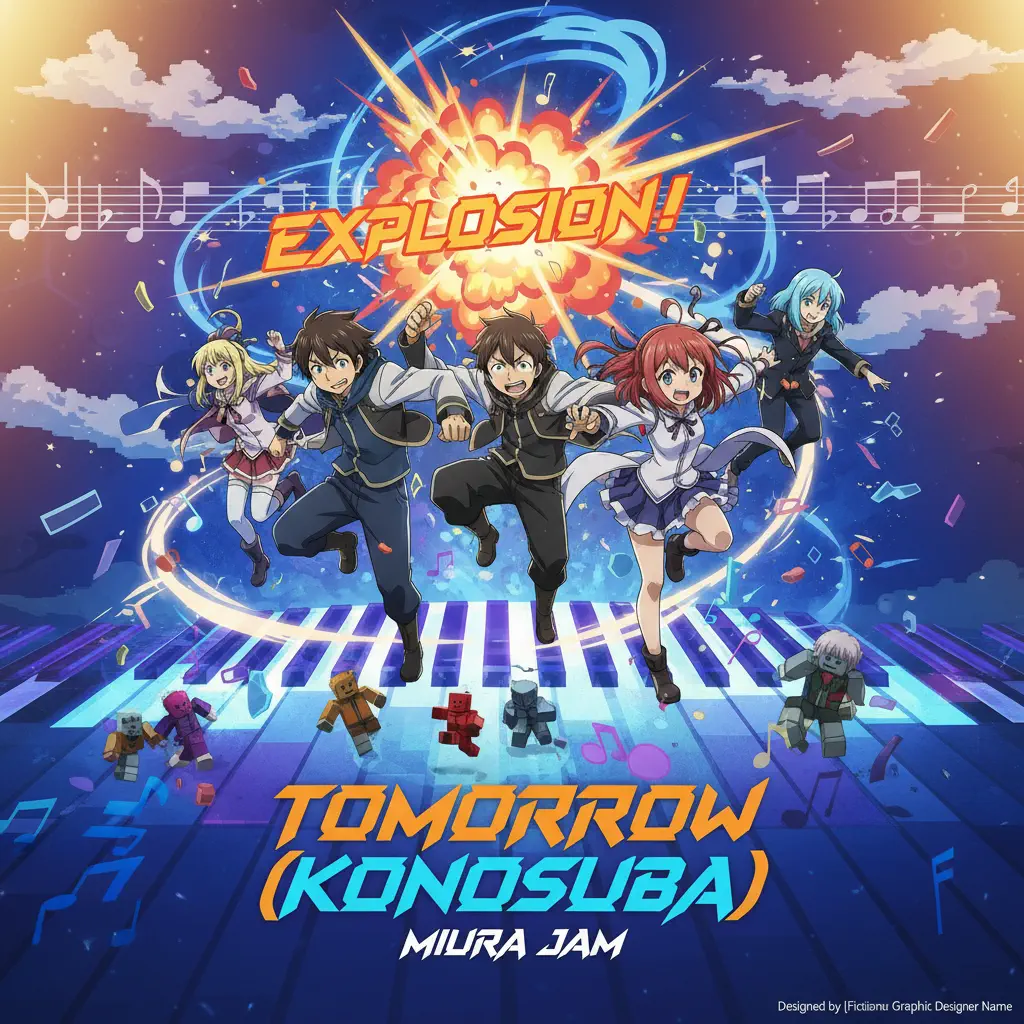
Tomorrow (Konosuba)
Miura Jam
Hard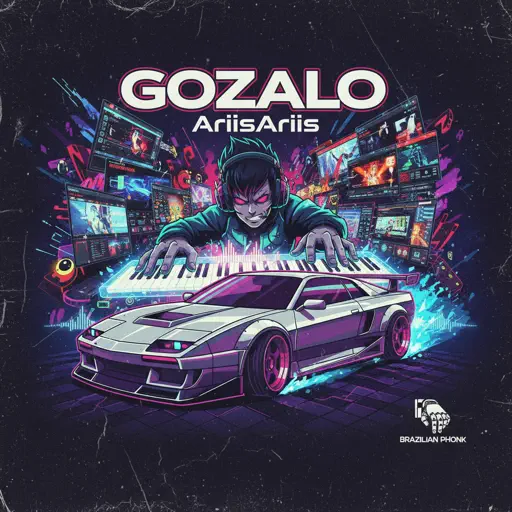
GOZALO
Ariis
Normal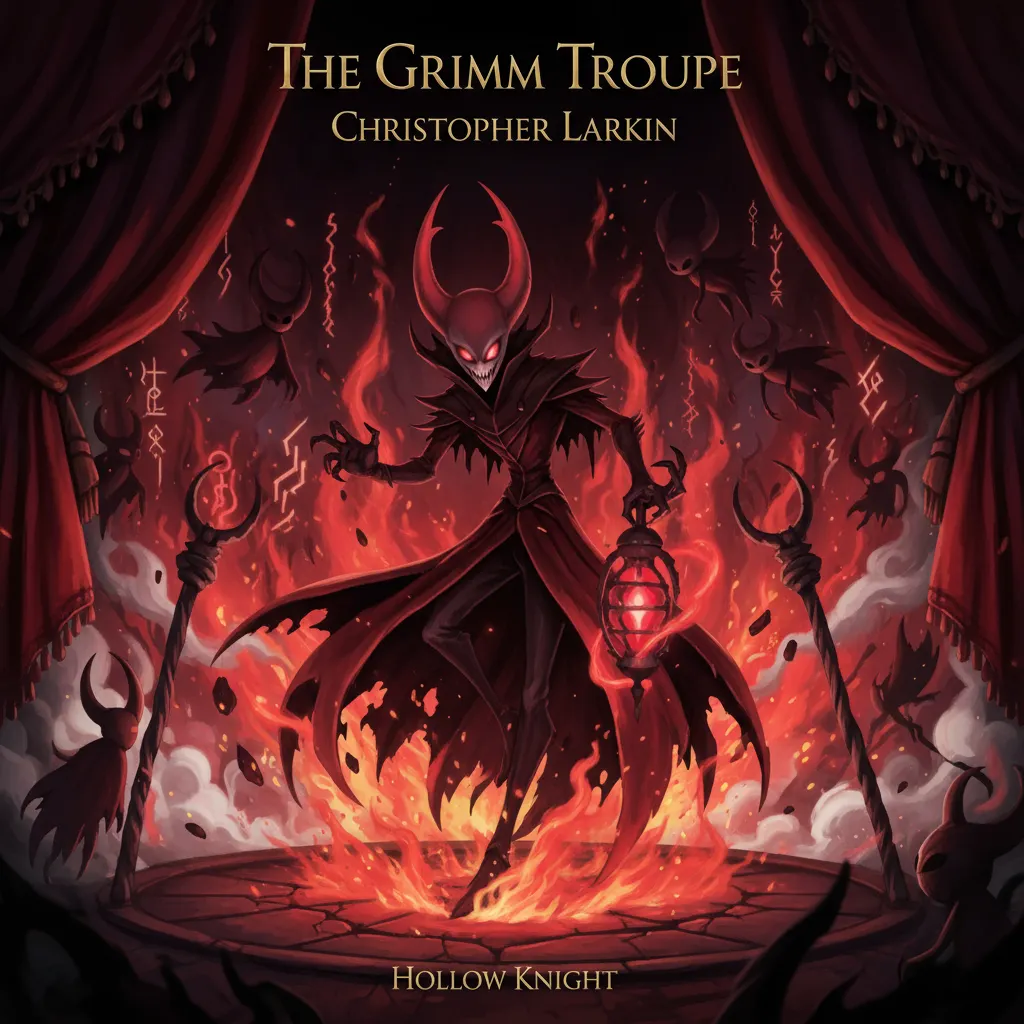
The Grimm Troupe (Hollow Knight)
Christopher Larkin
Hard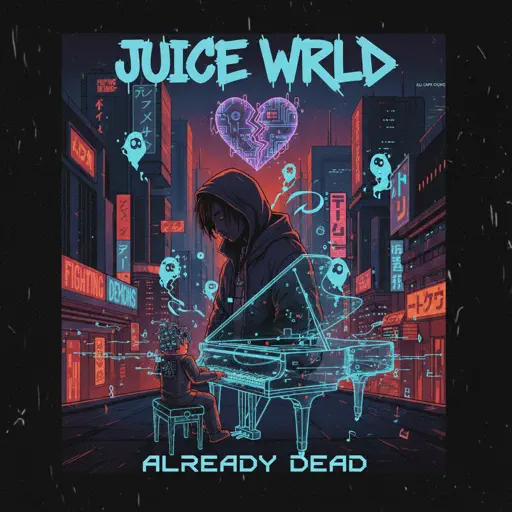
Already Dead
Juice WRLD
Normal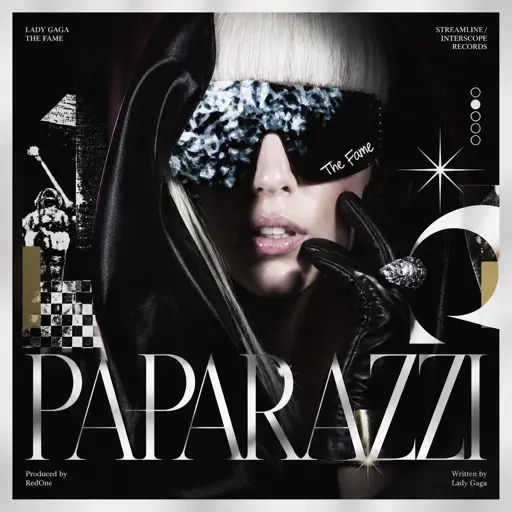
Paparazzi
Lady Gaga
HardFrequently Asked Questions
What is Roblox Piano Practice Online?
This is a free online tool that lets you practice Roblox virtual piano sheets in your browser. No downloads required - just pick a song and start practicing.
How do I use this online practice tool?
1. Select a song from the recommendations or use the search function. 2. Click play and the sheet will auto-scroll with highlighted notes. 3. Watch the virtual piano keyboard for highlighted keys and practice along. 4. Use speed control to slow down playback - perfect for beginners.
Can I play using my keyboard?
Yes! The virtual piano supports computer keyboard input. The keys correspond to the standard Roblox piano layout (1234567890qwerty...). You can practice on your keyboard while following the sheet.
What does the Transpose feature do?
Transpose raises or lowers the pitch of the sheet. Some Roblox piano games have different default tunings, so transpose helps match the correct pitch. Usually adjusting by +12 or -12 semitones works.
Does this tool work on mobile?
Yes, but desktop provides the best experience. On mobile you can view the sheet and virtual piano demo, but keyboard input requires a computer. We recommend using a desktop for the best practice experience.
How do I find sheets suitable for my level?
Below you'll find recommendations sorted by difficulty: Easy for beginners, Normal for intermediate players, and Hard/Expert for advanced challenges. You can also use the search function to find songs by title or artist.