
Roblox Piano Practice Online
Loading piano...
Practice Guide
Quick guide on how to use the online piano practice tool.
What is this?
This tool allows you to practice playing virtual piano sheets directly in your browser. It simulates a piano keyboard and helps you learn the notes and rhythm before playing in Roblox.
How to Practice Online
Use your computer keyboard or mouse to play the virtual piano keys directly. As the sheet music plays, the corresponding keys on the virtual piano will light up to help you follow along. You can also copy the sheet code to use directly in Roblox.
Discover Sheets
Random Shuffle: Click the Shuffle button in the center of the top control bar to instantly load a random new song without reloading the page.
Search: Click the Search button next to Shuffle to open the search window. Type a song title or artist name to quickly find and switch to the sheet you want to practice.
Playback Controls
- Play/Pause: Start or stop playback.
- 1xSpeed: Adjust tempo (0.5x - 2.0x).
- KTranspose: Shift the pitch up or down.
- SSustain: Toggle sustain pedal effect.
Easy Mode










Normal Mode
Normal
Snake
Yorushika
Normal
Static
Steve Lacy
Normal
Fukashigi no Carte (Bunny Girl Senpai)
ShiroNeko

Normal
JANE DOE
Kenshi Yonezu (Chainsaw Man)
Normal
ROXANNE
Arizona Zervas
Normal
Survive the Night - Five Nights at Freddy's 2
MandoPony
Normal
Hidden In the Sand
Tally Hall
Normal
Sukidakara
Yuika
Normal
Green Onions
Booker T. & the M.G.'s
Normal
Sports car
Tate McRae
Hard Mode
Hard
Little Nightmares 2 - Main Theme
Tobias Lilja
Hard
White Star Line March
Clifford Putnam

Hard
Hallelujah
Kanye West
Hard
I Can’t Fix You
The Living Tombstone
Hard
Tabibito no Uta - Jobless Reincarnation
Mushoku Tensei
Hard
Paparazzi
Lady Gaga

Hard
Beanie
Chezile
Hard
Nineteen
Rob Araujo
Hard
Mr. Sandman
The Chordettes
Hard
LẦN CUỐI (đi bên em xót xa người ơi)
Ngọt
Recommended Sheets
SCP This is Your Last Warning
SCP
Normal
Kimi Dake O Mamoritai (Ultraman Dyna Ending)
Takeshi Tsuruno
Normal
Black Sorrow (VIVINOS - ALNST Alien Stage)
PARK BYEONG HOON
Normal
Sparkle - From Your Name
RADWIMPS
Normal
Serenade
Franz Schubert
Hard
Fly Me to the Moon
Frank Sinatra
Normal
Romantic Happy Birthday
Seander Alfonsus
Normal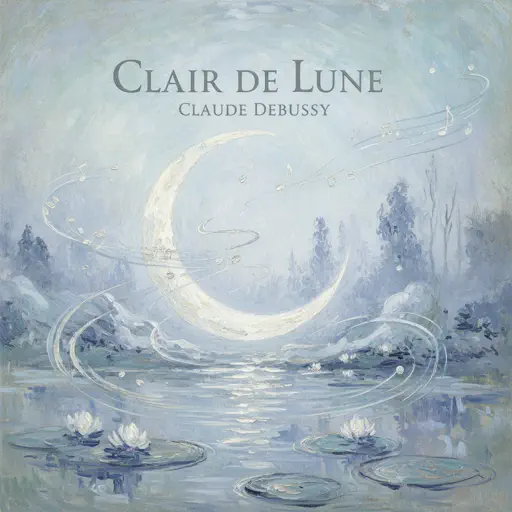
Clair de lune
Claude Debussy
Normal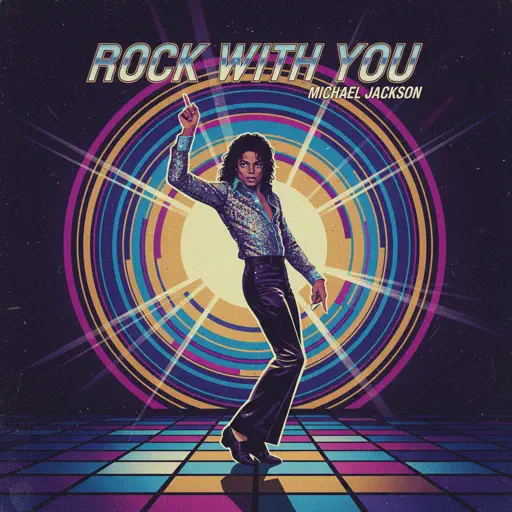
Rock With You
Michael Jackson
Normal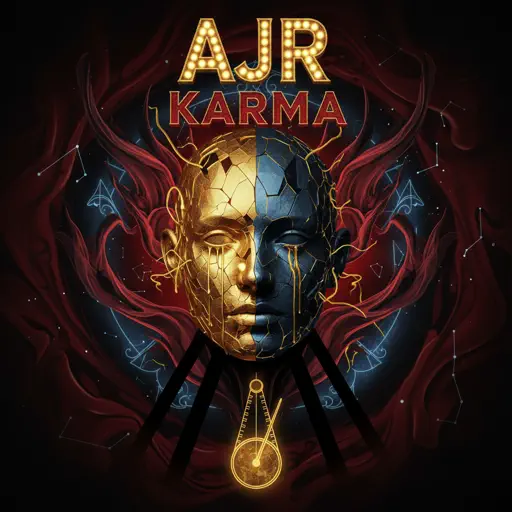
Karma
AJR
Hard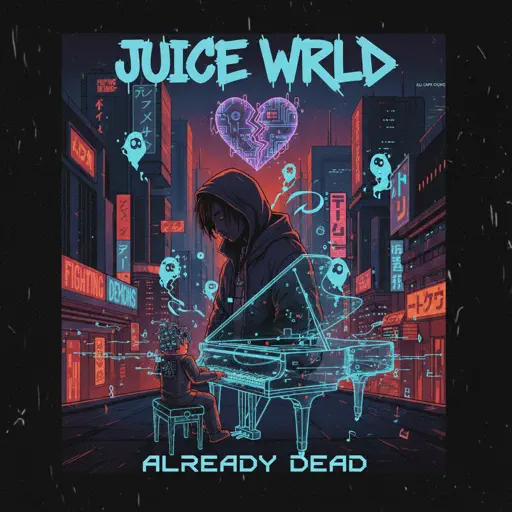
Already Dead
Juice WRLD
Normal
Eternal Dream (Murder Drones)
AJ Dispirito
Normal
Hall of Fame
The Script
Normal
JUDAS x GOJO vs SUKUNA
Lady Gaga
Normal
PLEAD - LMS (c00lkidd vs 007n7)
Forsaken Sound Team
Normal
COQUETA
Fuerza Regida
Normal
lit (A Silent Voice)
Kensuke Ushio
Hard
As the World Caves In
Matt Maltese
Hard
A Sky Full of Stars
Coldplay
Hard
Kurşun Adres Sormaz Ki
Kenan Doğulu
NormalFrequently Asked Questions
What is Roblox Piano Practice Online?
This is a free online tool that lets you practice Roblox virtual piano sheets in your browser. No downloads required - just pick a song and start practicing.
How do I use this online practice tool?
1. Select a song from the recommendations or use the search function. 2. Click play and the sheet will auto-scroll with highlighted notes. 3. Watch the virtual piano keyboard for highlighted keys and practice along. 4. Use speed control to slow down playback - perfect for beginners.
Can I play using my keyboard?
Yes! The virtual piano supports computer keyboard input. The keys correspond to the standard Roblox piano layout (1234567890qwerty...). You can practice on your keyboard while following the sheet.
What does the Transpose feature do?
Transpose raises or lowers the pitch of the sheet. Some Roblox piano games have different default tunings, so transpose helps match the correct pitch. Usually adjusting by +12 or -12 semitones works.
Does this tool work on mobile?
Yes, but desktop provides the best experience. On mobile you can view the sheet and virtual piano demo, but keyboard input requires a computer. We recommend using a desktop for the best practice experience.
How do I find sheets suitable for my level?
Below you'll find recommendations sorted by difficulty: Easy for beginners, Normal for intermediate players, and Hard/Expert for advanced challenges. You can also use the search function to find songs by title or artist.